Use case
Verify a Washington Contractor License
Check a Washington (L&I) contractor or trade license by number, business, or person name — status, type, expiration, and location.
Say you run a roofing outfit in Tacoma and you’re about to bring on three new subs for a run of summer jobs. Your insurer wants proof each of them is a registered contractor in Washington, current, not expired mid-project. You have company names off their invoices, one licence number that may or may not be current, and a Friday deadline. Washington L&I has a verify page and it works — but it works one contractor at a time, and it hands you a web page, not a row you can file with the paperwork.
The manual way, and what it costs
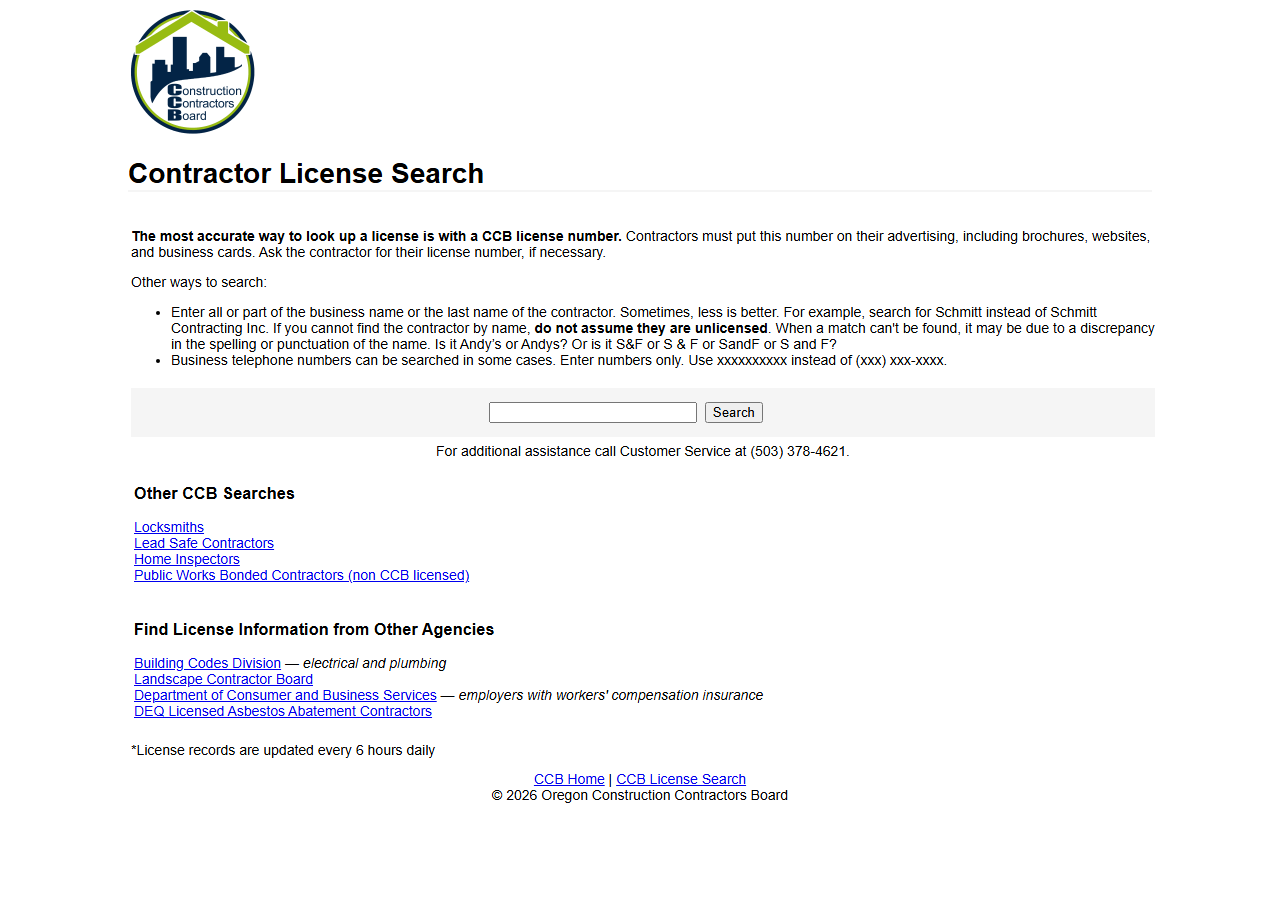
The shot above is Oregon’s board — every one of these states has a form like it, a single box that returns one record at a time. Washington’s is L&I’s Verify a Contractor page, and for three subs it is genuinely fine. Type the name, read the status, screenshot it, move on. Ten minutes. If that’s your volume, close this tab and go use it — it’s free and it’s the official record.
It stops being reasonable at the point where the search becomes a list. Fifty subs on a vendor roster, re-checked quarterly, is 200 searches a year of typing and copy-pasting into a spreadsheet, and the board pages don’t hand you an export to skip that. And the same three states you also work in each have their own form, their own field names, and their own layout to re-learn.
There’s a second honest caveat. Washington publishes this same data as an official Socrata open-data API — public, documented, free. If you’re comfortable writing a SoQL query, you can pull it yourself and pay nobody. What this actor sells is not access.
The faster way
Multi-State Contractor & Trade License Lookup does the same search once and hands back every row at once.
{
  "query": "construction",
  "states": [
    "WA"
  ],
  "maxResults": 25
}
states: ["WA"] because you know the jurisdiction — no point paying for near-miss name matches in
Oregon. query is doing double duty: pass a licence number and it’s an exact verify; pass a fragment
of the business name and it’s a substring search against L&I’s businessname field, so pacific roof finds every registered business with that in its name. maxResults: 25 is the cost ceiling —
a name fragment can pull back more rows than you meant, and you’re charged per row.
What comes back
{
  "state": "OR",
  "license_number": "100362",
  "business_name": "GARY EPPING CONSTRUCTION CO INC",
  "person_name": "GARY EPPING",
  "license_type": "Residential General Contractor",
  "status": "Active",
  "issue_date": "1990-05-01T00:00:00.000",
  "expiration_date": "2026-05-01T00:00:00.000",
  "city": "SALEM",
  "county": "MARION",
  "bond_amount": "25000",
  "bond_company": "Western Surety Company",
  "insurance_company": "Oregon Mutual",
  "matched_by": "business_name",
  "source_url": "https://search.ccb.state.or.us/search/"
}| Field | Example value | Meaning |
|---|---|---|
state | OR | State the license is from (2-letter code) |
license_number | 100362 | The license/registration number |
business_name | GARY EPPING CONSTRUCTION CO INC | Licensed business name |
person_name | GARY EPPING | Associated person (owner/principal/responsible individual), where published |
license_type | Residential General Contractor | License classification / trade |
status | Active | License status (where the state publishes it) |
That sample row is an Oregon one — it’s the shape every state normalises to, and a Washington row
carries the same columns with state: "WA". For your insurer, two of them close the loop:
status (L&I publishes it, so you get a real value, not an inference) and expiration_date — the
one that tells you whether a sub goes out of date halfway through the job. license_type confirms
they’re registered for the work you’re hiring them for, and person_name comes from L&I’s primary
principal, which is how you tell two similarly-named outfits apart. matched_by tells you whether
the row landed because the licence number matched exactly or because the name merely contained your
search string — worth checking before you treat a hit as the contractor.
What you’d do with it
Export the dataset to CSV and it’s your vendor sheet: one row per sub, licence number, status,
expiry. Sort by expiration_date and you have the re-check list for next quarter — anyone expiring
inside the project window gets chased now, not in August. If it’s a recurring obligation, put the run
on an Apify schedule against your roster of names and diff each month’s export against the last: a
sub who drops out of Active shows up as a change, not as a surprise at claim time.
Worth knowing
This is Washington’s published open-data feed, not L&I’s live screen, so it can lag the board’s own
record — for a formal compliance decision, confirm against the board. WA’s dataset has no bond
information (Oregon’s does; Washington’s doesn’t publish it here), and anything the state doesn’t
publish comes back null rather than guessed. The actor covers WA, OR, TX and CT only; states
without open data are handled by separate per-state actors. And the name search matches the business
name on the licence, so a licence filed under a DBA you don’t know about won’t turn up — a missing
match is not proof someone is unlicensed.
Run it yourself: How to run Multi-State Contractor & Trade License Lookup walks the whole thing step by step.
- Look Up Oregon Contractors by Name — the same job one state south, where bond and insurance come back on the row too.
- California Contractor License Lookup — reach for this when the sub is Californian: it queries CSLB’s own record, including owner and personnel search, which no open-data feed offers.
Last updated 2026-07-13