How-to
How to run Multi-State Contractor & Trade License Lookup
Step-by-step: the exact input, what each field does, and the real rows that come back from Socrata (WA/OR/TX/CT).
You have a contractor or a trade business to check, and you don’t know — or don’t care — which state board holds the record. Maybe you work across a region and a sub could be registered in any of four states. Maybe you have a list of company names and you want the license row for whichever state each one turns up in. Done by hand that’s one board site per state, each with its own form and its own idea of what a license record looks like: Washington’s L&I verify page, Oregon’s CCB search, TDLR in Texas, eLicense in Connecticut. Four tabs, four searches per name, and four different result layouts to copy out of. This actor collapses that into one query and one table.
What you’ll need
Nothing but an Apify account. The actor talks to Socrata (WA/OR/TX/CT) directly.
No API key, no proxy, no CAPTCHA-solving credits. These four states publish their license registries as official Socrata open-data endpoints — public JSON, documented, free to query. Nothing is being worked around, so there is no per-run cost beyond Apify compute.
Step 1 — Open the actor
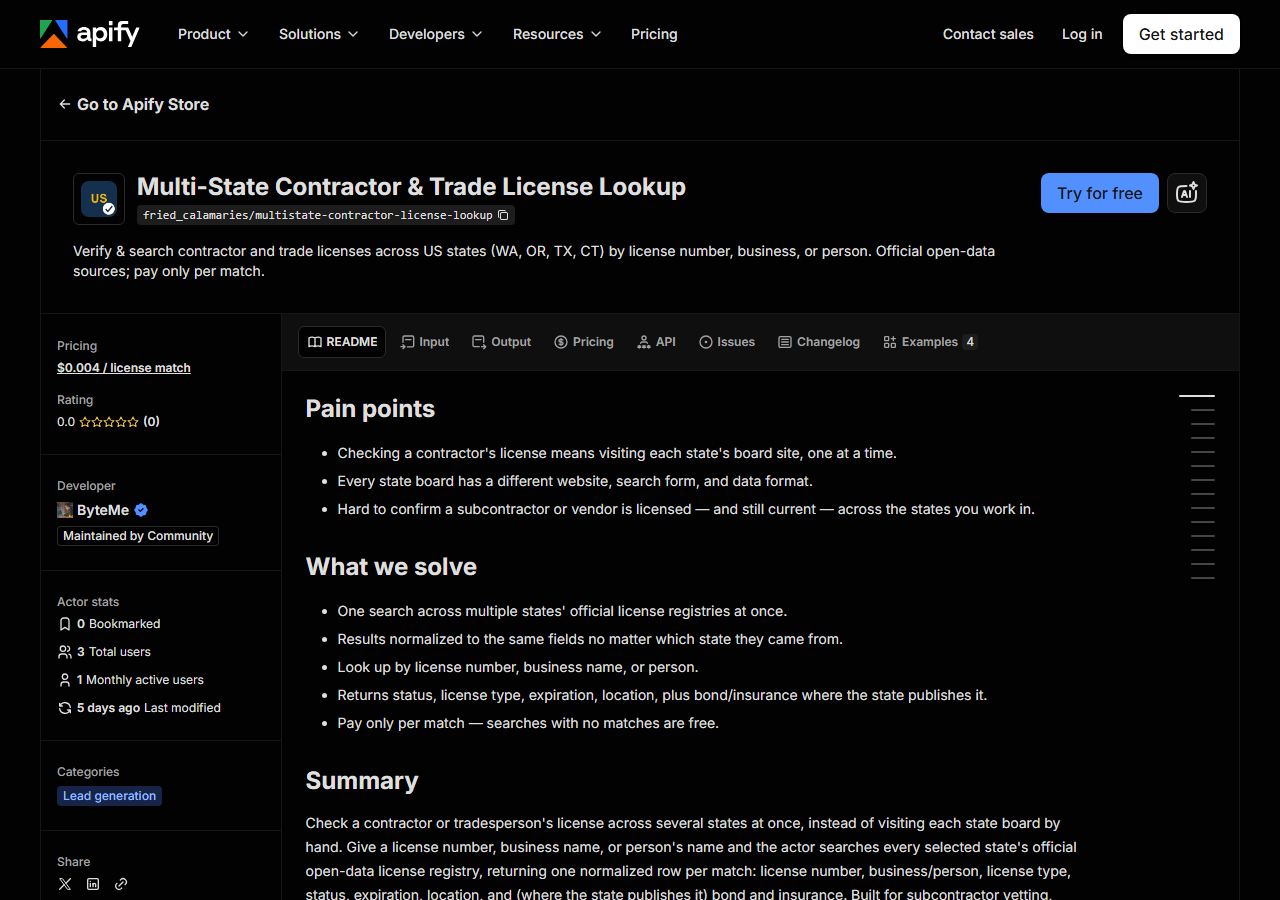
Open Multi-State Contractor & Trade License Lookup on the Apify Store and press Try for free. The actor’s own page on this site lists its live health and pricing.
Step 2 — Fill in the input
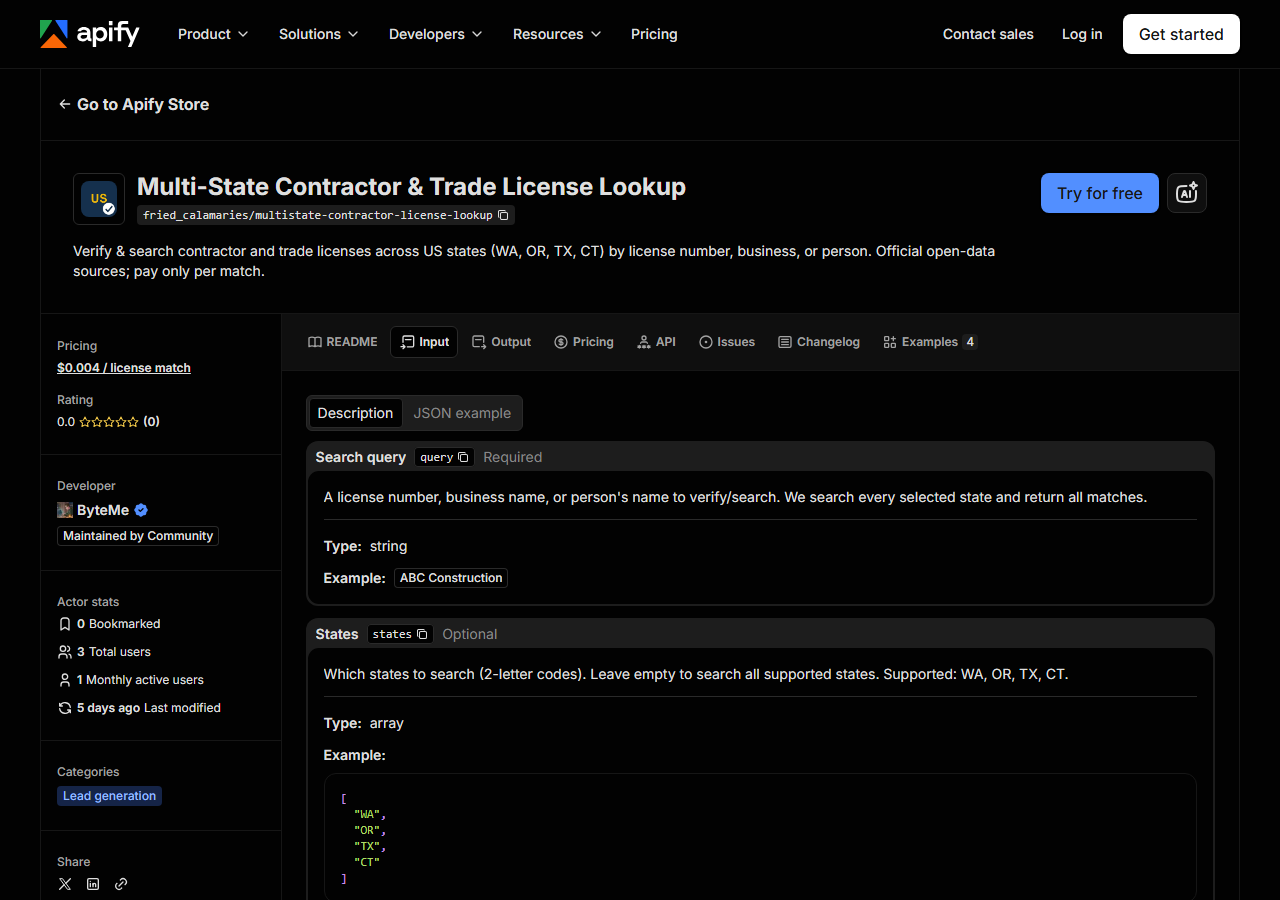
| Field | Type | Required | What it does |
|---|---|---|---|
query | string | yes | A license number, business name, or person’s name to verify/search. We search every selected state and return all matches. |
states | array | no | Which states to search (2-letter codes). Leave empty to search all supported states. Supported: WA, OR, TX, CT. |
maxResults | integer | no | Cap on matches returned across all states (bounds cost). Each state is queried for up to this many rows and the combined result is trimmed to it. (default 50) |
query is the field people get wrong, because it does two things at once. Every state is searched
twice: once for an exact match on the license number, and once for a substring match against
that state’s name field. So 100362 verifies a specific license, while epping finds every business
whose name contains “epping”. A short, common word behaves like a broad search — construction will
match thousands of businesses, and maxResults is what stops you paying for all of them. Start
narrow and widen.
The name half of the search runs against whatever each state files as the name on the record:
businessname in WA and CT, business_name in TX, full_name in OR. A person’s name matches when
the state stored it as the name on the license — a sole proprietor, typically. It is not a search of
owners and principals as a separate index; those come back on the row (person_name) but aren’t what
you’re querying against.
states defaults to all four if you leave it empty. Set it when you know the jurisdiction — it cuts
the query count and stops near-miss matches in states you don’t care about.
A working input:
{
  "query": "construction",
  "states": [
    "WA",
    "OR",
    "TX",
    "CT"
  ]
}
Step 3 — Run it
Press Start. Rows are pushed to the dataset as they’re found, so the run log fills in as it works.
A healthy run is quiet. There’s no browser, no login and no CAPTCHA — just two Socrata queries per
selected state (the license-number match and the name match), so a four-state run is eight HTTP
calls. Each state fetches up to maxResults rows per search mode, results are deduplicated on license
number, and the combined set is then cut to maxResults. If one state’s API is having a bad day, the log says
so and the run carries on with the others rather than failing outright.
An empty run usually means the query, not the actor. License numbers must match exactly, and names have to match the way the state spelled them — Oregon’s own search page warns about precisely this (“Is it Andy’s or Andys? Or is it S&F or S & F?”). Drop back to a shorter fragment of the name and run it again before you conclude anyone is unlicensed.
Step 4 — Read the output
Each run returns a labelled table, not raw JSON:
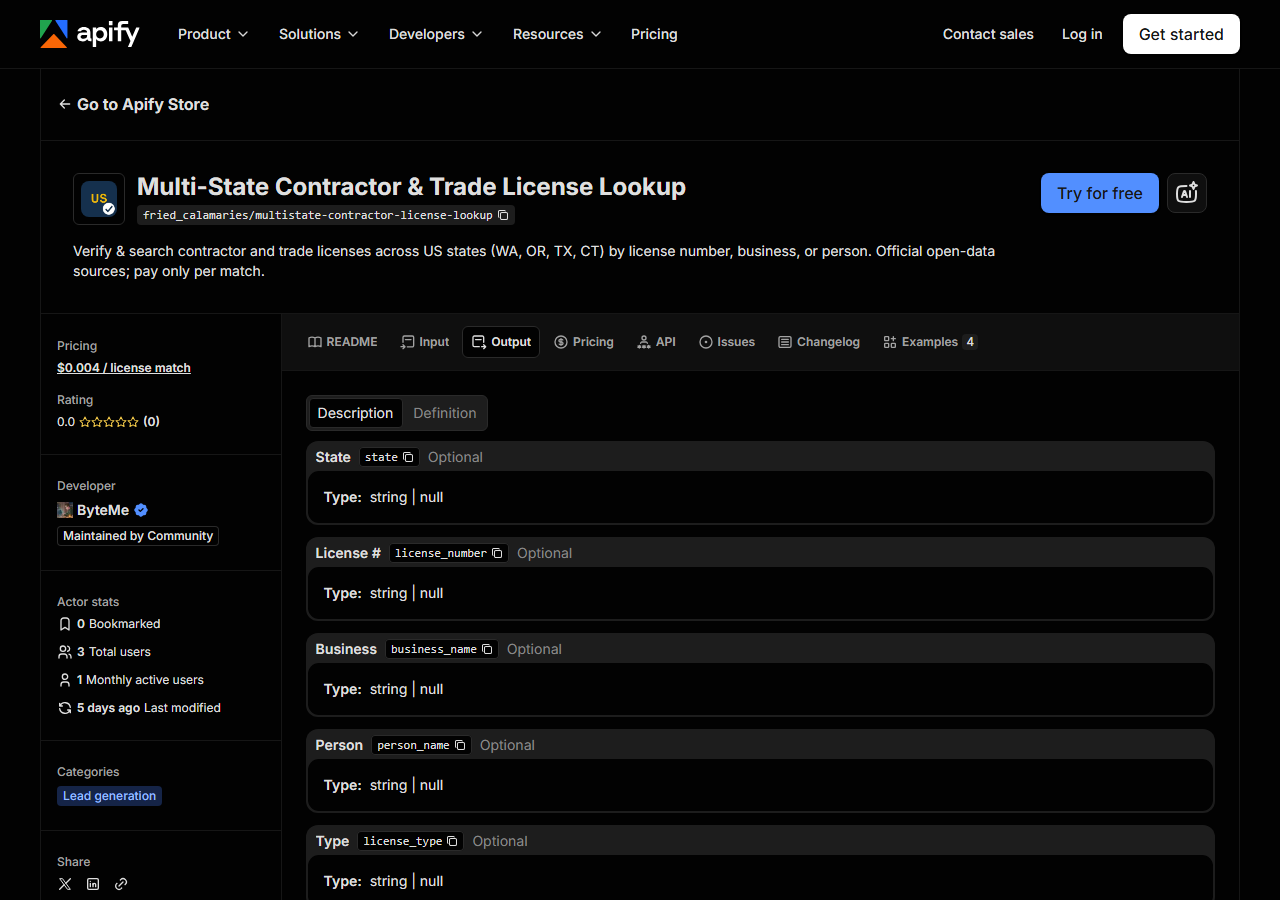
Every row looks like this — a real row from a real run:
{
  "state": "OR",
  "license_number": "100362",
  "business_name": "GARY EPPING CONSTRUCTION CO INC",
  "person_name": "GARY EPPING",
  "license_type": "Residential General Contractor",
  "status": "Active",
  "issue_date": "1990-05-01T00:00:00.000",
  "expiration_date": "2026-05-01T00:00:00.000",
  "city": "SALEM",
  "county": "MARION",
  "bond_amount": "25000",
  "bond_company": "Western Surety Company",
  "insurance_company": "Oregon Mutual",
  "matched_by": "business_name",
  "source_url": "https://search.ccb.state.or.us/search/"
}| Field | Example value | Meaning |
|---|---|---|
state | OR | State the license is from (2-letter code) |
license_number | 100362 | The license/registration number |
business_name | GARY EPPING CONSTRUCTION CO INC | Licensed business name |
person_name | GARY EPPING | Associated person (owner/principal/responsible individual), where published |
license_type | Residential General Contractor | License classification / trade |
status | Active | License status (where the state publishes it) |
issue_date / expiration_date | — | Issue and expiration dates |
city / county / address / zip_code | — | Location fields the state exposes |
Most people came for status and expiration_date — is this licence real, and is it still good. Read
them with the state in mind, because the four registries do not publish the same things:
- Oregon is the richest: bond amount, bond company and insurance company all come through. Its
statusis alwaysActive— the CCB feed is the active-licence list, so a licence that isn’t active simply isn’t in it. Absence is the signal there, not the status column. - Texas publishes no status and no street address. You get the licence type, the county, the owner, and the expiration date — so an in-date TDLR licence that appears in the feed is the check you can make, not a status string.
- Washington carries status, type, expiration and the primary principal, but no bond.
- Connecticut is Home Improvement Contractor registrations only, with no person name and no address.
Anything a state doesn’t publish comes back null rather than blank or guessed. matched_by tells
you why a row is in your results — license_number for an exact hit, business_name for a name
match — which is worth keeping when you’re reviewing a broad search.
Step 5 — Export it
Open the Dataset tab and export to CSV, JSON, or Excel — or pull the same rows from the API, which is what you want if this is going to run on a schedule.
What it costs
$0.004 per matched licence — 1,000 matches is $4.00. You are charged per row returned, so a search
that finds nothing costs nothing. Apify’s platform compute is billed separately on your plan; there
is no third-party cost inside the run, because the sources are free public APIs. The practical
control on spend is maxResults: a verify-one-licence run returns a handful of rows and costs
fractions of a cent; a wide-open name search across four states is what runs up a bill.
Where the data comes from
This reads Socrata (WA/OR/TX/CT) directly. The target is Socrata (SODA) official open-data API. Every night a canary runs this actor against that live source and diffs the result against a frozen fixture — what “verified” means.
Be clear about what this is and isn’t. Socrata is the official front door: Washington, Oregon, Texas
and Connecticut publish these registries deliberately, with a documented free API. Nothing is being
bypassed, and if you’re comfortable writing SoQL you can absolutely query all four yourself for
nothing. What’s annoying is not the access — it’s that each state is a different dataset with a
different id, different column names (contractorlicensenumber vs license_number vs
credentialnumber), different name fields, and different fields present at all. What you’d be paying
for here is that normalisation, and not having to notice when one of the four renames a column.
See it used
- Verify a Washington Contractor License — checking a single WA sub before you sign them.
- Look Up Oregon Contractors by Name — name-based search where bond and insurance actually come back on the row.
- Verify a Texas Trade License (TDLR) — the trades-only state, and how to read it without a status column.
If your work is all in one state and you need the board’s own live record rather than an open-data feed, reach for the dedicated actor instead — California Contractor License Lookup hits CSLB directly, including owner and personnel search, which no open-data feed gives you.
Last updated 2026-07-13