Use case
Verify a Texas Trade License (TDLR)
Look up a Texas TDLR trade license (electrician, HVAC, plumber) by number or business name — type, expiration, and county.
Say you’re the ops lead at a property-management company in Houston with a few hundred doors, and the electrical work goes out to a bench of small trade shops. Your GC agreement says every electrician on site holds a current TDLR licence, and your insurer will ask you to prove you checked. Texas is awkward here in a way people don’t expect: there is no state general-contractor licence at all. What Texas licenses is trades — electricians, HVAC, plumbers — through TDLR. So “is this contractor licensed in Texas” isn’t a question the state can answer. “Does this electrical shop hold a current TDLR electrical licence” is.
The manual way, and what it costs
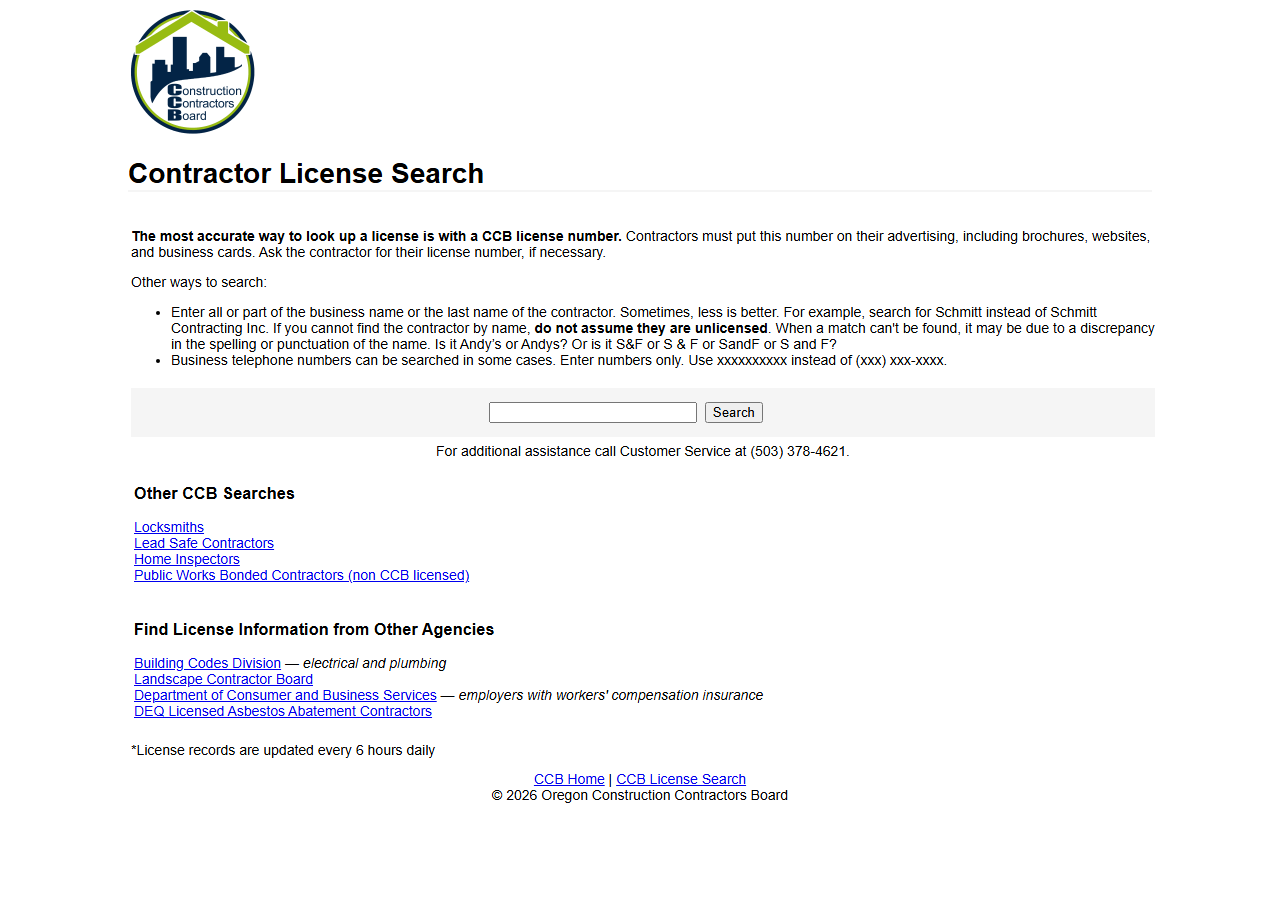
Every state in this actor has a form like the one above — a box, a button, one record at a time. Texas’s is TDLR’s licence search. Checking one electrician on it takes a minute and costs nothing, and if that’s all you need, do that; it’s the official record and nothing here beats it for a single lookup.
Where it gets expensive is a bench. Twelve trade shops, re-verified each renewal cycle, is a recurring afternoon of typing names into a form and reading dates off a results page into a spreadsheet — and the licence expiry is the whole point, so it has to be redone, not done once. The form gives you no export and no way to run it on a schedule.
Texas also publishes this licence data as an official Socrata open-data API — free, public, documented. If you can write a SoQL query, you can pull it yourself for nothing. The actor isn’t selling you access to Texas’s data; it’s selling you the same row shape Texas, Washington, Oregon and Connecticut would otherwise each hand you differently.
The faster way
Multi-State Contractor & Trade License Lookup does the same search once and hands back every row at once.
{
  "query": "electric",
  "states": [
    "TX"
  ],
  "maxResults": 25
}
states: ["TX"] because TDLR is the only board that matters for this job. query: "electric" is a
substring match against TDLR’s business_name field, so it pulls back the trade shops whose
registered name contains it — swap in the actual shop name (or paste a licence number, which is
matched exactly) when you’re verifying a specific vendor rather than surveying the field.
maxResults: 25 is the spend cap: a generic word like electric matches a lot of businesses in
Texas, and you’re billed per row that comes back.
What comes back
{
  "state": "OR",
  "license_number": "100362",
  "business_name": "GARY EPPING CONSTRUCTION CO INC",
  "person_name": "GARY EPPING",
  "license_type": "Residential General Contractor",
  "status": "Active",
  "issue_date": "1990-05-01T00:00:00.000",
  "expiration_date": "2026-05-01T00:00:00.000",
  "city": "SALEM",
  "county": "MARION",
  "bond_amount": "25000",
  "bond_company": "Western Surety Company",
  "insurance_company": "Oregon Mutual",
  "matched_by": "business_name",
  "source_url": "https://search.ccb.state.or.us/search/"
}| Field | Example value | Meaning |
|---|---|---|
state | OR | State the license is from (2-letter code) |
license_number | 100362 | The license/registration number |
business_name | GARY EPPING CONSTRUCTION CO INC | Licensed business name |
person_name | GARY EPPING | Associated person (owner/principal/responsible individual), where published |
license_type | Residential General Contractor | License classification / trade |
status | Active | License status (where the state publishes it) |
The sample row above is an Oregon one — that’s the point of the actor, every state lands in the same
shape — but a Texas row is thinner, and you should know which columns are actually yours.
expiration_date is the field that closes your loop: an in-date TDLR licence in the feed is the
check your insurer is asking for. license_type tells you which trade the shop is licensed for, so
you don’t accept an HVAC licence as proof for electrical work. person_name is TDLR’s owner name,
and county is the location field Texas exposes. matched_by says whether you got the row from an
exact licence-number hit or a fuzzy name match — read it before you treat a hit as confirmation.
What you’d do with it
Export the CSV and it is your vendor compliance sheet: shop, licence number, trade, county, expiry.
Sort on expiration_date and the renewals that land inside your next work cycle are the ones you
chase. Put the run on an Apify schedule against your bench of shops and each month’s export is
evidence you checked, dated, without anyone re-typing names into a form.
Worth knowing
Texas publishes less than the other states here, and the actor doesn’t paper over it: TDLR’s feed
has no status column and no street address, so those fields come back null. That means you cannot
read “suspended” off a Texas row — what you can do is check the licence is present and in date.
There’s no general-contractor licence in Texas to look up, only trades, so a builder with no TDLR
record isn’t necessarily unlicensed — they may simply not need one. The data is as-published by the
state and can lag TDLR’s live record, so for a formal decision confirm against the board.
Run it yourself: How to run Multi-State Contractor & Trade License Lookup walks the whole thing step by step.
- Check a Connecticut Home Improvement Contractor — the other narrow-scope state, where only one registration type exists.
- Florida Contractor License Lookup — reach for it when the trade shop is Floridian: DBPR does publish status, type and county on the board’s own record.
Last updated 2026-07-13