Use case
Verify a South Carolina Contractor by License Number
Confirm an SC LLR contractor license — status and type — from the official South Carolina registry.
Say you run subcontractor onboarding for a general contractor in Charleston. A sub sends over their paperwork with a license number on it — 116578 — and before they can be added to a job you have to confirm two things: that the number belongs to who they say it does, and that the license is still active today, not merely active when the PDF was made. That’s one lookup, and it takes a minute.
Now say you’re onboarding forty subs this quarter, and re-checking each of them before every payment release. Same minute, forty times, then forty times again, and every one of those minutes includes solving a CAPTCHA by hand.
The manual way, and what it costs
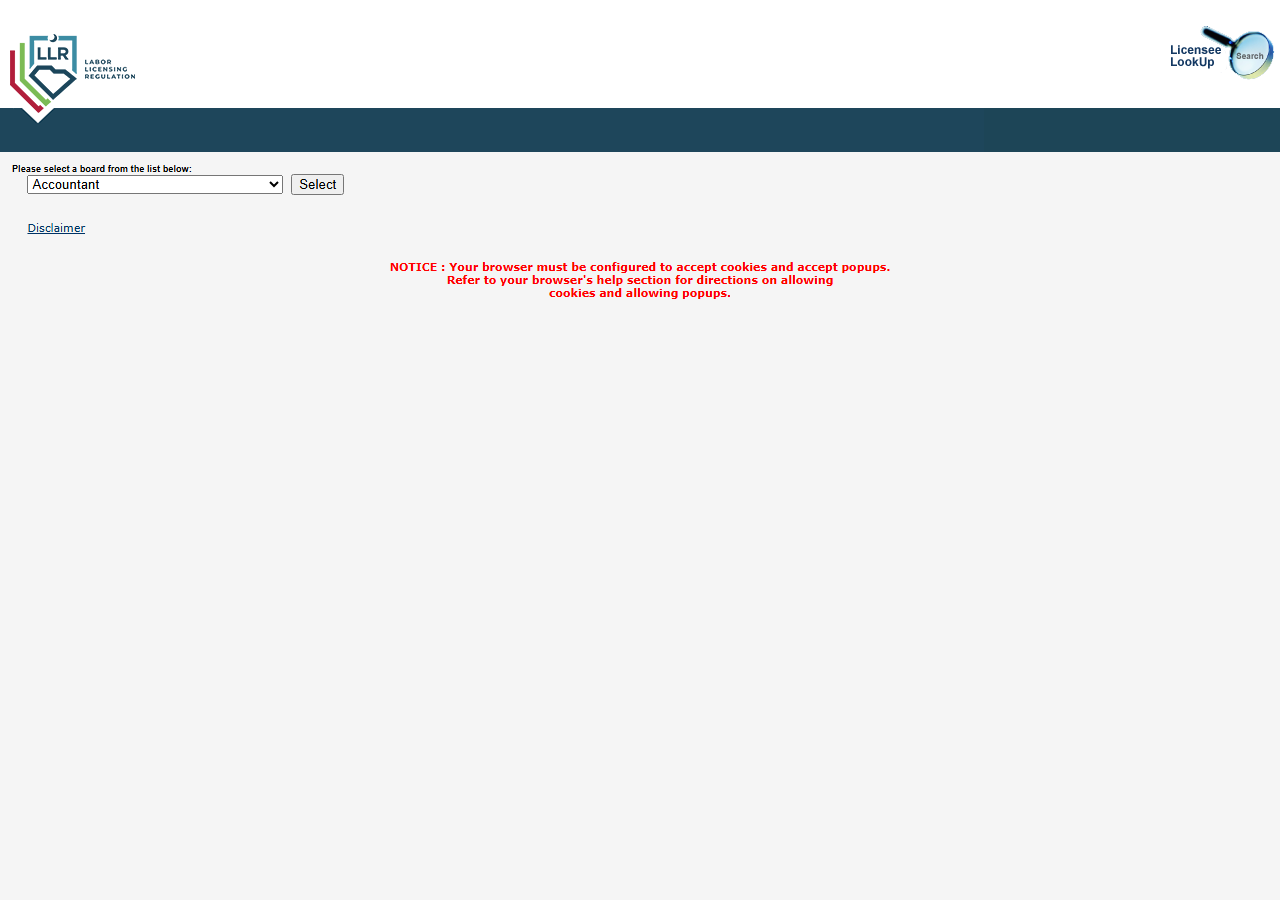
SC LLR’s Licensee LookUp is public and free, and for one license number it is genuinely the right tool — use it. You open the page above, pick Contractor from the board dropdown (it opens on Accountant), press Select, type the number into the search form, solve the Google reCAPTCHA v2 the form puts in front of you, and read the record. Call it a minute. Paying anyone anything to do that once would be silly.
What the portal will not do is give you those records as data. There is no export button, no CSV, no API, and no way to put the check on a schedule. Every result is a page you read with your eyes and retype into whatever system actually holds your vendor list. So the cost isn’t the minute — it’s that the minute doesn’t compound. Forty subs is forty CAPTCHAs and forty rounds of copy-paste, and doing it again next quarter is another forty. That’s where it stops being reasonable, and roughly where this actor starts making sense.
The faster way
South Carolina Contractor License Lookup & Verify (SC LLR) does the same search once and hands back every row at once.
{
  "licenseNumber": "116578"
}
One field, because you already have the one thing that identifies a license uniquely. licenseNumber
is an exact match, so the run comes back with that license and nothing near it — no fuzzy name
matches to disambiguate, no city to guess at. Leave lastName and city out entirely: adding them
can only narrow an already-exact search, and if the name on the paperwork differs even slightly from
the name in the registry, you’d filter away the very record you were trying to find. Behind that
single field, the actor picks the Contractor board, solves the reCAPTCHA v2 that gates the search
submission, and replays the token into SC LLR’s WebForms postback — the same steps you’d do by hand,
in one call.
What comes back
{
  "state": "SC",
  "license_number": "116578",
  "business_name": "PAUL L.W. SMITH INC — DBA: SMITH CONSTRUCTION",
  "person_name": null,
  "license_type": "GENERAL CONTRACTOR",
  "status": "Active",
  "issue_date": null,
  "expiration_date": null,
  "city": "KINGSTON",
  "county": null,
  "address": null,
  "zip_code": null,
  "phone": null,
  "bond_amount": null,
  "bond_company": null,
  "insurance_company": null,
  "matched_by": "name",
  "source_url": "https://verify.llronline.com/LicLookup/Contractors/Contractor.aspx?div=69"
}| Field | Example value | Meaning |
|---|---|---|
state | SC | Always ‘SC’ for this actor |
license_number | 116578 | SC LLR contractor license number |
status | Active | License status (e.g. Active, Lapsed) |
license_type | GENERAL CONTRACTOR | Contractor classification (e.g. GENERAL CONTRACTOR, MECHANICAL CONTRACTOR) |
business_name | PAUL L.W. SMITH INC — DBA: SMITH CONSTRUCTION | Licensed business name (and DBA, when listed) |
person_name | — | Individual licensee name (LAST, FIRST), when held by a person |
status closes the loop. Active and the sub goes on the job; anything else and the number on the
paperwork is not the assurance it looked like. business_name is what settles the second half of the
question — whether 116578 actually belongs to the company that handed it to you, rather than to a
firm with a similar name. license_type is the one people skip and shouldn’t: an active license in
the wrong classification is still the wrong license for the scope you’re hiring for.
source_url is your receipt — it links straight to the official SC LLR record, so nobody downstream
has to take your word for the status.
What you’d do with it
Feed the license numbers you already hold — from your vendor table, your COI collection, whatever
system tracks subs — through the actor one run per number, and write status, license_type,
business_name and source_url back onto each vendor row with the date you checked. That turns
license verification from a thing someone remembers to do into a column that either says Active or
doesn’t. Run it before payment release, or on a schedule, and the lapsed ones surface on their own
instead of surfacing during an audit.
Worth knowing
This reads the SC LLR results list, and the results list is thinner than the detail page. You get
license number, status, type, business or licensee name, and city. You do not get street address,
county, expiration date, or bond and insurance details — those aren’t in the list view, so they come
back null every time, even though the columns exist in the schema. If your compliance file needs an
expiration date, you’ll still be clicking through to the record (the source_url takes you there).
Coverage is the South Carolina registry only, and results reflect the live registry at the moment you
run, which is the point — but it also means a status you captured last month is a status from last
month.
Run it yourself: How to run South Carolina Contractor License Lookup & Verify (SC LLR) walks the whole thing step by step.
If you don’t have the number: Find Every SC Contractor License by Name searches by business or licensee name instead, and returns every license that matches — including the ones the contractor didn’t mention.
If the contractor isn’t in South Carolina: Florida Contractor License Lookup & Verify (DBPR) does the same job against Florida’s registry, and returns expiration dates that SC’s list view doesn’t carry. SC costs more than Florida because of the reCAPTCHA v2 on its search POST.
Last updated 2026-07-13