Use case
Verify a California Contractor by License Number
Confirm a CSLB contractor license — status, classifications, bond, and workers' comp — from the official California registry.
Say you run subcontractor onboarding for a general contractor in Sacramento. A project kicks off in two weeks and the vendor list has 180 subs on it — some you’ve worked with for years, some the PM found last month. Before anyone gets a PO, every one of them has to be confirmed against CSLB: is the license current, does it carry the classification for the work they’re being hired to do, is there a bond, is there workers’ comp. And it isn’t a one-time job. A license that was current when you onboarded can lapse mid-project, so the whole list gets re-checked every quarter.
You have all 180 license numbers already. What you don’t have is 180 lookups’ worth of time, four times a year, with the results ending up somewhere your compliance file can actually read.
The manual way, and what it costs
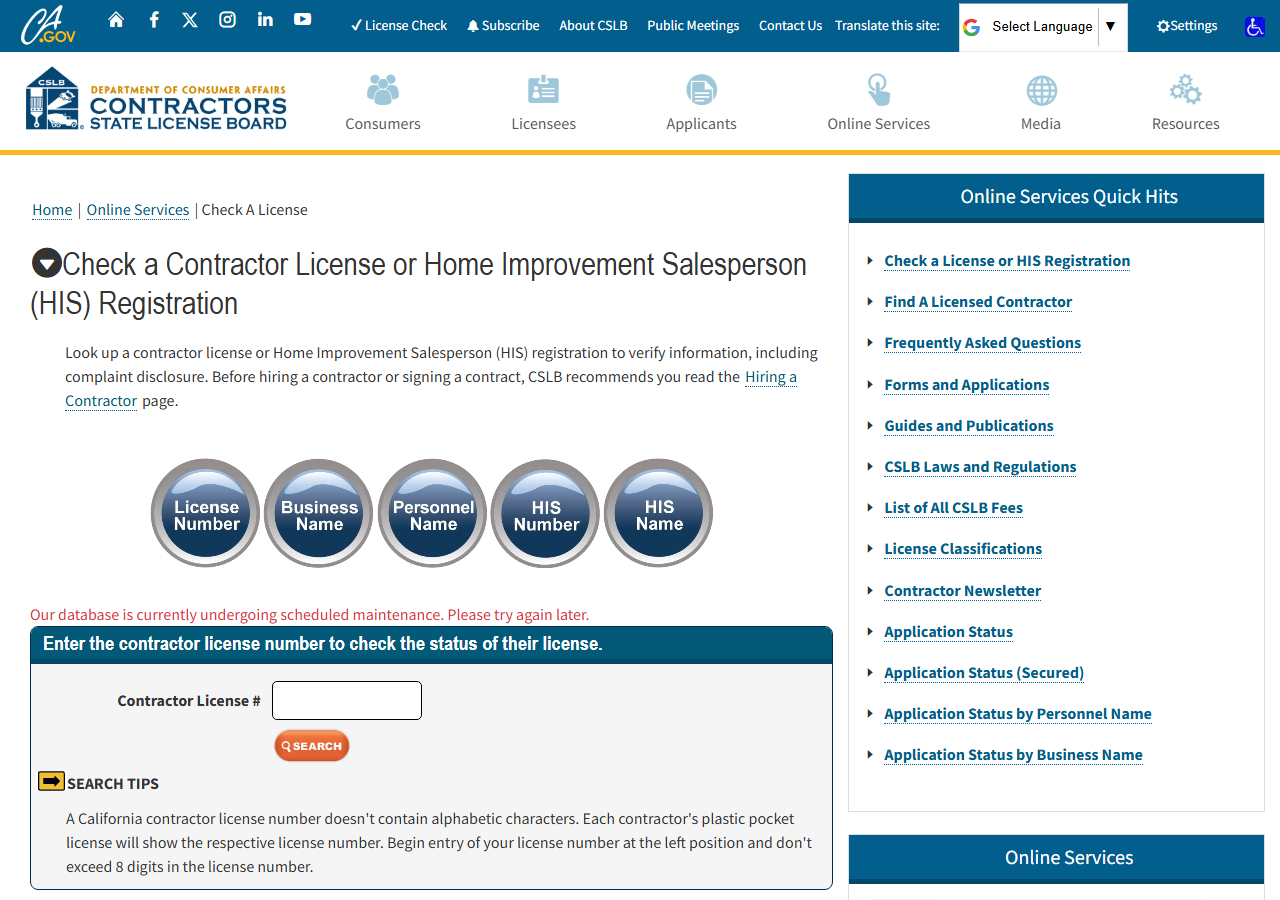
CSLB’s “Check a License” page is public, free and instant. Type a license number into the box above, press Search, and you get the licensee’s status, classifications, bond and workers’ comp on the detail page. There is no login, no fee, and no wait. If you’re checking one contractor — a homeowner about to sign with a roofer, a PM sanity-checking a single bid — that page is the right tool and you should use it. Nothing here beats it for a single lookup.
The manual path stops being reasonable on the second axis: volume, and repetition. 180 subs is 180 searches, each one a form submit, a click into the detail page, and then hand-copying a dozen fields — license number, status, entity type, expiry, classification codes, surety company, bond amount, workers’ comp carrier — into a spreadsheet. CSLB doesn’t offer an export from that page; what you see is a web page, not a download. And because it’s one number at a time, there is no way to put it on a schedule. Next quarter you do all 180 again, by hand, and hope nobody mistypes a bond amount.
The faster way
California Contractor License Lookup & Verify (CSLB) does the same search once and hands back every row at once.
{
  "query": "22726",
  "includeDetails": true
}
query takes the license number straight — digits only, exactly as it appears on the sub’s paperwork
— and because it’s numeric the actor looks it up directly rather than searching names. includeDetails
is the field that matters for this job: leave it on and the row comes back enriched with the full
license record, which is the entire point of a compliance check. Turned off you’d get name, city and
status and nothing to file. Run it once per license number, or drive it from your vendor list through
the API and let the dataset fill up.
What comes back
{
  "license_number": "22726",
  "business_name": "RANSOME COMPANY",
  "name_type": "DBA",
  "matched_by": "business_name",
  "status": "This license is current and active.",
  "city": "SAN LEANDRO",
  "has_detail": true,
  "business_type": "Corporation",
  "address": "1933 WILLIAMS STREET",
  "state": "CA",
  "zip_code": "94577",
  "phone": "(510) 686-9900",
  "issue_date": "07/01/1932",
  "expiration_date": "10/31/2027",
  "classifications": [
    "A",
    "C10"
  ],
  "surety_company": "HARCO NATIONAL INSURANCE COMPANY",
  "bond_number": "354811",
  "bond_amount": "25,000",
  "workers_comp_type": "Insurance",
  "workers_comp_company": "TRAVELERS PROPERTY CASUALTY COMPANY OF AMERICA",
  "source_url": "https://www.cslb.ca.gov/onlineservices/checklicenseII/LicenseDetail.aspx?LicNum=22726"
}| Field | Example value | Meaning |
|---|---|---|
license_number | 22726 | CSLB license number |
business_name | RANSOME COMPANY | Licensed business name |
name_type | DBA | How the name is held (e.g. DBA) — from name searches |
matched_by | business_name | Which search surfaced this match: ‘license_number’ or ‘business_name’ |
status | This license is current and active. | License status (e.g. ‘Active’, ‘Expired’, or the detail status sentence) |
city | SAN LEANDRO | Business city |
status is the field that clears or blocks the PO — here it’s CSLB’s own sentence, This license is current and active., rather than a tidy code, so match on it as text rather than expecting an enum.
expiration_date is the one that tells you whether it will still be true at the end of the project;
sort the sheet by it and you know who to re-check before close-out. classifications is the field
that answers the question people skip: the license is active, but is it active for this work? A
sub holding ["A", "C10"] is cleared for general engineering and electrical, not for roofing. And
source_url is what you paste into the compliance file, so the record you filed is one click from
the official CSLB page it came from.
What you’d do with it
Export the dataset to CSV and join it to your vendor list on license number. Now the whole onboarding
check is a filter: anything whose status isn’t current, anything whose expiration_date lands
inside the project window, anything missing the classification the scope of work requires, anything
where workers_comp_type isn’t what the contract demands. That’s the exception list, and it’s the
only part a human needs to look at. Put the same run on a quarterly schedule and the re-check stops
being a project.
Worth knowing
This covers California’s CSLB public registry only — public record under Business & Professions Code §7000 et seq. It reflects the live registry at lookup time, so a record can change the day after you pull it; that’s the reason to re-run it on a schedule rather than trust a saved copy. Runs are bounded (default 50 results), which is fine for license-number lookups but means a broad name search needs narrowing. And it’s a lookup, not a bulk export: it doesn’t hand you every contractor in California, only the ones you asked about.
Run it yourself: How to run California Contractor License Lookup & Verify (CSLB) walks the whole thing step by step.
If the sub is on your list as a person rather than a company — or you suspect one owner is behind several of your vendors — Find Every CSLB License an Owner Holds by Name is the search for that. And if the job is the opposite one, finding contractors you don’t have on a list yet, California Contractor Directory by Trade & County (CSLB) pulls whole CSLB lists by county and trade classification instead of verifying licences you already know.
Last updated 2026-07-13