How-to
How to run App Review Teardown & Insights (AI)
Step-by-step: the exact input, what each field does, and the real rows that come back from App Store & Google Play.
You open this actor when you need to know what an app’s users actually say, and you don’t have an afternoon to spend finding out. Usually that’s a product manager going into a prioritisation meeting, a competitive-intel or GTM person building a battlecard, or someone who just shipped a release and wants to know what the reviews turned into. The manual route is open to anyone: an app’s reviews are public, you can scroll them on the store page, and for a handful of reviews that is genuinely the right call. It stops being reasonable at a few hundred — you’re reading, tagging in a spreadsheet, and by the time you’re done you’ve built a rough tally by hand, for one app, once. This actor reads the same public reviews and asks an LLM to write the tally for you.
What you’ll need
Nothing but an Apify account. The actor talks to App Store & Google Play directly.
No proxy, no login, no API key of your own — the app-store endpoints are open, and the LLM that
writes the teardown is the actor’s, not yours. Its cost is already inside the per-teardown price
below, so there’s no second bill to set up. The proxyConfiguration field exists for completeness;
you can leave it off.
Step 1 — Open the actor
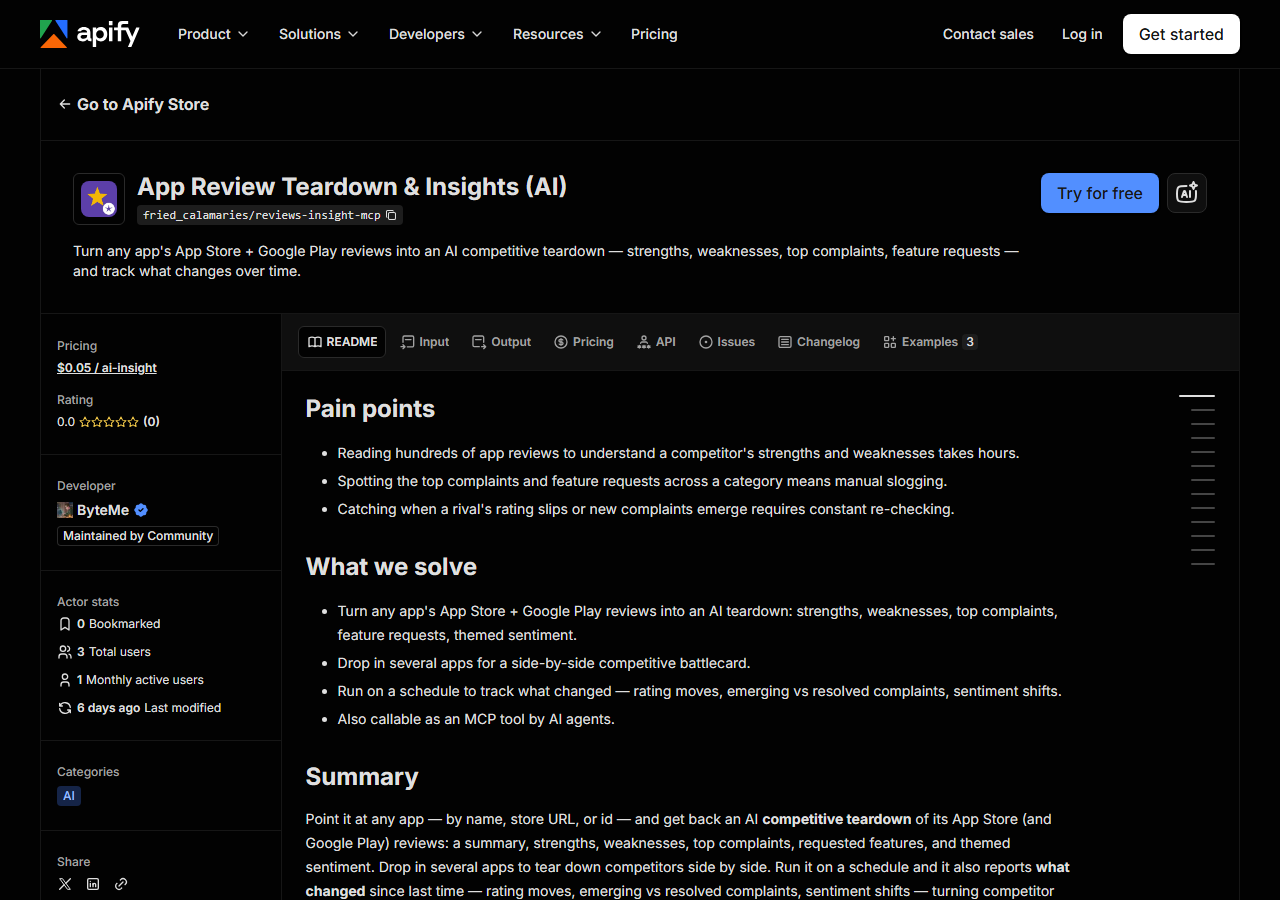
Open App Review Teardown & Insights (AI) on the Apify Store and press Try for free. The actor’s own page on this site lists its live health and pricing.
Step 2 — Fill in the input
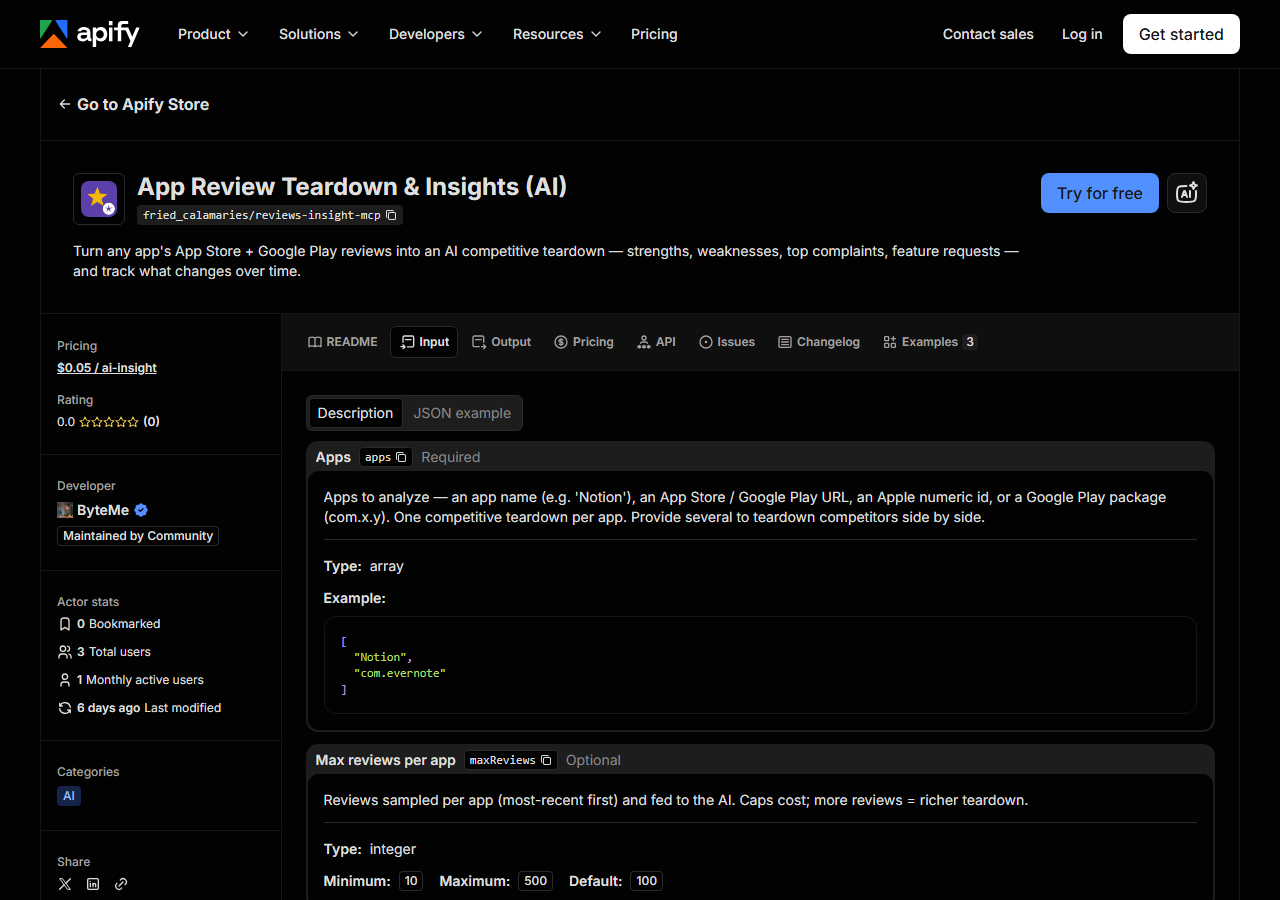
| Field | Type | Required | What it does |
|---|---|---|---|
apps | array | yes | Apps to analyze — an app name (e.g. ‘Notion’), an App Store / Google Play URL, an Apple numeric id, or a Google Play package (com.x.y). One competitive teardown per app.… |
maxReviews | integer | no | Reviews sampled per app (most-recent first) and fed to the AI. Caps cost; more reviews = richer teardown. (default 100) |
country | string | no | Two-letter store country code for reviews (e.g. ‘us’, ‘gb’, ‘de’). (default us) |
compareApps | boolean | no | When 2+ apps are given (default on), add a cross-app comparison record — a strengths/weaknesses matrix plus sales battlecards (their weaknesses, where you win, what to watch… (default True) |
yourApp | string | no | Optional. Name one of the apps as yours, and battlecards are framed as YOUR app vs each competitor. Leave empty for a neutral comparison. |
compareToPrevious | boolean | no | When on (default), diff each app against the previous run and report what changed — rating delta, emerging vs resolved complaints, sentiment delta. Run on a schedule to track… (default True) |
Two fields decide what you get back. apps is the whole job: one teardown per entry, and the
entries can be plain names (Notion), an App Store URL, a bare Apple id, or a Google Play package
like com.evernote. A name is resolved by searching the store and taking the top hit, so if the
name is ambiguous — half a dozen apps are called “Wallet” — pass the store URL or id instead and
remove the guesswork. maxReviews decides how much the AI has to work with: it samples the
most-recent reviews up to that cap (10 to 500, default 100). More reviews means a teardown grounded
in more of what people wrote; fewer means a thinner one. It is always the most recent slice, never
a random or representative sample of the app’s whole review history.
country picks the store front (us, gb, de…), and it matters more than people expect — the
reviews on the German store are written by German users about a partly different experience. Leave
compareApps and compareToPrevious on unless you want a single, isolated snapshot.
A working input:
{
  "apps": [
    "Notion",
    "Evernote"
  ],
  "yourApp": "Notion",
  "maxReviews": 100,
  "compareToPrevious": true
}
Step 3 — Run it
Press Start. Rows are pushed to the dataset as they’re found, so the run log fills in as it works.
A healthy run produces one record per app in apps, plus one extra (comparison) record when you
gave it two or more apps and left compareApps on. So the input above returns three records: Notion,
Evernote, and the battlecard that compares them. Most of the wall-clock time is the LLM writing the
teardown, not the scraping — the review fetch is a handful of JSON requests.
An empty teardown on a record almost never means the actor broke. It means one of two things: the
app reference didn’t resolve to anything on the store (a misspelling, or a name that matched nothing),
or it resolved but the store returned no reviews for that country. Those records are still pushed so
you can see what happened, and they are not charged.
Step 4 — Read the output
Each run returns a labelled table, not raw JSON:
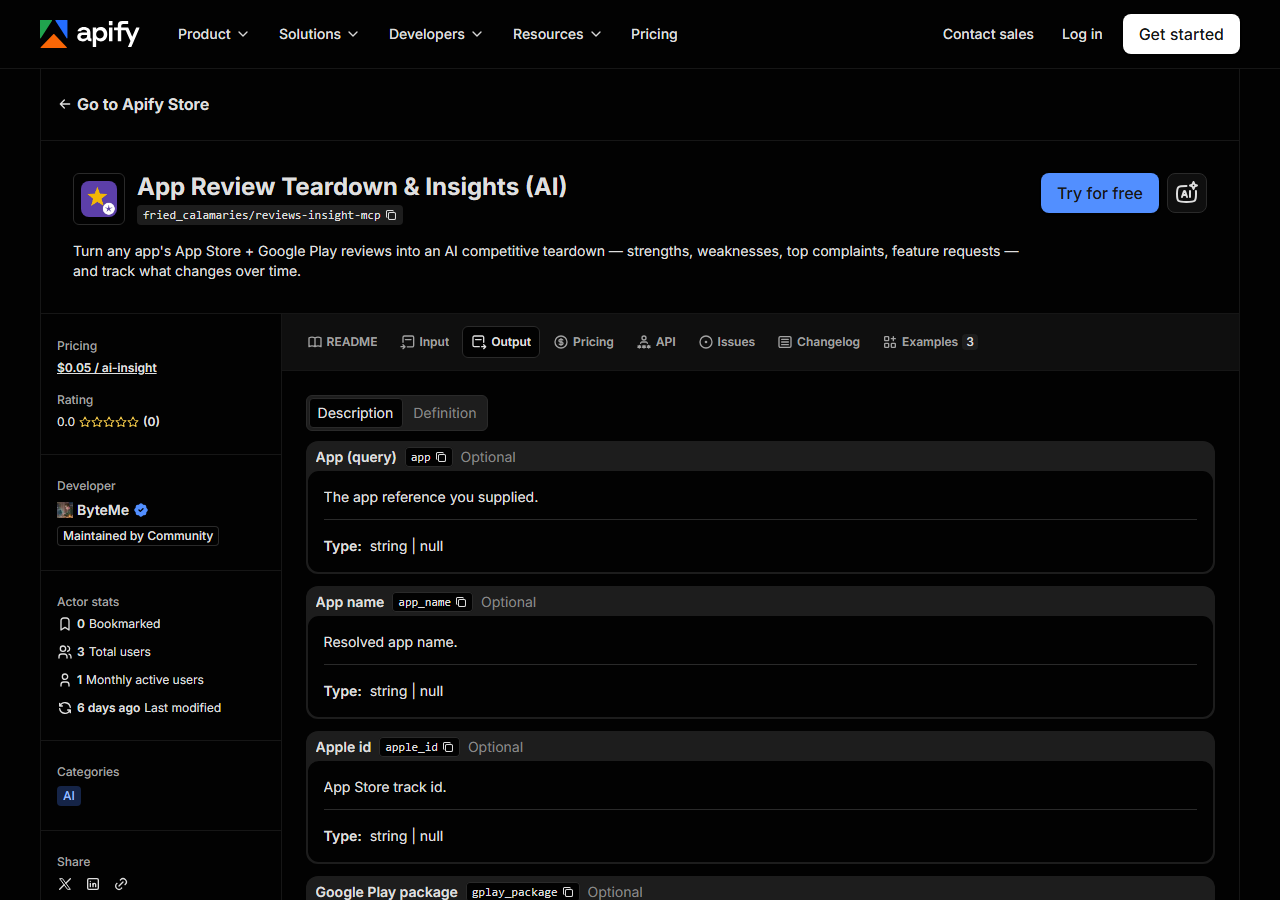
Every row looks like this — a real row from a real run:
{
  "app": "Notion",
  "app_name": "Notion: Notes, Tasks, AI",
  "apple_id": "1232780281",
  "sources": [
    "apple"
  ],
  "overall_rating": 4.78,
  "review_count_analyzed": 100,
  "teardown": {
    "summary": "Notion is praised as a powerful, flexible workspace but is dragged down by mobile bugs, a steep learning curve, and an intrusive AI button.",
    "strengths": [
      "Powerful, flexible all-in-one workspace",
      "Great for notes, tasks, and databases"
    ],
    "weaknesses": [
      "Buggy on iOS/iPad with crashes",
      "Steep learning curve on mobile",
      "Intrusive AI chat button"
    ],
    "top_complaints": [
      "app crashes / bugs",
      "confusing mobile navigation",
      "free-tier upload limits"
    ],
    "feature_requests": [
      "offline mode",
      "remove/hide the AI button",
      "better mobile editor"
    ],
    "themes": [
      {
        "theme": "Bugs and crashes",
        "sentiment": "negative",
        "mentions": 6
      },
      {
        "theme": "Power and flexibility",
        "sentiment": "positive",
        "mentions": 5
      }
    ],
    "sentiment_score": 62
  },
  "first_seen": false,
  "rating_delta": -0.03,
  "emerging_complaints": [
    "app crashes / bugs"
  ],
  "resolved_complaints": [],
  "sentiment_delta": -4,
  "source_url": "https://apps.apple.com/us/app/id1232780281"
}| Field | Example value | Meaning |
|---|---|---|
app | Notion | The app reference you supplied |
app_name | Notion: Notes, Tasks, AI | Resolved app name |
sources | ["apple"] | Stores that contributed reviews (apple, gplay) |
overall_rating | 4.78 | Store-reported average rating |
review_count_analyzed | 100 | Reviews fed to the AI |
teardown.summary | — | One-paragraph competitive summary |
teardown.strengths / weaknesses | — | What users love / dislike |
teardown.top_complaints | — | The most common complaints |
The field people come for is teardown — and specifically top_complaints and feature_requests,
because those are the two lists you can take straight into a meeting. themes is the same material
with a sentiment label and a mention count attached, which is what you want if you’re building a
chart rather than a bullet list.
Now the part worth being blunt about: everything under teardown is written by an LLM. It is a
synthesis of the reviews the run sampled, not a measurement of them. The model is instructed to base
its answer only on the supplied reviews, but a summary still flattens nuance, and a mentions count
is the model’s tally, not a verified count of matching strings. Treat the teardown as a fast, cheap
read of a review corpus you’d otherwise have to skim yourself — a starting point you can check against
the source, not a number to put in a board deck unchecked. The fields either side of it are the
factual ones: overall_rating is what the store reports, review_count_analyzed is how many reviews
were actually fed in, and source_url is the store page so you can go read them.
A few practical nulls. overall_rating comes from Apple’s lookup, so it’s empty for an app found
only on Google Play. sources tells you which stores actually contributed — Apple is the reliable
one (the official iTunes feed); Google Play is best-effort and quietly drops out rather than failing
the run, so a record with ["apple"] alone is normal. On the first run for an app, first_seen is
true and every delta field is null; the deltas only mean something from the second run on.
Step 5 — Export it
Open the Dataset tab and export to CSV, JSON, or Excel — or pull the same rows from the API, which is what you want if this is going to run on a schedule.
Calling it from an agent
The mcp in the name is about how you call it, and it’s worth being precise, because the name
promises more than the actor ships. There is no MCP server inside this actor — it is an ordinary
Apify Actor. What makes it agent-callable is the platform: Apify exposes Store actors as tools to
MCP-aware clients, so an agent can invoke this one, pass an app name, and get the teardown back as
structured JSON without a human opening the Console. That’s the real angle, and the reason the output
is a typed object rather than a wall of prose: an agent can read top_complaints as a list. If you
were expecting a standalone MCP server you can point your own client at, this isn’t that.
What it costs
One AI-insight event per insight produced, at $0.05 each — 20 teardowns is $1.00. An app that
can’t be resolved, or that comes back with no reviews, produces no teardown and is not charged. Note
that the cross-app (comparison) record is an AI insight too, so the two-app example above bills
three events: Notion, Evernote, and the battlecard. The price is per teardown, not per review — a
100-review run and a 500-review run cost the same event. Apify’s own platform usage (compute) is
billed separately on your plan, as with every actor.
Where the data comes from
This reads App Store & Google Play directly. The target is App Store / Google Play public JSON endpoints.
Apple’s side is the dependable one: the official iTunes search/lookup endpoints resolve the app, and
the customer-reviews RSS feed returns reviews as JSON. The annoyance is that the feed is paginated and
capped at roughly ten pages, so “all reviews ever written” is not on the table for anybody, us
included — you get a most-recent slice. Google Play has no equivalent official feed; it’s read
best-effort through a reverse-engineered endpoint, and if it fails the run continues on Apple alone
rather than dying. A nightly canary does check that this actor still runs and still returns the
factual fields (app, app_name, source_url) against the live stores, which catches an endpoint
that has changed shape — but it cannot check whether the AI’s summary is right, because there’s no
fixed correct answer to diff against. See what “verified” means
for what that signal does and doesn’t cover.
See it used
AI Teardown of an App’s App Store Reviews is the single-app version — one app in, one teardown out. Find the Top Complaints in an App’s Reviews points it at your own app for prioritisation, and Compare Two Competitor Apps’ Reviews is the two-app battlecard.
Different job entirely, but the same instinct: Shopify App & Theme Detector tears down a competitor’s storefront rather than their reviews — reach for it when the thing you’re sizing up sells online instead of shipping an app.
Last updated 2026-07-13