How-to
How to run New Mexico Contractor License Lookup & List Scraper (NM CID)
Step-by-step: the exact input, what each filter does, and the rows that come back from the NM CID contractor registry.
The honest version first: if you have one New Mexico contractor to check and you need their status
today, use the state’s own portal. It’s free and it’s live. This actor reads something different —
a copy of the whole NM CID contractor registry, every licence in every status, that we sweep from
the portal once a month — so a licence that was suspended this week can still read as Active here
until the next sweep. That gap is the trade-off, and the run log tells you its size: it states
the date of the sweep the rows came from.
What you get in exchange is the registry as data. The portal answers one search at a time, behind a CAPTCHA, and stops counting at 300 results per search; there is no statewide download. The sweep of 2026-10-23 holds 61,240 licences — 15,616 Active, 44,422 Cancelled, 810 Revoked, 260 Suspended, 125 Inactive, 5 Inspector, 2 Expired — and a run filters that copy in memory. Every Active contractor in Albuquerque (3,754 of them), every licence expiring before the end of the quarter, or a batch of licence numbers to verify: one run each.
What you’ll need
Nothing but an Apify account.
No proxy, no API key, no CAPTCHA solver. The portal’s search form still sits behind a distorted-text image CAPTCHA (you can see it further down this page), but that is the monthly sweep’s problem, not your run’s: a run never touches the portal at all. It reads the snapshot, filters it, and charges per licence returned. There is no per-search fee.
Step 1 — Open the actor
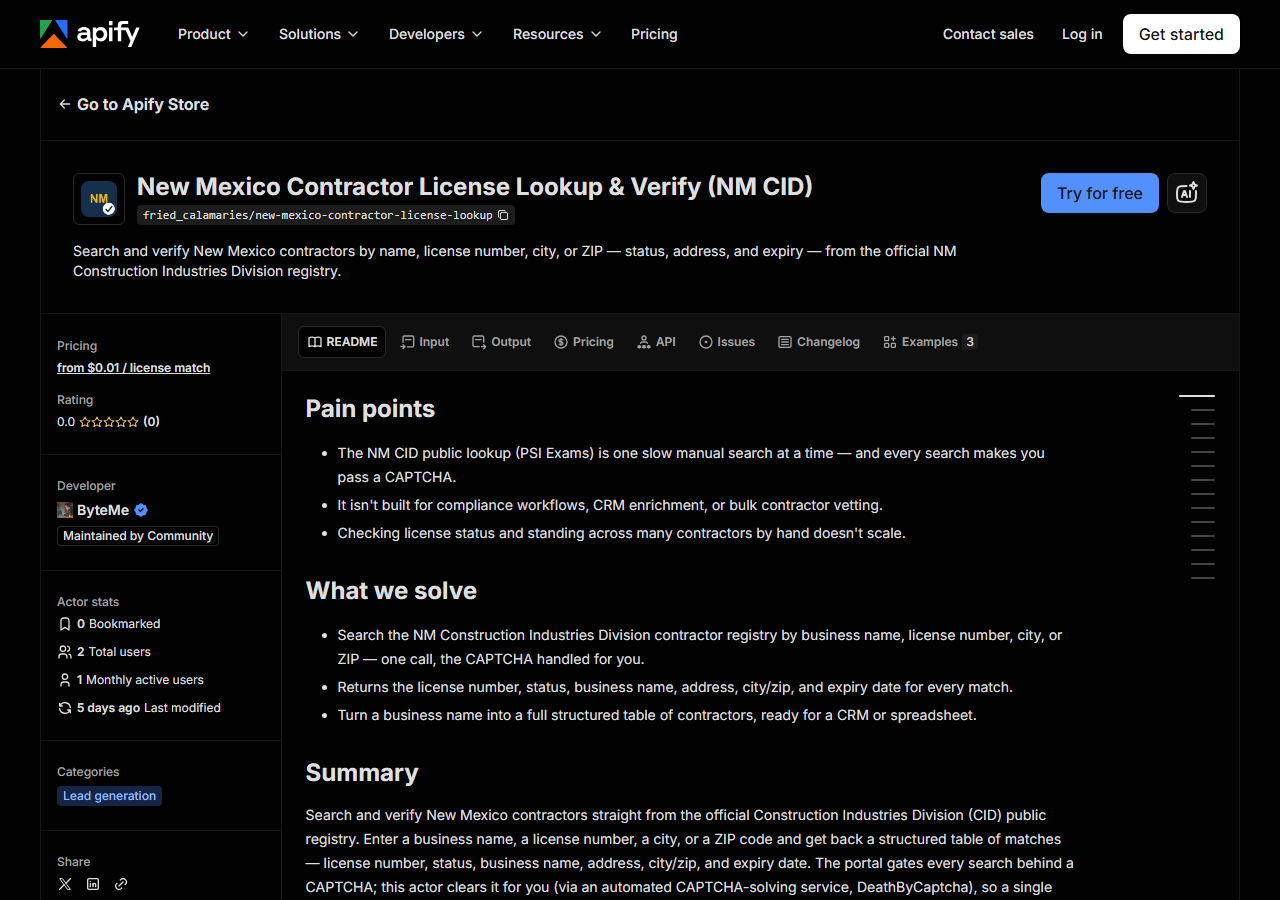
Open New Mexico Contractor License Lookup & List Scraper (NM CID) on the Apify Store and press Try for free. The actor’s own page on this site lists its live health and pricing.
Step 2 — Fill in the input
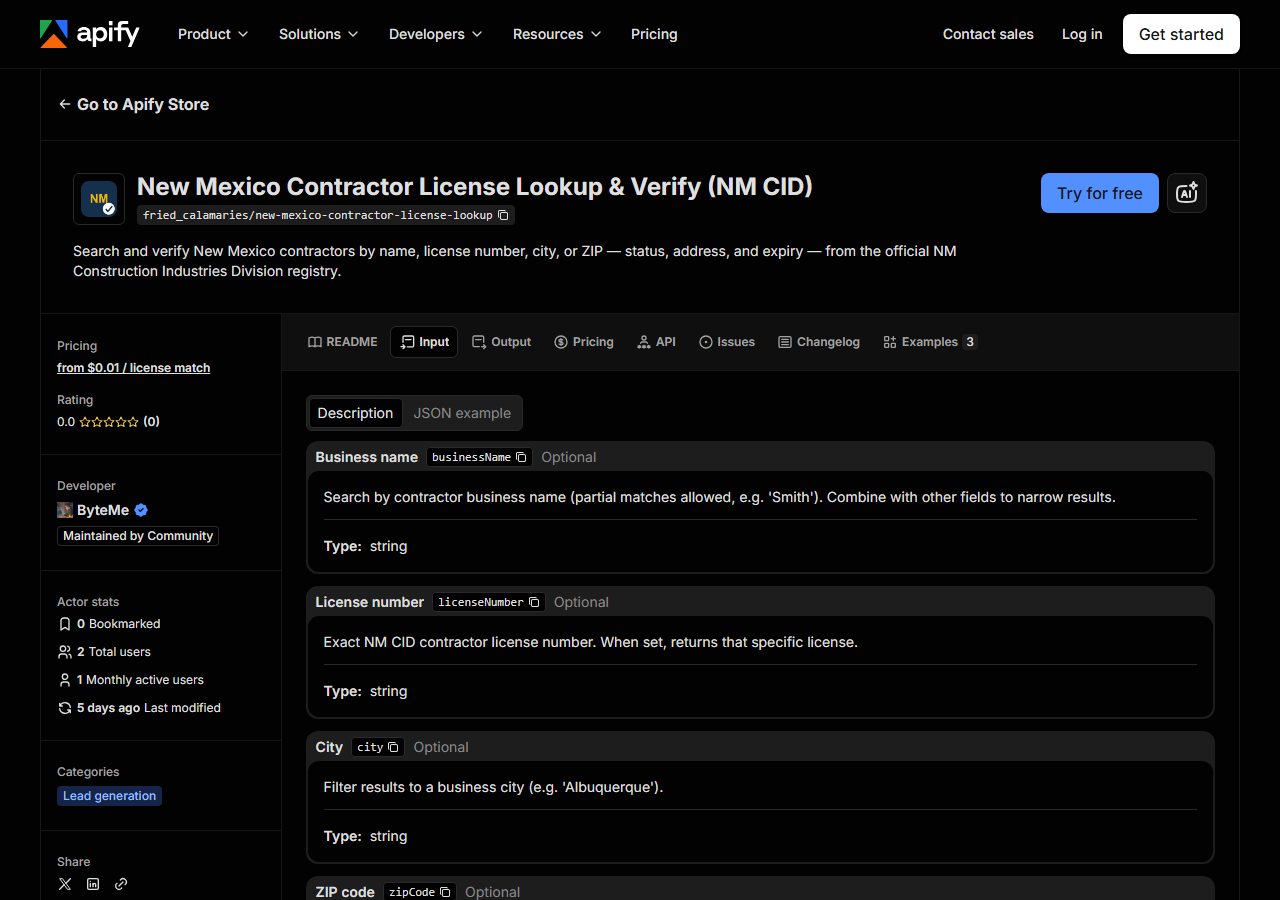
| Field | Type | Required | What it does |
|---|---|---|---|
statuses | array | no | Only return licences with one of these statuses, as NM CID writes them (Active, Cancelled, Inactive, Revoked, Suspended…). Empty means every status. |
city | string | no | Only return licences whose business city is exactly this city (case-insensitive, e.g. Albuquerque). |
zipCode | string | no | Only return licences whose business ZIP starts with this — 871 for a whole prefix, 87110 for one ZIP. |
expiresAfter | string | no | Only licences expiring on or after this date (YYYY-MM-DD). |
expiresBefore | string | no | Only licences expiring on or before this date (YYYY-MM-DD). |
businessName | string | no | Only licences whose business name contains this text (e.g. Smith). |
businessNames | array | no | The same, as a batch: one lookup per entry, in one run. |
licenseNumber | string | no | Exact NM CID licence number. Returns that one licence. |
licenseNumbers | array | no | The same, as a batch. |
maxResults | integer | no | Cap on rows returned. Default 500, maximum 100,000. In a batch it applies per entry. |
Every field is optional, and the filters combine: each one you set must hold.
The fork in the road is whether you give a name or a number. Leave both blank and the run is a
statewide export of whatever the other filters allow — statuses: ["Active"] with nothing else is
the 15,616 Active licences, capped by maxResults. Give a licenseNumber and you are asking a
closed question: does this licence exist, and what is its status as of the sweep? Give a
businessName and it’s a contains match against the state’s own spelling, so Smith finds
ADAMS & SMITH, INC. too.
maxResults is the field to watch. The default is 500, which is a sample, not a statewide list:
there are 3,754 Active licences in Albuquerque alone, so a city export needs maxResults raised to
cover it. In a batch the cap is per entry, so one common name cannot eat the share of the others.
Two more things about the filters. city is an exact match on the city as filed, so a suburb is its
own string (Rio Rancho is not Albuquerque). And once you set an expiry window, a licence without a
readable expiry date is left out of it rather than guessed at.
A working input:
{
  "statuses": ["Active"],
  "city": "Albuquerque",
  "maxResults": 5000
}
Step 3 — Run it
Press Start. There is no portal, no CAPTCHA and no paging in the run, so it is quick: load the snapshot, filter it, push the rows.
Zero rows is a real answer — the registry has nothing matching those filters. Before blaming the
actor, check the usual suspects: a city spelled differently from how the state filed it, a city
and zipCode that don’t overlap, a statuses value that isn’t one of NM CID’s words, a licence
number with a typo.
The one failure you might see is a free notice row. If the snapshot is missing, or more than 45
days old, the run does not serve old data and does not fall back to a live search: it returns a
single row with notice_type: "blocked" saying the roster is temporarily unavailable, charges
nothing, and asks you to re-run later. A date in expiresAfter / expiresBefore that isn’t
YYYY-MM-DD gets a free notice row too, saying so.
Step 4 — Read the output
Each run returns a labelled table, not raw JSON:
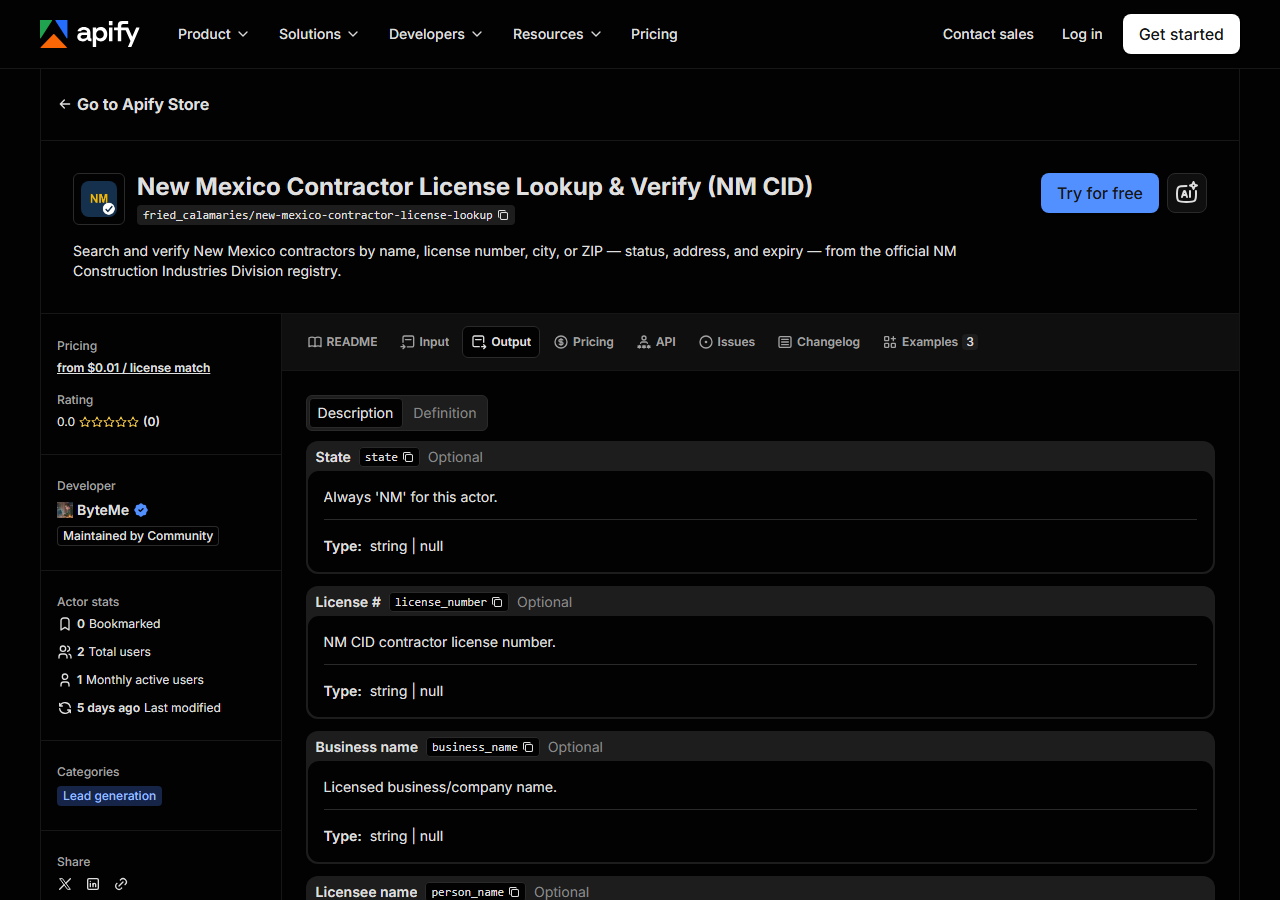
Every row looks like this:
{
  "state": "NM",
  "license_number": "396966",
  "business_name": "ADAMS & SMITH, INC.",
  "person_name": null,
  "license_type": "Contractor",
  "status": "Active",
  "issue_date": null,
  "expiration_date": "12/31/2027",
  "city": "LINDON",
  "county": null,
  "address": "1380 W CENTER ST",
  "zip_code": "84042",
  "phone": null,
  "bond_amount": null,
  "bond_company": null,
  "insurance_company": null,
  "matched_by": "statewide",
  "source_url": "https://public.psiexams.com/search.jsp"
}| Field | Example value | Meaning |
|---|---|---|
state | NM | Always ‘NM’ for this actor |
license_number | 396966 | NM CID contractor license number |
status | Active | License status (e.g. Active, Cancelled) |
license_type | Contractor | Always ‘Contractor’ (NM CID’s contractor company category) |
business_name | ADAMS & SMITH, INC. | Licensed business/company name |
address | 1380 W CENTER ST | Principal place of business street address |
city | LINDON | Business city |
zip_code | 84042 | Business ZIP code |
expiration_date | 12/31/2027 | License expiry date |
matched_by | statewide | How the row was selected: statewide, business_name or license_number |
Licence number, business name, status and expiry are filled on every row; address, city and ZIP on
about 99.9% of them. status and expiration_date are what most people came for, and
the sweep date in the run log tells you how far to trust them — they are the registry’s answer on
that date, not today’s. license_number is the column to key on afterwards; business names get
re-filed and re-spelled, licence numbers don’t.
Watch the nulls. phone, email, county, bond_amount, bond_company, insurance_company,
issue_date and person_name are null on every row. That isn’t missing data on our side: the
portal’s search results don’t carry them, so no run will return them. source_url points at the
search portal rather than the individual record because the portal has no per-record URL.
And expect out-of-state addresses. The registry lists the business address as filed, so the sample row is a New Mexico licence held by a company in Lindon, Utah — and among Active licences, El Paso (362) is the fifth most common city, after Albuquerque, Santa Fe, Las Cruces and Rio Rancho. That’s the source telling the truth, not a parsing bug.
Step 5 — Export it
Open the Dataset tab and export to CSV, JSON, or Excel — or pull the same rows from the API, which is what you want if this is going to run on a schedule.
What it costs
One event: $0.004 per licence returned, from 2026-11-10 (until then, $0.01 per licence). There is no per-search fee. A run that matches nothing costs nothing, and a free notice row is never charged. At $0.004, 1,000 licences is $4.00 and the 3,754 Active Albuquerque licences are $15.02. Apify’s platform compute is billed separately, per your plan.
Where the data comes from
The New Mexico Construction Industries Division (CID) contractor registry isn’t hosted by the
state at all — it lives on PSI Exams, the testing vendor that runs the state’s licensing
e-services, at public.psiexams.com. It’s an old Java web app: a plain HTML form POST with no API,
no per-record URLs, a distorted-text image CAPTCHA (Java’s SimpleCaptcha) on the search, and a cap of
300 results per search.
That shape is why runs read a snapshot instead of the portal. Once a month our producer sweeps the registry end to end, reusing one solved CAPTCHA answer across the session’s searches and narrowing licence-number prefixes until every search fits under the 300-result cap, and publishes the result. A run reads the latest copy; if that copy is missing or more than 45 days old, you get the free notice row rather than stale data. What “verified” means explains how the actor itself is checked.
See it used
- Verify a New Mexico Contractor by License Number — the compliance check: licence numbers in, status and expiry out.
- Find Every New Mexico Contractor License by Name — when you have a company name and need every licence filed under it.
- List New Mexico Contractors in a City — every licensed contractor in one city, as a table.
If the contractor turns out not to be a New Mexico one, or you don’t yet know which state they’re licensed in, reach for Multi-State Contractor & Trade License Lookup instead — it checks the same contractor across several states in one run. And if you want the same shape of bulk export for another state, Virginia Contractor License Lookup (DPOR Bulk) does it from DPOR’s published files.
Last updated 2026-10-23