How-to
How to run Florida Contractor License Lookup & Verify (DBPR)
Step-by-step: the exact input, what each field does, and the real rows that come back from DBPR.
You have a list of Florida contractors and you need to know, for each one, whether the license is real and still good. Florida publishes all of it: DBPR’s “Verify a Licensee” search is public, free, and works. If you have one contractor to check, close this page and go use it — it will take you a minute and cost you nothing. This actor exists for the other case, the one where “a minute each” stops being a rounding error: a subcontractor roster, an onboarding queue, a book of policies you re-check every quarter. It does the same DBPR search you would do by hand — one licence, or a whole list of them in a single run — and hands each result back as a structured row you can put in a spreadsheet, a CRM, or a compliance system instead of re-typing it.
What you’ll need
Nothing but an Apify account. The actor talks to DBPR directly.
No API key, no CAPTCHA-solving credentials, no paid unblocker. DBPR’s portal is usually reachable
straight from Apify’s IPs, so the proxy setting is off by default and you can leave it off. There’s
a proxyConfiguration field if a run ever comes back blocked or challenged, but it’s an escape
hatch, not a requirement — one less bill and one less secret to manage.
Step 1 — Open the actor
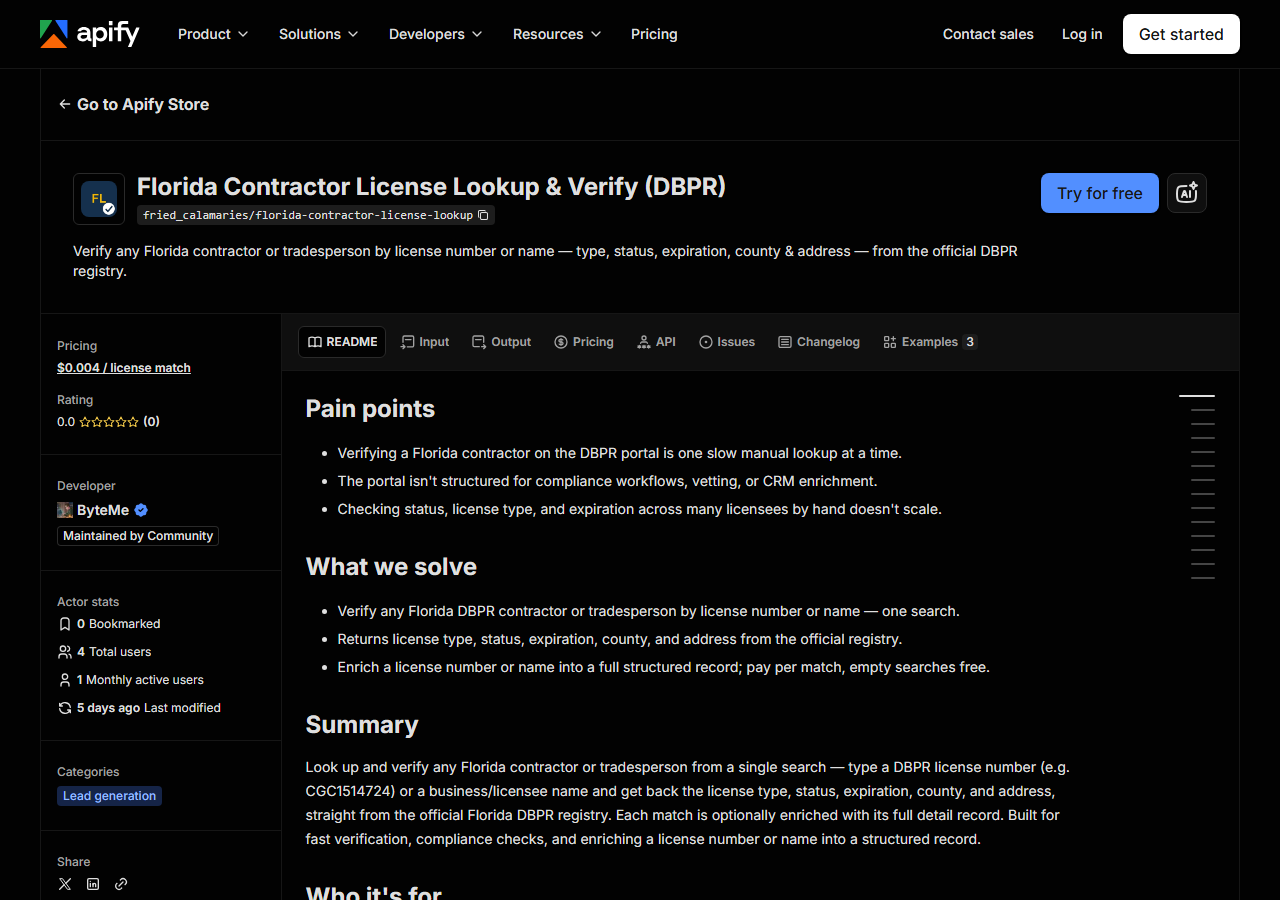
Open Florida Contractor License Lookup & Verify (DBPR) on the Apify Store and press Try for free. The actor’s own page on this site lists its live health and pricing.
Step 2 — Fill in the input
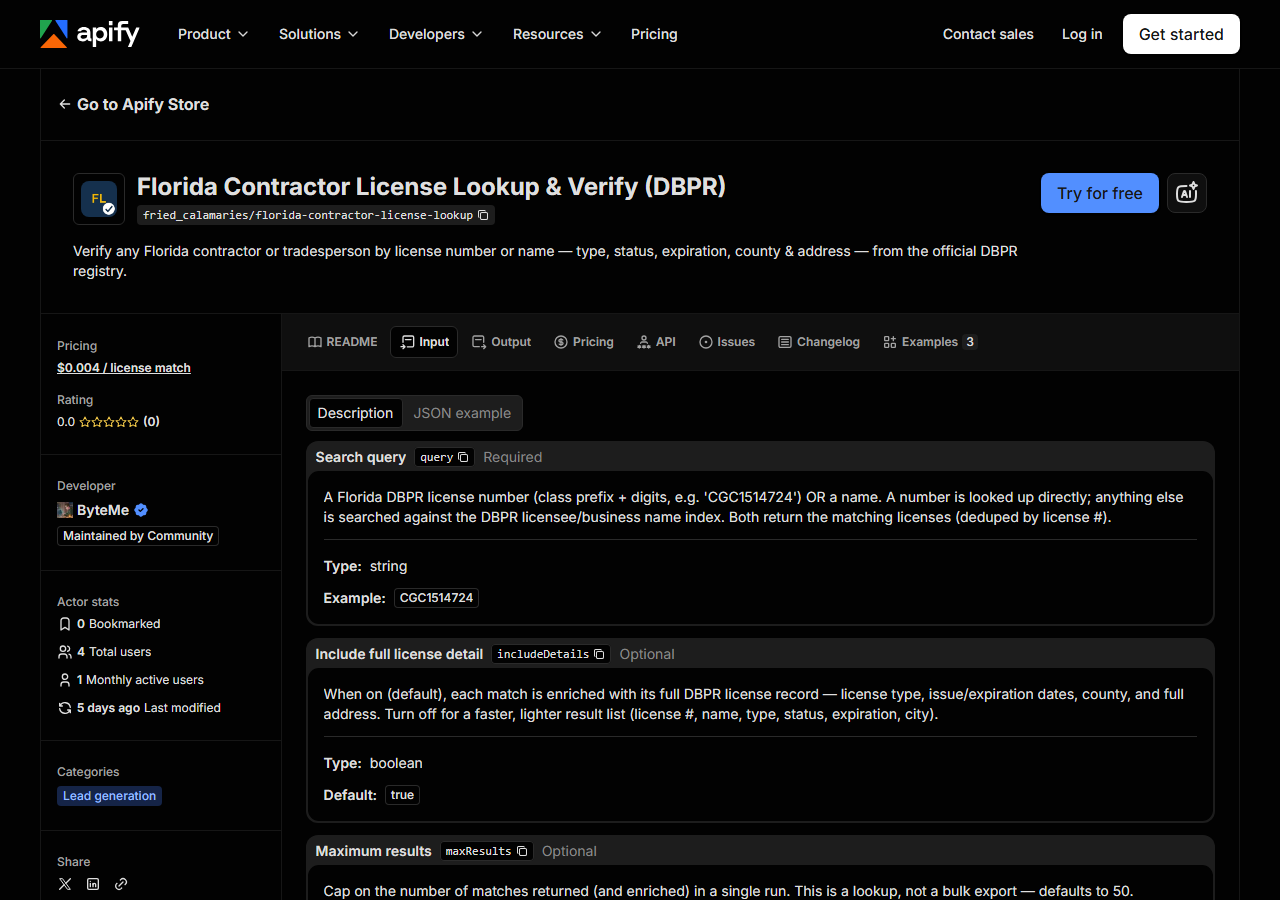
| Field | Type | Required | What it does |
|---|---|---|---|
query | string | yes | A Florida DBPR license number (class prefix + digits, e.g. ‘CGC1514724’) OR a name. A number is looked up directly; anything else is searched against the DBPR licensee/business… |
includeDetails | boolean | no | When on (default), each match is enriched with its full DBPR license record — license type, issue/expiration dates, county, and full address. Turn off for a faster, lighter… (default True) |
maxResults | integer | no | Cap on the number of matches returned (and enriched) in a single run. This is a lookup, not a bulk export — defaults to 50. (default 50) |
Two fields decide what you get back. query is the whole search, and it behaves differently
depending on what you put in it: a DBPR license number (a class prefix plus digits, like
CGC1514724) is looked up directly and returns that one licensee; anything else is treated as a
name and searched against DBPR’s licensee/business name index, which can return many rows. That’s
the field first-timers get wrong — a name search for something common comes back with far more than
they expected, and a mistyped license number comes back with nothing.
includeDetails decides how deep each match goes. Leave it on (the default) and every match is
enriched with its full DBPR license record: license type, issue and expiration dates, county, and
the full street address. Turn it off and you get the lighter result list — license number, name,
type, status, expiration, city — which is what you want if you’re only counting matches or checking
that a number exists. maxResults caps the run at 50 by default; raise it for a broad name search,
drop it to 1 when you’re verifying a single known license number. The cap is per query, so a
batch of twenty names each gets its own allowance rather than sharing one pool.
A working input:
{
  "query": "CGC1514724",
  "includeDetails": true,
  "maxResults": 25
}
Step 3 — Run it
Press Start. Rows are pushed to the dataset as they’re found, so the run log fills in as it works.
A healthy run is a short one — this is a single lookup against a single portal, not a bulk crawl.
A license-number query returns one row (or zero); a name query returns as many licences as DBPR’s
name index matches, up to your maxResults cap. Detail enrichment is what adds most of the work:
each match means fetching that licensee’s DBPR record, so a 40-match name search with
includeDetails on does more than a 40-match search without it.
Broad name searches page through DBPR’s results until your cap is met, so the cap is what decides
the size of the answer — on a search matching tens of thousands of licences, a cap of 200 returns
200 rows and 1000 returns 1000. That is worth knowing before you set it high with includeDetails
on, because each of those rows is also a detail fetch and a billed record.
One thing to watch on a large cap: the run can exhaust its own pay-per-event budget before the
last row is stored. When that happens the log says PPE budget cap reached — stopping cleanly and
the run still succeeds, it just holds fewer rows than the count it reported finding. If your
dataset is smaller than the log’s own number, that’s why — raise the run’s budget, not
maxResults.
Knowing when you got everything
A name search that matched more than you asked for says so in the run log, using DBPR’s own count rather than an estimate:
'ROOFING': returning 120 of 22979 DBPR matches (read 3 of 230 pages).
Raise maxResults to get more, or narrow the search.
Check for that line before treating a result set as complete. If it isn’t there, the search returned everything DBPR had for that name.
One thing this actor deliberately drops: DBPR’s result pages interleave licences with Construction Business Information registrations, which carry a business name but no licence number. This is a licence-verification tool, so those rows are skipped — which is why a page of 100 DBPR records yields well under 100 rows, and why the row count is never a round number.
An empty run almost never means the actor is broken. It means DBPR had nothing to give: a license
number with a typo or the wrong class prefix, or a name that doesn’t match the way DBPR spells it.
Licensee names are indexed the way the state records them, which for individuals is usually
LAST, FIRST — search the surname, or the business’s registered name, rather than the name on the
truck. Empty searches are also free, so a miss costs you nothing but the retry.
Step 4 — Read the output
Each run returns a labelled table, not raw JSON:
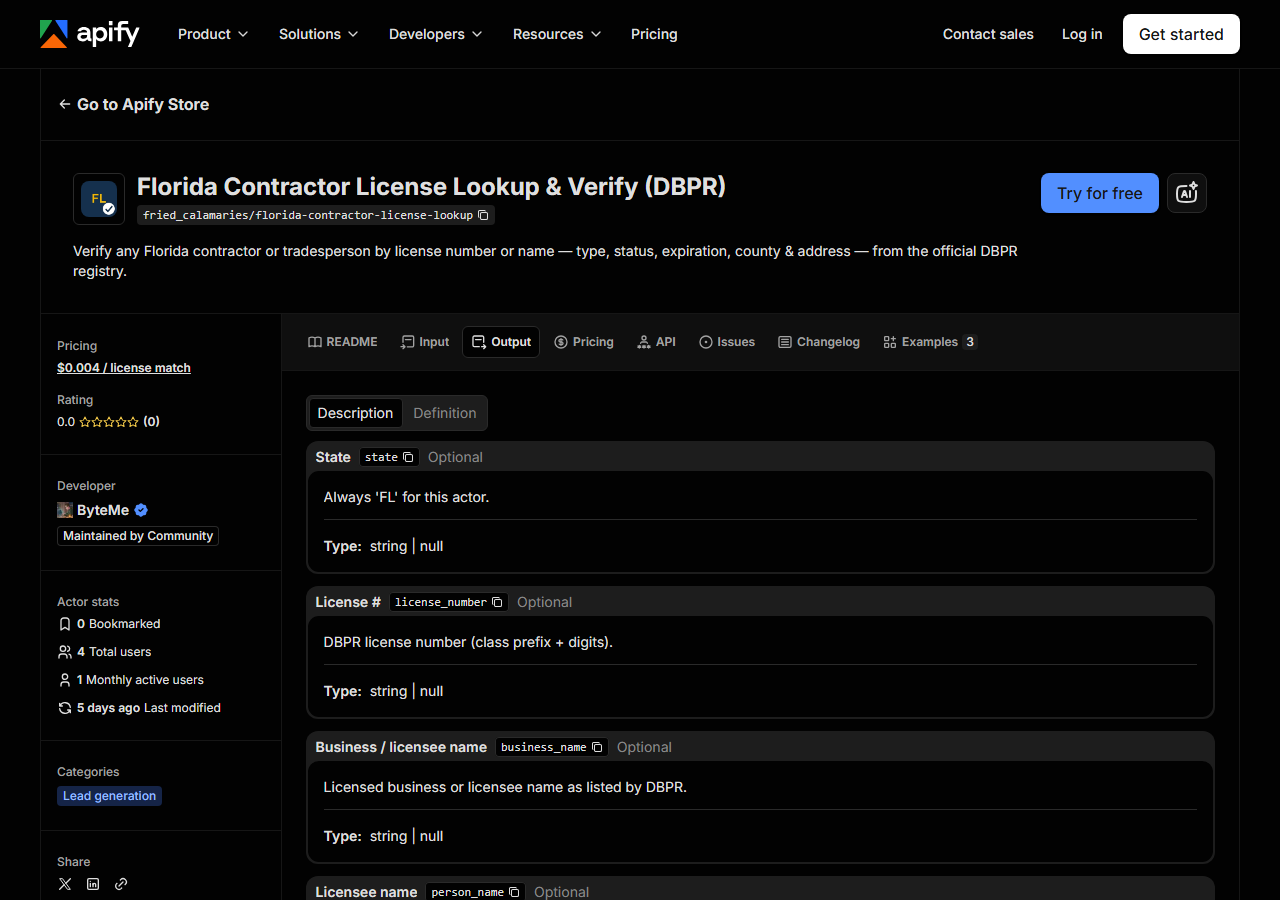
Every row looks like this — a real row from a real run:
{
  "state": "FL",
  "license_number": "CGC1514724",
  "business_name": "ARIZA, JOHN MARIO",
  "person_name": "ARIZA, JOHN MARIO",
  "license_type": "Certified General Contractor",
  "status": "Null and Void",
  "issue_date": "12/21/2007",
  "expiration_date": "08/31/2020",
  "city": "COOPER CITY",
  "county": "Broward",
  "address": "11671 SW 50TH COURT",
  "zip_code": "33330",
  "matched_by": "license_number",
  "source_url": "https://www.myfloridalicense.com/portalsearches/VerifyLicensee/LicenseDetail?lic=CGC1514724"
}| Field | Example value | Meaning |
|---|---|---|
state | FL | Always ‘FL’ for this actor |
license_number | CGC1514724 | DBPR license number (class prefix + digits) |
business_name | ARIZA, JOHN MARIO | Licensed business or licensee name |
person_name | ARIZA, JOHN MARIO | Individual licensee/qualifier name (detail) |
license_type | Certified General Contractor | DBPR license/board classification (e.g. Certified General Contractor) |
status | Null and Void | License status (e.g. Current,Active, Null and Void) |
issue_date | 12/21/2007 | Original licensure date (detail) |
expiration_date | 08/31/2020 | License expiration date |
status is the field almost everyone came for, with expiration_date right behind it. Read them
together: the sample row above is a Certified General Contractor whose status is Null and Void
and whose licence expired on 08/31/2020 — that is a real DBPR record, and it is exactly the
answer you’d want before letting someone pull a permit for you. DBPR’s status vocabulary is its
own (Current,Active, Null and Void, and others), so match on the exact strings the registry
returns rather than assuming a two-state active/inactive flag.
A few things to watch. Dates come back as DBPR formats them (MM/DD/YYYY strings), not as ISO
dates — convert on import if your system expects ISO. person_name, county, issue_date and
address are detail fields: they’re populated when includeDetails is on and null when it isn’t.
And the schema carries bond, insurance and phone fields for consistency with the rest of the
license-lookup suite, but DBPR generally doesn’t publish them, so for Florida they come back null.
matched_by tells you which search surfaced the row — license_number or business_name — which
is worth keeping if you’re auditing how a record entered your system.
Step 5 — Export it
Open the Dataset tab and export to CSV, JSON, or Excel — or pull the same rows from the API, which is what you want if this is going to run on a schedule.
What it costs
You pay per result — per license match the actor returns. A search that finds nothing is free, so a typo’d license number or a name DBPR doesn’t recognise costs you nothing. The current per-result price is on the actor’s page and on the Apify listing; Apify’s own platform usage (compute) is billed separately under your plan. A single verification is one billable row. Checking a roster of subcontractors is one billable row per licence that actually comes back, which is the number you’d have looked up by hand anyway.
Where the data comes from
This reads DBPR directly. The target is HTML parse. Every night a canary runs this actor against that live source and diffs the result against a frozen fixture — what “verified” means.
DBPR’s Online Services licensee search is a public, free, and genuinely usable web form: you pick a search type — by name, by license number, by city or county, by license type — submit, and click through to a detail page. What it isn’t is structured. There’s no result export from that search, so every field you want ends up copy-pasted out of a detail page, and the “results” and “detail” views live at different URLs, which means a full record is two page loads per licensee, not one. The actor does the same two-step and gives you back the assembled row.
See it used
Two jobs this gets used for, both written up end to end:
- Verify a Florida Contractor by License Number — you have the number on a certificate of insurance or a bid packet and need the licence behind it confirmed.
- Check a Florida Contractor’s License Status — the recurring version: is this licence still current, and when does it lapse?
If you don’t know which state the contractor is licensed in, or you need the same person checked in more than one, reach for Multi-State Contractor & Trade License Lookup instead — same idea, several boards at once.
Last updated 2026-07-13