Use case
Open Roles From a Workday Careers Site
Workday boards hold some of the largest job counts. Give the company domain (or the careers URL) and get every open role.
The large employers on your list are the ones you most want to map, and they are the ones that tend to run Workday. That is where the volume is: one NVIDIA Workday site held 2,000 open roles when it was checked on 6 September 2026.
It is also where finding the board gets hard. Give this actor stripe.com and it finds the
Greenhouse board from the name. A Workday board is harder to find, and how the actor does it is
worth understanding, because it is the difference between a tool that guesses and one that checks.
The manual way, and what it costs
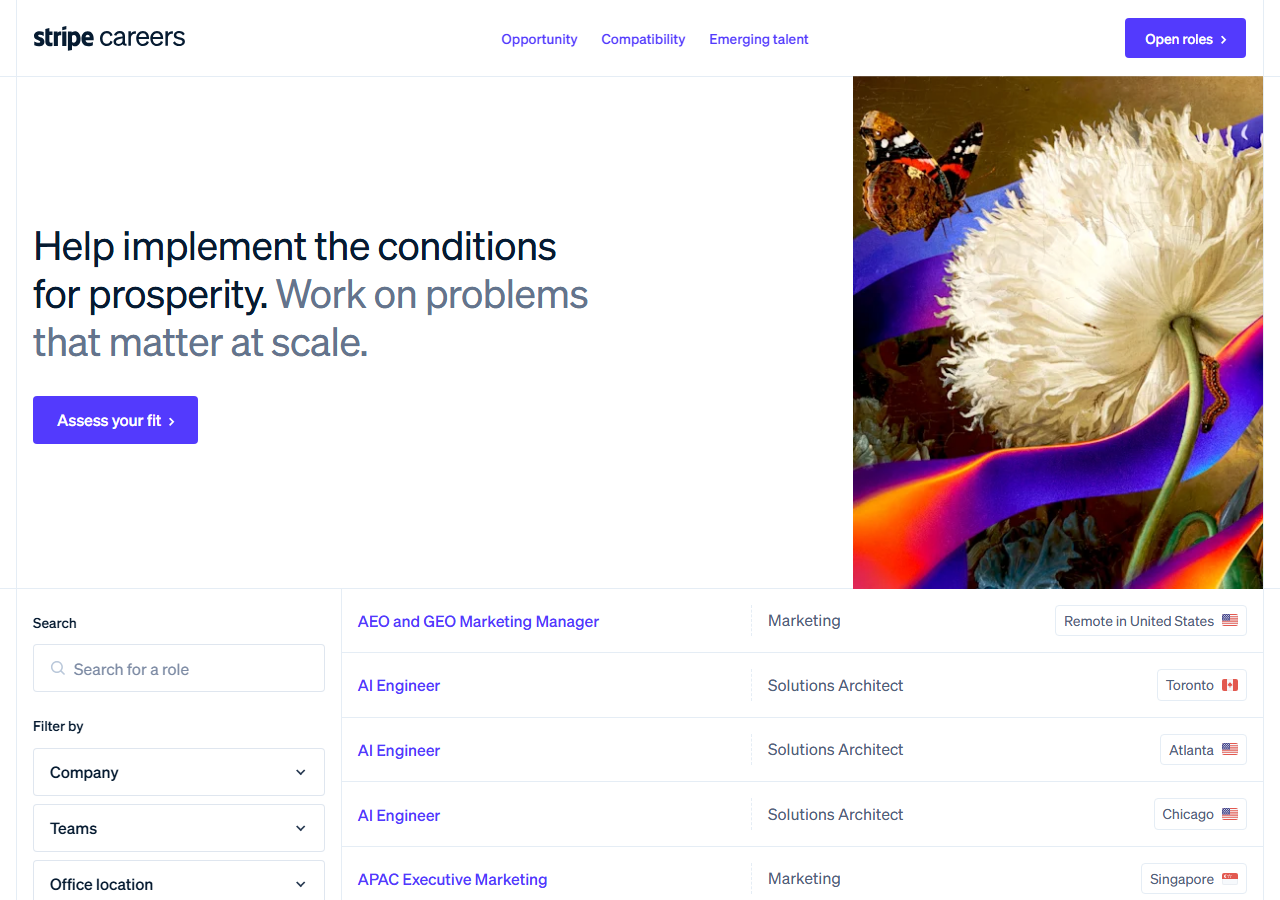
Workday sites are public and you can browse them. But they page twenty roles at a time, so a 2,000-role site is a hundred clicks before you have seen everything, and there is no export button at the end of it.
The addressing is the real obstacle to automating it yourself. A Workday board is not identified by
the company — it needs a tenant name, a numbered pod (wd1, wd5, and so on) and a site name, all
three of which appear in the careers URL. From nvidia.com alone, the actor asks each live pod
for a tenant named nvidia; the right one answers its robots.txt with the list of its careers
sites. Because a tenant name is picked by the employer, a short brand could belong to someone else,
so the tenant is accepted only when one of its sites or the hiring organisation on a live job names
the company. On 31 October 2026 that resolved nvidia.com, salesforce.com, disney.com and
intel.com. Boeing’s tenant names neither, so it returns a free row asking for workday:boeing or
the careers URL rather than a guess.
The faster way
Greenhouse, Lever, Ashby & Workday Jobs Scraper with Salaries does the same search once and hands back every row at once.
{
  "company": "https://nvidia.wd5.myworkdayjobs.com/en-US/NVIDIAExternalCareerSite",
  "maxResults": 100
}
A domain ("company": "nvidia.com") works for most large Workday employers. The careers URL, as it
appears in your browser on the employer’s Workday site, always works: the tenant, the pod and the
site name are all in it, so the actor takes them from the URL rather than looking. maxResults is a per-company cap — useful here precisely because
these sites are large; the run log always states the site’s own total next to the number returned,
so you can see what you capped.
What comes back
{
  "source_url": "https://job-boards.greenhouse.io/vercel/jobs/6136160004",
  "company": "vercel.com",
  "company_name": "Vercel",
  "ats": "greenhouse",
  "ats_slug": "vercel",
  "detected_by": "slug_match",
  "job_id": "6136160004",
  "title": "Account Executive, Commercial",
  "department": "Account Executive",
  "team": null,
  "location": "Hybrid - London",
  "locations": [
    "Office - London"
  ],
  "remote": null,
  "employment_type": null,
  "posted_at": "2026-08-06T12:50:10-04:00",
  "posted_text": null,
  "updated_at": "2026-08-18T18:06:19-04:00",
  "apply_url": "https://job-boards.greenhouse.io/vercel/jobs/6136160004",
  "requisition_id": null,
  "description": null
}| Field | Example value | Meaning |
|---|---|---|
company | vercel.com | The value you submitted — domain, careers URL or explicit board |
company_name | Vercel | Employer name as the board states it (Greenhouse and SmartRecruiters publish it; Ashby, Lever and Workday do not, so it is null there) |
ats | greenhouse | greenhouse, lever, ashby, smartrecruiters or workday |
ats_slug | vercel | The board identifier on that ATS |
detected_by | slug_match | How the board was matched: explicit, careers_page, or slug_match |
job_id | 6136160004 | The board’s own job identifier — stable across runs, so it de-duplicates |
title, location and apply_url are filled on every row, and requisition_id carries the
employer’s own internal reference — useful when you are talking to someone inside the company who
knows the req number but not the job title.
One column behaves differently here and you should know why. Workday does not publish a posting
date; it publishes a phrase like “Posted Today”. So posted_at is null on these rows and
posted_text holds the phrase verbatim. Converting “Posted Today” into a date would look tidier
and would be a number nobody actually stated.
What you’d do with it
Export to CSV or pull from the API, then group by department and location to see where a large employer is actually investing — which is far more legible from 2,000 rows in a sheet than from a hundred pages of a careers site. Because the rows share a schema with the Greenhouse, Lever, Ashby and SmartRecruiters output, a Workday employer sits in the same table as everyone else on your list.
Worth knowing
Workday rows are among the sparsest of the eight systems. No posting date, as above. No employer name
from the board, so company_name is null. No remote flag either — where it is set, it has been
read from the location wording rather than a field, and a location that says nothing about remote
work leaves it null rather than guessing false.
Workday publishes no pay field, so these rows carry no salary (Greenhouse, Ashby and Lever boards do, where the employer posted a range), and there is no model-generated enrichment of any kind. Because there is no posting date, use ‘Only jobs new since my last run’ rather than ‘Posted on or after’ for a recurring Workday feed. And when a domain cannot be tied to a Workday tenant (Walmart runs its own careers site; Boeing’s tenant never names Boeing), you get a free row saying so and naming the input that would work, never an empty result.
Run it yourself: How to run Greenhouse, Lever, Ashby & Workday Jobs Scraper with Salaries walks the whole thing step by step.
Every open job at a company, from its career page — for the employers whose board is found from the domain alone, which is most of them.
Business Email, Phone & Contact Details Scraper — when you need contact details for those employers rather than their open roles.
Last updated 2026-10-31