Use case
Every Open Job at a Company, From Its Career Page
Give a company domain and get every open role from the ATS behind its career page — title, team, location, posting date and apply link.
Say you are sourcing for a design-systems role and you have a shortlist of forty companies you would poach from. You want to know what each one is hiring for right now — not what a job board indexed last week, and not the subset that pays to be listed. You want the roles as the employer posted them, with the real apply link.
The obvious way is to open forty careers pages. It works, and it is a couple of hours you will spend again the moment your shortlist changes.
The manual way, and what it costs
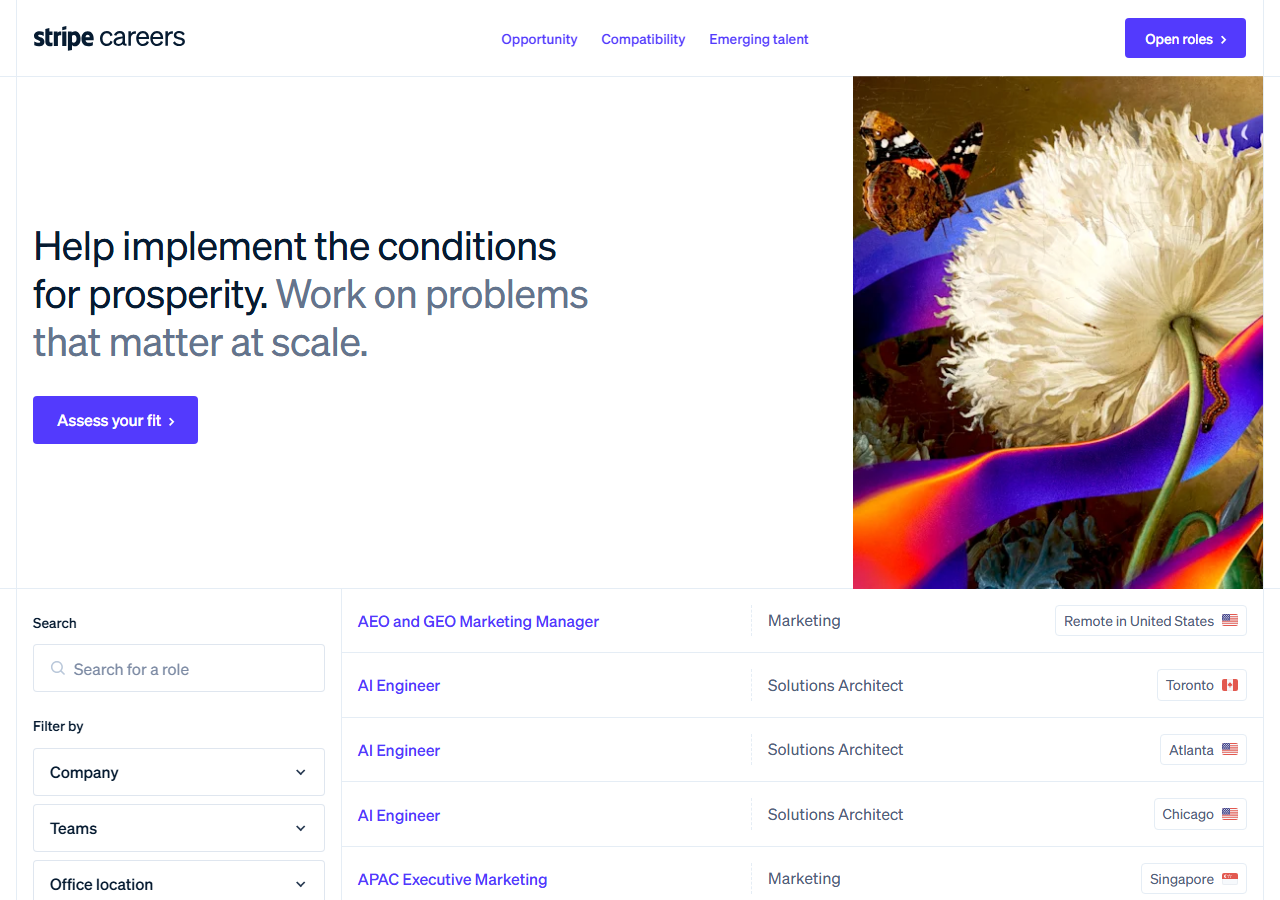
Every one of these boards is public and free to read. If your shortlist is three companies, open the three careers pages — you will be done before you finish reading this page, and you should.
It stops being reasonable at scale, for a specific reason. There is no single “careers page” to scrape: Stripe runs Greenhouse, Notion runs Ashby, Gopuff runs Lever, NVIDIA runs Workday, and each presents its listings differently. Most render the list in JavaScript, so even a general-purpose web scraper pointed at the careers URL comes back with an empty page or a fragment. And none of them offers an export — you are reading and copying, per company, every time you want a refresh.
The faster way
Greenhouse, Lever, Ashby & Workday Jobs Scraper with Salaries does the same search once and hands back every row at once.
{
  "companies": [
    "stripe.com",
    "notion.so",
    "figma.com"
  ],
  "maxResults": 100
}
Three domains, nothing else. You do not tell it which applicant-tracking system each company runs,
because that is the part you would otherwise have to look up: it identifies the board itself and
reads it. maxResults is per company, so 100 means “up to 100 roles from each of them”, not 100
between them — the distinction matters because these boards are big, and a run-wide cap would make
the last companies in your list look like they had stopped hiring.
What comes back
{
  "source_url": "https://job-boards.greenhouse.io/vercel/jobs/6136160004",
  "company": "vercel.com",
  "company_name": "Vercel",
  "ats": "greenhouse",
  "ats_slug": "vercel",
  "detected_by": "slug_match",
  "job_id": "6136160004",
  "title": "Account Executive, Commercial",
  "department": "Account Executive",
  "team": null,
  "location": "Hybrid - London",
  "locations": [
    "Office - London"
  ],
  "remote": null,
  "employment_type": null,
  "posted_at": "2026-08-06T12:50:10-04:00",
  "posted_text": null,
  "updated_at": "2026-08-18T18:06:19-04:00",
  "apply_url": "https://job-boards.greenhouse.io/vercel/jobs/6136160004",
  "requisition_id": null,
  "description": null
}| Field | Example value | Meaning |
|---|---|---|
company | vercel.com | The value you submitted — domain, careers URL or explicit board |
company_name | Vercel | Employer name as the board states it (Greenhouse and SmartRecruiters publish it; Ashby, Lever and Workday do not, so it is null there) |
ats | greenhouse | greenhouse, lever, ashby, smartrecruiters or workday |
ats_slug | vercel | The board identifier on that ATS |
detected_by | slug_match | How the board was matched: explicit, careers_page, or slug_match |
job_id | 6136160004 | The board’s own job identifier — stable across runs, so it de-duplicates |
apply_url is the one that closes the loop — it is the link the employer published, so you can
send it to a candidate without it dying in a redirect. title, department and location are
what you filter your forty companies down to the design-systems roles.
detected_by is worth a glance the first time. It records how each board was matched to the
company: explicit if you named the board, careers_page if the company’s own site linked it, and
slug_match if the board’s name was derived from the domain and then confirmed by the vendor
stating the matching company name. If a company’s rows ever look wrong, that column tells you where
to look.
What you’d do with it
Export the dataset to CSV and filter it in a sheet, or pull it from the API straight into your
ATS or CRM. Because job_id is the board’s own identifier and is stable between runs, you can
re-run this next week and diff on that column to see exactly which roles are new and which have
been filled — no title-matching heuristics required.
Worth knowing
It covers eight applicant-tracking systems: Greenhouse, Lever, Ashby, Workday, SmartRecruiters, Workable, Recruitee and Breezy. A company on any other one, or hosting its own board, will not resolve — you get a free row saying so rather than a silent gap.
Automatic detection from a domain alone worked for 11 of 14 companies tested on 6 September 2026.
The three misses were careers pages rendered entirely in JavaScript, which expose no board link to
read; those still work if you paste the careers URL or name the board directly. Since 31 October
2026 large Workday employers resolve from the domain too (nvidia.com, salesforce.com,
disney.com), when something on their Workday tenant names the company.
Salary ranges come back wherever the employer posted one on Greenhouse, Ashby or Lever (on 31 October 2026: 93 of 140 Figma jobs, 645 of 810 OpenAI jobs; Stripe posted none on its board). Workday and SmartRecruiters publish no pay field. Nothing in the output is inferred by a model, and no candidate or personal data is added.
Run it yourself: How to run Greenhouse, Lever, Ashby & Workday Jobs Scraper with Salaries walks the whole thing step by step.
New job postings this week across a company list — when you already have the baseline and only want what changed since.
Business Email, Phone & Contact Details Scraper — when you need to reach those employers rather than list their openings.
Last updated 2026-09-06