Use case
Every Spotify podcast episode that mentions your brand
Search Spotify podcasts for a brand, keep only episodes whose transcript says it, with each mention timestamped and linked. Follow mode: new episodes only.
Say you’re on the communications team at Shopify and your boss wants a Monday list of every podcast that talked about the company last week: who said it, what they said, and a link to the moment. Spotify lists 1,000 episodes for the search “Shopify”, and the titles only tell you which ones are about Shopify, not which ones mention it in passing. The ten most relevant episodes alone run 8.6 hours.
The manual way, and what it costs
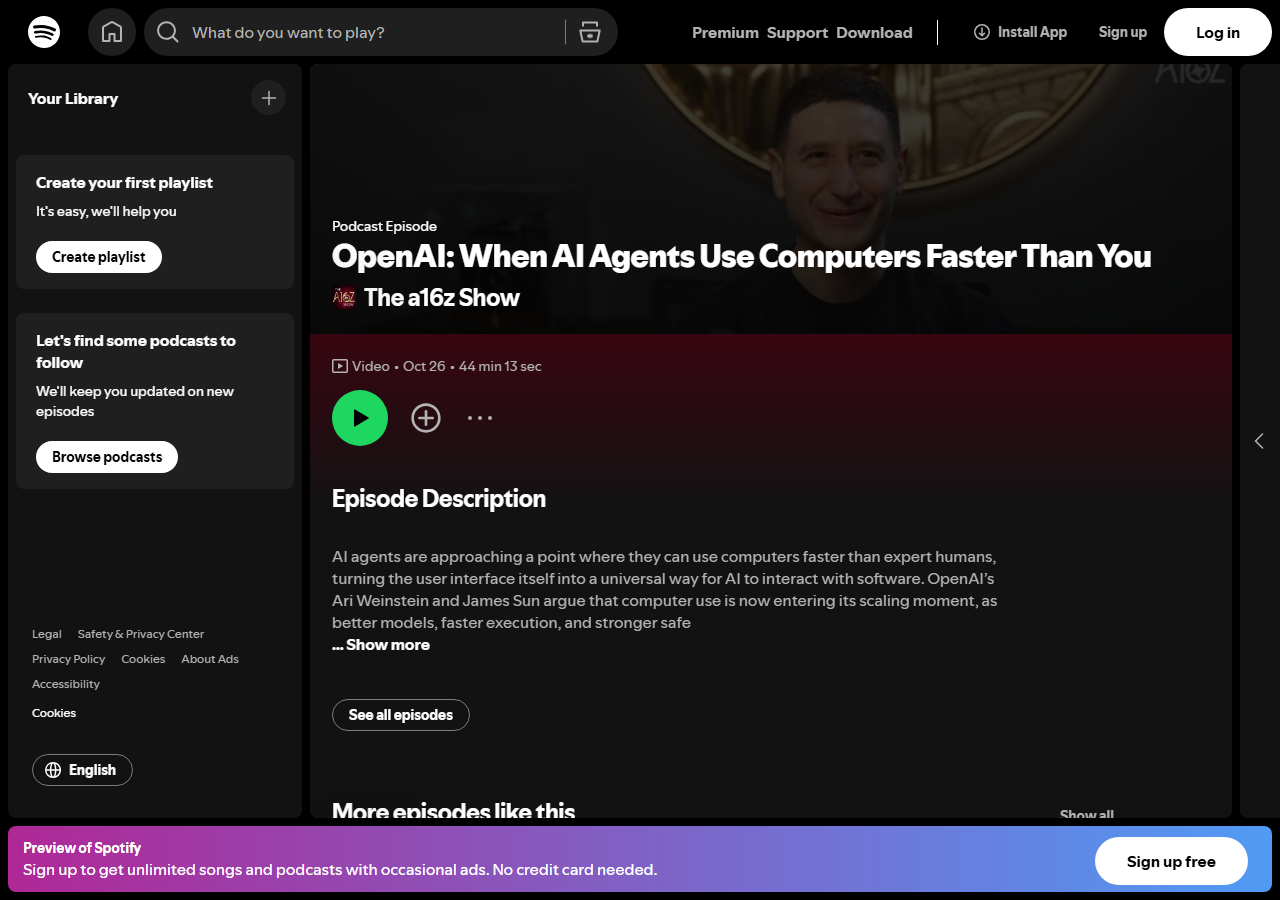
Spotify’s app is the manual way, and for one episode it works: sign in, open the episode, open its transcript tab and use your browser’s find. For a weekly report it stops working. Each episode is a separate page, the transcript can’t be exported, and the timestamp of a line has to be copied by hand. If you follow two or three podcasts and already listen to them, the app is all you need.
The faster way
Spotify Podcast Transcript Scraper & Keyword Monitor does the same search once and hands back every row at once.
{
  "searchQueries": [
    "Shopify"
  ],
  "keywords": [
    "Shopify"
  ],
  "maxEpisodes": 10,
  "onlyNew": true,
  "includeTimestamps": false
}
searchQueries finds episodes the way Spotify’s search box does, by title and description. keywords then checks what was actually said: an episode is delivered only if its transcript says “Shopify” as a whole word, and every line that does comes back with its time. onlyNew is what makes it a weekly job. The actor remembers the episodes this follow already delivered, so next Monday’s run returns, and charges for, only new ones. includeTimestamps: false drops the line-by-line copy of each transcript, which you don’t need when mentions already carries the lines that matter.
What comes back
On 2026-11-04 that input returned 10 episodes in 9 seconds, with 255 mention lines between them. One row, shortened:
{
  "episode_id": "6NK5LxOp6alyDtAFiS9REw",
  "episode_url": "https://open.spotify.com/episode/6NK5LxOp6alyDtAFiS9REw",
  "episode_name": "Tobi Lütke, Shopify",
  "show_name": "David Senra",
  "release_date": "2026-01-18",
  "duration_seconds": 8621,
  "language": "en-us",
  "available_languages": ["en-us", "de-de", "pt-br", "fr-fr"],
  "sync_level": "SYLLABLE_SYNCED",
  "word_count": 27872,
  "mention_count": 40,
  "mentions": [
    {
      "keyword": "Shopify",
      "timestamp": "00:10:24",
      "text": "It's we actually we see it from inside, like it was the first category of music that just like killed it on Shopify.",
      "url": "https://open.spotify.com/episode/6NK5LxOp6alyDtAFiS9REw?t=624"
    }
  ],
  "text": "One of the things I admire most about you is like you've been running your company for 21 ...",
  "query": "search: Shopify"
}| Field | Example value | Meaning |
|---|---|---|
show_name | David Senra | The podcast |
episode_name | Tobi Lütke, Shopify | The episode’s title |
mention_count | 40 | Lines in the transcript that say a keyword |
mentions | keyword, 00:10:24, the line, a ?t=624 link | Each mention, with a link that plays from that second |
release_date | 2026-01-18 | Day the episode was published |
text | the full transcript | Every spoken line, for quotes and context |
mentions is the report. Each one is a quote with a time and a link, so the person reading the list can hear the context without scrubbing through a 2-hour-23-minute episode. mention_count sorts the list: 40 lines in a 27,872-word conversation with Shopify’s founder is a feature, while a single mention in an e-commerce show is a passing reference.
What you’d do with it
Save the input as an Apify task and schedule it weekly, then send each run’s rows to a Google Sheet or a Slack channel with an n8n, Make or Zapier step: show_name, episode_name, mention_count and the first mentions link per row. The first run costs $0.20 for these 10 transcripts. After that you pay $0.02 per new episode that says your name, and an episode that never says it costs nothing. Add a competitor to keywords and the same run reports both.
Worth knowing
Search is Spotify’s own ranking by title and description, not a search of the transcripts, so a show that mentions you in an episode about something else won’t be found by search alone. Following that show by its link catches it. Only episodes Spotify has transcribed are covered, and a new episode can get its transcript some hours after release, so a run right after a release may miss it until the next one. The transcripts are Spotify’s machine transcription, with no speaker names and the occasional misheard word. Matching is whole-word and ignores case, so “Shopify’s” counts but a run-together form like “shopifyplus” doesn’t; add such forms as extra keywords if your brand gets spelled that way.
Run it yourself: How to run Spotify Podcast Transcript Scraper & Keyword Monitor walks the whole thing step by step.
Need the episodes themselves rather than the mentions? The newest Joe Rogan Experience transcripts with SRT subtitles pulls a whole show as text and subtitles. Tracking a competitor’s paid media as well? Google Ads Transparency Center & Competitor Ad Scraper lists the ads they run on Google.
Last updated 2026-11-04