How-to
How to run Rhode Island Short-Term Rental Registry Bulk Export & Lookup
Step-by-step: the exact input, what each field does, and the rows that come back from Rhode Island's DBR short-term rental registry.
You want Rhode Island’s short-term rental registrations as a spreadsheet: every active rental in a town, or an answer to whether one address is registered. The Department of Business Regulation’s public search holds 10,373 registrations (3,684 active on 2026-11-03), but it shows them as result cards with no download, and on 7,932 of those cards there is no rental address at all. The address sits on each registration’s own page, one click per property. For a handful of lookups that click is fine. For a town of 400 it is an afternoon.
What you’ll need
Nothing but an Apify account. The actor talks to RI DBR licence search (Tyler) directly.
It needs no API key, no proxy and no account with the DBR: the search hands out an anonymous token, the same way the DBR’s own web page does. Proxy is off by default, and the first runs on Apify on 2026-11-03 worked without one.
Step 1 — Open the actor
Open Rhode Island Short-Term Rental Registry Bulk Export & Lookup on the Apify Store and press Try for free. The actor’s own page on this site lists its live health and pricing.
Step 2 — Fill in the input
| Field | Type | Required | What it does |
|---|---|---|---|
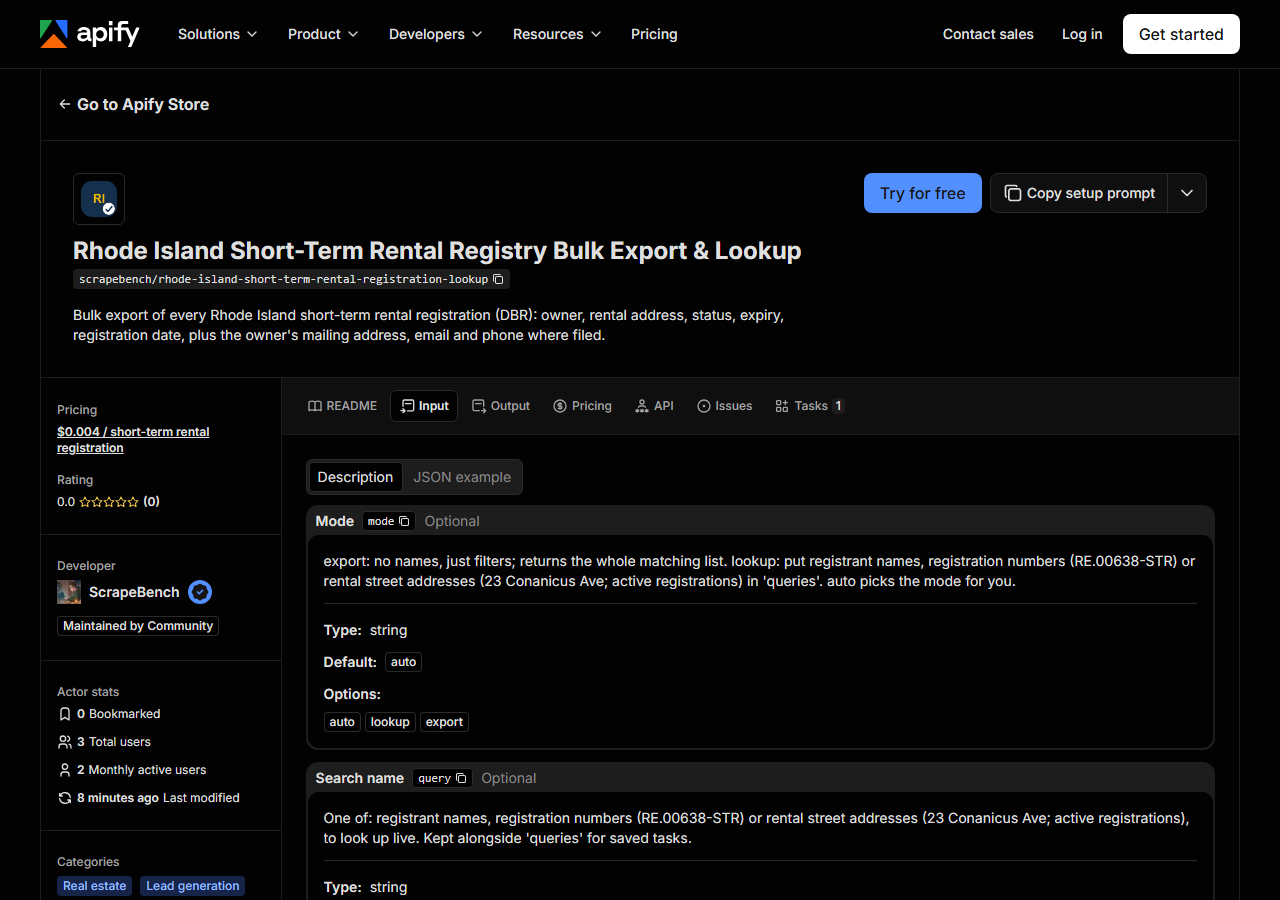
mode | string | no | export: no names, just filters; returns the whole matching list. lookup: put registrant names, registration numbers (RE.00638-STR) or rental street addresses (23 Conanicus Ave;… (default auto) |
query | string | no | One of: registrant names, registration numbers (RE.00638-STR) or rental street addresses (23 Conanicus Ave; active registrations), to look up live. Kept alongside ‘queries’ for… |
queries | array | no | One of: registrant names, registration numbers (RE.00638-STR) or rental street addresses (23 Conanicus Ave; active registrations), to look up live. Several values in one run;… (default []) |
city | string | no | Only listings in this city. Kept alongside ‘cities’ for saved tasks. |
cities | array | no | Only listings in this city. Several values in one run; combined with ‘city’. (default []) |
entity_type | string | no | Only listings in this entity_type. Kept alongside ‘entity_types’ for saved tasks. |
entity_types | array | no | Only listings in this entity_type. Several values in one run; combined with ‘entity_type’. (default []) |
categories | array | no | Only rows from this registration status (one or more). Available: ACTIVE, INACTIVE. (default []) |
maxResults | integer | no | Per query in lookup mode; per run in export mode. (default 500) |
Two fields decide most runs. Put ACTIVE in categories unless you want history: INACTIVE is the
bigger half of the registry (6,689 of 10,373), and a run without a status reads both. And city
matches the town as the registrant wrote it, ignoring case, so add Block Island beside
New Shoreham and Wakefield beside South Kingstown when you export those towns.
A working input:
{
  "categories": [
    "ACTIVE"
  ],
  "city": "Jamestown",
  "maxResults": 100
}
To check specific rentals instead, leave the filters empty and list them in queries: a
registration number like RE.00638-STR, a street address like 63 Buoy St, or a registrant name.
Step 3 — Run it
Press Start. Rows are pushed to the dataset as they’re found, so the run log fills in as it works.
Our Jamestown run on 2026-11-03 returned 131 active registrations in 174 seconds, and all 3,684 active registrations in the state took 453 seconds. Most of that time goes to reading the detail page of each registration whose search card has no address, so a town export costs nearly as much time as the state. Lookups by number or name answer in seconds (the first Apify run, two lookups, took 17 seconds). An empty result comes with a free notice saying why: no match, or the run’s time ran out.
Step 4 — Read the output
Each run returns a labelled table, not raw JSON:
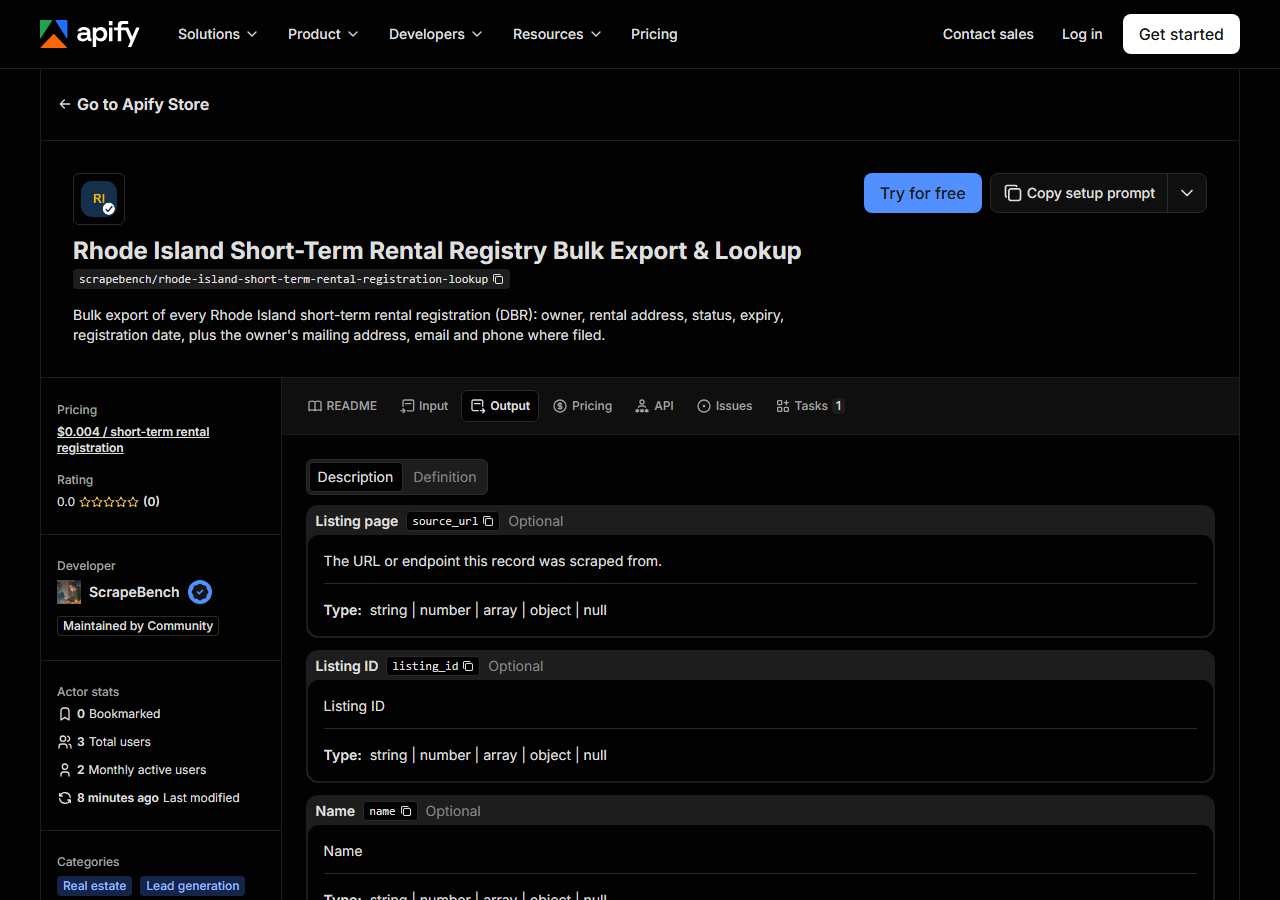
Every row looks like this, a real row from a real run:
{
  "listing_id": "RE.0201549.STR",
  "name": "Simplify Real Estate Trust",
  "street": "11 Tupelo Trail",
  "city": "Narragansett",
  "region": "Rhode Island",
  "postal_code": "02882",
  "country": "US",
  "category": "Short-Term Rental",
  "categories": [
    "Short-Term Rental"
  ],
  "source": "live",
  "source_url": "https://ridbrprod-search.state-reg-eastern.tylerapp.com/#RE.0201549.STR",
  "extras": {
    "status": "ACTIVE",
    "expires": "2027-02-04",
    "registered": "2026-02-05",
    "entity_type": "Organization",
    "tyler_id": "C228959",
    "mailing_street": "3 Lark Ln",
    "mailing_city": "Norwalk",
    "mailing_region": "Connecticut",
    "mailing_postal_code": "06851",
    "mailing_country": "United States"
  }
}| Field | Example value | Meaning |
|---|---|---|
listing_id | RE.0201549.STR | DBR registration number (e.g. RE.0201549.STR or RE.00638-STR) |
name | Simplify Real Estate Trust | Registrant, as the DBR prints it (“Last, First” for most individuals) |
street | 11 Tupelo Trail | Street address of the short-term rental |
city | Narragansett | Town of the rental, as written on the registration |
postal_code | 02882 | ZIP code of the rental |
extras.status | — | ACTIVE or INACTIVE |
extras.expires | — | Registration expiry date |
extras.registered | — | Date the rental was first registered |
The rental address is what most people come for, and it is filled on 3,682 of the 3,684 active rows;
the other 2 registrations have none on file. The mailing address is the registrant’s own and is
present on 1,255 active rows (34%). The row above is the useful case, a Narragansett rental owned
from Norwalk, Connecticut. Email turns up on 125 active rows and phone on 5, so do not plan a call
list around them. Names keep the DBR’s spelling and case, which is inconsistent (deresky, john).
Step 5 — Export it
Open the Dataset tab and export to CSV, JSON, or Excel, or pull the same rows from the API, which is what you want if this is going to run on a schedule.
What it costs
You pay $0.004 per registration returned, and notices (no match, out of time) are free. One town of 131 active registrations is about $0.52; every active registration in the state is 3,684 × $0.004 = $14.74. Apify platform usage is billed by Apify on top, per your plan.
Where the data comes from
This reads RI DBR licence search (Tyler) directly: the JSON behind the DBR’s public licence search, an anonymous token, then a search that pages 1,000 cards at a time and one details call per registration. Twice a day our checker looks up two known registrations through the live source, and the first customer-style run on Apify passed on 2026-11-03. What “verified” means.
The awkward part is the address. Older registrations (number format RE.00638-STR) carry no address
on their search card, the search cannot be asked for a street, and its city filter matches only the
cards that show one: city=Newport returned 261 registrations, exactly the cards with a Newport
address. So the actor reads those registrations one by one and filters the town itself.
See it used
Newport short-term rental registrations pulls every active Newport registration with its owner’s mailing address, the list a property manager or a cleaning company would start from.
For Rhode Island contractors instead of rentals, the Rhode Island contractor registration lookup covers the CRLB’s 31,869 registrations.
Last updated 2026-11-03