How-to
How to run Chamber of Commerce Member Directory & Business Leads Scraper
Step-by-step: the exact input, what each field does, and the rows that come back — including the email a chamber never publishes.
A local Chamber of Commerce publishes its entire membership on a public directory — hundreds of businesses in a town, each with an address, a phone number, a website and a category. It is one of the cleanest lists of real, active local businesses you can get. What the directory will not do is hand it to you as a spreadsheet. You get a paginated, one-business-per-page website, and if you want it as rows you copy and paste your way through it. Worse, the one field an outreach list actually needs — an email — is never there, because chambers do not publish member emails. This actor turns the whole directory into structured rows, and optionally goes and finds the email on each member’s own website.
What you’ll need
Nothing but an Apify account. The actor talks to the directory directly.
No API key, no CAPTCHA credentials, no proxy. Chamber directories on the GrowthZone/ChamberMaster platform serve their member pages to ordinary datacenter IPs, so proxy configuration is off by default and you can leave it that way. The optional email enrichment crawls each member’s own public website — also no proxy, no login — so there is nothing extra to set up or pay a third party for.
Step 1 — Open the actor
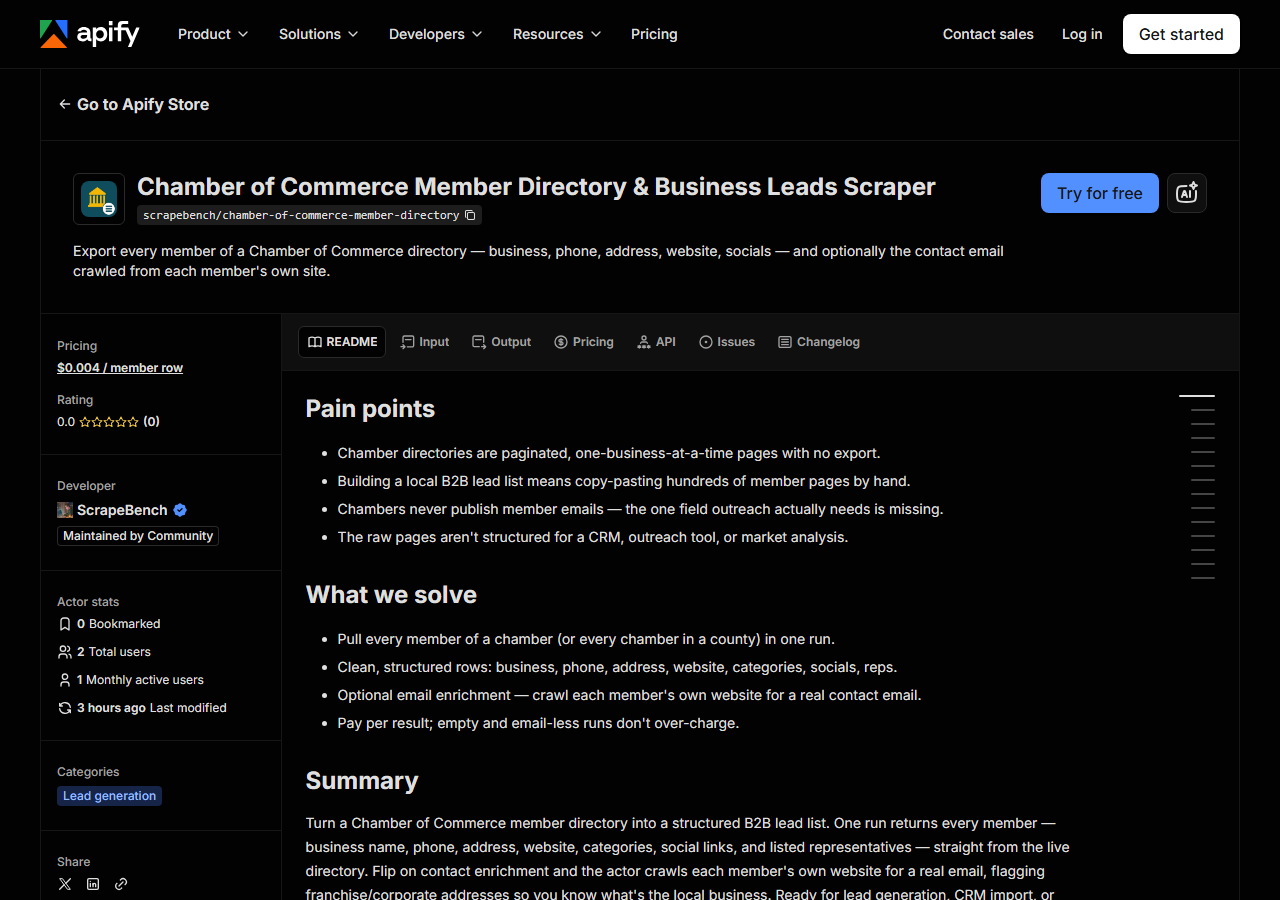
Open Chamber of Commerce Member Directory & Business Leads Scraper on the Apify Store and press Try for free. The actor’s own page on this site lists its live health and pricing.
Step 2 — Fill in the input
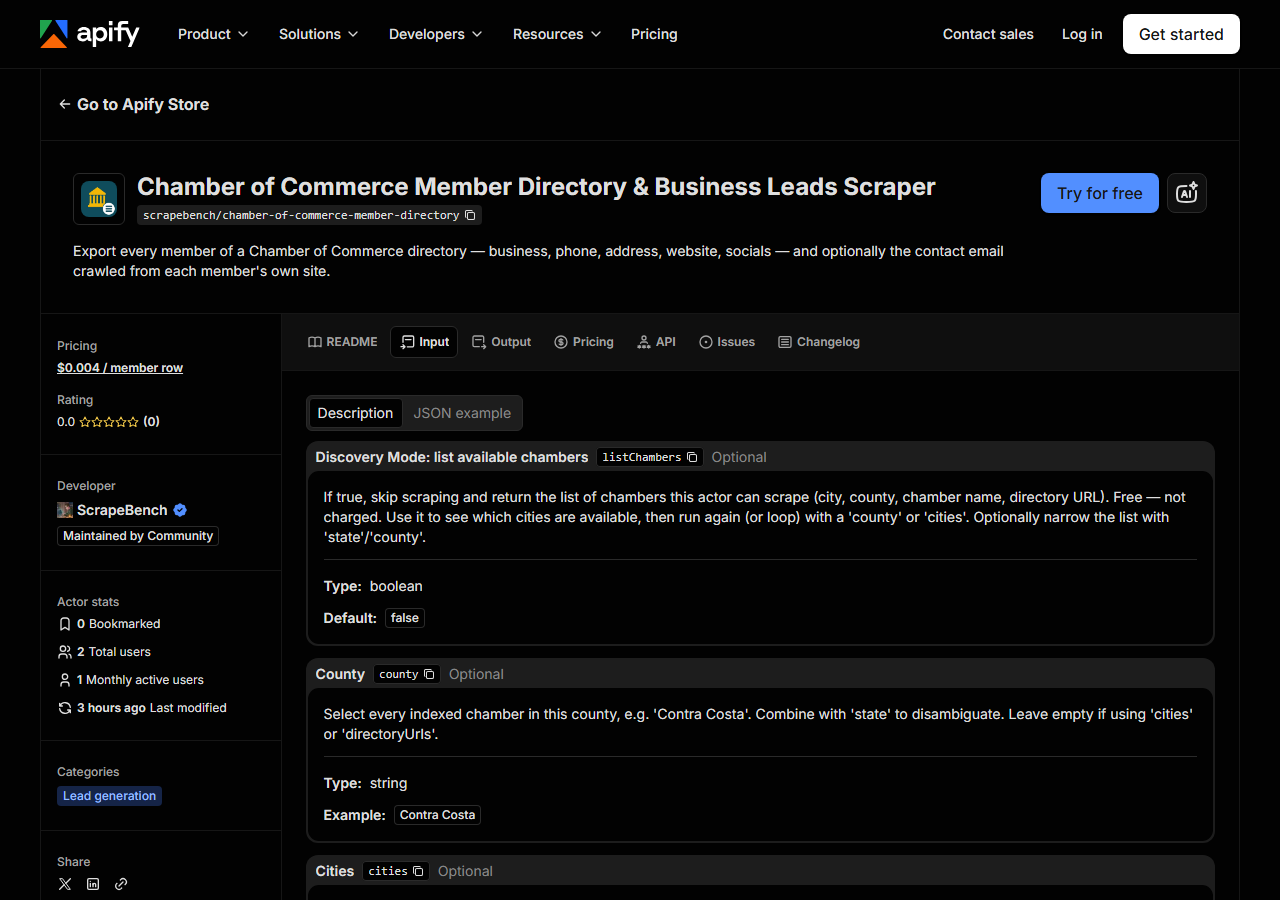
| Field | Type | Required | What it does |
|---|---|---|---|
listChambers | boolean | no | If true, skip scraping and return the list of chambers this actor can scrape (city, county, chamber name, directory URL). Free — not charged. |
county | string | no | Select every indexed chamber in this county, e.g. ‘Contra Costa’. Combine with ‘state’ to disambiguate. |
cities | array | no | Select indexed chambers in these cities, e.g. [‘Concord’, ‘Danville’]. Case-insensitive. |
state | string | no | Two-letter state code to scope ‘county’/‘cities’ matching, e.g. ‘CA’. |
categories | array | no | Keep only members whose chamber category contains any of these terms (case-insensitive substring), e.g. [‘insurance’]. |
enrichContacts | boolean | no | If true, crawl each member’s own website for a contact email. Off by default. |
maxResults | integer | no | Cap on member rows returned in one run. Leave empty to return every member. |
directoryUrls | array | no | Escape hatch for a GrowthZone/ChamberMaster chamber not yet in the registry — its base directory URL. |
Two decisions matter, and the rest are refinements. First, which chambers — set county to pull
every indexed chamber in a county at once (Contra Costa gets you Concord, Danville and San Ramon in
one run), or set cities to pick specific towns. Add state so Contra Costa doesn’t collide with
a same-named county elsewhere. If you’re not sure what’s available, run once with listChambers: true
— it’s free, skips the scrape, and returns the exact list of cities and chambers you can target, so
you can pick or loop.
Second, enrichContacts. Off, you get the fast, cheap directory scrape — business, phone,
address, website, socials. On, the actor takes each member’s website and crawls it for a contact
email, adding the emails and franchise-flag fields. That email is the whole
reason most people run this, so most people turn it on — but it’s a toggle because the plain
directory pull is genuinely useful on its own and there’s no reason to make you pay for enrichment
you don’t want.
A working input:
{
  "cities": ["Concord"],
  "state": "CA",
  "enrichContacts": true,
  "maxResults": 25
}
Step 3 — Run it
Press Start. Rows are pushed to the dataset as they’re found, so the run log fills in as it works.
A healthy run pulls the member list, then fetches each member page, then — if enrichment is on —
crawls each member’s website. Phone and website land on roughly nine members in ten; the email lands
on roughly half to two-thirds of the members that have a website, because not every business puts an
address on its own site. An empty run is almost always the filter, not the actor: a misspelled city,
a state that doesn’t match, or a categories term that no member matches all return zero rows.
Zero rows costs nothing — the actor charges per member row, so a filter that matches nothing is free.
Step 4 — Read the output
Each run returns a labelled table, not raw JSON:
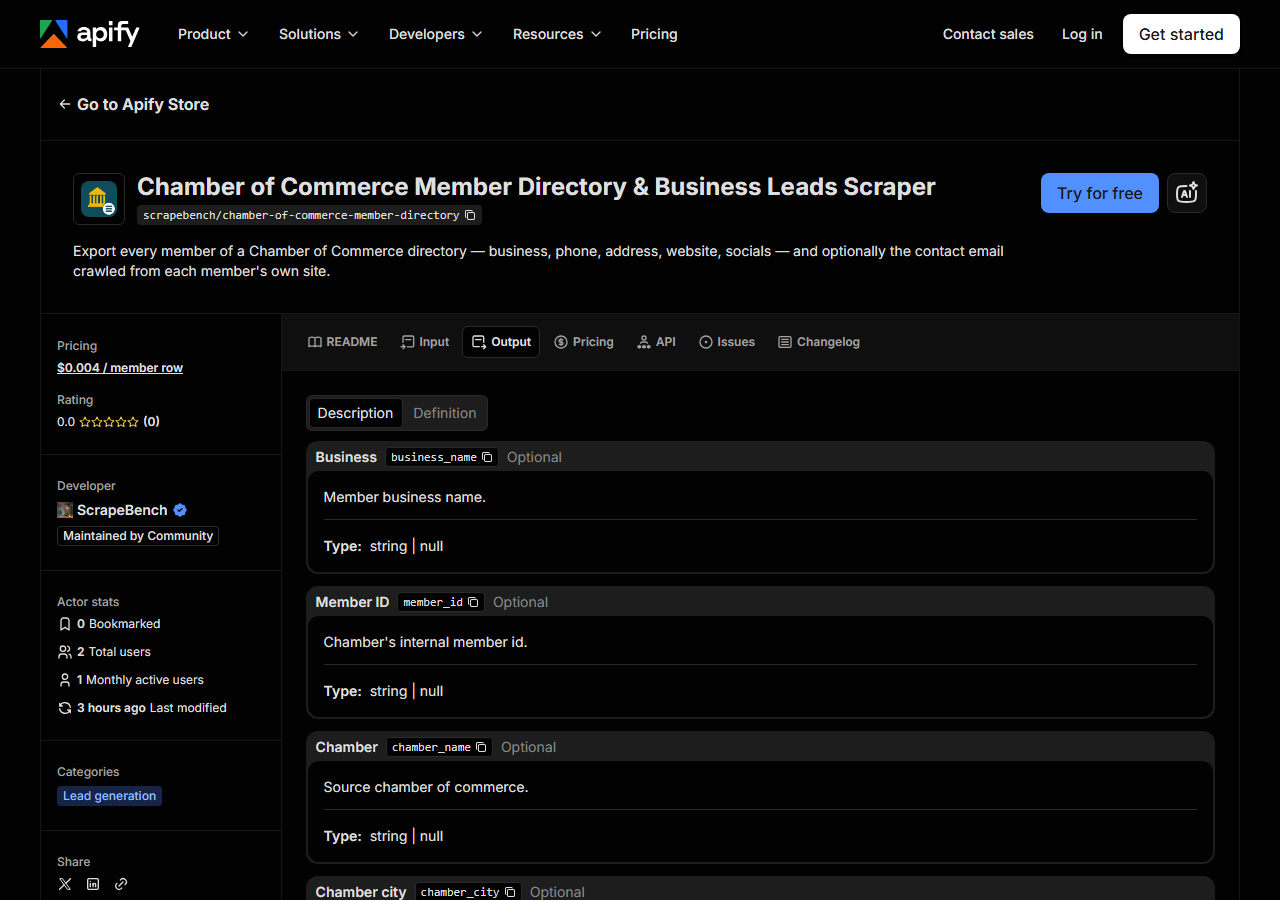
Every row looks like this — a real row from a real run:
{
  "business_name": "A2Z Media Group, LLC",
  "chamber_name": "Concord Chamber of Commerce",
  "phone": "(415) 404-6407",
  "address": "1350 Arnold Dr., Suite 201",
  "city": "Martinez",
  "zip_code": "94553",
  "website": "http://a2zmediagroup.com",
  "categories": ["Marketing/Advertising"],
  "facebook": "https://www.facebook.com/A2ZMediaGroup/",
  "linkedin": "https://www.linkedin.com/company/a2z-media-group/",
  "contact_reps": [{ "name": "Zuleyka Jinks", "title": "Owner/Partner" }],
  "emails": [
    { "email": "info@a2zmediagroup.com", "source_url": "http://a2zmediagroup.com/contact", "type": "generic", "confidence": "high" }
  ],
  "email_domain_matches_website": true,
  "source_url": "https://business.concordchamber.com/list/member/a2z-media-group-llc-12179"
}| Field | Example value | Meaning |
|---|---|---|
business_name | A2Z Media Group, LLC | Member business name |
phone | (415) 404-6407 | Business phone |
website | http://a2zmediagroup.com | Business website |
contact_reps | [{name, title}] | Listed representatives, from the chamber |
emails | [{email, type, confidence}] | Emails crawled from the member’s own site |
email_domain_matches_website | true | false = a franchise/corporate address, not the local business |
The emails array is what people came for, and it’s the field no chamber directory gives you — each
address is crawled from the member’s own website, tagged generic (info@), role (sales@) or
personal (a named person), with a source_url so you can see which page it came from. Two things
protect you from bad data. email_domain_matches_website: false is the franchise flag: when a
local Anytime Fitness page only yields customercare@anytimefitness.com, that’s corporate, not the
franchisee, and the flag tells you so. A member has no email when its site had none, blocked the crawl (or its listed URL isn’t a
usable address), offered only an off-domain address, or was not reached in time. That last
one is the honest edge of a big sweep: crawling ~880 member websites is the slow part of a
whole-county run, so enrichment gets a fixed slice of the run’s time and anything past it is
returned unenriched rather than the run timing out and delivering nothing. Narrow the run (one city,
or a categories filter) to enrich everything. Members with no website simply have empty enrichment
fields. Everything else is nullable — a member who didn’t list a LinkedIn just has null there.
Step 5 — Export it
Open the Dataset tab and export to CSV, JSON, or Excel — or pull the same rows from the API, which is what you want if this is going to run on a schedule.
What it costs
$0.004 per member row. A run returning 500 members across a county’s chambers costs $2.00, whether or
not enrichment is on — the email is included in the per-member price, not a separate charge. Empty
runs are free and Discovery Mode (listChambers) is free, so exploring what’s available or getting a
filter wrong costs nothing. A county with no indexed chamber returns a free notice row naming it, so
a partial answer never looks like an empty county.
Where the data comes from
This reads the chamber’s live GrowthZone / ChamberMaster directory directly, and — for the email — each member’s own public website. Every night a canary runs this actor against a live directory and diffs the result against a frozen fixture — what “verified” means.
Chamber directories are not bespoke websites; they’re a handful of SaaS platforms, and GrowthZone is a common one — about one in five of the California chambers the U.S. Chamber of Commerce lists serves its member directory from it (our probe of 587 chambers, 2026-11-01). That’s what makes one actor cover many chambers — but it also means the directory URL can’t be guessed (a chamber’s marketing site and its actual member host are often different domains), which is why the actor ships a registry of URLs proven to return members rather than constructing them. The email step is separate work again: the chamber never has the email, so it has to be found on the member’s own site, which is why enrichment is a crawl and not a lookup.
See it used
Two worked scenarios, same actor: Concord Chamber members with contact emails builds a ready-to-send outreach list from a single chamber; All Contra Costa County chamber members pulls every chamber in a county in one run to size a local market.
If you already have the websites — from this actor, a spreadsheet, or anywhere else — and only want the contacts, Business Email, Phone & Contact Details Scraper is the same enrichment engine as a standalone tool: URLs in, contact details out.
Last updated 2026-07-13