How-to
How to run Vermont Professional License Lookup & Leads Scraper (OPR)
Step-by-step: the exact input, what each field does, and the rows that come back from VT OPR profession roster download.
You want a list of licensed Vermont professionals with mailing addresses: residential contractors, nurses, engineers, pharmacists, real estate brokers, or any other licence type the Office of Professional Regulation covers. Or you have a few names or licence numbers to check. OPR gives the lists away through its Profession Roster Download, one spreadsheet per licence type: pick the profession, pick the type, tick the status boxes, download. There were 449 licence types across 52 professions on November 3, 2026. One type is a minute of clicking. Every nurse, or a monthly refresh of several professions, is an evening.
What you’ll need
Nothing but an Apify account. There is no API key, proxy or CAPTCHA solver to set up. The actor does not download the rosters during your run: it reads a stored copy of every roster, which we download from OPR ourselves, so a run takes seconds and the run log states the date of the copy.
Step 1 — Open the actor
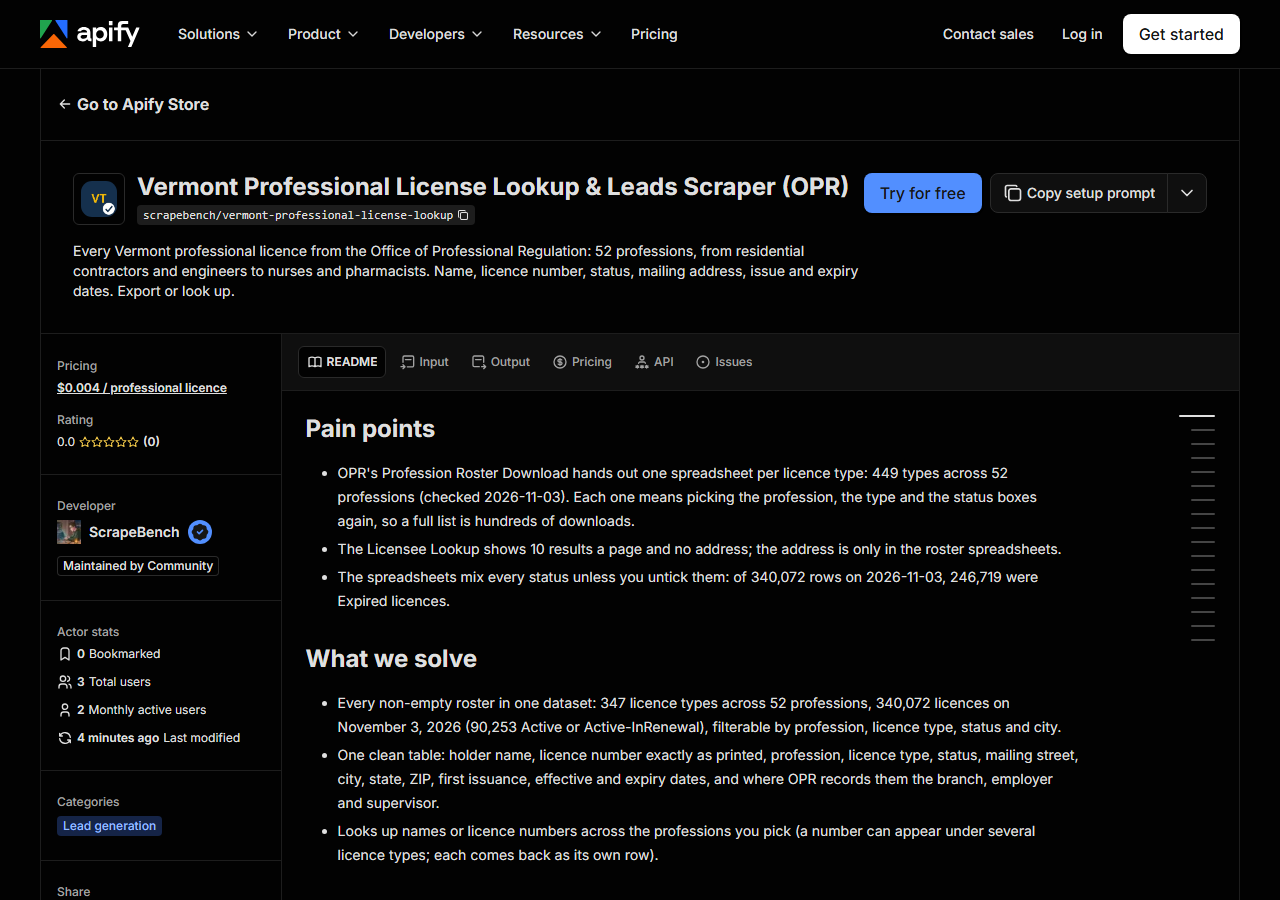
Open Vermont Professional License Lookup & Leads Scraper (OPR) on the Apify Store and press Try for free. The actor’s own page on this site lists its live health and pricing.
Step 2 — Fill in the input
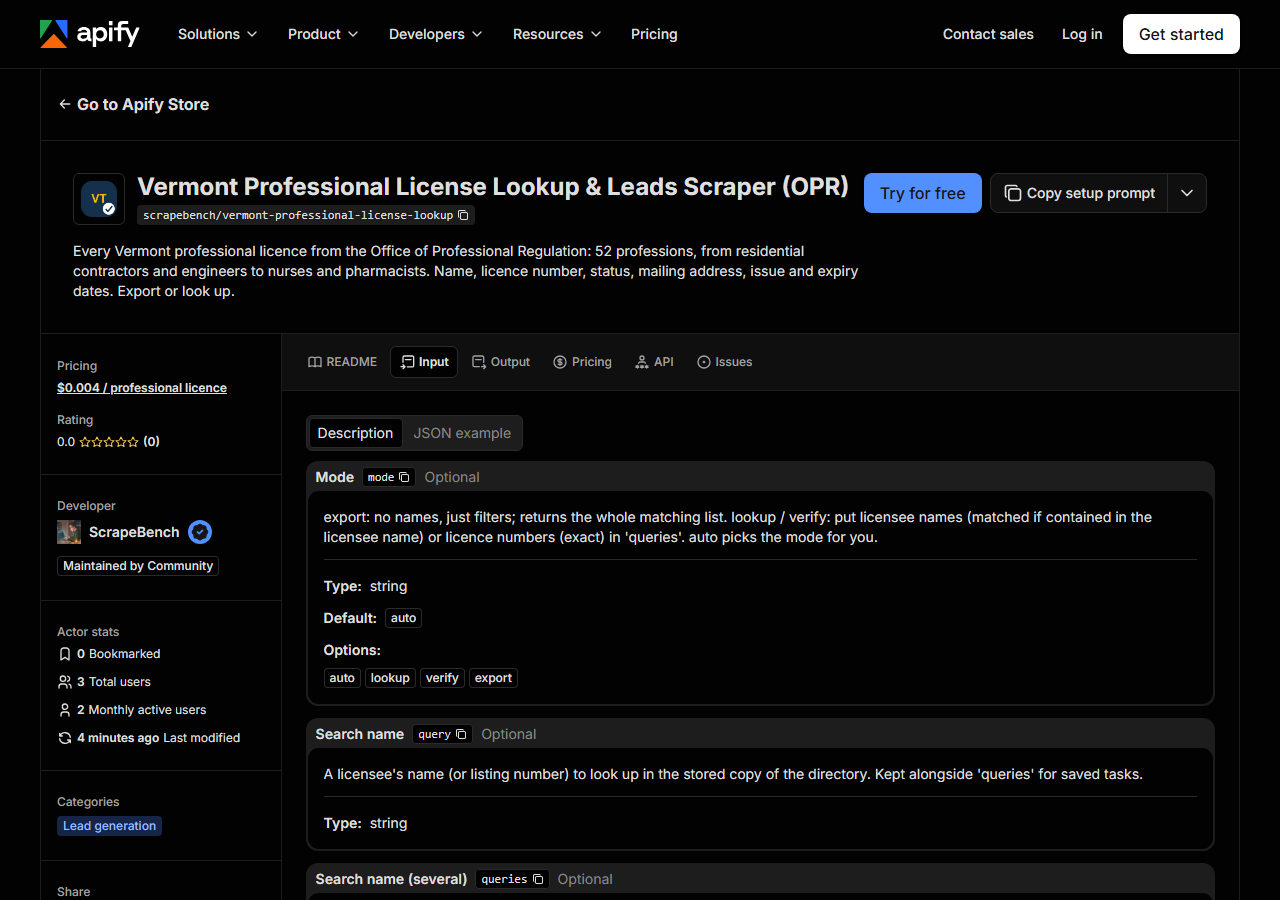
| Field | Type | Required | What it does |
|---|---|---|---|
mode | string | no | export: no names, just filters; returns the whole matching list. lookup / verify: put licensee names (matched if contained in the licensee name) or licence numbers (exact) in… (default auto) |
query | string | no | A licensee’s name (or listing number) to look up in the stored copy of the directory. Kept alongside ‘queries’ for saved tasks. |
queries | array | no | A licensee’s name (or listing number) to look up in the stored copy of the directory. Several values in one run; combined with ‘query’. (default []) |
profession | string | no | Only listings in this profession. Kept alongside ‘professions’ for saved tasks. |
professions | array | no | Only listings in this profession. Several values in one run; combined with ‘profession’. (default []) |
status | string | no | Only listings in this status. Kept alongside ‘statuses’ for saved tasks. |
statuses | array | no | Only listings in this status. Several values in one run; combined with ‘status’. (default []) |
city | string | no | Only listings in this city. Kept alongside ‘cities’ for saved tasks. |
cities | array | no | Only listings in this city. Several values in one run; combined with ‘city’. (default []) |
categories | array | no | Only rows from this licence type (one or more). Available: 503B Outsourcer, Accounting Firm, Accounting Firm - Temporary License, Acupuncture Detoxification Technician,… (default []) |
maxResults | integer | no | Per query in lookup mode; per run in export mode. (default 500) |
Two fields decide almost everything. statuses comes first, because OPR’s rosters keep every
licence it ever issued: of 340,072 rows on November 3, 2026, 246,719 were Expired. Leave it empty
and most of what you pay for is dead licences. For a live list set it to Active and
Active-InRenewal; leave it empty only when you are checking a licence and want to see an expired or
suspended one too. The second is what to export: professions takes OPR’s profession names
(Nursing, Engineering, Residential Contractors) and returns every licence type under them,
while categories takes exact licence types (Registered Nurse, Professional Engineer). A
profession often holds temporary, provisional and telehealth types next to the main one, so
professions: ["Nursing"] brings back more than categories: ["Registered Nurse"]. A name the
actor does not know returns the full list of licence types as a free row. cities matches the
mailing city as OPR prints it.
A working input:
{
  "categories": [
    "Residential Contractor - Business",
    "Residential Contractor - Individual"
  ],
  "statuses": [
    "Active",
    "Active-InRenewal"
  ],
  "maxResults": 500
}
For a lookup instead, set mode to lookup, put names (Twin Pines) or licence numbers
(174.0000001) in queries, and narrow it with professions or categories if you know them. A
name matches if it is contained in the holder’s name; a number matches exactly.
Step 3 — Run it
Press Start. Rows are pushed to the dataset as they’re found, so the run log fills in as it works.
The input above returned all 1,652 active residential contractor licences in about a second in a local test, and the first customer run (3 rows) finished in 9 seconds. The run log names the date of the stored copy it read. An empty result almost always means a value spelled differently from OPR’s words, a city with no licensees of that type, or a name the rosters do not hold; each of those returns a free notice, not a charge.
Step 4 — Read the output
Each run returns a labelled table, not raw JSON:
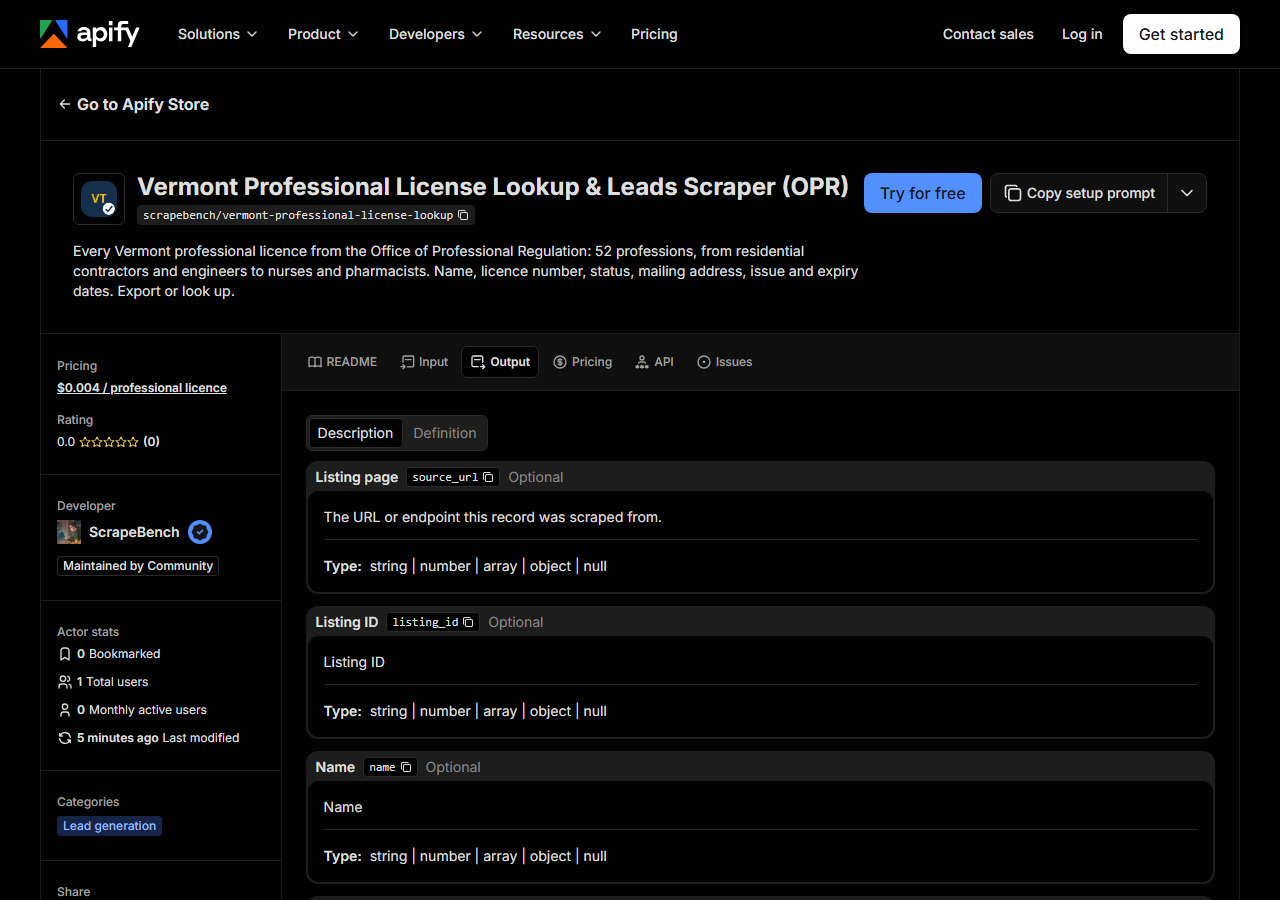
Every row looks like this — a real row from a real run:
{
  "listing_id": "174.0000001",
  "name": "Twin Pines Building & Remodeling LLC",
  "street": "31 West St",
  "city": "Essex Junction",
  "region": "VT",
  "postal_code": "05452-3550",
  "country": "US",
  "category": "Residential Contractor - Business",
  "categories": [
    "Residential Contractor - Business"
  ],
  "source": "snapshot",
  "source_url": "https://sos.vermont.gov/opr/find-a-professional/#NGLP174-174.0000001",
  "extras": {
    "profession": "Residential Contractors",
    "status": "Active"
  }
}| Field | Example value | Meaning |
|---|---|---|
name | Twin Pines Building & Remodeling LLC | Licence holder: a person’s full name, or the business name for a business licence |
listing_id | 174.0000001 | Licence number exactly as OPR prints it (e.g. 174.0000001) |
category | Residential Contractor - Business | Licence type in OPR’s words, e.g. Residential Contractor - Business, Registered Nurse, Professional Engineer |
street | 31 West St | Mailing street address (both address lines) |
city | Essex Junction | Mailing city |
region | VT | Mailing state (two letters) |
postal_code | 05452-3550 | Mailing ZIP code |
extras.profession | — | The OPR profession, e.g. Residential Contractors, Nursing, Engineering |
Most people come for the mailing address: street, city, region and postal_code, which fill
about 94% of all rows. It is the address the licensee gave OPR, often a business address, sometimes a
home or a PO box (112 of the 1,652 active residential contractors use one). There is no phone or email
in any roster. Read extras.status before you trust a row, since the rosters keep every status, and
extras.expires for the date; dates are printed the way OPR prints them, MM/DD/YYYY. Keep
listing_id exactly as printed (174.0000001, zeros included); the same person can hold several
licence types, and each comes back as its own row.
Step 5 — Export it
Open the Dataset tab and export to CSV, JSON, or Excel — or pull the same rows from the API, which is what you want if this is going to run on a schedule.
What it costs
$0.004 per licence returned; notices (no match, unknown licence type) are free. All 1,652 active residential contractors cost $6.61. Every Registered Nurse licence of every status is 72,877 rows, $291.51, so filter by status first. Apify bills platform usage separately under your own plan.
Where the data comes from
This reads VT OPR profession roster download directly. The target is The Office of Professional Regulation’s Pega app (Profession Roster Download): a guest session, then about a dozen form posts each carrying the session’s per-control tokens, then one XLSX per licence type. Replayed over plain HTTP into a stored copy; runs read the copy. Every night a canary runs this actor against that live source and diffs the result against a frozen fixture — what “verified” means.
The rosters are OPR’s own export, so the data itself is clean; the work is getting it out. Every spreadsheet is a separate trip through the profession, type and status choices; two professions list two different licence types under the same name (Cosmetologist, Dentist); and the Licensee Lookup next to it shows ten results a page with no address. Physicians are licensed by a separate board and are not in these rosters.
See it used
Vermont Residential Contractors (OPR) builds the list of 1,652 active residential contractors, firms and individuals, with mailing addresses.
To check contractor licences in several states at once, including Vermont’s residential contractors, the US contractor license lookup runs this actor for you alongside the other states’ boards.
Last updated 2026-11-03