How-to
How to run Rhode Island Contractor Registration Lookup & List Scraper
Step-by-step: the exact input, what each field does, and the rows that come back from RI CRLB.
Rhode Island requires every residential and commercial contractor to register with the Contractors’ Registration and Licensing Board (CRLB). The people who open this actor want that registry as a list: a supplier or insurer looking for active contractors to call, or a lender, property manager or homeowner checking that a registration is valid before work starts. The board’s own search answers one query at a time and has no export. Its 10,482 valid registrations (2026-10-27) would mean hundreds of searches and a lot of copy and paste. The phone numbers and emails aren’t in that search at all; they sit in quarterly spreadsheets posted on another page.
What you’ll need
Nothing but an Apify account. You don’t need an API key or a proxy. We keep a stored copy of the registry, read once from the board’s search and joined to every quarterly contact list the board posts, and your run filters that copy, so it never waits on the board. You pay $0.004 per registration returned, plus Apify’s own platform usage.
Step 1 — Open the actor
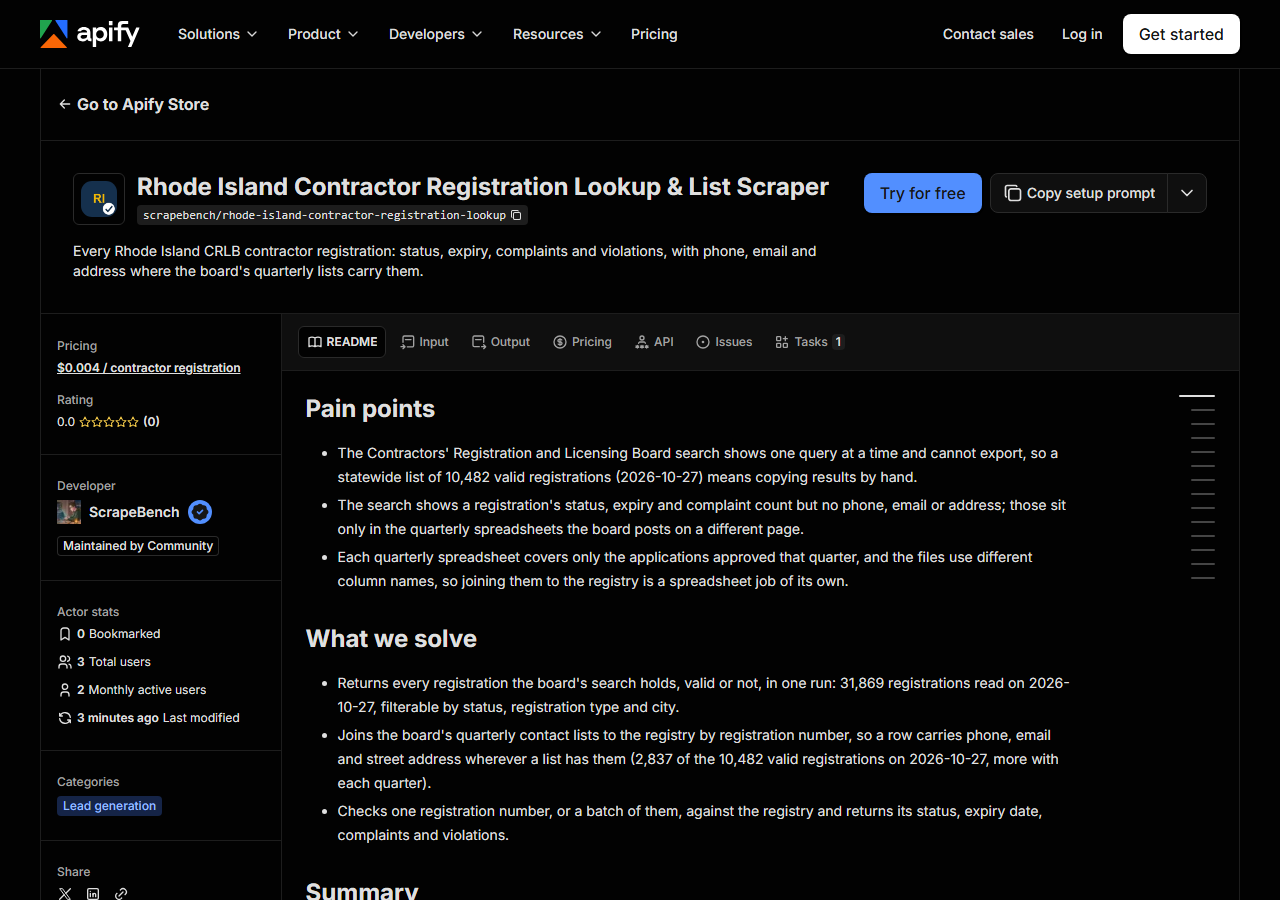
Open Rhode Island Contractor Registration Lookup & List Scraper on the Apify Store and press Try for free. The actor’s own page on this site lists its live health and pricing.
Step 2 — Fill in the input
| Field | Type | Required | What it does |
|---|---|---|---|
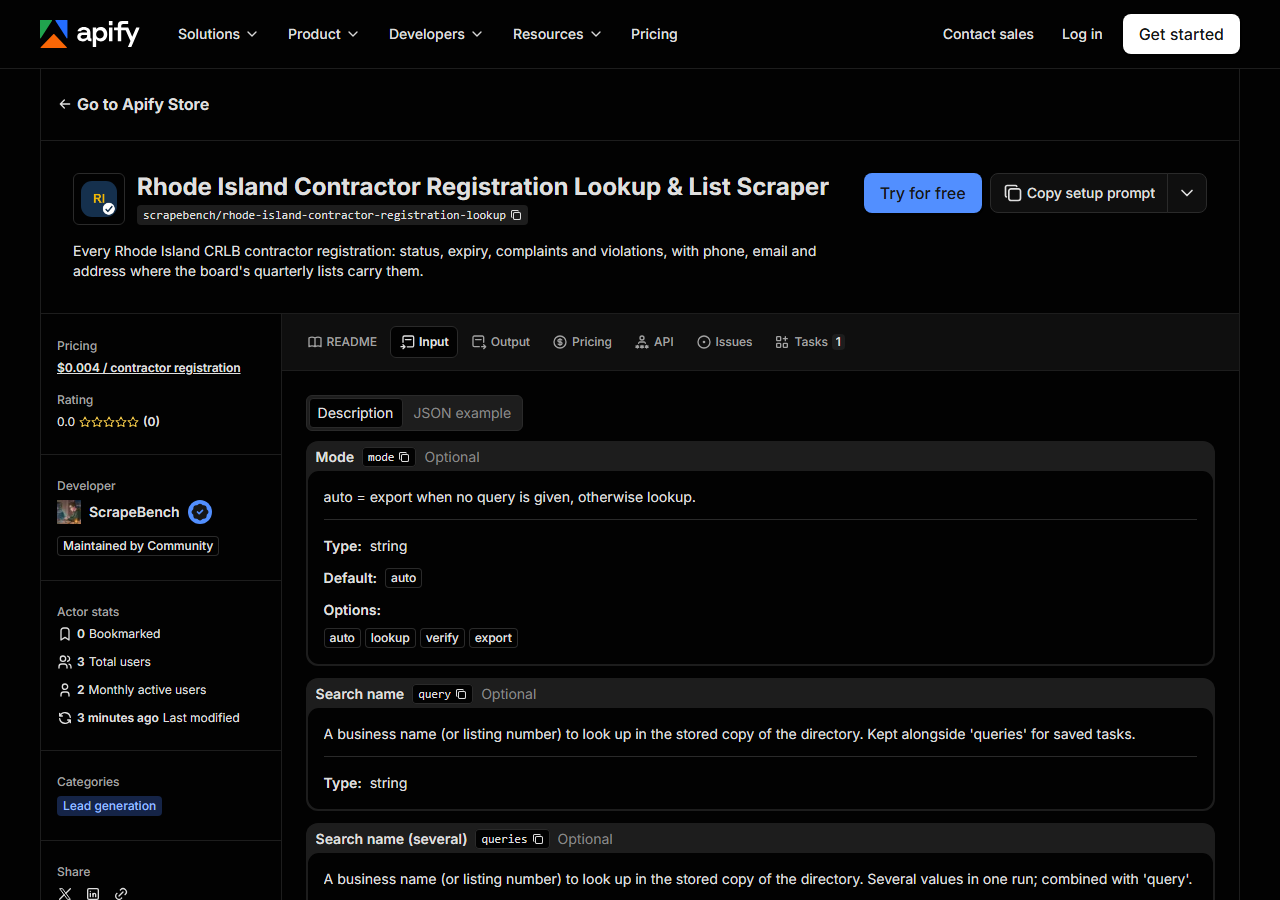
mode | string | no | auto = export when no query is given, otherwise lookup. (default auto) |
query | string | no | A business name (or listing number) to look up in the stored copy of the directory. Kept alongside ‘queries’ for saved tasks. |
queries | array | no | A business name (or listing number) to look up in the stored copy of the directory. Several values in one run; combined with ‘query’. (default []) |
status | string | no | Only listings in this status. Kept alongside ‘statuses’ for saved tasks. |
statuses | array | no | Only listings in this status. Several values in one run; combined with ‘status’. (default []) |
city | string | no | Only listings in this city. Kept alongside ‘cities’ for saved tasks. |
cities | array | no | Only listings in this city. Several values in one run; combined with ‘city’. (default []) |
categories | array | no | Only these categories, in the source’s own names. Available: commercial, commercial-roofer, home-inspector, home-inspector-associate, pump-installer,… (default []) |
maxResults | integer | no | Per query in lookup mode; per run in export mode. (default 500) |
Three fields decide what comes back. status is VALID or INVALID. Leave it empty and you get all 31,869 registrations the board has ever shown, two thirds of them lapsed, so for a lead list set it to VALID. categories takes the registration types; the big three are residential (3,396 valid), commercial (1,433) and residential-commercial (5,104). city is the one that surprises people: the board publishes an address only in its quarterly lists, so a city filter returns only registrations that have one, and those are exactly the rows with a phone. To check registrations, put their numbers (e.g. GC-3036) in queries. The actor returns each one’s status, expiry, complaints and violations.
A working input:
{
  "status": "VALID",
  "categories": [
    "residential-commercial"
  ],
  "city": "Providence",
  "maxResults": 200
}
Step 3 — Run it
Press Start. A run reads the stored copy, so it finishes in seconds: our first test-customer run took 14 s. This input returned 124 registrations on the 2026-10-27 data, all with a phone. An empty result means no registration matches all your filters together, usually a city spelled differently from the board’s lists or a type plus city that nobody holds. You get a free no_match row saying so. A registration number that isn’t on file also gets a free no_match row.
Step 4 — Read the output
Each run returns a labelled table, not raw JSON:
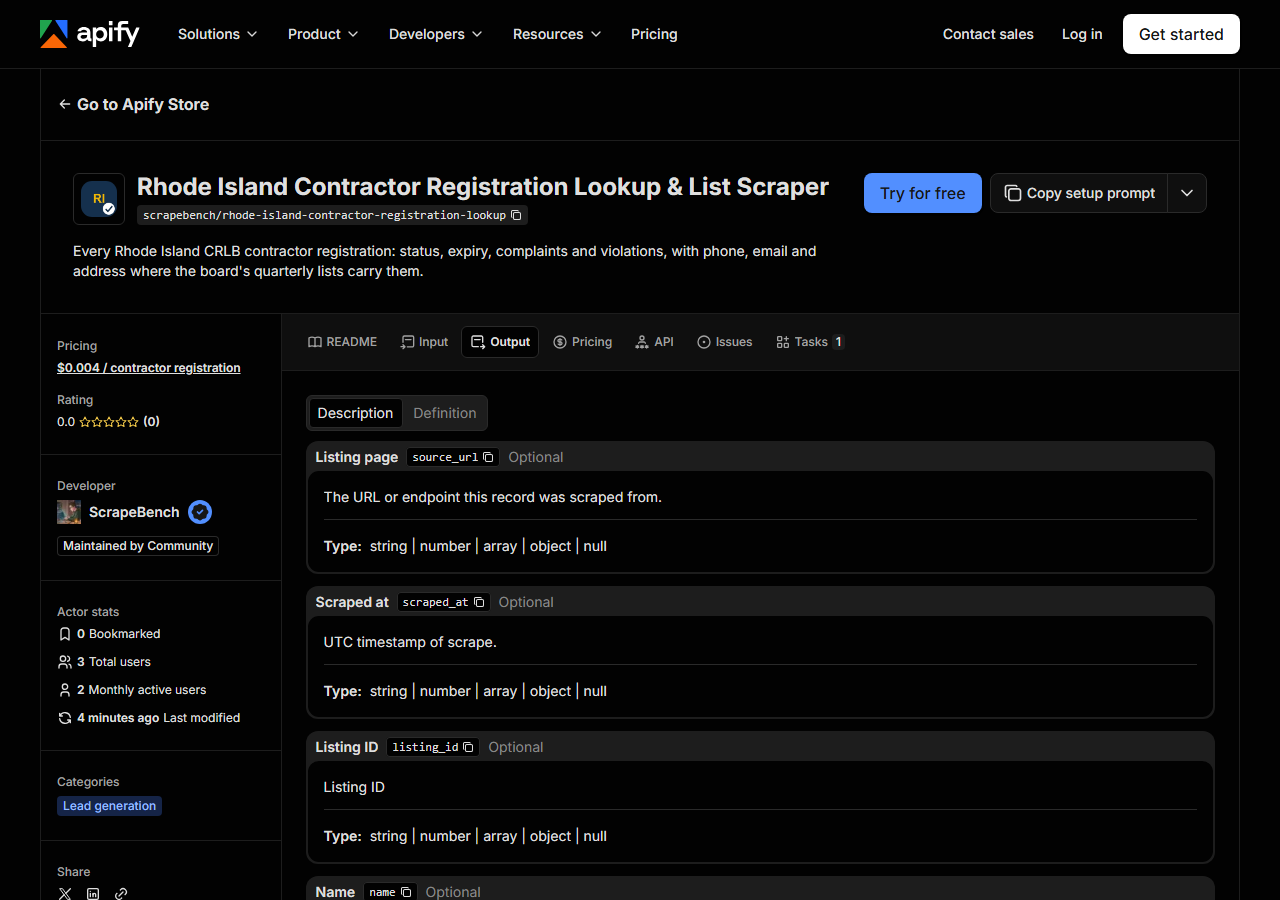
Every row looks like this — a real row from a real run:
{
  "listing_id": "GC-3036",
  "name": "GREENWICH BAY HOMES LLC",
  "phone": "(401)241-3949",
  "phone_e164": "+14012413949",
  "email": "dan@gbhomes.net",
  "street": "138 Atwells Ave",
  "city": "Providence",
  "region": "Rhode Island",
  "postal_code": "02903",
  "country": "US",
  "category": "RESIDENTIAL/COMMERCIAL",
  "categories": [
    "RESIDENTIAL/COMMERCIAL"
  ],
  "source": "snapshot",
  "source_url": "https://datadbr.ri.gov/crb-search/contractor-search.php#GC-3036",
  "extras": {
    "status": "VALID",
    "expires": "2027-08-19",
    "contractor_names": [
      "DANIEL SANTIS"
    ],
    "complaints": 1,
    "violations": 1
  }
}| Field | Example value | Meaning |
|---|---|---|
listing_id | GC-3036 | CRLB registration number (e.g. GC-3036) |
name | GREENWICH BAY HOMES LLC | Company name, or the contractor’s own name when no company is registered |
category | RESIDENTIAL/COMMERCIAL | Registration type: RESIDENTIAL, COMMERCIAL, RESIDENTIAL/COMMERCIAL, COMMERCIAL ROOFER, … |
extras.status | — | VALID or INVALID |
extras.expires | — | Registration expiry date |
extras.complaints | — | Complaints on file with the board |
extras.violations | — | Violations on file with the board |
extras.contractor_names | — | Contractor (principal) names on the registration |
Sellers come for phone and email; people checking a contractor come for extras.status, extras.expires and the complaint and violation counts. Two things to watch. First, contact details are on 2,837 of the 10,482 valid registrations (27.1%) on 2026-10-27, because each quarterly list covers only the applications approved that quarter; the rest have status and expiry but null contact fields. Second, a registration the board showed as VALID whose expiry date has since passed comes back as INVALID, with extras.status_note saying the status came from the date and not from the board.
Step 5 — Export it
Open the Dataset tab and export to CSV, JSON, or Excel — or pull the same rows from the API, which is what you want if this is going to run on a schedule.
What it costs
$0.004 per registration returned. Free rows (no match, unknown category, stale data) cost nothing. The Providence example above is 124 registrations, about $0.50. Every valid registration in the state, 10,482 rows, is about $41.93. All 31,869 registrations, valid or not, is about $127.48. Apify’s platform usage for a run this short is a fraction of a cent on top.
Where the data comes from
This reads RI CRLB. The target is The CRLB contractor search (a PHP form) read once in headless Chromium into a stored copy, joined by registration number to the board’s quarterly contractor XLSX lists, which are refreshed over plain HTTP; runs filter the stored copy. Twice a day our checks run this actor against the stored copy and fail if valid residential/commercial registrations in Providence stop returning 50 rows with names, phones and cities (what “verified” means).
The board’s search answers behind an F5 JavaScript challenge, which a plain HTTP client never gets past. It holds the registry but no contact details. The contacts are in quarterly spreadsheets, and those change column names from file to file and drop off the page once the next one is posted. The stored copy keeps every list it has seen, and the run log states the date of the copy.
See it used
Providence RI Registered Contractors List with Phone Numbers runs the input above for a building-supply rep building a call list, 124 registrations for about $0.50.
If your contractors also work across the state line, Massachusetts Construction License Lookup covers the Massachusetts side.
Last updated 2026-10-27