How-to
How to run Resy Availability Scraper & Table Alert Monitor
Step-by-step: the exact input, what each field does, and the rows that come back from Resy.
You want a table at a Resy restaurant that is booked out, or you need to know which of a city’s restaurants still have tables for a given night. Resy’s own search answers one city, one date and one party size at a time, and it lists 2700+ venues for New York alone. Checking five restaurants across the next two weeks means 70 searches, repeated every time you want to know whether something opened. This actor does those checks in one run and can be scheduled, so the checking stops being your job.
What you’ll need
Nothing but an Apify account. The actor talks to Resy directly.
You don’t need a Resy account, an API key or a proxy. The actor never logs in and never books a table; every row links to that restaurant’s day on Resy, and you book there yourself. The proxy setting is off by default and is included in the price if you ever switch it on.
Step 1 — Open the actor
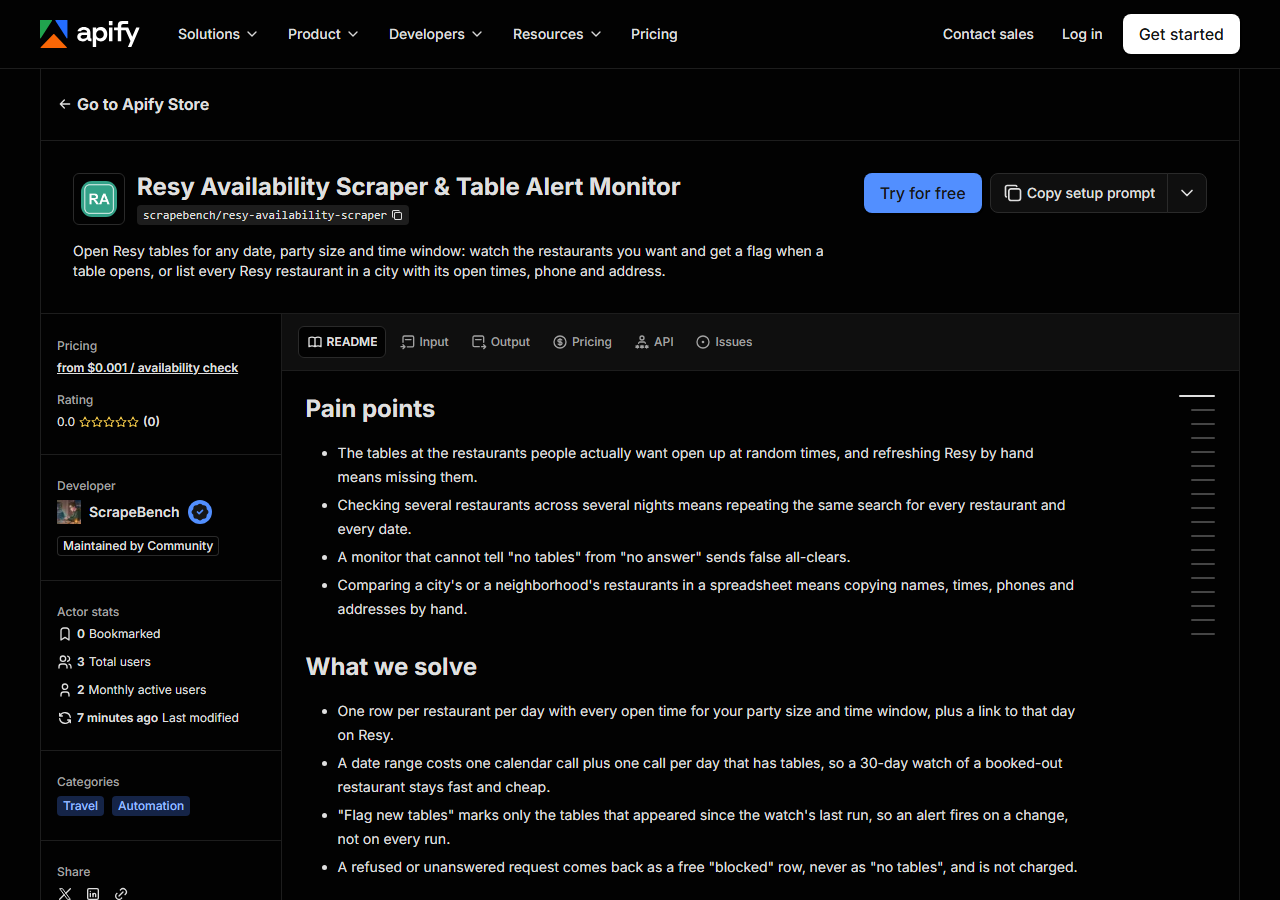
Open Resy Availability Scraper & Table Alert Monitor on the Apify Store and press Try for free. The actor’s own page on this site lists its live health and pricing.
Step 2 — Fill in the input
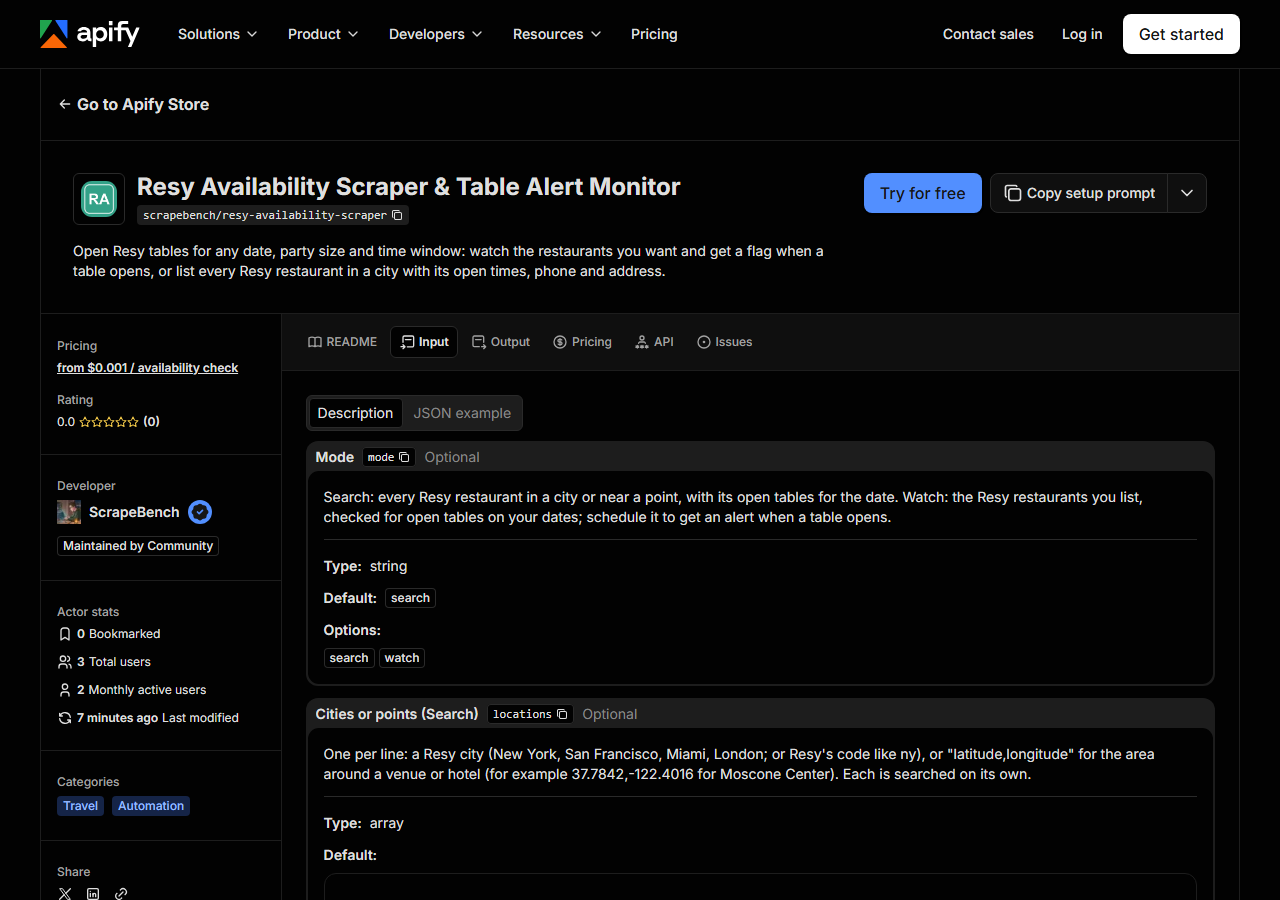
| Field | Type | Required | What it does |
|---|---|---|---|
mode | string | no | Search: every Resy restaurant in a city or near a point, with its open tables for the date. Watch: the Resy restaurants you list, checked for open tables on your dates;… (default search) |
locations | array | no | One per line: a Resy city (New York, San Francisco, Miami, London; or Resy’s code like ny), or “latitude,longitude” for the area around a venue or hotel (for example… (default []) |
location | string | no | One city or “latitude,longitude”, for saved tasks and API calls that send a single value. Use the list above for several. |
venues | array | no | One per line: the restaurant’s Resy link (https://resy.com/cities/new-york-ny/venues/le-gratin) or its Resy venue id. (default []) |
venue | string | no | One Resy link or venue id, for saved tasks and API calls that send a single value. |
date | string | no | YYYY-MM-DD. Empty means today. With “Until date” it is the first day of a range. |
dates | array | no | Extra days to check, YYYY-MM-DD, one per line. Past dates are skipped with a free note. (default []) |
dateTo | string | no | YYYY-MM-DD. Check every day from Date to this one (up to 90 days). In Watch mode Resy’s calendar is read once and only days with tables are opened, so a long range stays fast. |
daysAhead | integer | no | Check every day from today for this many days (up to 90), instead of fixed dates. Best for a scheduled watch: the dates move with the calendar, so a saved task never goes stale. |
partySize | integer | no | Number of guests (1 to 20). Only tables for this many are returned; for a group dinner, Search also drops restaurants with no table that size. (default 2) |
timeFrom | string | no | HH:MM, 24-hour (18:00). Only tables from this time on. Empty means any time. |
timeTo | string | no | HH:MM, 24-hour (21:30). Only tables up to this time. Empty means any time. |
onlyNew | boolean | no | Remembers what was open on this watch’s last run and fills new_slots and has_new_slots, so a scheduled run plus a webhook alerts only when a table opens. The first run counts… |
queries | array | no | Optional, one per line: text Resy matches against cuisine and name (sushi, italian, steakhouse, a restaurant group). Each is searched and a restaurant found twice is returned… (default []) |
query | string | no | One cuisine or name, for saved tasks and API calls that send a single value. |
priceRanges | array | no | Keep only these Resy price tiers: 1 ($), 2 ($$), 3 ($$$), 4 ($$$$). Empty keeps all. (default []) |
minRating | string | no | Keep only restaurants Resy rates at least this (for example 4.5). Empty keeps all. |
onlyAvailable | boolean | no | Drop restaurants with no table for your date and party size. |
radiusKm | integer | no | How far from the point to look. Empty means the whole city for a city, 3 km for “latitude,longitude”. |
maxResults | integer | no | Cap for EACH city and date. Resy lists a few thousand restaurants in New York; nearest first from the point or city centre. (default 100) |
includeDetails | boolean | no | On by default: reads each restaurant’s Resy page for its street address, ZIP code, website, menu link, Instagram, Google place id and description. No extra charge; turn off for… (default True) |
Two choices decide what you get back:
mode: Search returns a city’s restaurants (or those around alatitude,longitude) with their tables for one date. Watch checks only the restaurants you list invenues, by their Resy link, across as many days as you ask for. For an alert you want Watch.- The days:
datealone checks one day, and an empty date means today in that city’s own time zone. For a scheduled watch usedaysAhead(14 checks the next two weeks) instead of fixed dates, so the saved task keeps working as the calendar moves.
timeFrom and timeTo narrow every row to the hours you would actually book, such as 19:00 to 21:30. Leave them empty to see the whole day.
A working input:
{
  "mode": "search",
  "locations": [
    "New York"
  ],
  "date": "2026-11-20",
  "partySize": 2,
  "timeFrom": "18:00",
  "timeTo": "21:00",
  "maxResults": 20
}
Step 3 — Run it
Press Start. Rows are pushed to the dataset as they’re found, so the run log fills in as it works.
Runs are short. On 2026-11-04 the first test-customer run on Apify (New York, 3 restaurants) finished in 13 seconds. Run outside Apify through one proxy the same day, the example input above returned 20 restaurants with their 6pm to 9pm tables in 6 seconds, and a Watch of 2 restaurants over 7 days (14 checks) took under 6 seconds.
A day with no tables is a row with available: false, not a missing row. If Resy refuses or does not answer, you get a free row with notice_type: blocked naming what was not checked. A link that isn’t a Resy restaurant gets a free no_match row. None of these are charged, and a monitor can tell “no tables” from “no answer”.
Step 4 — Read the output
Each run returns a labelled table, not raw JSON:
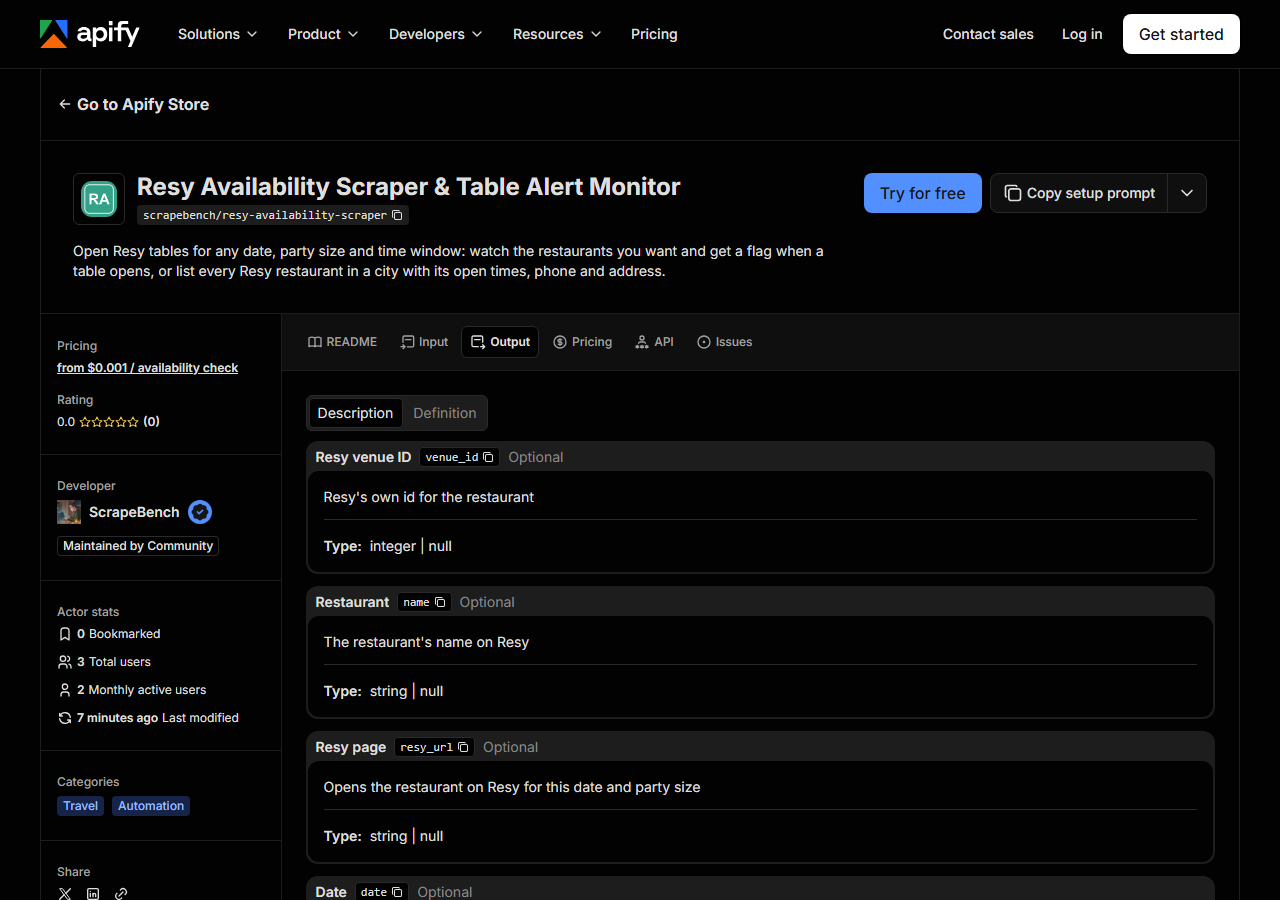
Every row looks like this — a real row from a real run:
{
  "venue_id": 60029,
  "name": "Le Gratin",
  "resy_url": "https://resy.com/cities/new-york-ny/venues/le-gratin?date=2026-11-10&seats=4",
  "date": "2026-11-10",
  "party_size": 4,
  "available": true,
  "slot_count": 11,
  "first_slot": "19:00",
  "last_slot": "21:30",
  "slots": [
    {
      "time": "19:00",
      "end_time": "21:15",
      "seating": "Dining Room",
      "min_party": 3,
      "max_party": 4,
      "table_minutes": 135,
      "deposit_required": false,
      "deposit_fee": null,
      "cancellation_fee": null,
      "cancel_cutoff_hours": null
    }
  ],
  "new_slots": [
    {
      "time": "19:00",
      "end_time": "21:15",
      "seating": "Dining Room",
      "min_party": 3,
      "max_party": 4,
      "table_minutes": 135,
      "deposit_required": false,
      "deposit_fee": null,
      "cancellation_fee": null,
      "cancel_cutoff_hours": null
    }
  ],
  "has_new_slots": true,
  "calendar_status": "available",
  "cuisine": "French",
  "price_range": 2,
  "rating": 4.65,
  "rating_count": 7721,
  "neighborhood": "Lower Manhattan",
  "city": "New York",
  "region": "NY",
  "country": "United States",
  "latitude": 40.711596,
  "longitude": -74.00685,
  "phone": "+12125979020",
  "address": "5 Beekman St",
  "postal_code": "10038",
  "website": "https://www.legratinnyc.com/",
  "instagram": "https://www.instagram.com/legratinnyc/",
  "google_place_id": "ChIJj4fN7HBbwokRCB5xca3KF1E",
  "query": "https://resy.com/cities/new-york-ny/venues/le-gratin",
  "source_url": "https://resy.com/cities/new-york-ny/venues/le-gratin?date=2026-11-10&seats=4"
}| Field | Example value | Meaning |
|---|---|---|
name | Le Gratin | The restaurant’s name on Resy |
date | 2026-11-10 | The day checked |
party_size | 4 | Guests the tables are for |
available | True | True when at least one table is open in your time window |
slot_count | 11 | Number of open times in your window |
first_slot | 19:00 | Earliest open time, HH:MM |
last_slot | 21:30 | Latest open time, HH:MM |
slots | [{"time": "19:00", "end_time": "21:15", "seating": "Dining Room", "min_party": 3, "max_party": 4, "table_minutes": 135, "deposit_required": false, "deposit_fee": null, "cancellation_fee": null, "cancel_cutoff_hours": null}] | Each open time: time, end time, seating area (Dining Room, Bar, Patio…), and in Watch mode the party range, table length in minutes, deposit and cancellation terms |
For an alert, the field that matters is has_new_slots: with onlyNew on, it is true only when a table appeared since the watch’s previous run, and new_slots lists those times. The first run of a watch counts every open table as new.
On a 20-restaurant New York search (2026-11-04), address, google_place_id, price_range and rating were filled on all 20 rows, website on 19 and phone on 18. Resy has no phone or website for some restaurants. In Search mode each slot carries its time, end time and seating area only. The party range, table length and deposit terms come in Watch mode, because Resy’s search doesn’t give them.
Step 5 — Export it
Open the Dataset tab and export to CSV, JSON, or Excel — or pull the same rows from the API, which is what you want if this is going to run on a schedule.
What it costs
| Charge | Price | When |
|---|---|---|
| Availability check | $0.001 | Watch mode: each restaurant on each day checked, open or not |
| Restaurant | $0.003 | Search mode: each restaurant returned, with address and website included |
Notice rows are free. The example input above (20 New York restaurants) costs $0.06. A Watch of 3 restaurants for 7 days is 21 checks, $0.021 a run, so running it every 15 minutes for a day comes to about $2.02.
Where the data comes from
This reads Resy directly. The target is Plain HTTP calls to the same data resy.com’s own web app reads (venue search, each venue’s day of tables, its calendar and its page). No login, no browser, no proxy by default. Every night a canary runs this actor against that live source and diffs the result against a frozen fixture — what “verified” means.
Resy is the reservation book for a large share of the restaurants people line up for, and its own search is good for one night: the screenshot in the use-cases shows New York for Fri 20 Nov with times under each restaurant. What it doesn’t do is check many restaurants over many days at once, remember what was open an hour ago, or export a list. A day the restaurant hasn’t released yet shows as not_released, so you can see when booking opens.
See it used
Watch Resy restaurants and flag new tables sets up the scheduled alert. Every Resy restaurant in New York with open tables tonight pulls a city’s open tables into one sheet.
Planning an event rather than a dinner? Google Hotels Scraper lists the hotels near the same venue, priced for your dates, and Restaurant, Cafe & Bar Scraper covers restaurants that aren’t on Resy, with emails.
Last updated 2026-11-04