How-to
How to run Floor Plan Scraper: Home Floor Plans & Photos by Address
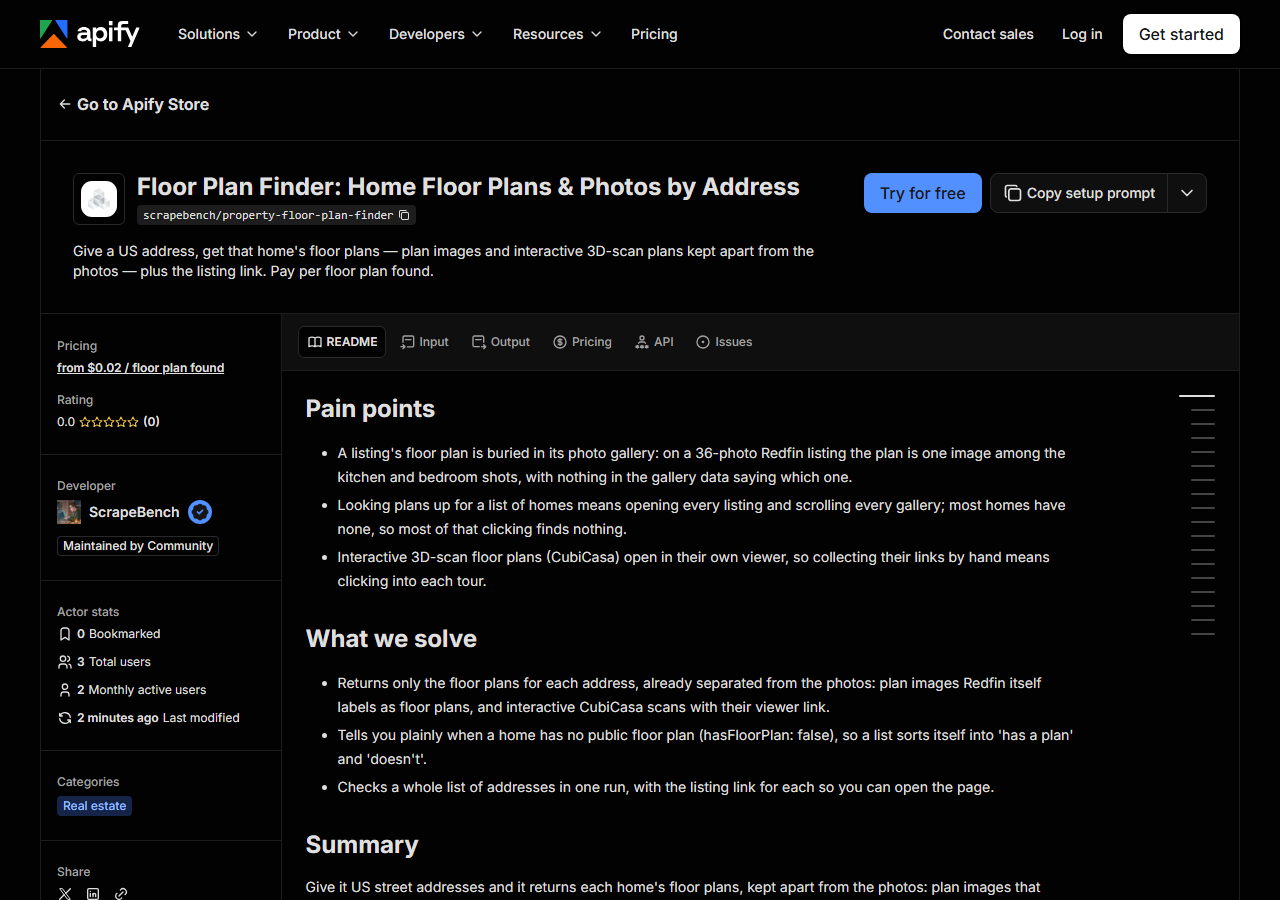
Step-by-step: the exact input, what each field does, and the rows that come back from Redfin (+ Realtor.com).
A floor plan, when a listing has one, is just another picture in its gallery. On 6107 Felix Ave in Austin it is two of 36 photos, between the kitchen and the backyard, and nothing in Redfin’s gallery data marks which two. Architects benchmarking layouts, buyers comparing a shortlist and data teams filling a property database all end up opening each listing and scrolling. For three homes that is fine. For a list of 50 it is an afternoon, and most of it is spent on homes that have no plan at all: in a sample of 28 homes for sale on 28 October 2026, 10 had one.
What you’ll need
Nothing but an Apify account. You don’t need an API key or a proxy. The default reads Redfin only. If you switch source to Redfin + Realtor.com, Realtor.com pages are opened through Apify’s Web Fetch on your own account, and Apify bills that separately at about $0.0015 a page.
Step 1 — Open the actor
Open Floor Plan Scraper: Home Floor Plans & Photos by Address on the Apify Store and press Try for free. The actor’s own page on this site lists its live health and pricing.
Step 2 — Fill in the input
| Field | Type | Required | What it does |
|---|---|---|---|
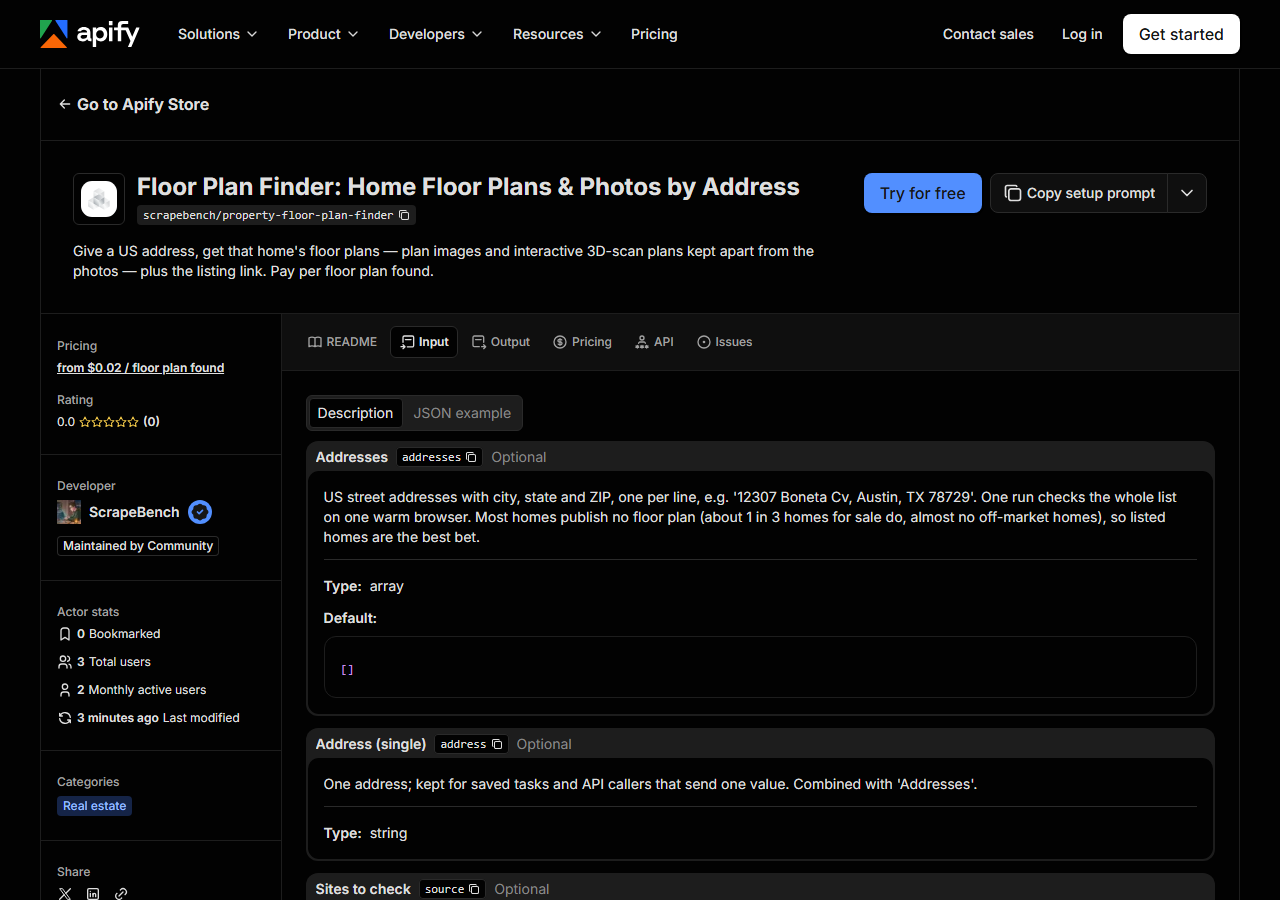
addresses | array | no | US street addresses with city, state and ZIP, one per line, e.g. ‘12307 Boneta Cv, Austin, TX 78729’. One run checks the whole list on one warm browser. Most homes publish no… (default []) |
address | string | no | One address; kept for saved tasks and API callers that send one value. Combined with ‘Addresses’. |
source | string | no | ’Redfin’ checks Redfin, which carries most public floor plans (9 of 10 in our sample). ‘Redfin + Realtor.com’ also checks Realtor.com for plans only it tags; Realtor.com pages… (default auto) |
includePhotos | boolean | no | Also return the listing’s photo gallery (floor plans are always returned separately). (default True) |
addresses is the field that matters, and the full address is what makes it work: house number, street, city, state and ZIP, one home per line. A street with no number cannot be matched to one house and comes back not found, free. Choose homes that are, or were recently, for sale. An owner-occupied house that has not been listed in years almost never has a public plan, so a list of those mostly returns hasFloorPlan: false. Leave source on Redfin unless you are chasing the last few plans: in our sample Redfin had 9 of the 10 that existed. Turn includePhotos off if you only want the plans and a smaller dataset.
A working input:
{
  "addresses": [
    "12307 Boneta Cv, Austin, TX 78729",
    "6107 Felix Ave, Austin, TX 78741"
  ]
}
Step 3 — Run it
Press Start. Rows are pushed to the dataset as they’re found, so the run log fills in as it works.
You get one row per address. Our first test-customer run on 28 October 2026 checked three: 12307 Boneta Cv in Austin came back with one floor plan; 24 Pauline Dr in Natick, Massachusetts was not on Redfin; and a made-up address was not found. The last two cost nothing. A one-address run took about 20 seconds, most of it starting the browser, and a whole list shares that one browser. A row with found: false means no site matched the address, so check the spelling and ZIP. A row with found: true and hasFloorPlan: false is a real answer: the listing has photos but no plan.
Step 4 — Read the output
Each run returns a labelled table, not raw JSON:
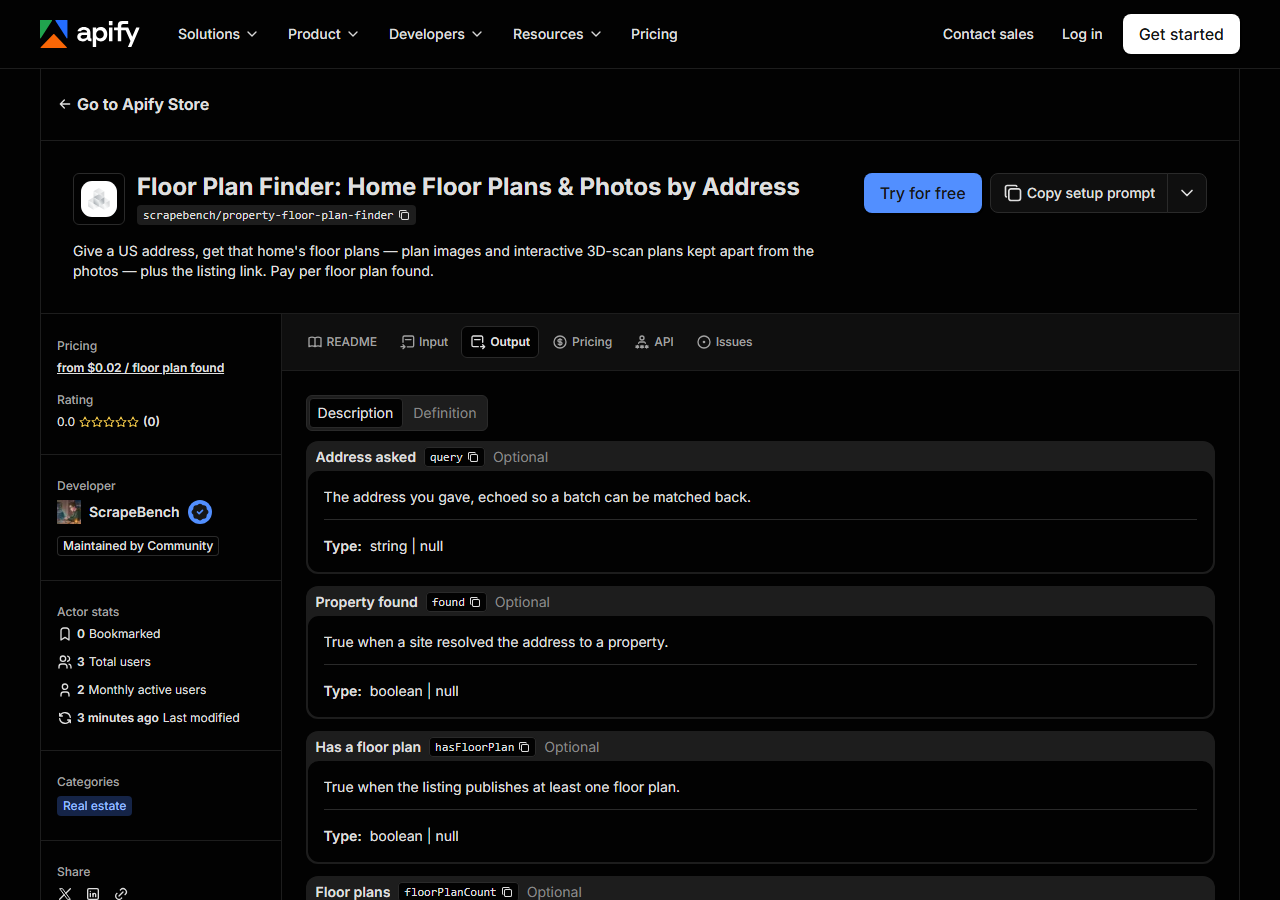
Every row looks like this — a real row from a real run:
{
  "query": "6107 Felix Ave, Austin, TX 78741",
  "found": true,
  "hasFloorPlan": true,
  "floorPlanCount": 3,
  "floorPlans": [
    {
      "url": "https://visithome.ai/ii8Htw29Gt6HvCkktMozEC.svg",
      "kind": "interactive",
      "viewerUrl": "https://visithome.ai/ii8Htw29Gt6HvCkktMozEC",
      "source": "redfin"
    },
    {
      "url": "https://ssl.cdn-redfin.com/photo/92/bigphoto/662/3770662_35_0.jpg",
      "kind": "image",
      "caption": "Guest room layout",
      "source": "redfin"
    },
    {
      "url": "https://ssl.cdn-redfin.com/photo/92/bigphoto/662/3770662_34_0.jpg",
      "kind": "image",
      "caption": "Main residence layout",
      "source": "redfin"
    }
  ],
  "address": "6107 Felix Ave",
  "city": "Austin",
  "state": "TX",
  "zip": "78741",
  "source": "redfin",
  "fromCache": false
}| Field | Example value | Meaning |
|---|---|---|
query | 6107 Felix Ave, Austin, TX 78741 | The address you asked for |
hasFloorPlan | True | True when the listing publishes at least one floor plan |
floorPlans | [{"url": "https://visithome.ai/ii8Htw29Gt6HvCkktMozEC.svg", "kind": "interactive", "viewerUrl": "https://visithome.ai/ii8Htw29Gt6HvCkktMozEC", "source": "redfin"}, {"url": "https://ssl.cdn-redfin.com/photo/92/bigphoto/662/3770662_35_0.jpg", "kind": "image", "caption": "Guest room layout", "source": "redfin"}, {"url": "https://ssl.cdn-redfin.com/photo/92/bigphoto/662/3770662_34_0.jpg", "kind": "image", "caption": "Main residence layout", "source": "redfin"}] | Each plan: url (the image, or the SVG preview of an interactive scan), kind (‘image’ or ‘interactive’), viewerUrl (interactive scans), caption (Redfin’s), source |
floorPlanCount | 3 | How many floor plans were found |
listingUrl | — | The listing page, to open or revisit |
address, city, state, zip | — | The property as the site resolved it |
propertyType, beds, baths, sqft, yearBuilt, status | — | Core facts from the listing |
photos | — | The listing’s photo gallery ({url, width, height}), when includePhotos is on |
floorPlans is the field you came for. Each entry is one of two kinds. kind: "image" is a photo Redfin itself labels as a floor plan, with Redfin’s caption: on Felix Ave, “Main residence layout” and “Guest room layout”. kind: "interactive" is a CubiCasa 3D-scan plan: url is its SVG preview, which you can drop into a page, and viewerUrl opens the interactive viewer. Filter on hasFloorPlan to split a list in one step. The links point at Redfin’s and CubiCasa’s own files, and nothing is stored or re-hosted, so a link can stop working if a listing is taken down; save what you need.
Step 5 — Export it
Open the Dataset tab and export to CSV, JSON, or Excel — or pull the same rows from the API, which is what you want if this is going to run on a schedule.
What it costs
You pay $0.003 for each address that turns out to be a real property, plus $0.02 for each one that has at least one floor plan. An address no site can find is free. On the 28 October sample, 100 listed homes would cost about $0.96: $0.30 to check them and $0.66 for the 33 or so with plans. A list of homes that are not for sale costs about the same to check but returns far fewer plans. Apify’s platform usage is billed on top under your plan, and so is Realtor.com Web Fetch if you turn it on.
Where the data comes from
This reads Redfin (+ Realtor.com) directly. The target is The same Redfin path as zillow-redfin-property-scraper (portfolio_common.property): /stingray JSON APIs from a warmed browser page, plus /stingray/api/photoTagsAndCaptions for Redfin’s own floor-plan labels; Realtor.com through Apify Web Fetch when the buyer opts in. Twice a day our checks run this actor on a fixed Palo Alto address and fail if the row loses its address, listing link or floor-plan flag (what “verified” means).
Redfin answers its own data calls only inside a browser that has passed its bot check, which is why this runs a real Chromium rather than a plain HTTP client. The floor-plan labels are not in the gallery data either. The listing page fetches them from a separate endpoint, and the actor does the same. A property looked up in the last 30 days is answered from our stored copy, and fromCache: true says so.
See it used
Austin TX Home Floor Plans by Address runs the input above for a design team collecting layouts of homes for sale.
If you want the whole property record (Redfin Estimate, price and tax history, schools, agent) with the same floorPlans field, use Zillow & Redfin Property Data Scraper.
Last updated 2026-10-28