How-to
How to run Michigan Contractor License Lookup & Verify (LARA)
Step-by-step: the exact input, what each field does, and the rows that come back from MI LARA (Accela).
The honest starting point: Michigan’s LARA licensee search is public and free. If you have one Residential Builder to check before you sign, open LARA’s Accela portal, type the name, click the row, read the status. You don’t need this actor and you don’t need an Apify account. This actor is for the version of that job where the lookup isn’t one lookup — an onboarding list of subcontractors that each need a type, status and expiration date in a spreadsheet; a quarterly re-check of every active sub, because a license that read “Issued” in January can read “Lapsed” by April; a CRM full of Michigan contractor names that needs an official license record attached to each one. Done by hand on Accela that’s a search, a results grid ten rows at a time, a click into each licensee’s detail page for the status and issue date, and a copy-paste back into your sheet — per contractor, every time anyone asks again. This actor returns the same registry as structured rows.
What you’ll need
Nothing but an Apify account. The actor talks to MI LARA (Accela) directly.
No API key, no CAPTCHA-solving service, no proxy subscription — there is no anti-bot wall on this portal to beat. The one thing Accela insists on is a browser-shaped request (it rejects clients that don’t present a normal browser User-Agent), and the actor handles that itself. So the only cost is the actor’s per-result fee plus Apify compute, with no third-party bill hiding behind it.
Step 1 — Open the actor
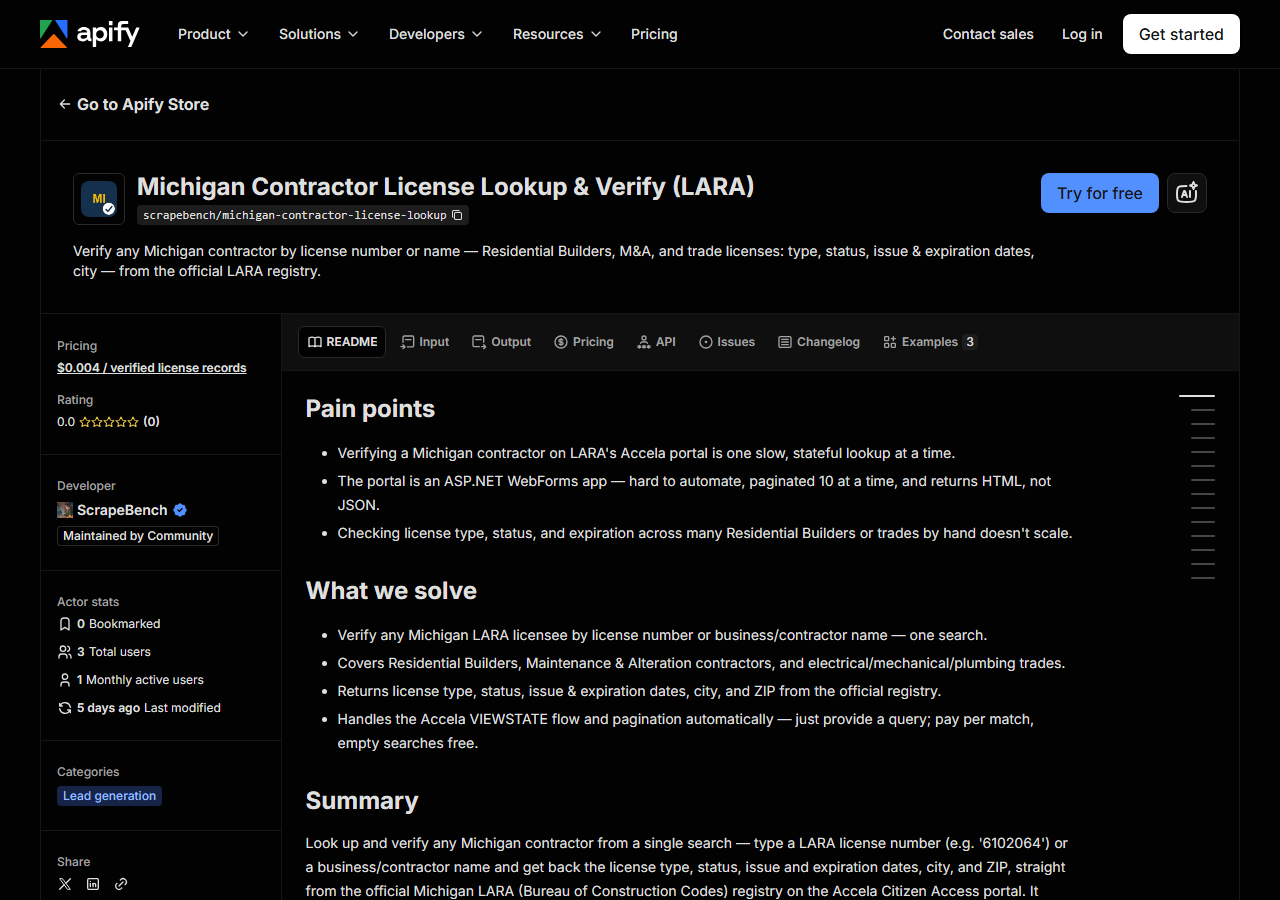
Open Michigan Contractor License Lookup & Verify (LARA) on the Apify Store and press Try for free. The actor’s own page on this site lists its live health and pricing.
Step 2 — Fill in the input
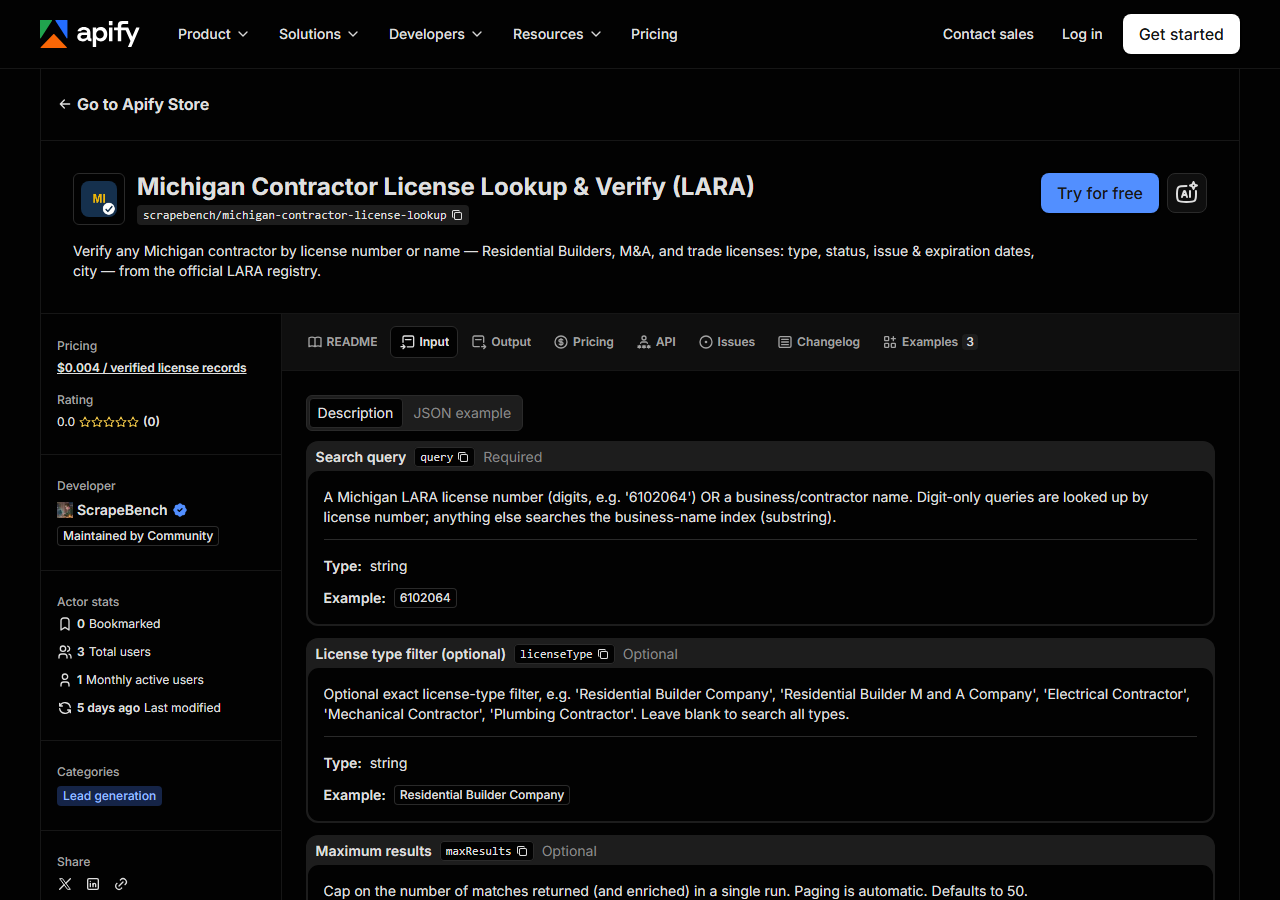
| Field | Type | Required | What it does |
|---|---|---|---|
query | string | yes | A Michigan LARA license number (digits, e.g. ‘6102064’) OR a business/contractor name. Digit-only queries are looked up by license number; anything else searches the… |
licenseType | string | no | Optional exact license-type filter, e.g. ‘Residential Builder Company’, ‘Residential Builder M and A Company’, ‘Electrical Contractor’, ‘Mechanical Contractor’, ‘Plumbing… |
maxResults | integer | no | Cap on the number of matches returned (and enriched) in a single run. Paging is automatic. Defaults to 50. (default 50) |
Only query is required, and it quietly picks the whole search mode for you. Digits — 6102064 —
and the actor treats it as a LARA license number, which on Accela short-circuits straight to that
licensee’s detail page: one row, fully populated, no grid, no paging. Anything else is treated as a
business/contractor name and runs against the business-name index as a substring match, so
CONSTRUCTION matches every business with that word in its name, which is a lot of them. The
matched_by column in each output row tells you which of the two produced it.
licenseType is the field first-timers get wrong. It’s an exact filter, not a fuzzy one — it
has to match the type string LARA uses, spelled its way: Residential Builder Company,
Residential Builder M and A Company, Electrical Contractor, Mechanical Contractor. Guess at
the wording (“Residential Builder LLC”, “Electrician”) and the search comes back empty even though
the contractor is right there in the registry. When you’re not sure of the exact string, leave it
blank, run the name search, and read the license_type values that come back — those are the exact
strings the filter wants. maxResults (default 50) bounds the run: a broad name search pages
through the grid ten rows at a time and fetches a detail page per row, so the cap is what keeps a
one-word query from turning into a long run.
A working input:
{
  "query": "CONSTRUCTION",
  "licenseType": "Residential Builder Company",
  "maxResults": 25
}
Step 3 — Run it
Press Start. Rows are pushed to the dataset as they’re found, so the run log fills in as it works.
A license-number lookup is the fast case: one hop to the detail page, one row, done in seconds. A name search takes longer in a way that’s worth understanding, because the cost is structural rather than slow servers — Accela hands back ten rows per page and every further page is another form POST that replays the page’s own hidden state, and then each row needs its own detail fetch for the status and issue date. So a 25-row name search is roughly three grid pages plus 25 detail requests. That is exactly the work you’d otherwise be doing with a mouse.
An empty run is usually a query problem, not a broken actor. A license number that returns nothing
is a number LARA doesn’t have — check for a transposed digit. A name that returns nothing is
normally spelled differently in the registry than on the invoice in front of you: LARA stores the
legal business name in caps (“CONSTRUCTION SERVICE CO”, not “Construction Service Co.”), so try a
shorter, more distinctive fragment. And if you set licenseType, take it out and retry before you
blame the actor — an exact-match filter with the wording slightly off empties an otherwise fine
search.
Step 4 — Read the output
Each run returns a labelled table, not raw JSON:
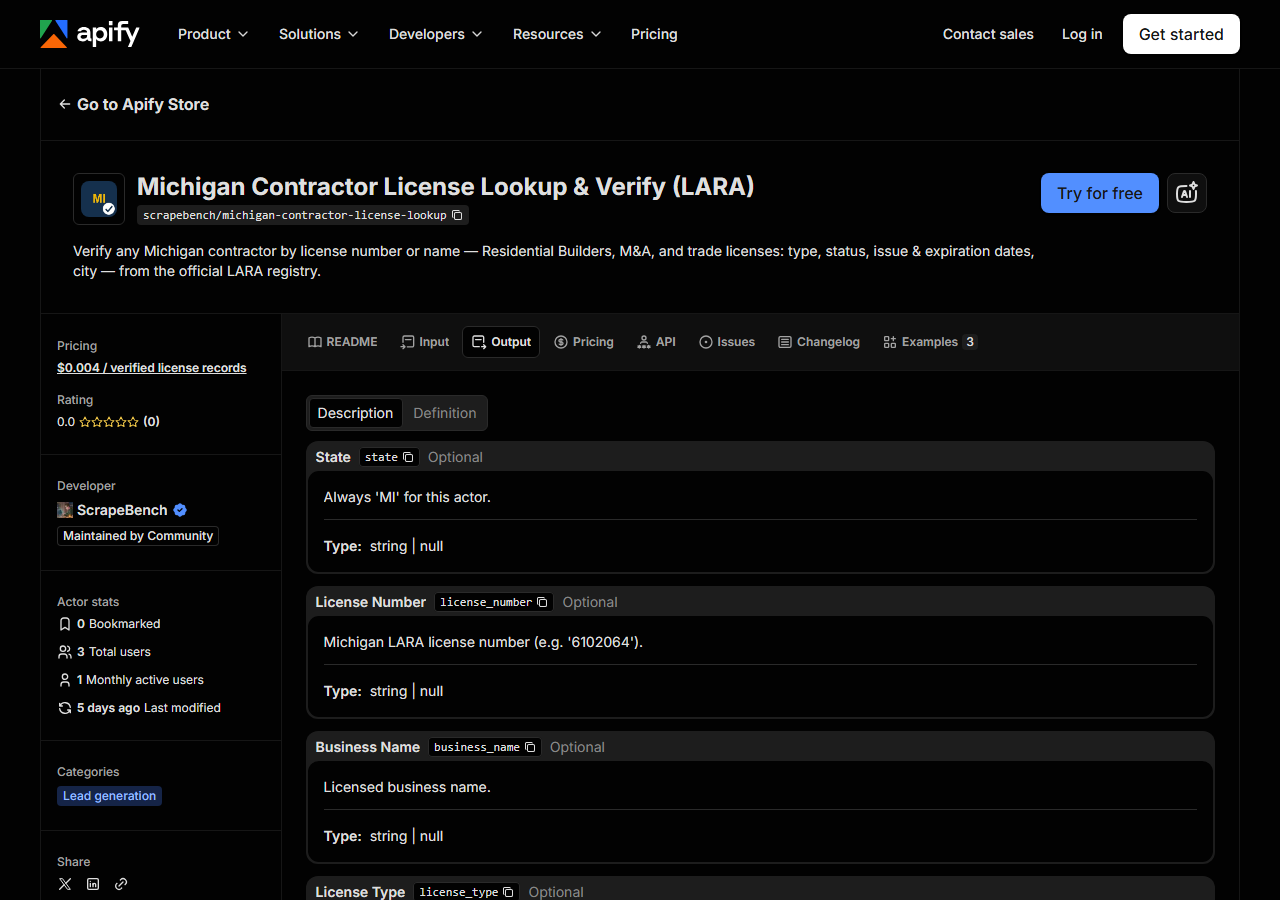
Every row looks like this — a real row from a real run:
{
  "state": "MI",
  "license_number": "6102064",
  "business_name": "CONSTRUCTION SERVICE CO",
  "person_name": "ROBERT J PATTISON",
  "license_type": "Electrical Contractor",
  "status": "Lapsed",
  "issue_date": "01/01/1983",
  "expiration_date": "12/31/2024",
  "city": "FENTON",
  "county": null,
  "address": null,
  "zip_code": "48430",
  "phone": null,
  "matched_by": "business_name",
  "source_url": "https://aca-prod.accela.com/LARA/GeneralProperty/LicenseeDetail.aspx?LicenseeNumber=6102064&LicenseeType=Electrical+Contractor"
}| Field | Example value | Meaning |
|---|---|---|
state | MI | Always ‘MI’ for this actor |
license_number | 6102064 | Michigan LARA license number (e.g. ‘6102064’) |
business_name | CONSTRUCTION SERVICE CO | Licensed business name |
person_name | ROBERT J PATTISON | License holder’s name (first / middle / last), for individual licensees |
license_type | Electrical Contractor | License type (e.g. ‘Residential Builder Company’, ‘Electrical Contractor’) |
status | Lapsed | License status from the detail page (e.g. ‘Issued’, ‘Lapsed’, ‘Expired’) |
issue_date | 01/01/1983 | License issue date (from the detail page) |
expiration_date | 12/31/2024 | License expiration date |
Most people came for status and expiration_date, and those two are worth reading together. The
status is LARA’s own word for the record — Issued, Lapsed, Expired and friends — taken from
the licensee’s detail page, not inferred by us. The sample row above is a fair example of why you
read both: it’s Lapsed, with an expiration date of 12/31/2024, on a license first issued in
1983. Dates come through as the registry prints them, MM/DD/YYYY strings, so parse before you sort
or compare.
The nulls are honest ones. business_name and person_name are two different columns in LARA’s
grid, and which is filled depends on whether the licensee is a company or an individual — expect one
of them to be empty on plenty of rows. county, address and phone are in the record shape (the
suite shares one contractor model across states) but LARA doesn’t publish them in this view, so they
come back null every time — that’s the source, not a gap in the scrape. city and zip_code do
come from the grid. Every row carries source_url, the official LARA/Accela detail page for that
licensee, so anything you put in front of an auditor is one click from where it came from.
Step 5 — Export it
Open the Dataset tab and export to CSV, JSON, or Excel — or pull the same rows from the API, which is what you want if this is going to run on a schedule.
What it costs
$0.004 per license record returned. A search that finds nothing costs nothing — you are never charged for an empty result, so a misspelled name or a mistyped license-type filter costs you the run and not the row. Verifying one contractor by license number is a single record: four tenths of a cent. Pushing a 200-name vendor list through it is 200 records, about $0.80. Apify’s platform compute is billed separately, per your plan.
The comparison to make is the honest one: against LARA’s own free search this actor is not cheaper, it’s zero-effort, repeatable and schedulable. One lookup? The free portal wins, and you should use it.
Where the data comes from
This reads MI LARA (Accela) directly. The target is Accela Citizen Access (ASP.NET WebForms) - __VIEWSTATE plus session cookies replayed on every POST; 10 rows per page. Every night a canary runs this actor against that live source and diffs the result against a frozen fixture — what “verified” means.
LARA publishes its Bureau of Construction Codes licensees through Accela Citizen Access, which is
the most stateful target in this suite. There’s no URL you can request with a name in it: the search
is a form POST that only works if you replay the page’s hidden __VIEWSTATE back at it along with
the session cookie you were handed, and the same is true of every “Next >” click — so paging isn’t a
different URL, it’s another stateful postback. The grid gives you ten rows at a time and doesn’t
carry the status or issue date at all, which is why each row also costs one detail-page fetch. None
of that is an anti-bot wall; it’s just an old form application that assumes a human with a mouse,
and it’s why the manual path drags long before it becomes technically hard.
Related
Verify a Michigan Contractor License by Number checks one LARA licence number end to end.
If Michigan isn’t the only state on your list, reach for Multi-State Contractor & Trade License Lookup instead: it checks the same contractor across several state registries in one run, which is the right tool when you don’t yet know which state issued the license. And if you’re working the upper Midwest, Minnesota Contractor License Lookup & Leads Scraper (DLI) is the neighbouring registry, with residential subtype and enforcement flags Michigan’s view doesn’t publish.
Last updated 2026-07-13