How-to
How to run ImportYeti US Import Records, Supplier & Importer Leads Scraper
Step-by-step: turn a product keyword, HS code or country into a list of US importers and foreign suppliers from ImportYeti, with the exact input and the rows that come back.
Freight forwarders, customs brokers and sourcing teams all want a list from US customs data: who imports a product, and which factories already ship it to the US. ImportYeti publishes that list on free directory pages, one per product tag, HS code and country, and a profile page for every company on it. For three or four companies you should just open the pages. The work starts when the list is twenty names long and you want each one’s shipment count, carriers and website in one sheet: that is twenty-one page visits and a lot of copying, and ImportYeti asks for a login after 25 page views from one address.
What you’ll need
An Apify account. No ImportYeti account and no API key.
Leave the proxy setting on, which is the default. ImportYeti limits each IP address to 25 page views and then shows a login page, so the run moves to a fresh Apify Proxy address every 20 pages. Proxy traffic is platform usage on your Apify plan, billed like compute.
Step 1 — Open the actor
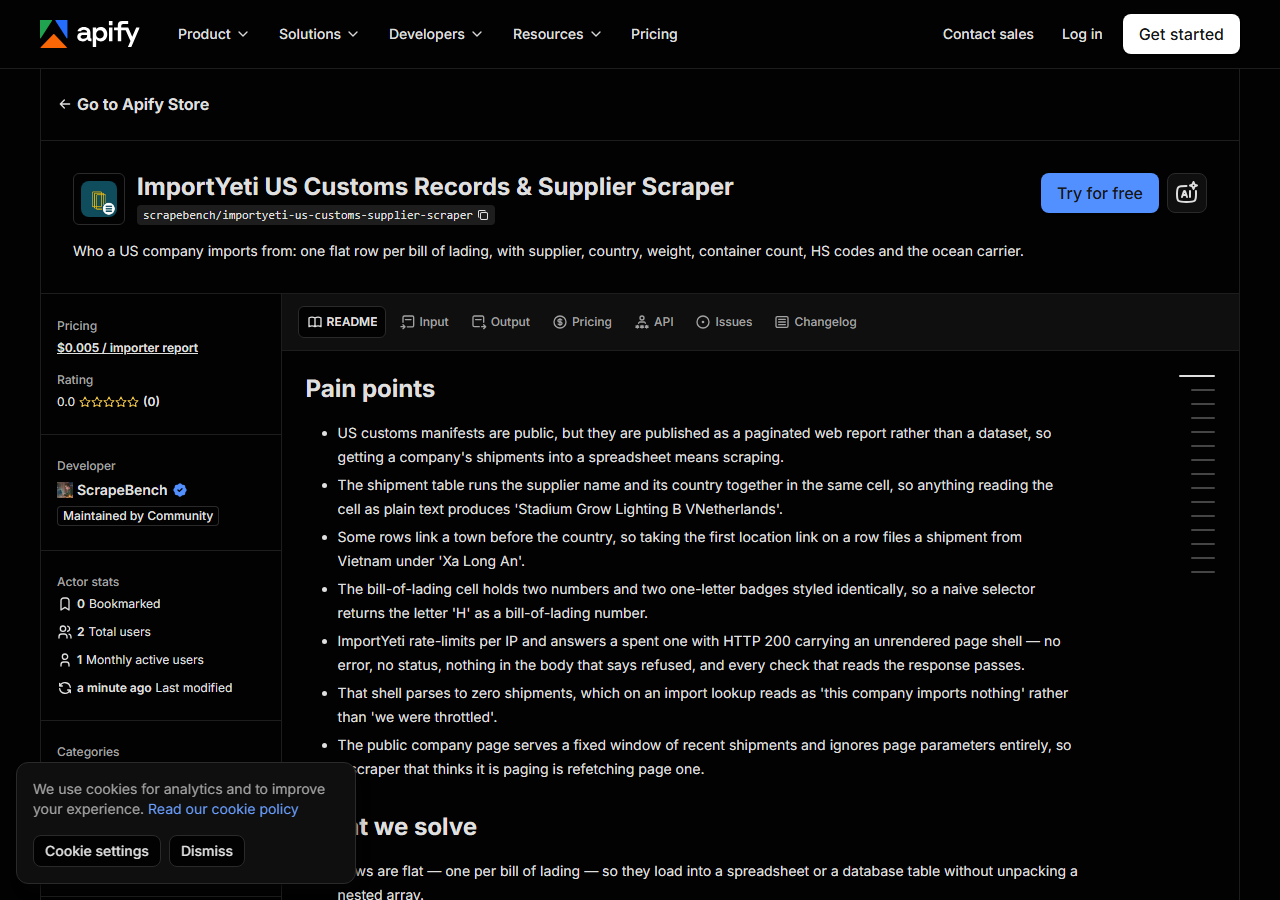
Open ImportYeti US Import Records, Supplier & Importer Leads Scraper on the Apify Store and press Try for free. The actor’s own page on this site lists its live health and pricing.
Step 2 — Fill in the input
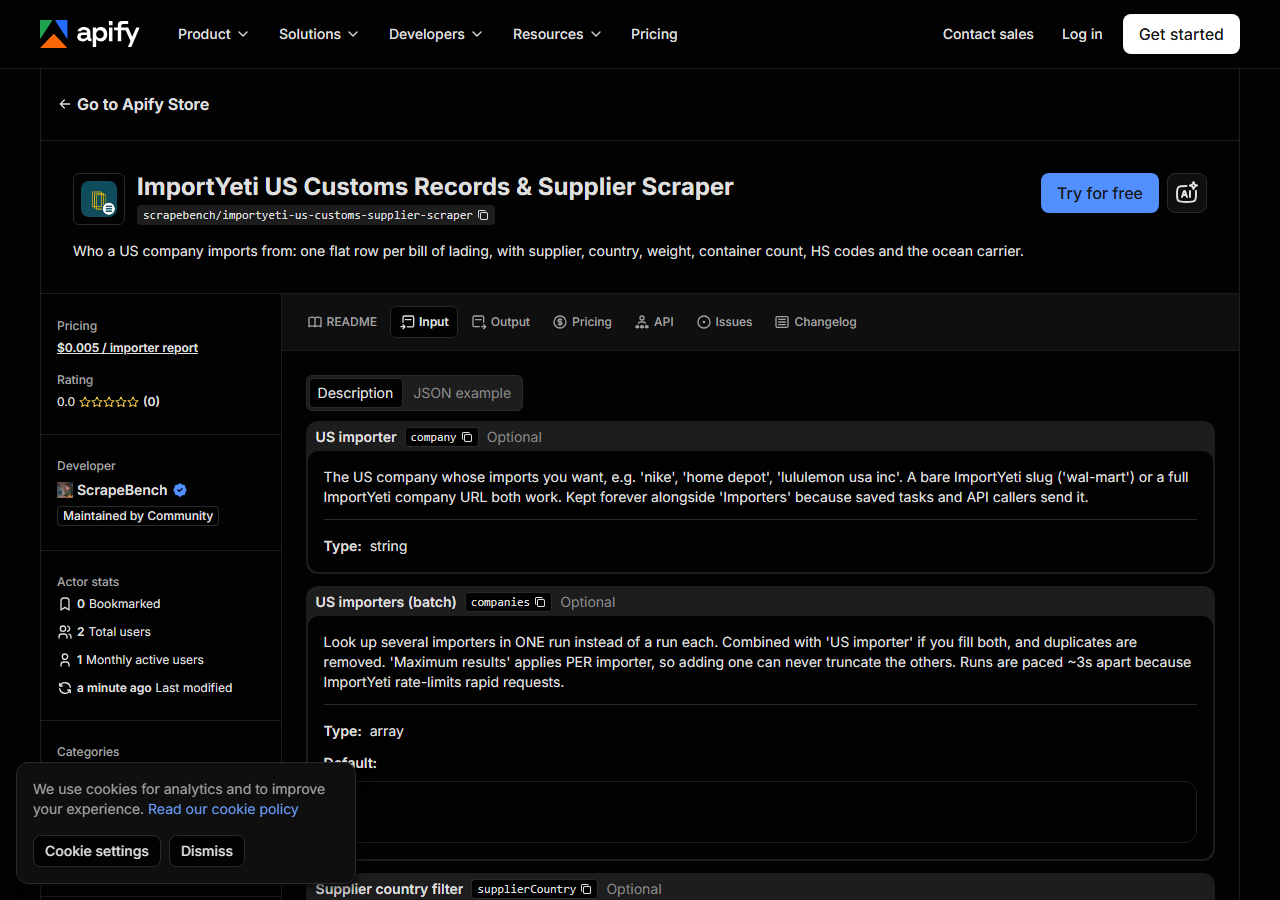
| Field | Type | What it does |
|---|---|---|
mode | string | product (a keyword or HS code), location (a country’s suppliers) or profile (one named company) |
query / queries | string / array | What to look up: hdmi cable, 850760, china, home depot, or any ImportYeti URL |
entityType | string | Product mode: importer, supplier or any (both, interleaved) |
activeOnly | boolean | Skip companies with no shipment in the last 12 months |
minShipments | integer | Skip companies listed with fewer shipments than this |
country / countries | string / array | Keep only companies in these countries (CN, VN, or the name) |
includeShipments | boolean | Add each profile’s 50 most recent bills of lading as free rows |
enrichContacts | boolean | Contact details, from 2026-11-14 (see below) |
maxResults | integer | Profiles per query (default 20) |
The mode decides which ImportYeti page is read. A keyword reads its tag page, which lists up to 20 US importers and 20 suppliers; an HS code reads its HS-code page, up to 50 and 50; a country reads its supplier page, 50 suppliers. These pages have no page two. Ask for more than a page lists and you get what it lists plus one free row saying so; another keyword or an HS code lists other companies.
The filters are applied before anything is fetched. A company that fails activeOnly,
minShipments or country is never opened and never charged.
A working input:
{
  "mode": "product",
  "query": "hdmi cable",
  "maxResults": 20
}
Step 3 — Run it
Press Start. That input took 43 seconds on Apify on 30 October 2026: the tag page, then 20 profile pages paced a second and a half apart.
You will not get a silently empty run. A query ImportYeti has no page for returns a free no_match
row; filters that leave nothing return one too; a login page the run cannot get past ends with a free
blocked row saying how many profiles it fetched.
Step 4 — Read the output
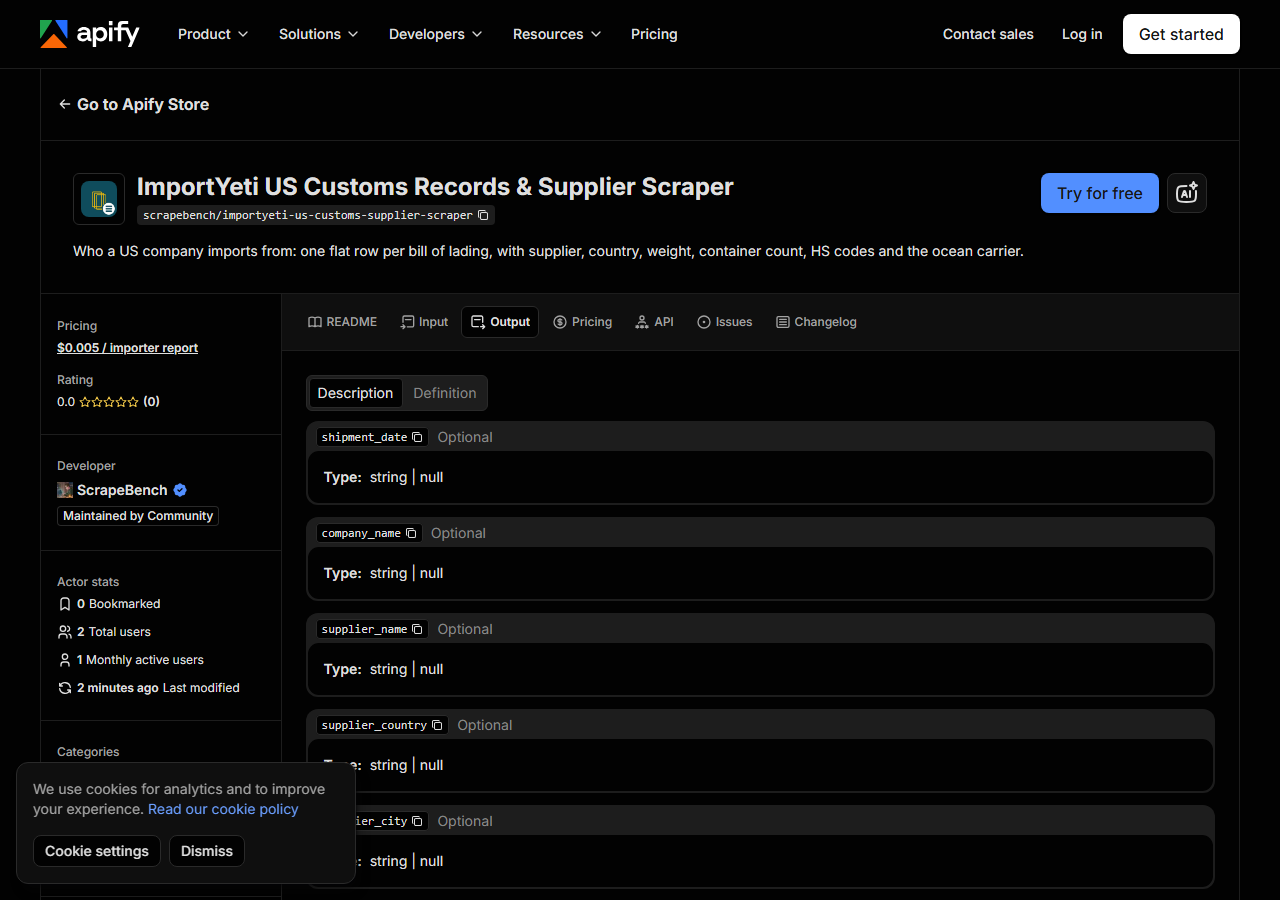
One row per company, from that run:
{
  "source_url": "https://www.importyeti.com/company/times-fiber-communications",
  "name": "Times Fiber Communications",
  "entity_type": "importer",
  "city": "Wallingford",
  "region": "Connecticut",
  "country_code": "US",
  "total_shipments": 2860,
  "shipments_12m": 2,
  "most_recent_shipment": "10/28/2026",
  "avg_teu_per_month": 36.78,
  "hs_codes": ["8544.42", "9503.00", "8529.90", "9404.90", "3926.90"],
  "top_carriers": ["Orient Star Transport Intl Ltd", "Apex Shipping Co", "Kerry Freight (Usa) Inc"],
  "website": "abs-go.com",
  "other_websites": ["amphenol-optimize.com", "timesfiber.com"],
  "requested_query": "hdmi cable"
}
The 20 rows were 10 importers and 10 suppliers. website was filled on 15 of them and
other_websites on 7; name, address, shipment totals, the latest shipment date, TEU, ImportYeti’s
freight-cost estimate, HS codes, product text and top carriers were on all 20. shipments_12m comes
from the directory page, so it is empty when you look a company up by name in profile mode.
With includeShipments on, each profile adds its 50 most recent bills of lading. On Home Depot’s
page (12 seconds, same day) all 50 carried a product description, 47 a carrier and 14 ImportYeti’s
freight-cost estimate. The carrier is named from the bill’s four-letter SCAC prefix using the carrier
table on the same page.
Step 5 — Export it
Open the Dataset tab and export to CSV, JSON or Excel, or pull the same rows from the API if this will run on a schedule.
What it costs
$0.005 per company profile. The 20-profile run above cost $0.10. Bill-of-lading rows and marker rows are free.
Contact details open on 14 November 2026: switch on enrichContacts to add the phone numbers
ImportYeti publishes for each company plus the emails, phones and social links on the company’s own
website. That is $0.02 per profile where at least one email or phone was found, and nothing where
none was. ImportYeti’s own email and LinkedIn fields are locked on its site and are not in the page,
so they are never returned.
Where the data comes from
This reads ImportYeti, which publishes US customs bills of lading. Each page carries its data twice: as the visible tables and as JSON the page embeds for its own front end. The actor reads the JSON, which is why product descriptions come back (the visible table cell is filled in only after the page loads). It never uses ImportYeti’s search box, which sits behind a Cloudflare challenge and is excluded in its robots.txt; the directory pages it uses are linked from ImportYeti’s own navigation. Every night a canary runs this actor against the live source and checks the result — what “verified” means.
See it used
Find a competitor’s Vietnam suppliers from US customs records runs this on Home Depot: 10 of its 50 most recent bills of lading came from Vietnam, from 8 named suppliers.
For contact details on a list of websites you already have, use Business Email, Phone & Contact Details Scraper.
Last updated 2026-10-30