How-to
How to run Hong Kong Business Directory List Scraper (Phone & Address)
Step-by-step: the exact input, what each field does, and the rows that come back from yp.com.hk Yellow Pages.
You want a list of Hong Kong businesses in one trade with their phone numbers: every cleaning company in Kowloon, or every solicitors’ office in Central. The yp.com.hk Yellow Pages has them, but a category page shows 10 listings and loads the next 10 as you scroll, so Solicitors (1,012 listings on 2026-10-25) is about 100 loads before you have copied a single row. District and region sit inside the address text, and each office of a multi-office firm is its own entry. This actor returns the listings with district, region and a branch flag already split out, from one run.
What you’ll need
Nothing but an Apify account. You don’t need an API key or a proxy. We keep a stored copy of the directory’s category listings and your run filters that copy, so it never waits on yp.com.hk. You pay $0.004 per listing returned, plus Apify’s own platform usage.
Step 1 — Open the actor
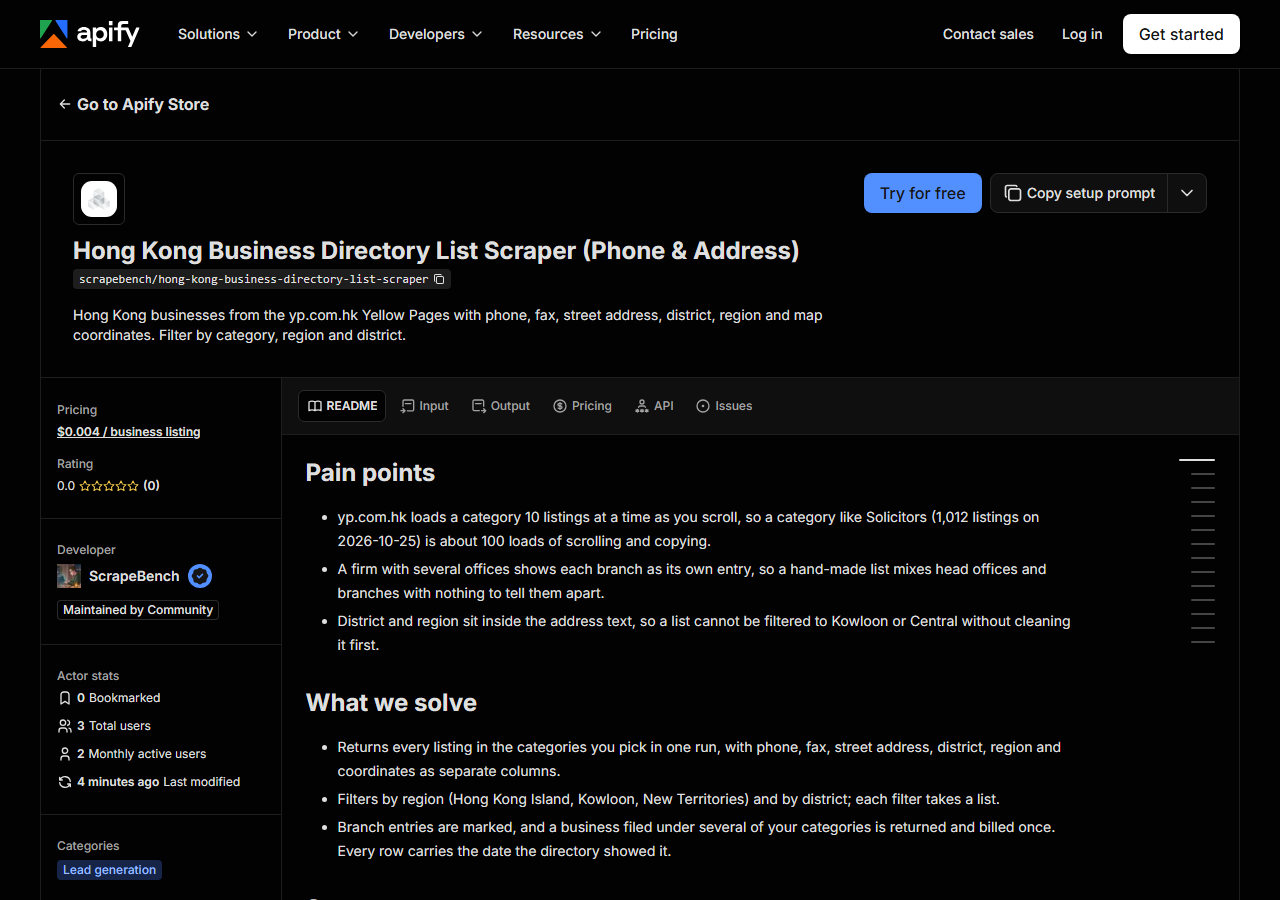
Open Hong Kong Business Directory List Scraper (Phone & Address) on the Apify Store and press Try for free. The actor’s own page on this site lists its live health and pricing.
Step 2 — Fill in the input
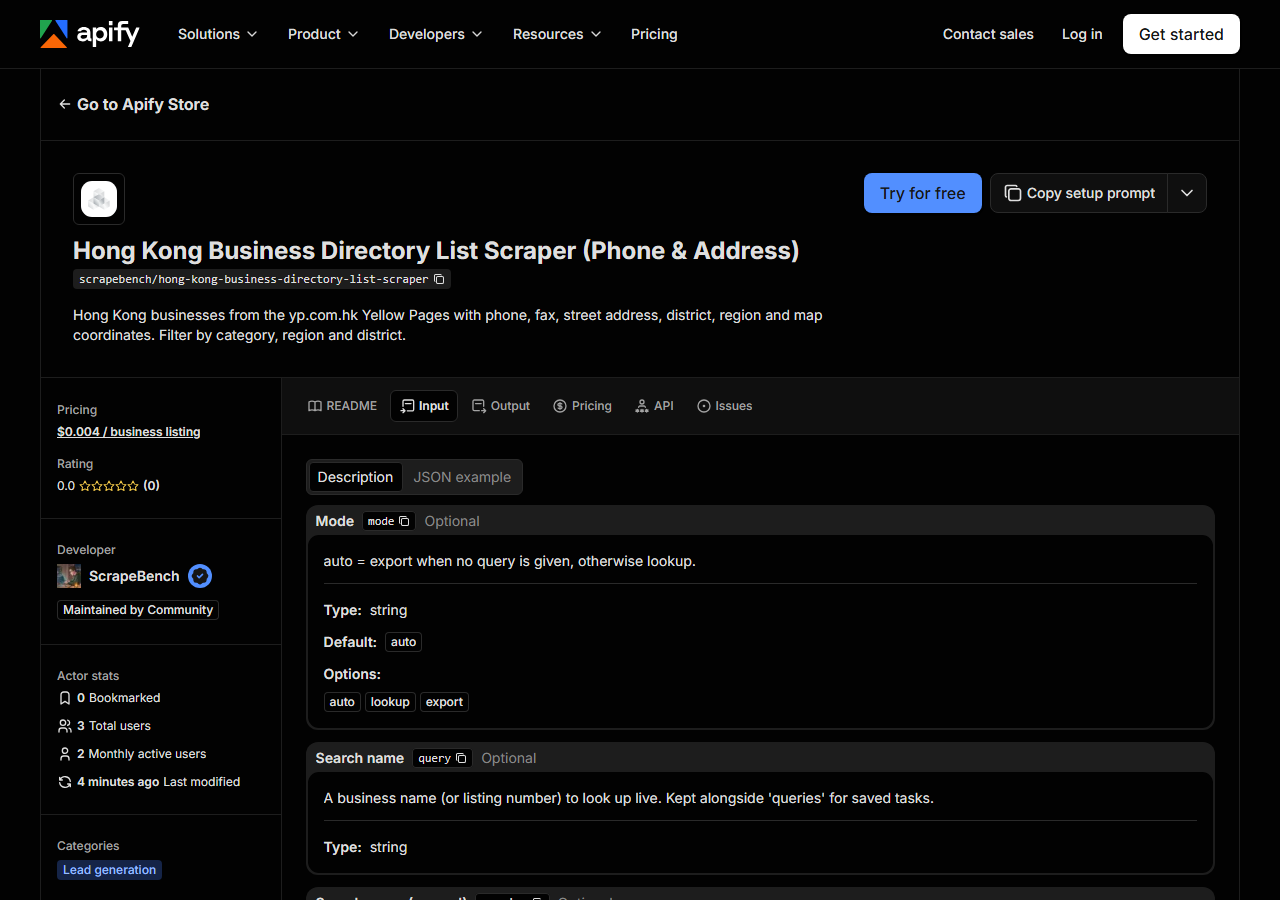
| Field | Type | Required | What it does |
|---|---|---|---|
mode | string | no | auto = export when no query is given, otherwise lookup. (default auto) |
query | string | no | A business name (or listing number) to look up live. Kept alongside ‘queries’ for saved tasks. |
queries | array | no | A business name (or listing number) to look up live. Several values in one run; combined with ‘query’. (default []) |
region | string | no | Only listings in this region. Kept alongside ‘regions’ for saved tasks. |
regions | array | no | Only listings in this region. Several values in one run; combined with ‘region’. (default []) |
district | string | no | Only listings in this district. Kept alongside ‘districts’ for saved tasks. |
districts | array | no | Only listings in this district. Several values in one run; combined with ‘district’. (default []) |
categories | array | no | Only these categories, in the source’s own names. Available: Abrasives, Accountants-Certified-Public-Accountants-Public-Accountants, Accountants-General,… (default []) |
maxResults | integer | no | Per query in lookup mode; per run in export mode. (default 500) |
Two fields decide what comes back. categories takes yp.com.hk’s own category names with hyphens, as they appear in its web addresses: Cleaning-Services, Solicitors. There are 1,547 of them, and a name the actor does not know returns the full list as a free row, so a wrong guess costs nothing. region is one of Hong Kong (the island), Kowloon or New Territories, and district is the district named in the address, such as Central, Wan Chai or Mong Kok. Leave query empty for a list; fill it only to look up named businesses.
A working input:
{
  "categories": [
    "Cleaning-Services"
  ],
  "region": "Kowloon",
  "maxResults": 200
}
Step 3 — Run it
Press Start. Rows are pushed to the dataset as they’re found, so the run log fills in as it works.
The input above returned 94 listings on the 2026-10-25 data: every cleaning-services company with a Kowloon address. Because the run reads the stored copy, it finishes in seconds rather than paging through the site. If a run comes back with a single notice row instead of listings, read it: an unknown category returns the category list, and a filter that matches nothing says so. Neither is charged.
Step 4 — Read the output
Each run returns a labelled table, not raw JSON:
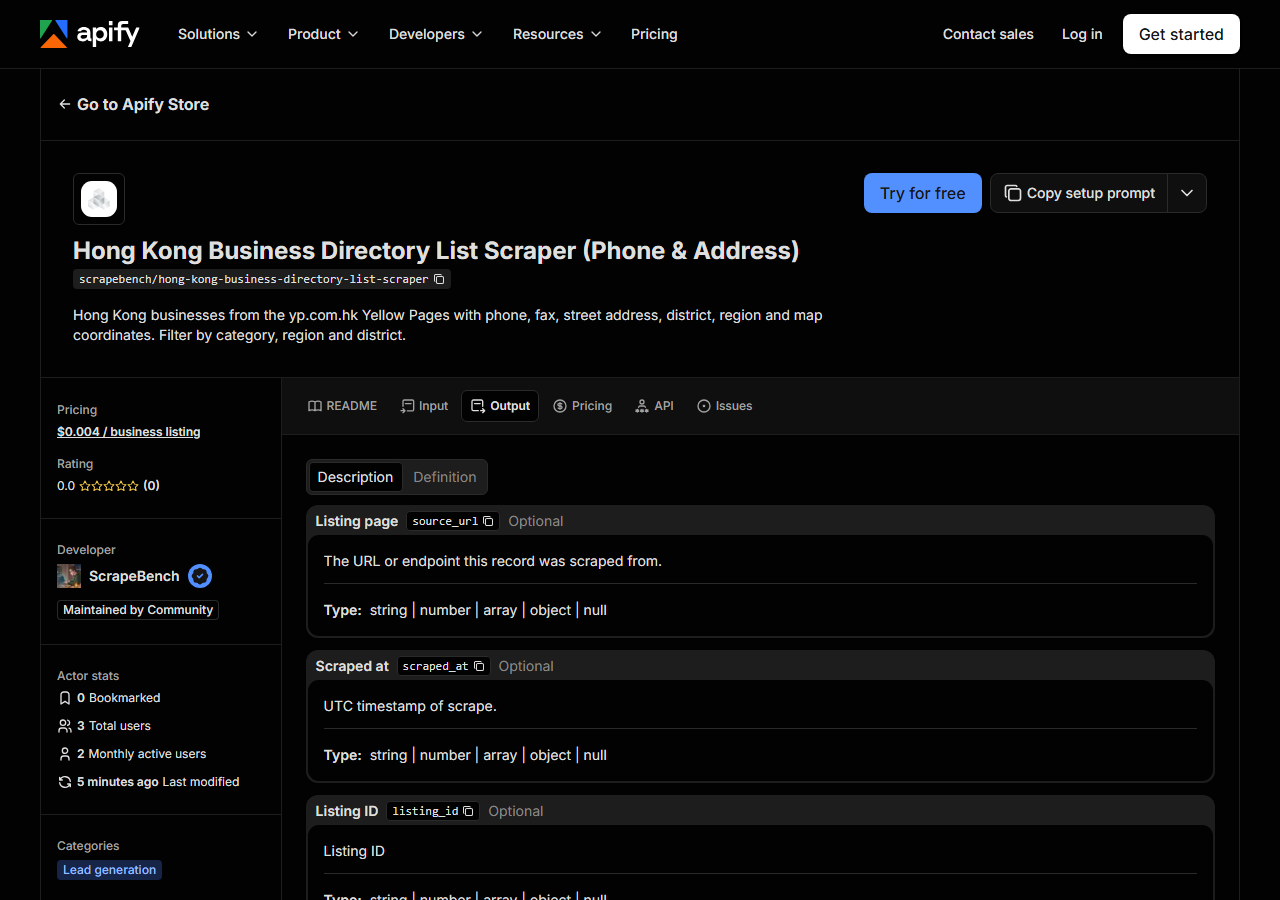
Every row looks like this, a real row from the stored copy:
{
  "name": "Parker Cleaning Servs Co Ltd",
  "phone": "2349 0467",
  "phone_e164": "+85223490467",
  "website": null,
  "street": "Unit 11, 10/F., Block A2, Yau Tong Industrial City, 17 Ko Fai Road,Yau Tong",
  "city": "Yau Tong",
  "region": "Kowloon",
  "lat": 22.2951605,
  "lng": 114.235119,
  "country": "HK",
  "category": "Cleaning Services",
  "listing_id": "589349",
  "extras": {
    "fax": "2347 6069"
  },
  "source": "snapshot",
  "source_url": "https://www.yp.com.hk/Category/CompanyInfo/23490467/589349/0X5893490000X000/1/en"
}| Field | Example value | Meaning |
|---|---|---|
name | Parker Cleaning Servs Co Ltd | Business name as listed |
phone | 2349 0467 | Phone number on the listing |
phone_e164 | +85223490467 | The same number in international format (+852…) |
website | — | Website, when the listing has one |
street | Unit 11, 10/F., Block A2, Yau Tong Industrial City, 17 Ko Fai Road,Yau Tong | Street address as listed |
city | Yau Tong | District (e.g. Wan Chai, Mong Kok, Tsuen Wan) |
region | Kowloon | Hong Kong, Kowloon or New Territories |
lat | 22.2951605 | Latitude, when the listing has a map pin |
Most people come for phone, which was on 100% of the 71,185 listings in the stored copy (read 2026-10-25 to 2026-10-27), and for city, the district, which was on 99.4%. Watch three things. Coordinates were on 72.7% of listings and website on 17.6%, so plan for gaps there; both vary a lot by category. Fax sits in extras.fax (26.3% overall, 87.7% for Solicitors). And a row with extras.branch set to true is one office of a multi-office firm (10.7% of listings), so filter on it if you only want head offices.
Step 5 — Export it
Open the Dataset tab and export to CSV, JSON or Excel, or pull the same rows from the API, which is what you want if this is going to run on a schedule.
What it costs
$0.004 per business listing returned, so 500 listings cost $2.00 and the 94 Kowloon cleaning companies above cost $0.38. A business filed under two of the categories you asked for is returned and charged once. Notice rows are free: an unknown category, a request too large for one run, or a stale-data note. Apify bills its own platform usage separately, per your plan.
Where the data comes from
This reads yp.com.hk Yellow Pages directly. The target is Server-rendered HTML category pages plus the page’s own scroll request (a plain GET, 10 listings per page), swept into a stored copy; runs filter the copy and never touch yp.com.hk. Twice a day our checks run this actor against the stored copy and check the rows that come back: what “verified” means.
The copy is refreshed when it is older than a month and the actor is in use, and the run log states the date of the copy. The fiddly part of the source is completeness: a category page shows only its first 10 listings, so the sweep follows the page’s own scroll request and checks the count against the category’s stated total. yp.com.hk does not publish email addresses.
See it used
Central, Hong Kong Solicitors List with Phone Numbers pulls every solicitors’ office in Central for a CRM import.
No email in this data. When a listing has a website (17.6% did), Business Email, Phone & Contact Details Scraper can read that website for an email address.
Last updated 2026-10-27