How-to
How to run Wellfound Startup Jobs Scraper & Hiring Signals
Step-by-step: the exact input, what each field does, and the rows that come back from Wellfound.
Recruiters, job boards and VC talent teams all end up on Wellfound for the same reason: it is where startups post, and the postings carry a pay range more often than most job sites. The problem is getting them out. Wellfound has no export and no public API, and it keeps three separate search indexes that answer different questions — “data scientist” nationwide returned 4,981 jobs on 8 September 2026, while “data scientist in San Francisco” returned 396. Doing this by hand means paging through fifteen screens per search, copying the title, company, pay and location for each of roughly forty jobs a page, then opening every job again for its description. For one role in one city that is an afternoon. For four roles across four cities it is a week, and the result is stale before you finish.
What you’ll need
Nothing but an Apify account. The actor talks to Wellfound directly.
No Wellfound account, no API key, nothing to sign up for. One thing is worth knowing because it is the opposite of the usual advice: leave the proxy off. It is off by default and that default is measured rather than cautious — see “Where the data comes from” below.
Step 1 — Open the actor
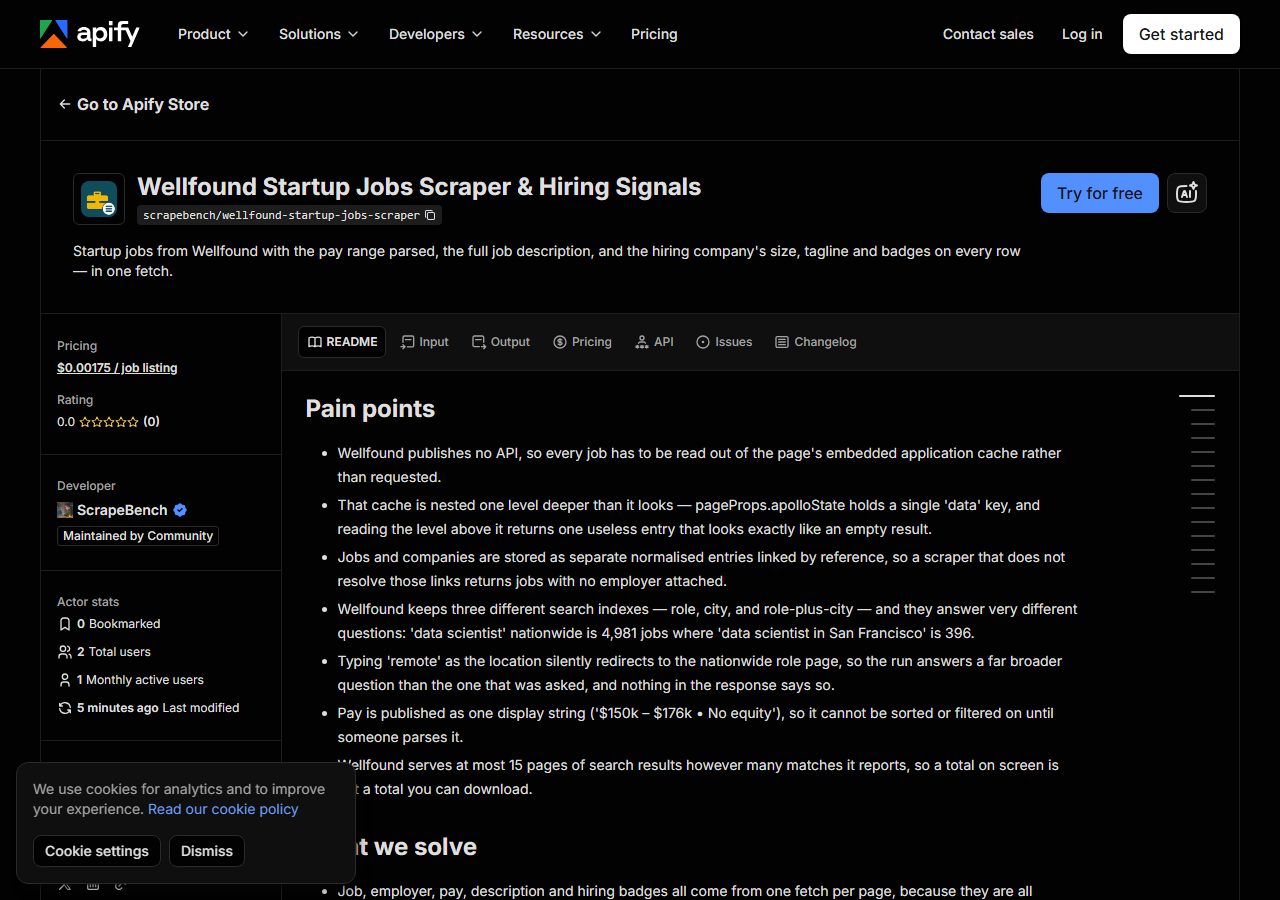
Open Wellfound Startup Jobs Scraper & Hiring Signals on the Apify Store and press Try for free. The actor’s own page on this site lists its live health and pricing.
Step 2 — Fill in the input
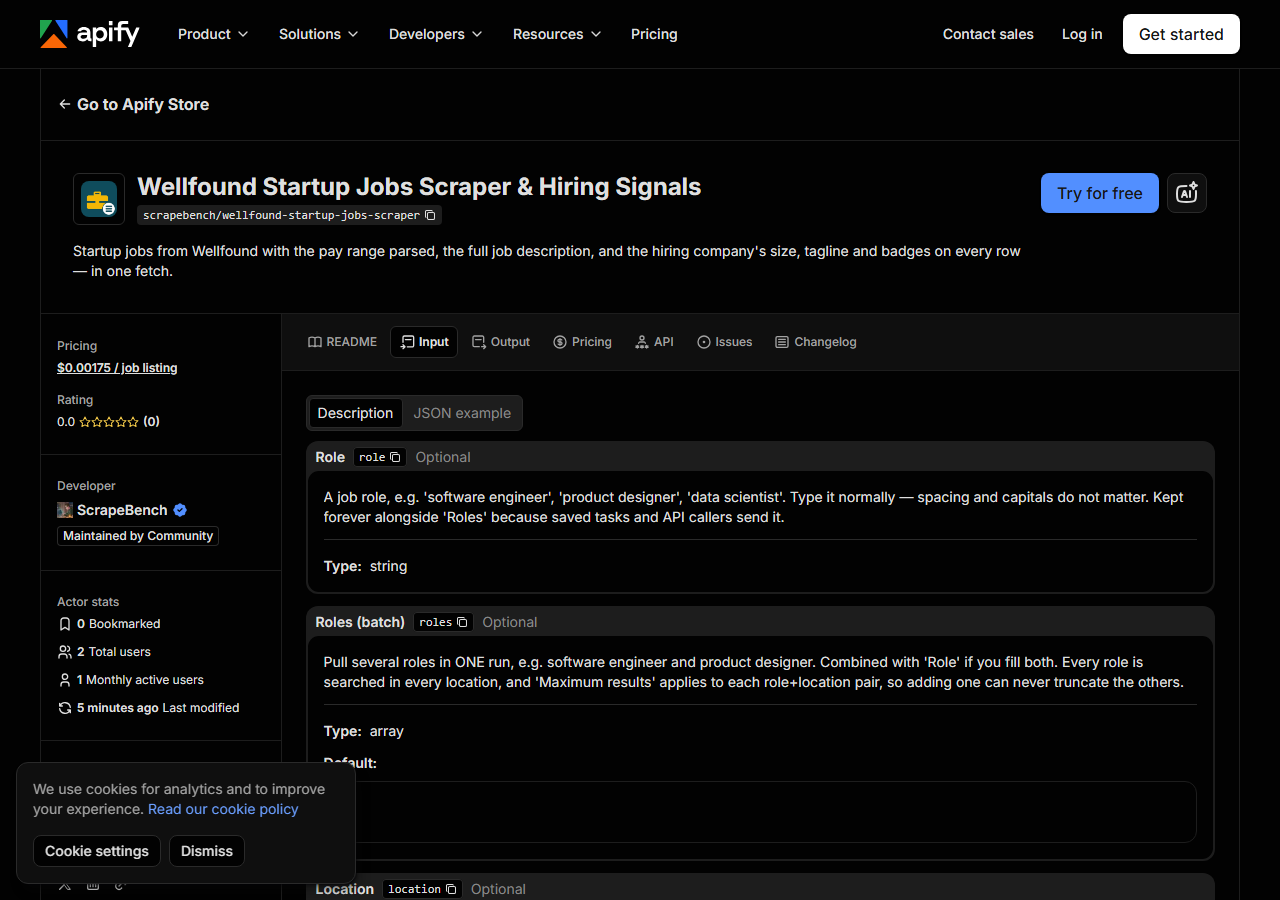
| Field | Type | Required | What it does |
|---|---|---|---|
role | string | no | A job role, e.g. ‘software engineer’, ‘product designer’, ‘data scientist’. Type it normally — spacing and capitals do not matter. Kept forever alongside ‘Roles’ because saved… |
roles | array | no | Pull several roles in ONE run, e.g. software engineer and product designer. Combined with ‘Role’ if you fill both. Every role is searched in every location, and ‘Maximum… (default []) |
location | string | no | A city, e.g. ‘san francisco’, ‘new york’, ‘london’. Leave it out to search the role nationwide. Do NOT type ‘remote’ — Wellfound redirects that to the nationwide page and… |
locations | array | no | Pull several cities in ONE run. Combined with ‘Location’ if you fill both. Roles and locations combine as a product: 3 roles across 4 cities is 12 searches in one run. (default []) |
remoteOnly | boolean | no | Keep only jobs Wellfound flags as remote. This filters the search results rather than changing the search, because Wellfound has no remote-only index. |
maxResults | integer | no | Cap on the number of jobs returned PER role+location pair, not per run — so adding a city cannot silently truncate the ones before it. Wellfound serves at most 15 pages of… (default 100) |
Two fields decide what you actually get, and both are easy to get wrong.
Role and location are separate indexes, not filters. Fill both and you search Wellfound’s
narrow role-plus-city index. Fill only the role and you get that role nationwide, a much bigger
and much less targeted set. Neither is wrong — they answer different questions — and the
matched_by column on every row records which one answered.
Do not type remote as the location. Wellfound redirects /role/l/<role>/remote to the plain
nationwide role page: same domain, ordinary 200 response, nothing anywhere saying it happened, so
the run quietly answers a far broader question than you asked. This actor refuses the word and
points you at the remoteOnly switch, which filters on Wellfound’s own remote flag instead.
A working input:
{
  "role": "software engineer",
  "location": "san francisco",
  "maxResults": 100
}
Step 3 — Run it
Press Start. Rows are pushed to the dataset as they’re found, so the run log fills in as it works.
A single role-and-city search is fast: 25 jobs came back in 4.5 seconds on the Apify platform on
8 September 2026. Each page of results carries roughly 40 jobs, so maxResults: 100 is about
three page fetches.
If a run comes back with no jobs you get a row explaining which kind of nothing it was, rather
than an empty dataset: no_results means the search genuinely matched nothing, blocked means
Wellfound refused the request, source_changed means the page no longer parses. That distinction
matters here, because an empty jobs feed otherwise reads as “nobody is hiring”.
Step 4 — Read the output
Each run returns a labelled table, not raw JSON:
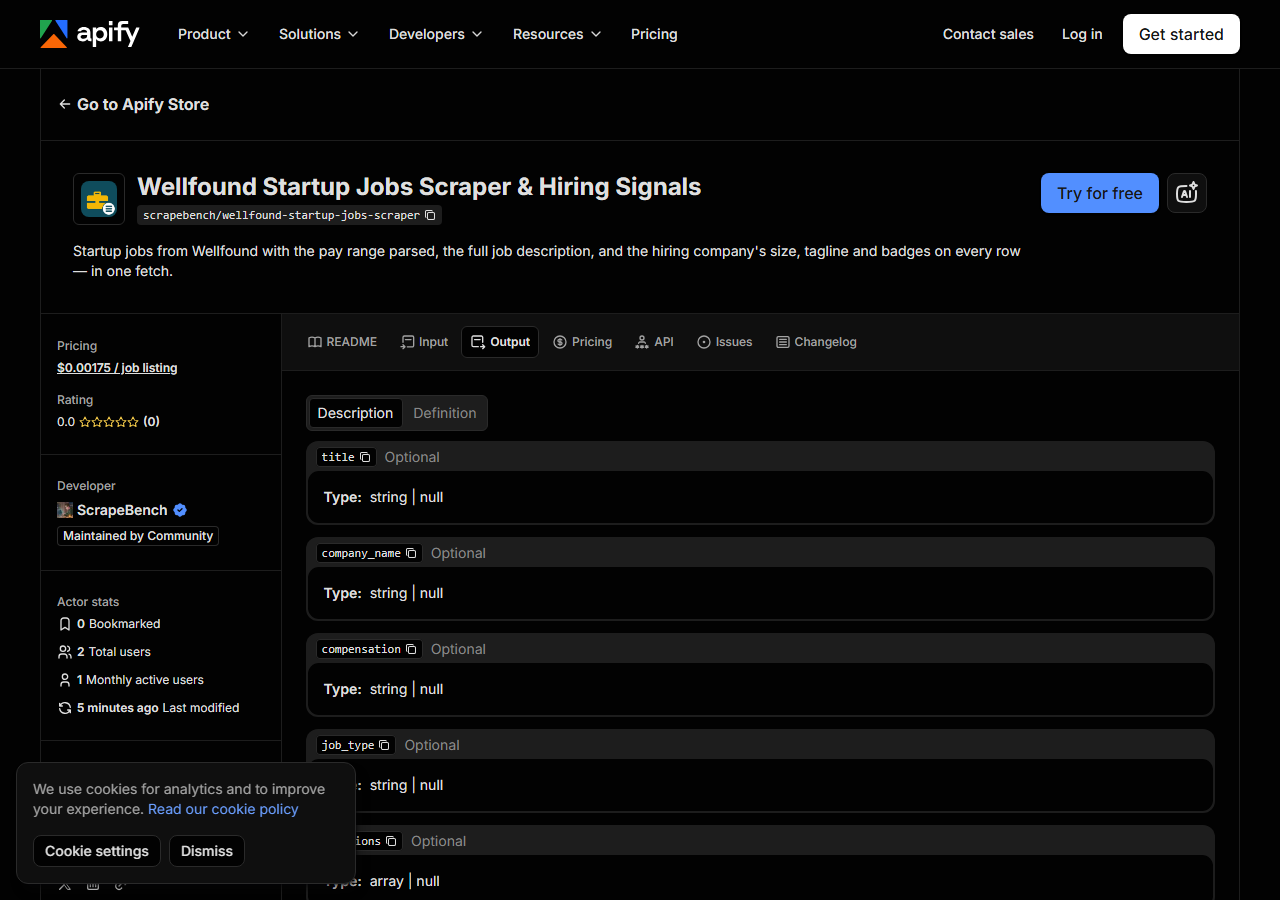
Every row looks like this — a real row from a real run:
{
  "source_url": "https://wellfound.com/jobs/4639821-software-engineer",
  "title": "Software Engineer",
  "role": "Software Engineer",
  "job_type": "full-time",
  "compensation": "$150k – $176k",
  "salary_min": 150000,
  "salary_max": 176000,
  "has_equity": null,
  "remote": false,
  "locations": [
    "Denver",
    "San Francisco"
  ],
  "remote_locations": null,
  "posted_date": "2026-06-23",
  "years_experience_min": null,
  "company_name": "Checkr",
  "company_size": "SIZE_501_1000",
  "company_tagline": "The only background check company using artificial intelligence and machine learning",
  "company_url": "https://wellfound.com/company/checkr",
  "hiring_badges": [
    "ACTIVELY_HIRING",
    "B2B",
    "HIGHLY_RATED",
    "QUICK_RESPONDER",
    "TOP_INVESTORS",
    "VALUATION_1B",
    "YC"
  ],
  "actively_hiring": true,
  "matched_by": "role_and_location",
  "requested_role": "software engineer",
  "requested_location": "san francisco"
}| Field | Example value | Meaning |
|---|---|---|
title | Software Engineer | The job title as posted |
role | Software Engineer | Wellfound’s normalised primary role for the posting |
job_type | full-time | full-time, contract, internship, and so on |
compensation | $150k – $176k | Wellfound’s own pay string, e.g. ‘$150k – $176k • No equity’ |
salary_min | 150000 | Low end of the pay range in dollars, parsed; null when the string is not two dollar figures |
salary_max | 176000 | High end of the pay range in dollars, parsed |
has_equity | — | True when equity is offered, false when the posting says none, null when unstated |
remote | False | Wellfound’s remote flag for the posting |
The two columns people come for are description and salary_min / salary_max.
The description is the full posting text and it arrives with the row rather than needing a second
fetch per job — everything on the row is read out of one JSON blob the page already ships. On a
40-row run measured on 8 September 2026, description, job_type, role, company_size,
company_tagline and hiring_badges were populated on all 40.
Salary is the one to watch. Wellfound publishes pay as a display string like
$150k – $176k • No equity, and this actor parses it into salary_min and salary_max so you can
sort on it. Where the string is not two dollar amounts — an equity-only offer, an hourly rate, the
word “competitive” — both come back null rather than guessed, and the original compensation
string is always there to fall back on. company_size is Wellfound’s own bucket
(SIZE_501_1000), not an exact headcount.
Step 5 — Export it
Open the Dataset tab and export to CSV, JSON, or Excel — or pull the same rows from the API, which is what you want if this is going to run on a schedule.
What it costs
$1.75 per 1,000 jobs — $0.00175 a row — charged per job returned, not per role or city submitted. The default input (one role, one city, 100 jobs) costs about $0.18. Four roles across four cities at 100 jobs each is sixteen searches and roughly $2.80.
Marker rows are free. If a search matches nothing, or Wellfound refuses, or the page structure changes, you get an unbilled row saying so — you never pay for an explanation.
Where the data comes from
This reads Wellfound directly. The target is Next.js pages whose entire Apollo GraphQL cache ships inside a NEXT_DATA script tag, so the DOM is never parsed - jobs, employers, pay and badges are all read out of that JSON. The cache sits one level deeper than it appears: pageProps.apolloState holds a single ‘data’ key and the 146 normalised entries live under it. Every night a canary runs this actor against that live source and diffs the result against a frozen fixture — what “verified” means.
Wellfound is a Next.js site, and every search page embeds its whole Apollo GraphQL cache in a
__NEXT_DATA__ script tag — which is why the job description and the company profile cost no
extra request here. The catch is that the cache is nested one level deeper than it looks:
pageProps.apolloState holds a single data key, and reading the level above it returns one
useless entry that is indistinguishable from an empty result.
The access story is the surprising part. Measured from inside an Apify run on 8 September 2026, the container’s own address got a normal 200 and the full 613 KB page, while Apify’s datacenter proxy pool was served a Cloudflare 403 on the identical request in the same run. Residential works too but buys nothing. On this target, reaching for a proxy is what breaks it — which is why the default is off.
See it used
Benchmark startup data scientist pay in San Francisco turns one search into an offer band: 60 jobs, 45 posted ranges, and the median split by company size.
If you want to know which of these startups are spending money rather than only hiring, reach for Google Ads Transparency Center & Competitor Ad Scraper — it returns every ad an advertiser is currently running, and how long each has been live.
Last updated 2026-09-08