How-to
How to run Washington Contractor License Lookup & Verify (L&I)
Step-by-step: the exact input, what each field does, and the rows that come back from WA L&I (Socrata).
You have a Washington contractor in front of you — a sub about to start work, a vendor being onboarded, a name on an insurance file — and you need the state’s record of them: are they registered with L&I, is the registration active, and when does it expire. Washington gives you a Verify a Contractor page that answers exactly that, one contractor at a time, as a web page. For one sub that’s a two-minute job and you should just use it. It stops being reasonable when the question becomes a list: fifty subs re-checked each quarter is two hundred searches a year, each one typed in by hand and copy-pasted into a spreadsheet, and the portal has no export to skip that step. This actor asks the same question and hands back rows instead of pages.
What you’ll need
Nothing but an Apify account. The actor talks to WA L&I (Socrata) directly.
No API key, no proxy, no CAPTCHA credits. Washington publishes its contractor registrations as an official Socrata open-data dataset on data.wa.gov — public JSON, documented, free to query. This is the easiest tier of target there is, and it’s worth being blunt about what that means: nothing here is being worked around, and you are not paying for access. If you can write a SoQL query, you can pull the same data yourself and pay nobody. What this actor gives you is the normalised schema, the two-way search, the cost cap, and the nightly check that the columns still mean what they meant yesterday.
Step 1 — Open the actor
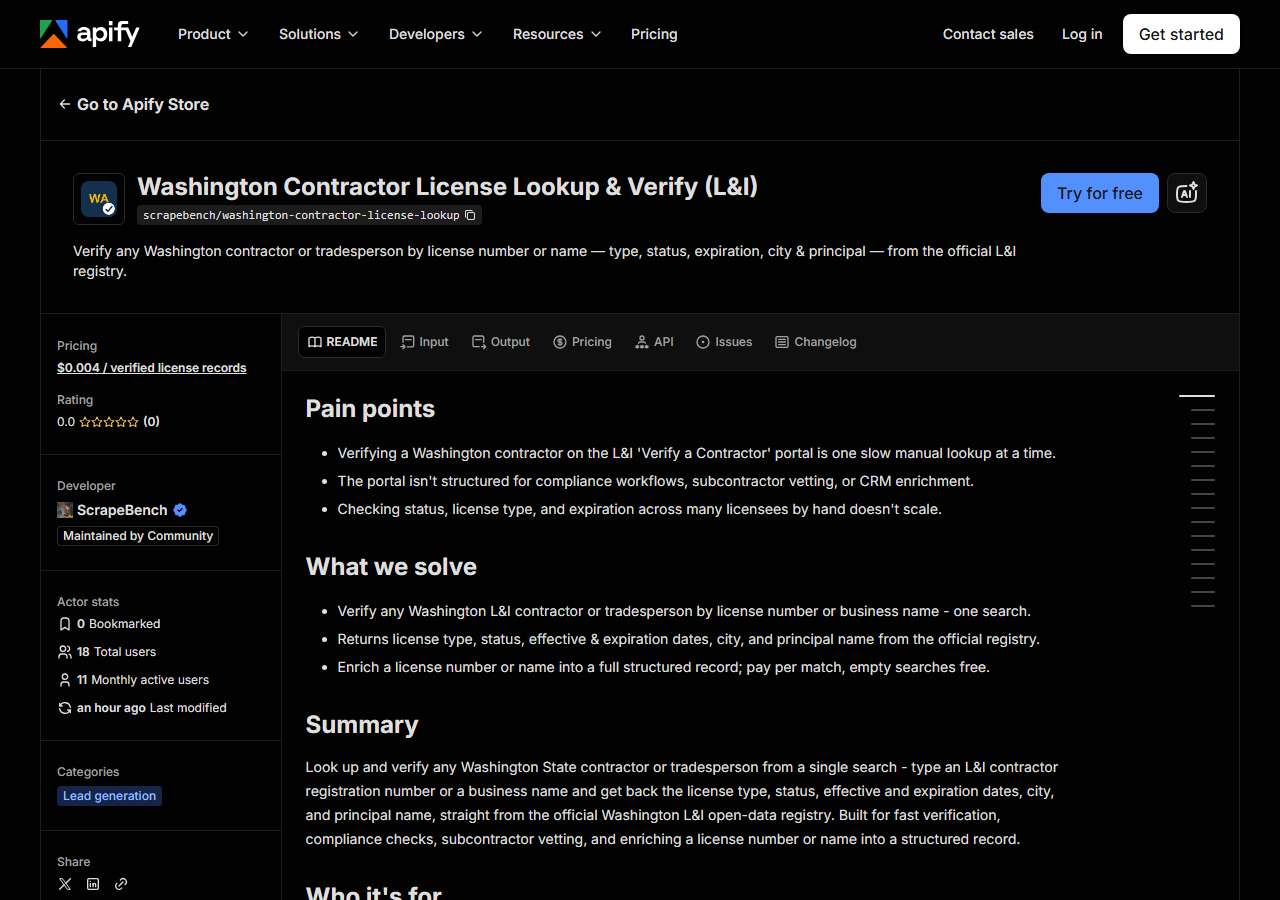
Open Washington Contractor License Lookup & Verify (L&I) on the Apify Store and press Try for free. The actor’s own page on this site lists its live health and pricing.
Step 2 — Fill in the input
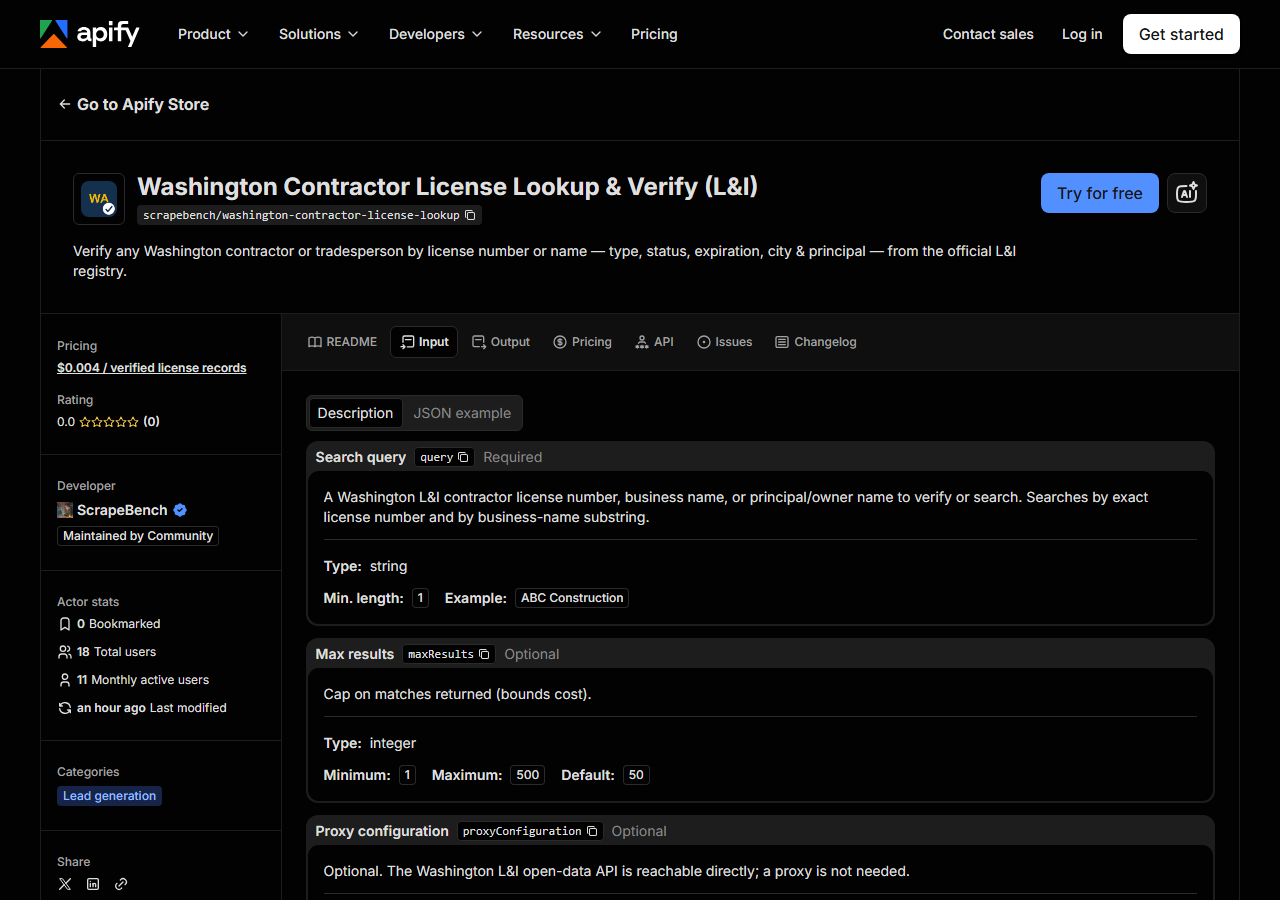
| Field | Type | Required | What it does |
|---|---|---|---|
query | string | yes | A Washington L&I license number or business name. Searches by exact license number and by business-name substring; principal names are returned on the row but are not searchable. |
maxResults | integer | no | Cap on matches returned (bounds cost). This is now honoured end to end - the Socrata query is issued for this many rows. (default 50) |
query is the field people get wrong, because it does two jobs at once. Every run searches L&I twice:
once for an exact match on the registration number (contractorlicensenumber), and once for a
substring match against the business name (businessname). So a full registration number is a
verify — one contractor, one row. A word is a search: construction matches thousands of registered
businesses, pacific roof matches a handful. Start narrow and widen, rather than the other way
round.
The substring half runs against the business name only. A principal’s name comes back on the row
(person_name, from L&I’s primary-principal field), but it is not a separate index you can query —
so a sole proprietor registered under their own name will turn up, while an owner behind a company
name will not. A missing match is not proof someone is unregistered; it may just be a DBA you don’t
know about.
maxResults (default 50) is the only thing standing between a broad name fragment and a bill, since
you’re charged per row returned. Set it deliberately on any search you haven’t run before.
A working input:
{
  "query": "construction",
  "maxResults": 25
}
Step 3 — Run it
Press Start. Rows are pushed to the dataset as they’re found, so the run log fills in as it works.
A healthy run is dull and fast. There’s no browser and no login — the whole thing is two filtered
Socrata requests (the exact-number search, then the name search), each requested at your maxResults,
deduplicated on registration number and cut to it. Because the dataset already carries status, dates,
address, phone and principal, there is no second fetch per contractor: a lookup is one request and a
verify finishes in seconds. Expect a single row from a registration number and anywhere from a
handful to your maxResults ceiling from a name.
Empty usually means the query, not the actor. Registration numbers have to match exactly, and names
have to match the way L&I spelled them — punctuation, & versus and, the LLC suffix. Cut the name
back to its shortest distinctive fragment and run it again before you conclude anyone is
unregistered.
Step 4 — Read the output
Each run returns a labelled table, not raw JSON:
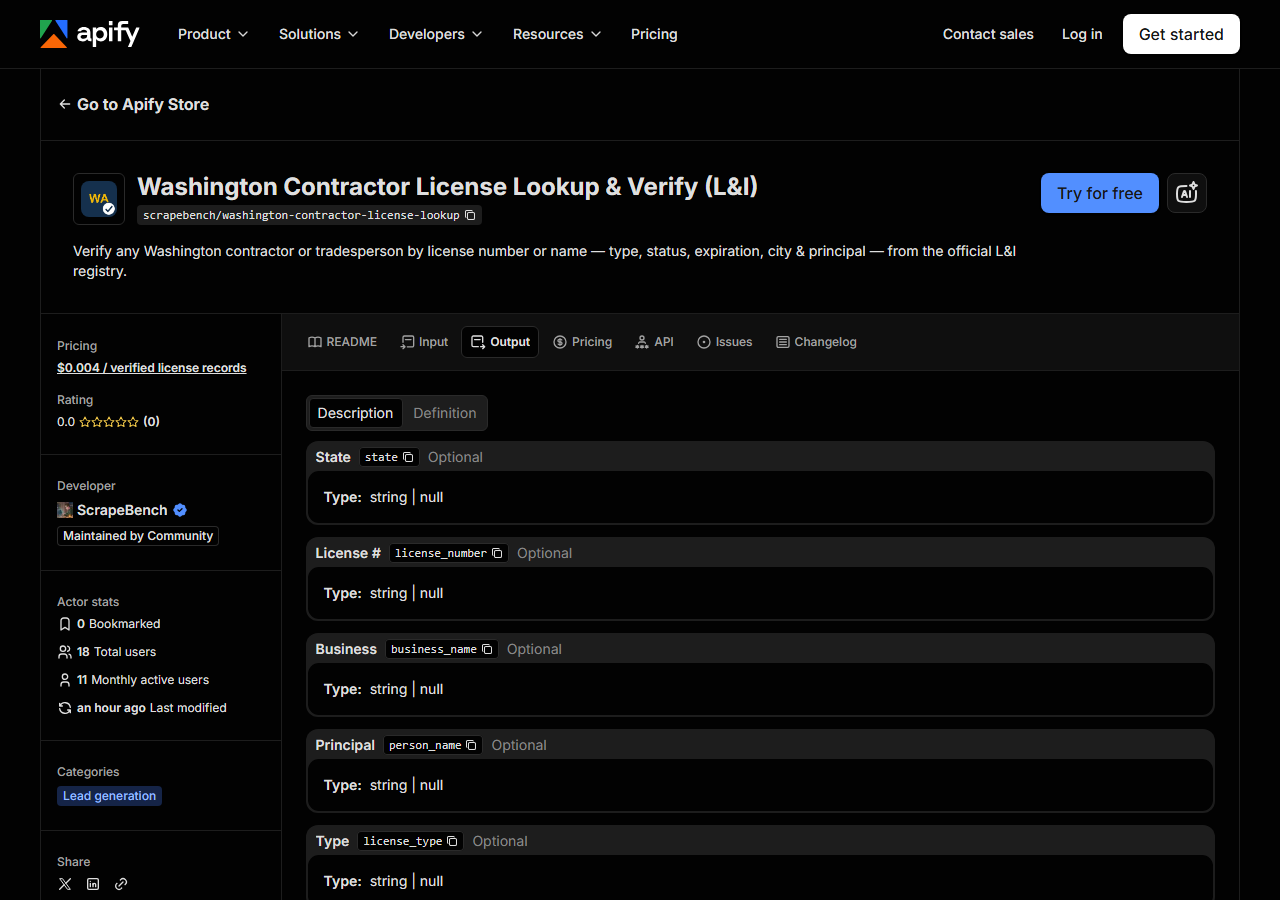
Every row looks like this — a real row from a real run:
{
  "state": "WA",
  "license_number": "ECOSTSC758NN",
  "business_name": "!ECO STAR C G CONSTRUCTION LLC",
  "person_name": "GUERRERO MARTINEZ, CARLOS I.",
  "license_type": "CONSTRUCTION CONTRACTOR",
  "status": "ACTIVE",
  "issue_date": "2025-08-15T00:00:00.000",
  "expiration_date": "2027-08-15T00:00:00.000",
  "city": "VANCOUVER",
  "address": "2420 COLUMBIA HOUSE BLVD #311",
  "zip_code": "98661",
  "phone": "5039573452",
  "matched_by": "business_name",
  "source_url": "https://secure.lni.wa.gov/verify/"
}| Field | Example value | Meaning |
|---|---|---|
state | WA | Always ‘WA’ for this actor |
license_number | ECOSTSC758NN | L&I contractor registration / license number |
business_name | !ECO STAR C G CONSTRUCTION LLC | Licensed business name |
person_name | GUERRERO MARTINEZ, CARLOS I. | Primary principal / owner name |
license_type | CONSTRUCTION CONTRACTOR | L&I license type (e.g. Construction Contractor) |
status | ACTIVE | License status (e.g. ACTIVE, EXPIRED, RE-LICENSED) |
issue_date | 2025-08-15T00:00:00.000 | License effective date |
expiration_date | 2027-08-15T00:00:00.000 | License expiration date |
Two fields are why anyone runs this: status and expiration_date.
Read them knowing what a Washington registration actually is. L&I doesn’t test contractors the way
some states license them — it registers them, and registration is conditional on having a surety bond
and general-liability insurance on file with the state. That’s the whole point of the check: an
ACTIVE registration means L&I currently holds a bond and an insurance policy for that contractor,
and a lapse in either is what pushes the record out of ACTIVE. So status is a proxy for “bonded
and insured today”, and expiration_date is the date that assurance runs out — the one to sort by
when you’re deciding whether a sub goes out of date halfway through your project.
Be precise about the limit here. The bond amount, the surety, the insurer and the workers’-comp
account live in separate L&I datasets and are not joined in this version — those fields come back
null, not guessed. This dataset tells you the registration is in effect; it does not tell you the
bond is $12,000 from a named surety. If you need the bond and insurance rows themselves, L&I’s own
Verify page (linked on every row as source_url) is where you go.
The rest is straightforward, with two things to watch. person_name is L&I’s primary principal, which
is how you tell two similarly-named outfits apart — it is not a full owner list. matched_by tells
you why a row is in your results: license_number for an exact hit, business_name for a name that
merely contained your search string. Check it before you treat a hit as the contractor. phone
arrives as raw digits (5039573452), unformatted, and is null where L&I doesn’t publish one.
Step 5 — Export it
Open the Dataset tab and export to CSV, JSON, or Excel — or pull the same rows from the API, which is what you want if this is going to run on a schedule.
What it costs
$0.004 per matched licence — 100 verified records is $0.40, 1,000 is $4.00. You’re charged per row
returned, so a search that finds nothing is free, and a single-registration verify costs less than a
cent. Apify’s platform compute is billed separately on your plan, and it’s small here: no browser, two
HTTP calls. There is no third-party cost inside the run at all, because the source is a free public
API. The spend control you actually use is maxResults — a wide name search is the only way to run up
a bill on this one.
Where the data comes from
This reads WA L&I (Socrata) directly. The target is Socrata SODA JSON API (data.wa.gov, L&I contractor registrations) - filtered server-side with SoQL. Every night a canary runs this actor against that live source and diffs the result against a frozen fixture — what “verified” means.
This is the front door, not a side entrance. Washington publishes its contractor-registration registry
deliberately, as open data, with a documented free API and no anti-bot wall — and that’s the honest
frame for the whole actor. What’s fiddly is not getting in; it’s the shape of what’s inside. The
columns are the state’s own (contractorlicensenumber, contractorlicensetypecodedesc,
primaryprincipalname), the search semantics are yours to build, and the feed is an open-data snapshot
that L&I refreshes on business days — so it can lag the board’s live screen, and for a formal
compliance decision you confirm against L&I itself. The thing worth paying for is that the schema
stays stable for you, and that when Washington renames a column or changes a status value, the nightly
canary notices instead of your pipeline.
See it used
Search Washington Contractors by Business Name resolves a business name to its L&I registration records.
- Washington Contractor Directory & Leads Scraper — reach for this when you want the list rather than the lookup: registered Washington contractors in bulk, for prospecting, rather than one name verified.
- Multi-State Contractor & Trade License Lookup — reach for this when you don’t know which state holds the record, or you want the same contractor checked across WA, OR, TX and CT in one run.
Last updated 2026-07-13