How-to
How to run Oklahoma Roofing Contractor Directory & Leads (CIB)
Step-by-step: the exact input, what each field does, and the rows that come back from the source portal.
You want Oklahoma’s registered roofers as a spreadsheet: company, phone, address and whether the registration is still good. The Construction Industries Board publishes all of it at its public roofing search, free, but that page shows 10 registrations at a time and has no export button. On 2026-10-14 the registry held 1,924 roofers In Good Standing, which is about 190 pages of copying before you have the active list, and 6,069 records once you count expired, pending and lapsed ones. This actor reads the same registry and returns it as a table.
What you’ll need
Nothing but an Apify account. The actor talks to the source portal directly.
No API key and no login: CIB’s search page loads its results from a public JSON service, and the actor reads that same service. The proxy setting is off by default and should stay off. Turn it on only if a run returns a “blocked” notice saying CIB did not answer.
Step 1 — Open the actor
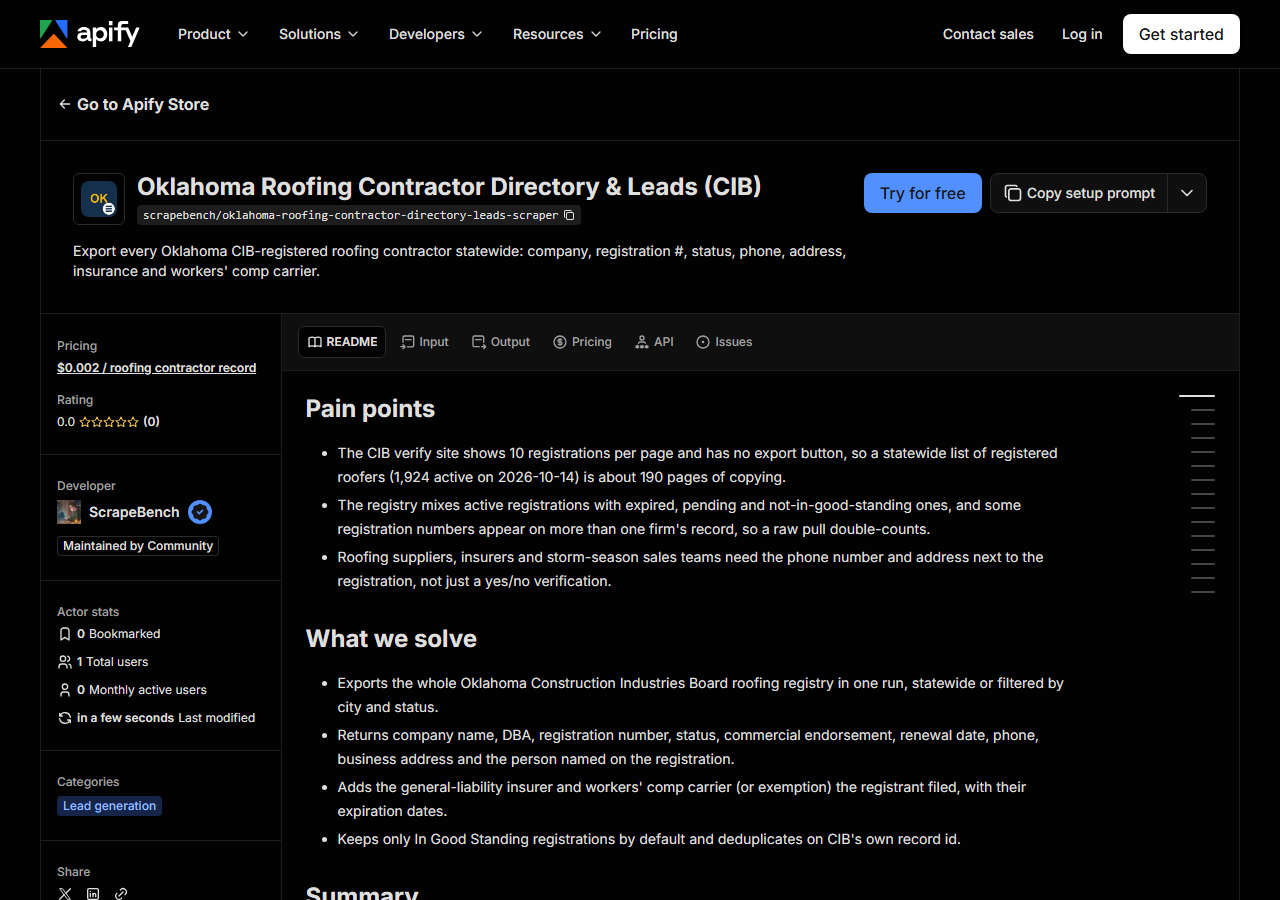
Open Oklahoma Roofing Contractor Directory & Leads (CIB) on the Apify Store and press Try for free. The actor’s own page on this site lists its live health and pricing.
Step 2 — Fill in the input
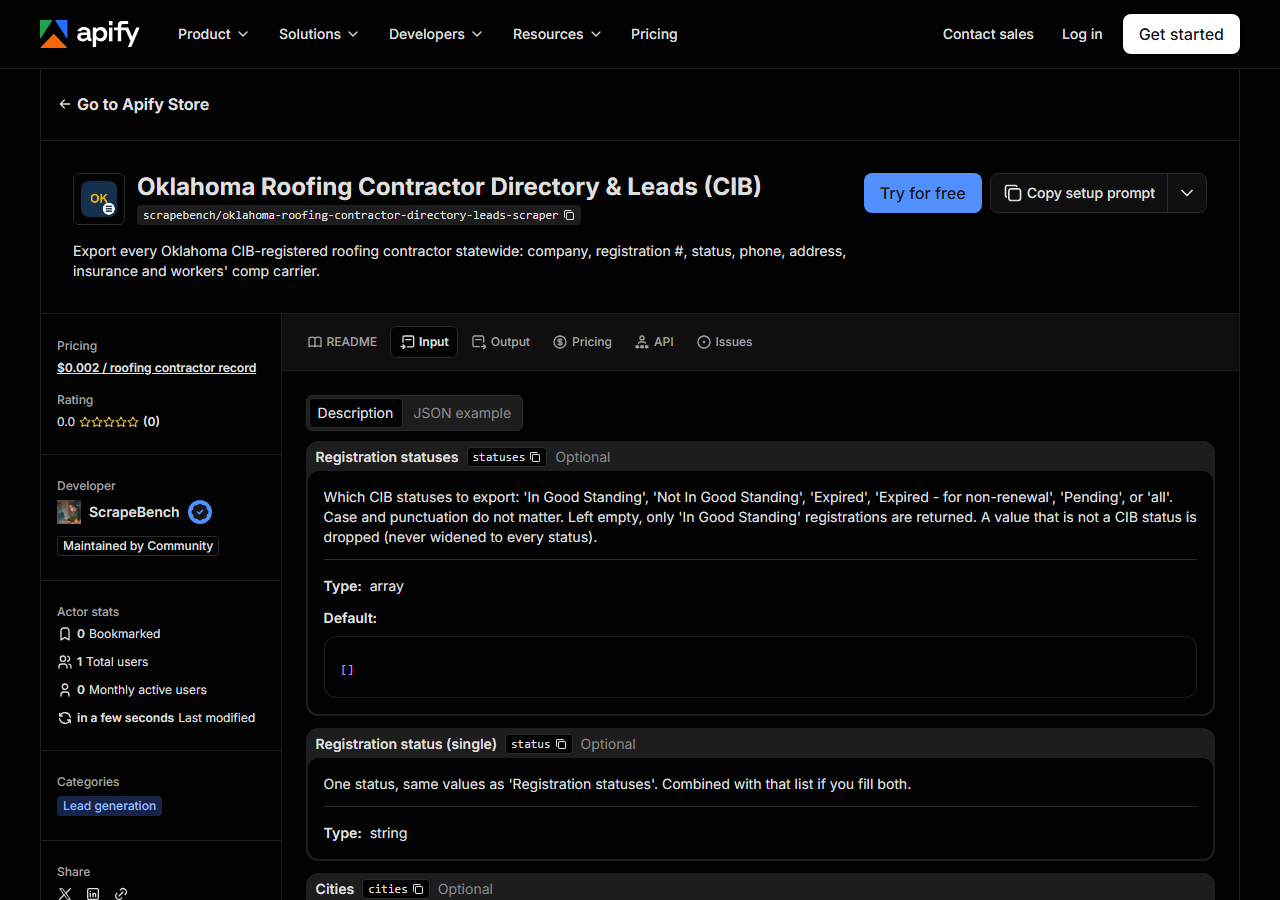
| Field | Type | Required | What it does |
|---|---|---|---|
statuses | array | no | Which CIB statuses to export: ‘In Good Standing’, ‘Not In Good Standing’, ‘Expired’, ‘Expired - for non-renewal’, ‘Pending’, or ‘all’. Case and punctuation do not matter. Left… (default []) |
status | string | no | One status, same values as ‘Registration statuses’. Combined with that list if you fill both. |
cities | array | no | Only registrations whose business address is in one of these cities (e.g. ‘Oklahoma City’, ‘Tulsa’, ‘Edmond’). Exact city name, case-insensitive. Left empty, the export is… (default []) |
city | string | no | One city, same as ‘Cities’. Combined with that list if you fill both. |
maxResults | integer | no | Cap on rows returned for the whole run. The registry held 1,924 In Good Standing registrations and 6,069 in all statuses on 2026-10-14, so 2,000 covers every active roofer and… (default 500) |
statuses decides which part of the registry you get. Left empty it returns only In Good Standing
registrations, which is what most people want. Add Expired - for non-renewal (3,129 records on
2026-10-14) if lapsed roofers are your audience, or all for every one of the 6,069. A value that
isn’t a CIB status is dropped rather than read as “everything”, so a typo narrows the run instead of
widening your bill.
cities is where first runs go wrong. The match is on the exact city name after ignoring case and
punctuation, so OKC will not match Oklahoma City, and a suburb is its own city: Broken Arrow is not
part of Tulsa. CIB publishes no county, so city is the only geographic filter. maxResults defaults
to 500, which cuts a statewide run short; set 2,000 to take every active roofer.
A working input:
{
  "statuses": [
    "In Good Standing"
  ],
  "cities": [
    "Tulsa",
    "Broken Arrow"
  ],
  "maxResults": 500
}
Step 3 — Run it
Press Start. Rows are pushed to the dataset as they’re found, so the run log fills in as it works.
The whole registry comes back from CIB in one fetch of about 2 seconds, so a run is short whatever you filter on. The input above (In Good Standing, Tulsa plus Broken Arrow) returned 240 registrations on 2026-10-14. With no cities and the default cap you get 500 rows, and the run stops there because 1,924 were available.
An empty dataset almost always means the city didn’t match. Check the spelling against how CIB
writes it (the sample row below says EDMOND, not “Edmond, OK”), drop the city filter, and narrow
back down. If CIB itself fails to answer, you get a free notice row saying so, never a silent zero.
Step 4 — Read the output
Each run returns a labelled table, not raw JSON:
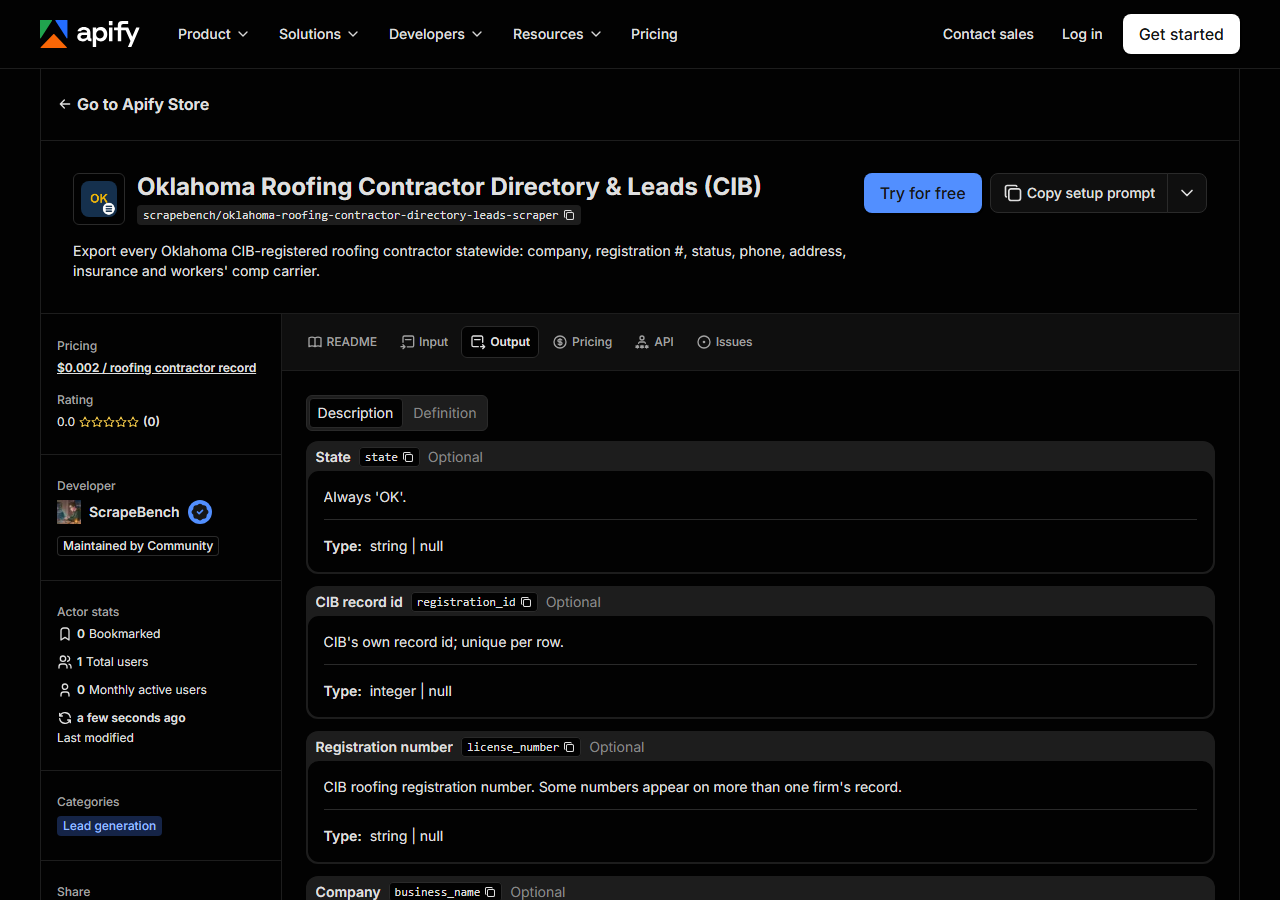
Every row looks like this — a real row from a real run:
{
  "state": "OK",
  "registration_id": 47591,
  "license_number": "80000002",
  "business_name": "S & CM, LLC",
  "trade_name": "MCROOF.US",
  "license_type": "Roofing Contractor Registration",
  "status": "In Good Standing",
  "commercial_endorsement": true,
  "expiration_date": "2027-11-30",
  "processed_date": "2026-09-29",
  "phone": "(405) 877-7663",
  "address": "722 ENTERPRISE DR #150",
  "city": "EDMOND",
  "address_state": "OK",
  "zip_code": "73013",
  "fax": null,
  "person_name": "SCOTT A MCCOLLUM,SR",
  "company_type": "LLC",
  "state_of_formation": "OK",
  "insurance_company": "WESTERN WORLD IN CO",
  "insurance_expiration_date": "2027-06-26",
  "workers_comp_company": "TRAVELERS CAS & SURETY CO",
  "workers_comp_expiration_date": "2027-07-01",
  "workers_comp_exempt": false,
  "county": null,
  "matched_by": "statewide_export",
  "source_url": "https://verify.cib.hbesystems.com/roofing/search"
}| Field | Example value | Meaning |
|---|---|---|
business_name | S & CM, LLC | Registered company name |
trade_name | MCROOF.US | Trade name / DBA the company filed (on 398 of 1,924 active rows) |
license_number | 80000002 | CIB roofing registration number (e.g. 80000002). Not unique on its own: some numbers appear on two firms’ records |
registration_id | 47591 | CIB’s own record id; unique per row and the dedupe key |
license_type | Roofing Contractor Registration | ’Roofing Contractor Registration’, or ‘Roofing Contractor Application’ for pending ones |
status | In Good Standing | In Good Standing, Not In Good Standing, Expired, Expired - for non-renewal, or Pending |
commercial_endorsement | True | True when the registration carries CIB’s commercial roofing endorsement |
expiration_date | 2027-11-30 | Renewal due date (YYYY-MM-DD, Oklahoma time) |
Most people came for phone, and it’s there on every active row: 1,924 of 1,924 on 2026-10-14,
formatted (XXX) XXX-XXXX. The address is the business address as filed, and 246 of those active rows
give a PO box, so don’t treat address as a jobsite or a place to knock. trade_name holds the DBA
when one was filed, which 398 active registrants did; when you match against a name a homeowner
gave you, check both name fields.
Two things to watch. license_number is not unique: on 2026-10-14, 228 registration numbers sat on
more than one record, 18 of them among active registrations and each pair under different companies.
Key your spreadsheet on registration_id, which is CIB’s own record id and is what the actor
deduplicates on. And county is always null, because CIB doesn’t publish one.
Step 5 — Export it
Open the Dataset tab and export to CSV, JSON, or Excel — or pull the same rows from the API, which is what you want if this is going to run on a schedule.
What it costs
$0.002 per registration returned. The default run of 500 rows costs $1.00, the Tulsa and Broken Arrow input above about $0.48, and every active roofer in the state (1,924 rows) $3.85. Notice rows that only explain a problem (no match, source unavailable, budget reached) are free. Apify platform usage is billed separately on your plan.
Where the data comes from
This reads the source portal directly. Every night a canary runs this actor against that live source and diffs the result against a frozen fixture — what “verified” means.
The source is the Oklahoma Construction Industries Board’s roofing registry at verify.cib.hbesystems.com. It’s built as a verification tool: you type a name, you get a yes or no. Paging it into a list means 10 rows at a time across a registry where active, expired and pending records sit side by side, and where a reused registration number makes two firms look like one unless you key on CIB’s internal id.
See it used
Export Every Active Oklahoma Roofing Contractor takes all 1,924 registrations in good standing and sorts them by insurance expiry, for an agent timing renewal calls.
For Illinois, use the Illinois Roofing Contractor Directory & Leads Scraper (IDFPR). It filters IDFPR roofing licences by county, which Oklahoma can’t do, but IDFPR publishes city and ZIP rather than a phone number.
Last updated 2026-10-14