How-to
How to run North Dakota Contractor License Lookup & Leads Scraper (ND SOS)
Step-by-step: the exact input, what each field does, and the rows that come back from ND SOS FirstStop.
North Dakota requires a contractor licence from the Secretary of State for any job over $4,000, so the state’s FirstStop contractor search is the one roster that holds every licensed builder, roofer and excavator in the state. Looking up a single firm there is quick. A list is not: each search returns at most 100 names and has no export button (the bulk route is a Data List Request, which needs a North Dakota Login account), and the phone, mailing address and insurance date sit behind a separate detail view for each contractor. Building a list of 10,458 active licences by hand means hundreds of searches and one click per row. People open this actor when they need that list, or need to check a batch of licence numbers in one go.
What you’ll need
Nothing but an Apify account. You don’t need an API key or a proxy. We keep a stored copy of the Secretary of State’s active roster and your run filters that copy, so it never waits on FirstStop. You pay $0.004 per licence returned, plus Apify’s own platform usage.
Step 1 — Open the actor
Open North Dakota Contractor License Lookup & Leads Scraper (ND SOS) on the Apify Store and press Try for free. The actor’s own page on this site lists its live health and pricing.
Step 2 — Fill in the input
| Field | Type | Required | What it does |
|---|---|---|---|
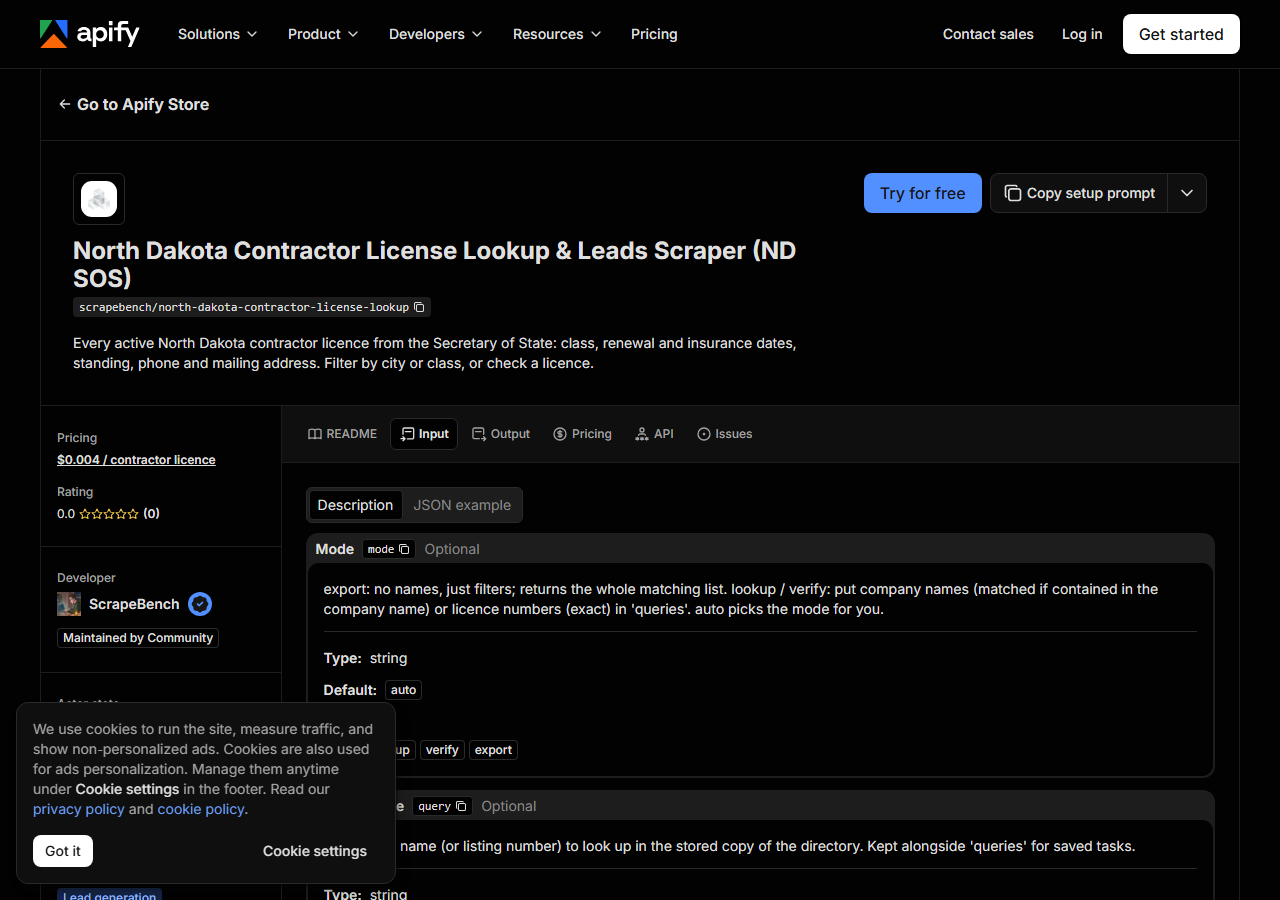
mode | string | no | export: no names, just filters; returns the whole matching list. lookup / verify: put company names (matched if contained in the company name) or licence numbers (exact) in… (default auto) |
query | string | no | A business name (or listing number) to look up in the stored copy of the directory. Kept alongside ‘queries’ for saved tasks. |
queries | array | no | A business name (or listing number) to look up in the stored copy of the directory. Several values in one run; combined with ‘query’. (default []) |
status | string | no | Only listings in this status. Kept alongside ‘statuses’ for saved tasks. |
statuses | array | no | Only listings in this status. Several values in one run; combined with ‘status’. (default []) |
city | string | no | Only listings in this city. Kept alongside ‘cities’ for saved tasks. |
cities | array | no | Only listings in this city. Several values in one run; combined with ‘city’. (default []) |
class | string | no | Only listings in this class. Kept alongside ‘classes’ for saved tasks. |
classes | array | no | Only listings in this class. Several values in one run; combined with ‘class’. (default []) |
categories | array | no | Only rows from this name initial (one or more). Available: 0, 1, 2, 3, 4, 5, 6, 7, 8, 9, a, b, c, d, e, f, g, h, i, j, k, l, m, n, o, p, q, r, s, t, u, v, w, x, y, z. (default []) |
maxResults | integer | no | Per query in lookup mode; per run in export mode. (default 500) |
Two fields decide most runs. class is the licence class letter, and it tells you the biggest job a contractor may take: A is over $500,000 per job, B up to $500,000, C up to $300,000 and D up to $100,000. If you are vetting subcontractors for a $250,000 job, classes: ["A", "B", "C"] leaves out the firms that can’t legally bid it. city matches the mailing address on the licence, not where the contractor works, so a Fargo search misses firms that mail from West Fargo or from Moorhead, Minnesota. Put the neighbouring towns in cities too. The roster holds active licences only, so status: Active changes nothing today; it is there so a saved task keeps meaning the same thing. categories, shown as Name initial, splits the roster by the first letter of the company name. Leave it empty unless you want to cut a statewide export into smaller runs. To check licences, put their numbers in queries; 55711 and 000055711 find the same licence.
A working input:
{
  "status": "Active",
  "city": "Bismarck",
  "maxResults": 500
}
Step 3 — Run it
Press Start. A run reads the stored copy, so it finishes in seconds: our first test-customer run, the Bismarck input capped at 3 rows, returned 3 licences in 12 seconds. The input above returns up to 500 of the 906 active licences with a Bismarck mailing address. An empty result means no licence matches all your filters together, usually a city spelled differently from the address on file. You get a free no_match row saying so, and a licence number that isn’t on the roster gets one too.
Step 4 — Read the output
Each run returns a labelled table, not raw JSON:
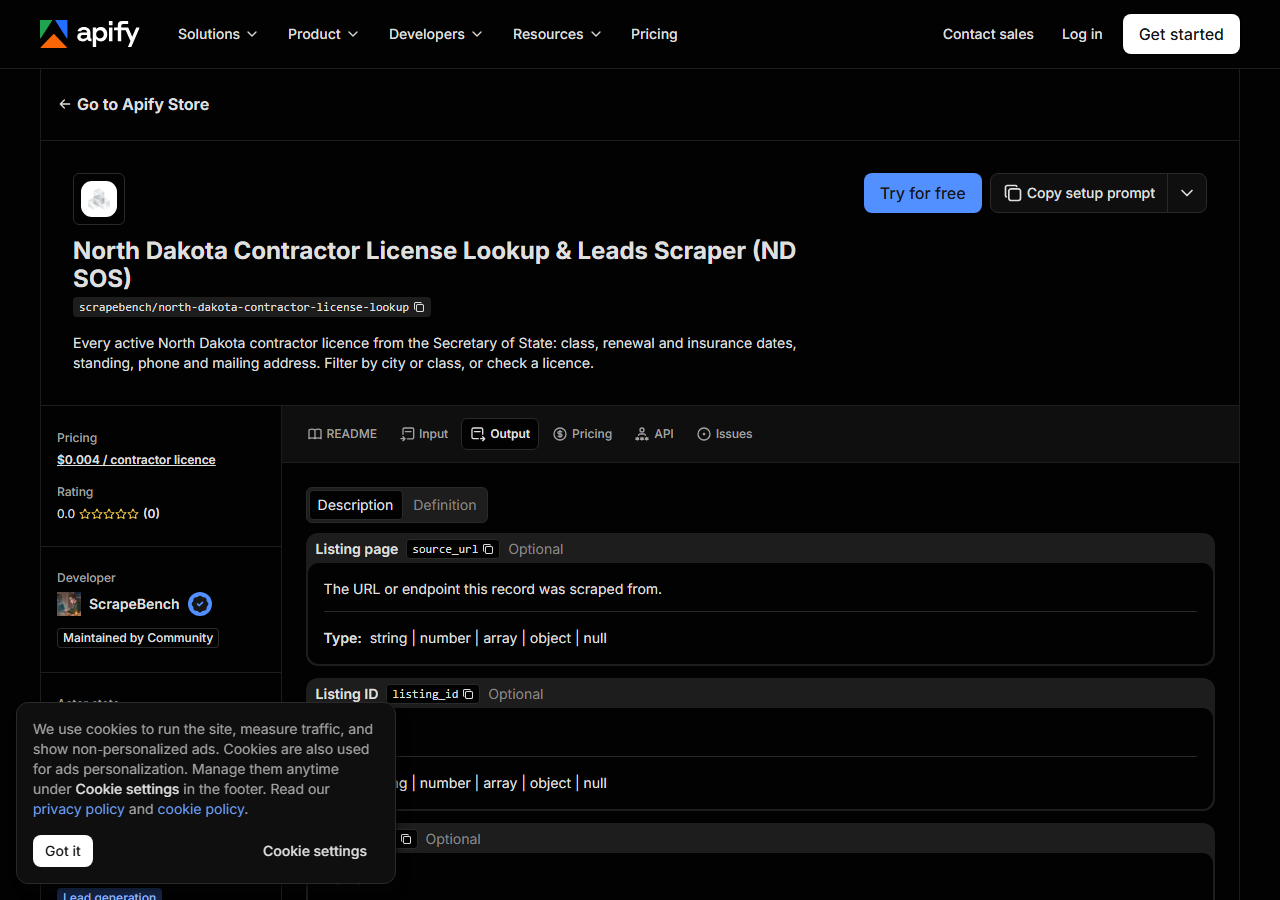
Every row looks like this — a real row from a real run:
{
  "listing_id": "000055711",
  "name": "A to Z Professional Services, LLC",
  "phone": "(701) 220-7269",
  "phone_e164": "+17012207269",
  "street": "3730 W REGENT DR",
  "city": "BISMARCK",
  "region": "ND",
  "postal_code": "58504-7516",
  "country": "US",
  "category": "contractor",
  "categories": [
    "contractor"
  ],
  "source": "snapshot",
  "source_url": "https://firststop.sos.nd.gov/search/contractor#0007587022",
  "extras": {
    "status": "Active",
    "licence_class": "A",
    "standing": "Good Standing",
    "sos_control_id": "0007587022",
    "registered": "2026-09-11",
    "expires": "2027-03-01",
    "insurance_expires": "2027-02-15",
    "standing_business": "Good",
    "standing_wsi": "Good",
    "standing_job_service": "Good",
    "standing_other": "Good"
  }
}| Field | Example value | Meaning |
|---|---|---|
listing_id | 000055711 | Contractor licence number exactly as the state prints it, leading zeros included (e.g. 000055711) |
name | A to Z Professional Services, LLC | Licensed company or contractor name |
extras.licence_class | — | A, B, C or D: the largest job the licence allows (A over $500,000; B up to $500,000; C up to $300,000; D up to $100,000) |
extras.status | — | Licence status (Active) |
extras.standing | — | Good Standing or Not Good Standing with the Secretary of State |
extras.standing_business | — | Standing flag: Business |
extras.standing_wsi | — | Standing flag: Workforce Safety & Insurance (workers’ compensation) |
extras.standing_job_service | — | Standing flag: Job Service North Dakota |
Sellers come for phone and the mailing address; people checking a contractor come for extras.licence_class, extras.insurance_expires and extras.standing. 10,456 of the 10,458 licences have a phone and every one a mailing address. The state publishes no email, so there is none. The address is where the licence mail goes, which for a firm run from home is the owner’s house and for an out-of-state firm is outside North Dakota. When the mailing address is addressed to a person, that name is in extras.attention rather than in the street. Every licence renews by March 1, so extras.expires is 2027-03-01 on almost every row; extras.insurance_expires is the date that varies, and 303 licences carried an insurance date that had already passed when the roster was read. extras.standing reads Not Good Standing on 237 of them; the four standing_* flags show which agency raised it.
Step 5 — Export it
Open the Dataset tab and export to CSV, JSON, or Excel — or pull the same rows from the API, which is what you want if this is going to run on a schedule.
What it costs
$0.004 per licence returned. Free rows (no match, unknown category, stale data) cost nothing. The Bismarck example above is at most 500 licences, $2.00. Every active licence in the state, 10,458 of them at $41.83, is the most a single export can cost. Apify’s platform usage for a run this short is a fraction of a cent on top.
Where the data comes from
This reads ND SOS FirstStop directly. The target is FirstStop’s own keyless JSON calls swept into a stored copy: the contractor search (100 results per query, swept by name prefix, going one character deeper wherever a prefix fills the 100) and one detail call per licence for phone, address, dates and standing; runs filter the copy and call no source. Twice a day our checks run this actor against the stored copy and fail if active Class A licences in Bismarck stop returning 50 rows with licence numbers, names and addresses (what “verified” means).
FirstStop answers a search with 100 names at most, so the roster is read by name prefix: “a”, then “ab”, “ac” and so on, one character deeper wherever a prefix fills the 100. Names starting “Dakota” or “North” go several characters deep before they fit. Then every licence needs its own detail request for the phone, address and dates, and the site stops answering an address that sends about 25 requests in a quick burst. That is why this reads a stored copy instead of searching live for you.
See it used
Bismarck ND Licensed Contractors with Phone Numbers runs the input above for a supplier building a Bismarck call list.
If your territory crosses the Red River, Minnesota Contractor License Lookup covers the Minnesota side.
Last updated 2026-10-29