How-to
How to run Kalshi & Polymarket Prediction Market Odds Scraper
Step-by-step: the exact input, what each field does, and the rows that come back from Kalshi + Polymarket.
You want the same question’s price on both exchanges, in one table. Kalshi and Polymarket each
publish a free, public API, so nothing here is locked away — but reading them yourself means
learning two different field vocabularies, discovering that Kalshi sends its prices as decimal
strings under names ending in _dollars and _fp, and finding out the hard way that Kalshi’s
obvious market-list endpoint returns almost nothing you want. If you only need today’s odds on
one market, open the venue’s website; it is free and it is faster. This actor is for the case
where you want thousands of markets, both venues, on a schedule, in one schema.
What you’ll need
Nothing but an Apify account. The actor talks to Kalshi + Polymarket directly.
No API key, no venue account, no proxy, no browser. Both APIs are public and documented, and both answered a plain client in under a second when this was written. Nothing here is authenticated, and no trading account is involved at any point.
Step 1 — Open the actor
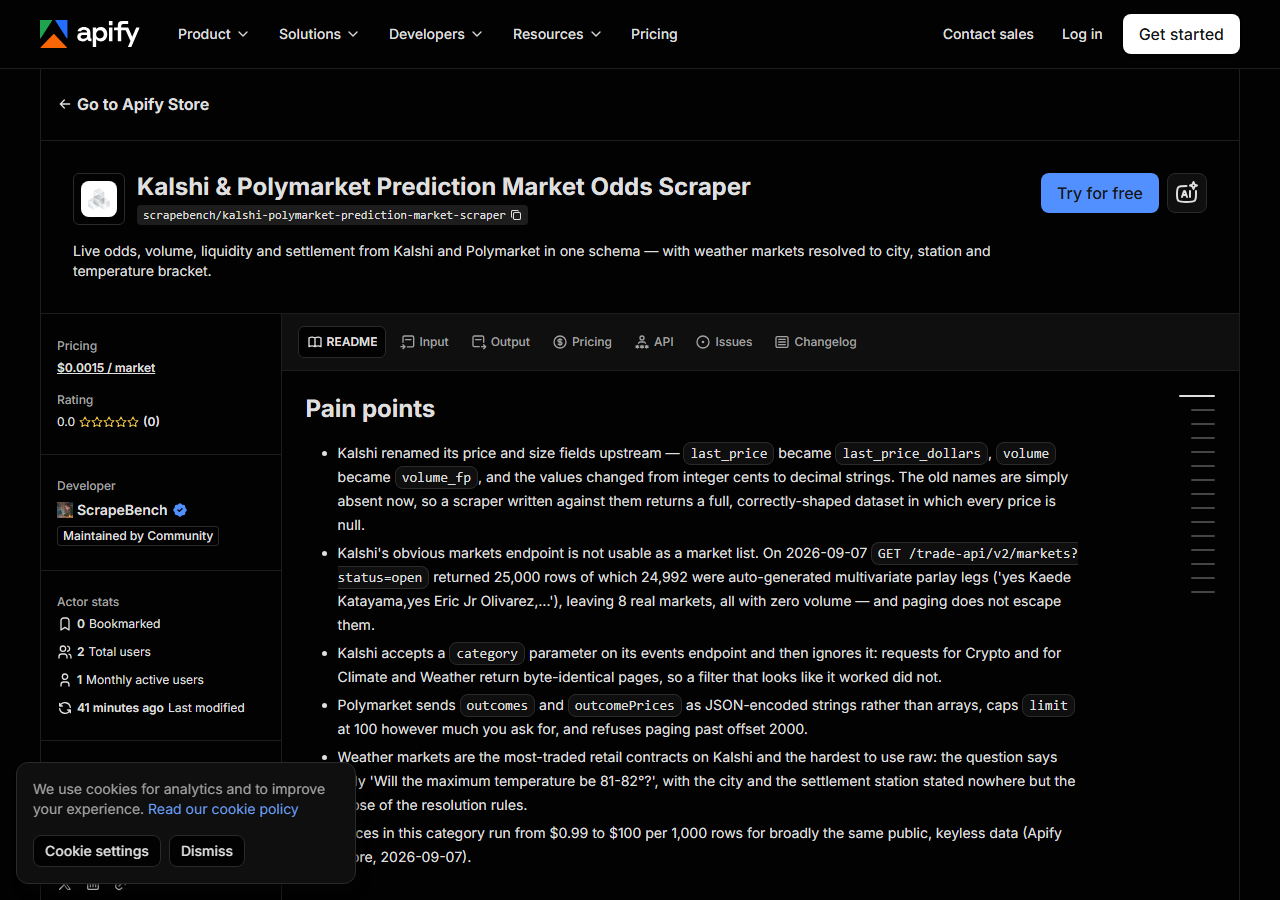
Open Kalshi & Polymarket Prediction Market Odds Scraper on the Apify Store and press Try for free. The actor’s own page on this site lists its live health and pricing.
Step 2 — Fill in the input
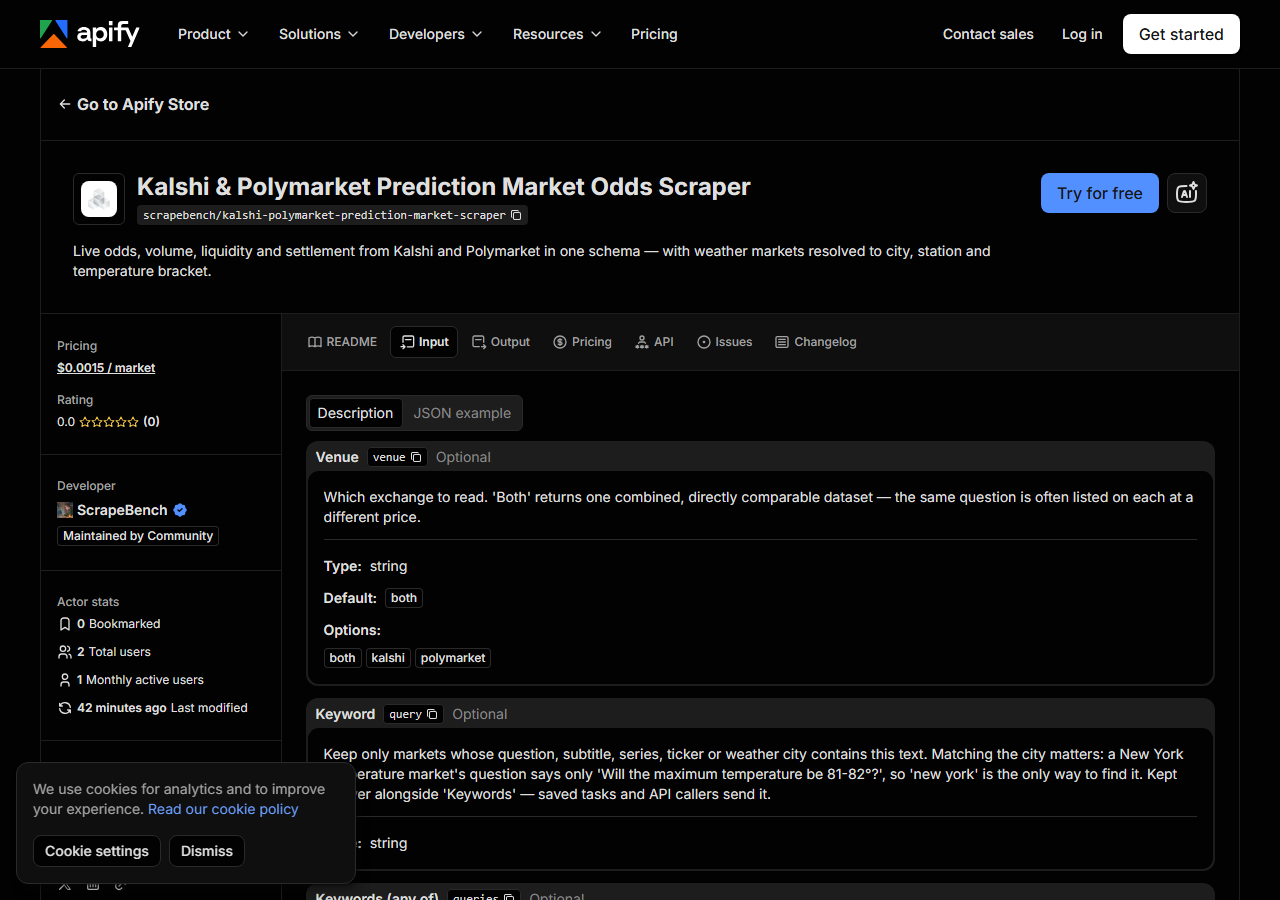
| Field | Type | Required | What it does |
|---|---|---|---|
venue | string | no | Which exchange to read. ‘Both’ returns one combined, directly comparable dataset — the same question is often listed on each at a different price. (default both) |
query | string | no | Keep only markets whose question, subtitle, series, ticker or weather city contains this text. Matching the city matters: a New York temperature market’s question says only… |
queries | array | no | Several keywords in ONE run. A market is kept if it matches any of them. This does not re-fetch per keyword — the exchange is read once and filtered in memory, so ten keywords… (default []) |
categories | array | no | Kalshi’s own categories, e.g. Politics, Economics, Climate and Weather, Crypto, Sports, Financials. Filtered here rather than at the API, because Kalshi accepts a category… (default []) |
series | array | no | Read only these Kalshi series, e.g. KXHIGHNY (New York daily high), KXHIGHCHI, KXHIGHMIA, KXFEDDECISION. This one IS honoured by the API, so naming a series turns a… (default []) |
minVolume | integer | no | Drop markets that have traded less than this. Most of any prediction exchange is long-tail listings nobody has touched; set 1000 or more to get only markets with a real book… |
includeClosed | boolean | no | Off by default, so you get the live board. Turn it on to pull settled markets with their result, which is what you want for backtesting rather than trading. |
maxResults | integer | no | A cap on the whole RUN, not per keyword — this Actor sweeps entire exchanges rather than looking up one thing at a time, so the cap is your spend control. Markets are ranked by… (default 1000) |
Two fields decide almost everything, and the mistake people make is setting both.
The filters are AND-ed. queries, categories and series all narrow, and they narrow
together. Asking for series KXHIGHNY and keyword fed returns nothing, because no New York
temperature market mentions the Fed — the filters are individually correct and jointly empty. If
you are exploring, set one at a time.
minVolume is the one worth setting. Most of any prediction exchange is long-tail listings
nobody has touched: on 7 September 2026 a full sweep read 102,759 markets across both venues, and
a minVolume of 1,000 is what separates markets with a real book behind the price from ones where
the price is an artefact of nobody trading.
series is the speed lever. Kalshi honours a series ticker server-side, so naming one turns a
17-second full-exchange walk into a single request of about half a second. categories does not
get that benefit — Kalshi accepts a category parameter and ignores it, so the actor filters
categories itself after fetching.
A working input:
{
  "venue": "both",
  "queries": [
    "fed",
    "bitcoin"
  ],
  "minVolume": 1000,
  "maxResults": 500
}
Step 3 — Run it
Press Start. Rows are pushed to the dataset as they’re found, so the run log fills in as it works.
A full sweep of both venues took 16 seconds locally and 32 seconds on Apify, reading 11,213 Kalshi events (100,659 markets) plus about 2,100 Polymarket markets. If you name a Kalshi series instead, expect well under a second. The run log always states three numbers — how many markets it read, how many matched your filters, and how many it returned — so you can see immediately which of the three you need to change.
An empty result is almost always the filters, not a broken actor, and the actor tells you which:
a run that matches nothing returns a single free row naming the keywords, categories and volume
floor it applied. It only reports a genuine problem in two cases, both of which say so explicitly —
blocked if a venue would not answer, and source_changed if the price fields have been renamed
upstream.
Step 4 — Read the output
Each run returns a labelled table, not raw JSON:
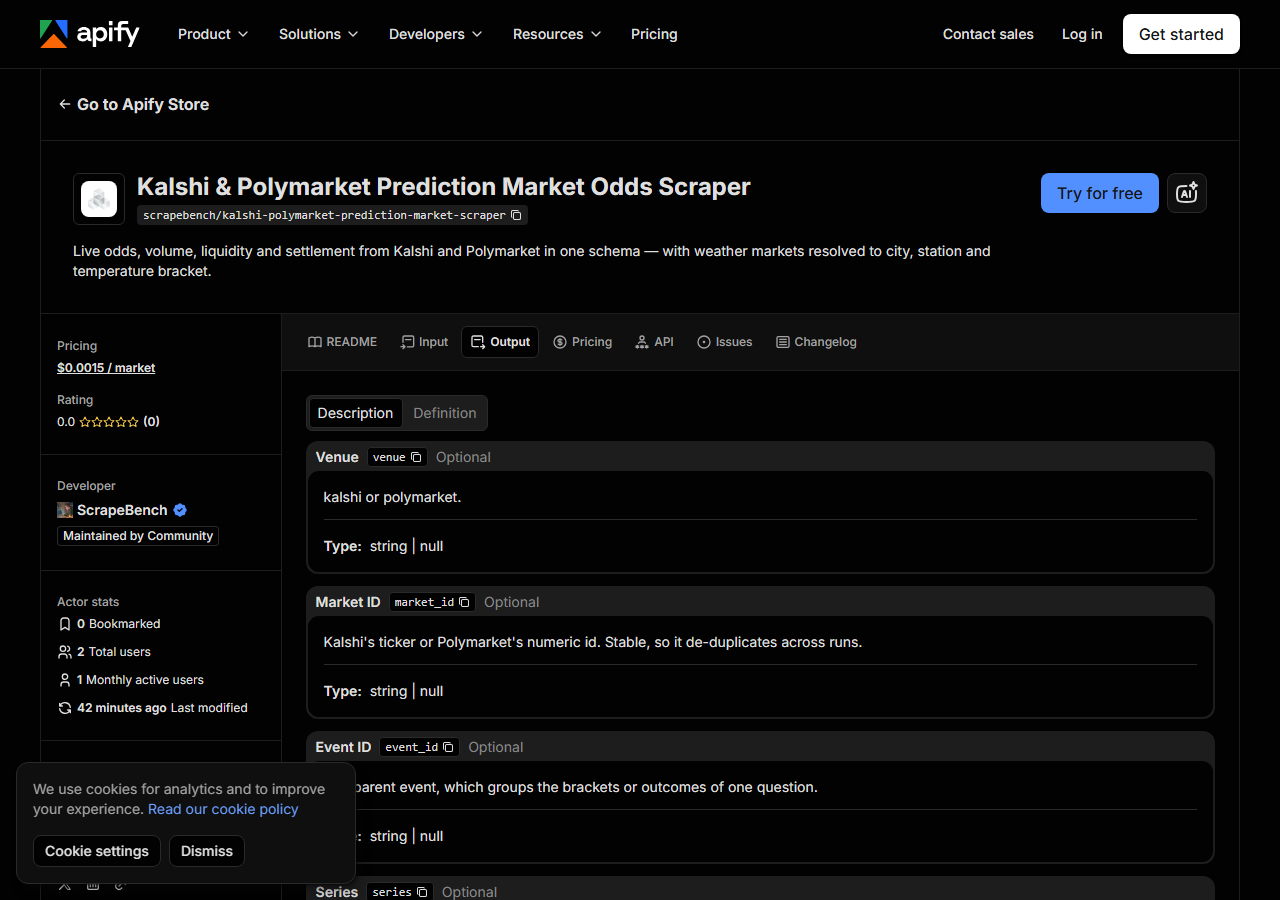
Every row looks like this — a real row from a real run:
{
  "source_url": "https://api.elections.kalshi.com/trade-api/v2/markets/KXHIGHMIA-26SEP07-B86.5",
  "venue": "kalshi",
  "market_id": "KXHIGHMIA-26SEP07-B86.5",
  "event_id": "KXHIGHMIA-26SEP07",
  "series": "KXHIGHMIA",
  "question": "Will the maximum temperature be 86-87° on Sep 7, 2026?",
  "subtitle": "86° to 87°",
  "category": "Climate and Weather",
  "status": "active",
  "outcomes": [
    "Yes",
    "No"
  ],
  "outcome_prices": [
    0.03,
    0.98
  ],
  "yes_price": 0.03,
  "no_price": 0.98,
  "yes_bid": 0.02,
  "yes_ask": 0.03,
  "no_bid": 0.97,
  "no_ask": 0.98,
  "last_price": 0.02,
  "implied_probability": 0.02,
  "volume": 6136.62,
  "volume_24h": 6136.62,
  "open_interest": 4570.47,
  "liquidity": 0.0,
  "open_time": "2026-09-06T14:00:00Z",
  "close_time": "2026-09-08T05:00:00Z",
  "result": null,
  "weather_city": "Miami",
  "weather_station": "CLIMIA",
  "bracket_low": 86.0,
  "bracket_high": 87.0,
  "bracket_type": "between",
  "market_url": null
}| Field | Example value | Meaning |
|---|---|---|
venue | kalshi | kalshi or polymarket |
market_id | KXHIGHMIA-26SEP07-B86.5 | Kalshi’s ticker or Polymarket’s numeric id — stable, so it de-duplicates across runs |
event_id / series | — | The parent event, and the recurring series ticker where the venue has one |
question / subtitle | — | The question as the venue words it, and which outcome this row is |
category | Climate and Weather | Kalshi’s own category. Null on Polymarket rows, which publish none — not inferred |
status | active | active, closed or settled |
outcomes / outcome_prices | — | Outcome names and their prices, aligned |
yes_price / no_price | — | Cost of one contract, 0-1. A contract settles at $1, so price is also probability |
implied_probability is the field most people came for, and it has one property worth
understanding: it is null, never zero, for a market that has never traded and has no resting
orders. That is deliberate. A contract settling at $1 has a price that is also the market’s
probability, so 0 would assert that the market considers the outcome impossible — a much stronger
claim than the market simply not having spoken. Filtering for long shots gives the same answer
either way; the difference shows when you average across markets, where a wall of false zeros
would drag the mean down.
Two other things to expect. category is null on every Polymarket row, because Polymarket
publishes no per-market category and guessing one would be inventing data. And market_url is
null on every Kalshi row: Kalshi’s public page needs a URL slug its API never states, and a link
assembled from the parts would 404 on every row, so the field is left empty and source_url —
Kalshi’s own per-market endpoint — carries the provenance instead.
The row above is a weather market, and those carry three fields the question text does not:
weather_city, weather_station and the bracket bounds. The question says only “Will the maximum
temperature be 86-87°?” — it never says Miami, and it never says CLIMIA, which is the observation
station whose reading actually settles the contract.
Step 5 — Export it
Open the Dataset tab and export to CSV, JSON, or Excel — or pull the same rows from the API, which is what you want if this is going to run on a schedule.
What it costs
$0.0015 per market returned — $1.50 per 1,000. The default input returns 1,000 markets, so a default run costs $1.50 and takes about 16 seconds. Marker rows are free: a run that matches nothing, that hits Polymarket’s paging ceiling, or that finds a venue unreachable costs you nothing at all.
The cap is on the whole run rather than per keyword, because this actor sweeps whole exchanges
rather than looking things up one at a time — so maxResults is your spend control. Markets are
sorted by volume before the cap applies, so capping keeps the markets people are actually trading
rather than an arbitrary slice. Apify’s own platform usage is billed separately, and for an actor
this light it is pennies.
Where the data comes from
This reads Kalshi + Polymarket directly. The target is Two official public JSON APIs - Kalshi’s trade-api/v2 and Polymarket’s gamma-api. No key, no login, no browser. Kalshi is read through /events?with_nested_markets=true rather than /markets, because /markets is 99.97% auto-generated parlay legs (24,992 of 25,000 rows on 2026-09-07). Every night a canary runs this actor against that live source and diffs the result against a frozen fixture — what “verified” means.
Both APIs are open, which makes the difficulty here easy to underestimate. Kalshi’s obvious
endpoint for “list the markets” is unusable: on 7 September 2026, GET /markets?status=open
returned 25,000 rows of which 24,992 were auto-generated multivariate parlay legs — combination
contracts titled things like “yes Kaede Katayama,yes Eric Jr Olivarez,yes Aniketh Venkataraman” —
leaving eight real markets, every one with zero volume. Paging does not escape them; they fill the
whole cursor. The events tree returns the same exchange with none of them.
The second trap is quieter. Kalshi renamed its price and size fields — last_price became
last_price_dollars, volume became volume_fp — and changed the values from integer cents to
decimal strings. The old names are gone rather than deprecated, so anything written against them
reads null for every price while still producing rows of exactly the right shape. That is why a
broken feed in this category tends to look healthy instead of throwing an error, and it is why
this actor refuses to return a dataset when no market in it carries a recognised price field.
See it used
Reading Kalshi’s weather markets: city, station and bracket takes the temperature contracts specifically and shows how to line each bracket up against a forecast for the station that actually settles it.
If you want listing-level data on a different kind of market, the Crexi Commercial Real Estate Listings & Broker Scraper covers commercial property inventory — reach for it when you are pricing buildings rather than probabilities.
Last updated 2026-09-07