How-to
How to run Kalshi Perps Funding Rate, Open Interest & Trades Scraper
Step-by-step: the exact input, what each field does, and the rows that come back from Kalshi's perps: funding history, open interest and the cross-venue spread.
You trade, research or write about Kalshi’s perpetual futures, and you want the numbers in a spreadsheet instead of on a screen. Kalshi lists 127 perps and futures (counted on 2026-11-07): 94 single stocks, 20 crypto coins, 6 metals, 4 energy contracts and 3 indices. Its site shows them one market at a time, and the funding history for BTC alone runs to 470 payments since 2026-06-03. Copying that by hand is not a plan, and the public API that holds it splits the data over six endpoints with prices sent as text. This actor reads all of it and hands back one table per job.
What you’ll need
Nothing but an Apify account. The actor talks to Kalshi directly.
There is no Kalshi account to connect and no API key: every endpoint it reads is public. The funding-spread mode also reads Hyperliquid’s and Polymarket’s public APIs, again without a key. The proxy input is off by default, so the only cost is the per-row price below.
Step 1: Open the actor
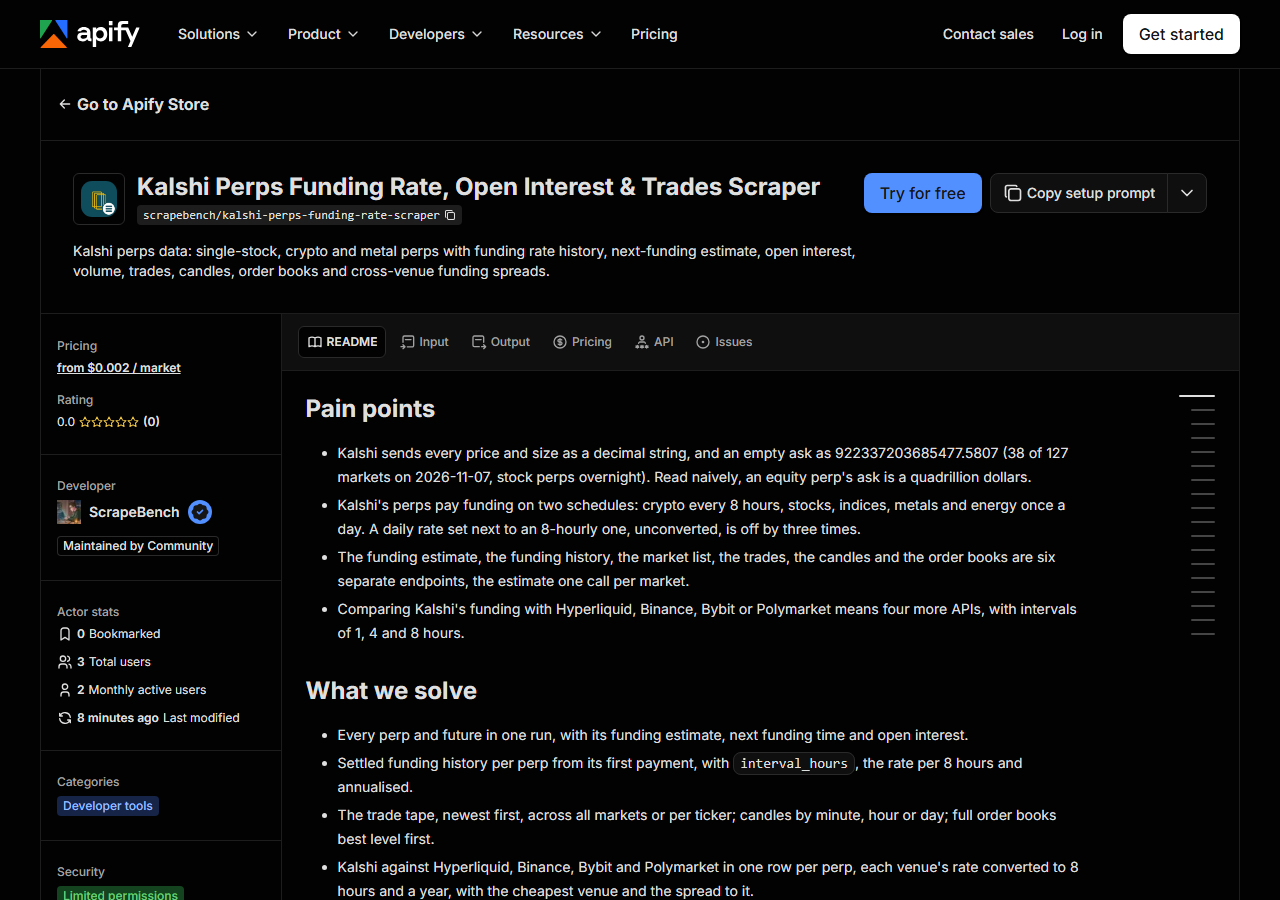
Open Kalshi Perps Funding Rate, Open Interest & Trades Scraper on the Apify Store and press Try for free. The actor’s own page on this site lists its live health and pricing.
Step 2: Fill in the input
| Field | Type | Required | What it does |
|---|---|---|---|
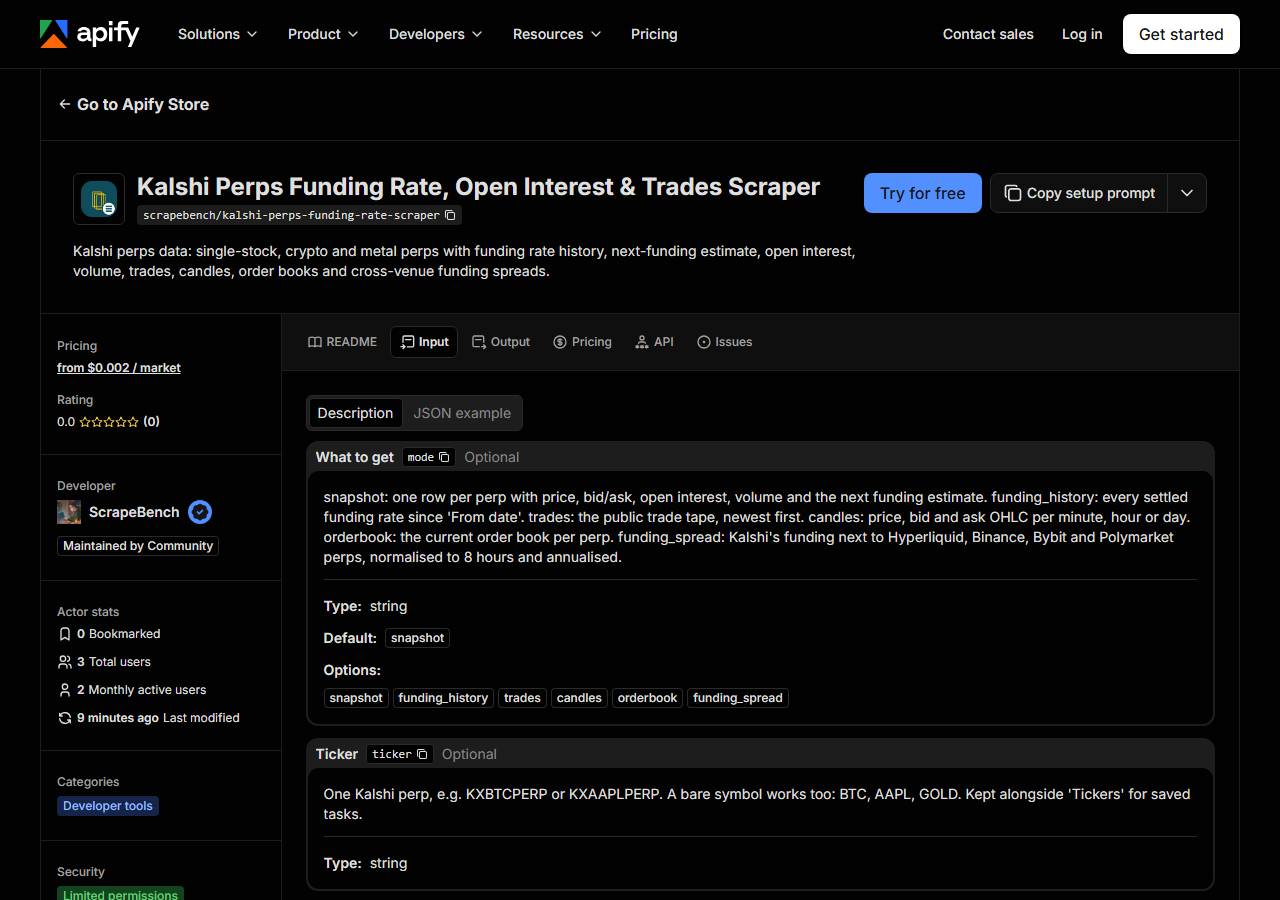
mode | string | no | snapshot: one row per perp with price, bid/ask, open interest, volume and the next funding estimate. funding_history: every settled funding rate since ‘From date’. trades: the… (default snapshot) |
ticker | string | no | One Kalshi perp, e.g. KXBTCPERP or KXAAPLPERP. A bare symbol works too: BTC, AAPL, GOLD. Kept alongside ‘Tickers’ for saved tasks. |
tickers | array | no | Many perps in one run (KXBTCPERP, KXETHPERP, AAPL…). Leave empty for every perp. Combined with ‘Ticker’; duplicates are removed. (default []) |
assetClass | string | no | One asset class: Equities, Crypto, Metals, Energy or Indices. Kept alongside ‘Asset classes’ for saved tasks. |
assetClasses | array | no | Keep only these asset classes: Equities (single-stock perps), Crypto, Metals, Energy, Indices. Leave empty for all. (default []) |
fromDate | string | no | Start of the history (YYYY-MM-DD, UTC) for funding_history, trades and candles. Empty: funding history from the first point (2026-06-03 for BTC), trades newest first, candles… |
candleInterval | string | no | Candles mode only: one minute, one hour or one day. (default 1h) |
includeOrderbook | boolean | no | Snapshot mode only: also return each perp’s current order book (one extra row per perp, charged as an order book). |
maxResults | integer | no | A run-wide spend cap. Snapshot, order book and funding spread: at most this many perps. Funding history, trades and candles: at most this many rows in total across all tickers.… (default 1000) |
mode decides everything. The default, snapshot, is today’s state of every perp: one row each,
127 on 2026-11-07. funding_history is the past, one row per settled payment. funding_spread
puts Kalshi’s rate for the period in progress next to Hyperliquid, Binance, Bybit and Polymarket.
The other three modes (trades, candles, orderbook) are for order-flow and charting work.
The field people get wrong is maxResults. It is one cap for the whole run, not per ticker, and
the default is 1,000. BTC and ETH funding history together is 940 rows, so it fits; ask for every
crypto perp’s history and the default will cut the run short, with a free row saying so. Raise it
when you mean to pull a lot. Narrow a run with tickers (a bare AAPL or BTC is enough) or with
assetClasses, where Equities means the single-stock perps.
A working input:
{
  "mode": "snapshot"
}
Step 3: Run it
Press Start. Rows are pushed to the dataset as they’re found, so the run log fills in as it works.
The example input returned 127 market rows when we ran it locally on 2026-11-07, in about 15
seconds. A funding history for
KXBTCPERP and KXETHPERP came back in about 4 seconds with 470 rows each. Two empty-looking
results are normal. Of the 127 markets, 41 were inactive, and those have no funding estimate. A
stock perp outside US market hours has an empty side of the book, which the actor returns as
null: 74 of the 94 stock perps had no ask during that run, early on a Saturday (UTC).
Step 4: Read the output
Each run returns a labelled table, not raw JSON:
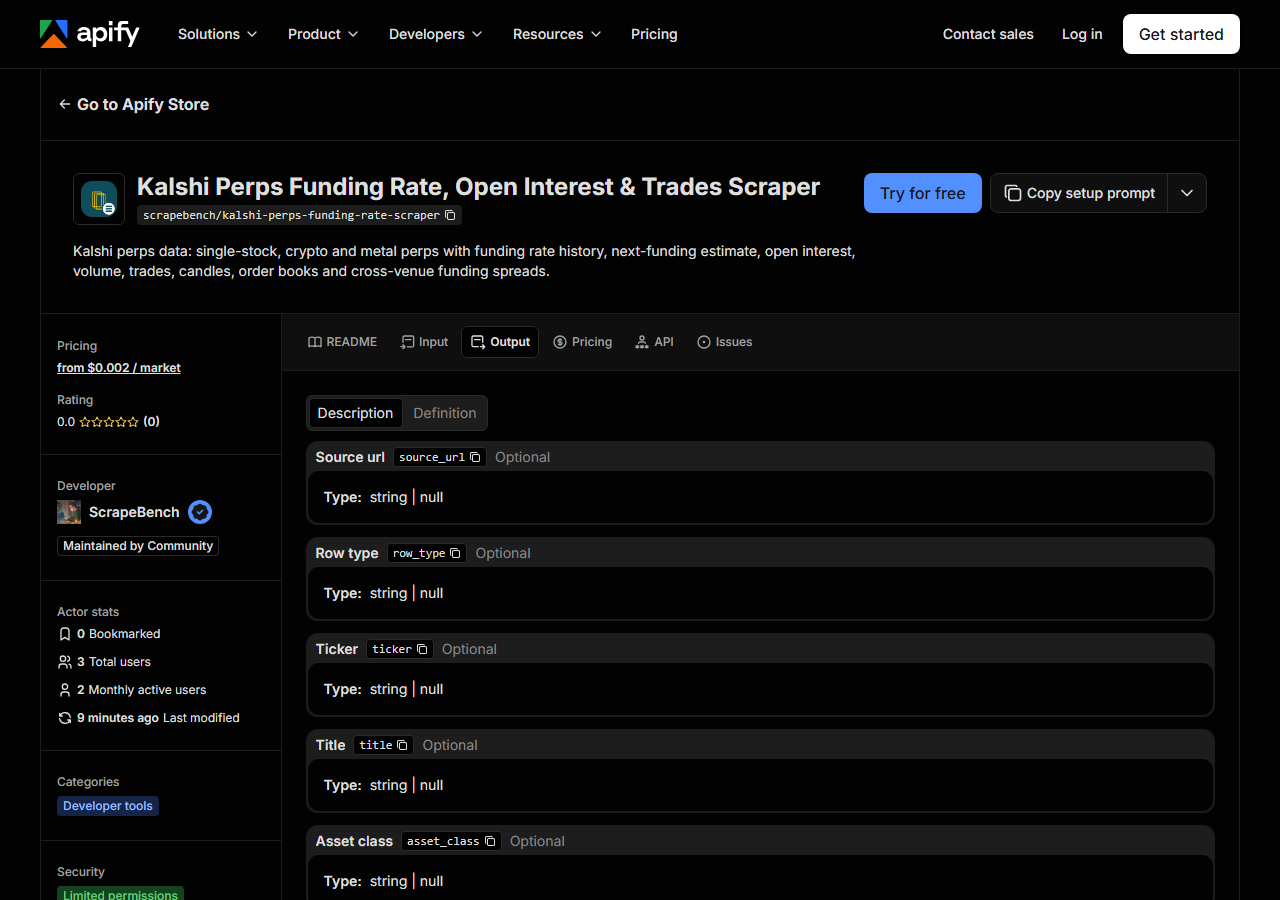
Every row looks like this, a real row from a real run:
{
  "source_url": "https://api.elections.kalshi.com/trade-api/v2/margin/markets/KXNVDAPERP",
  "row_type": "market",
  "ticker": "KXNVDAPERP",
  "title": "NVDA",
  "asset_class": "Equities",
  "contract_type": "perpetual",
  "status": "active",
  "is_open": false,
  "next_open_time": "2026-11-08T23:00:00Z",
  "halted": false,
  "bid": 3.7,
  "ask": 3.78,
  "price": 3.7523,
  "mark_price": 3.7523,
  "open_interest": 79898.0,
  "oi_notional_usd": 299801.2654,
  "volume_24h": 6133688.0,
  "volume_24h_notional_usd": 22784763.9004,
  "contract_size": 0.02,
  "leverage_estimate": 4.0576,
  "funding_rate_estimate": 0.0,
  "funding_rate_estimate_annualised": 0.0,
  "next_funding_time": "2026-11-07T21:00:00Z",
  "interval_hours": 24,
  "funding_cap": 0.02
}| Field | Example value | Meaning |
|---|---|---|
row_type | market | market, funding, trade, candle, orderbook or spread (one per mode) |
ticker | KXNVDAPERP | Kalshi ticker, e.g. KXBTCPERP, KXNVDAPERP, KXGOLDPERP, KXWTIFUTURE |
title / asset_class / contract_type / status | NVDA / Equities / perpetual / active | Market rows: underlying, Equities/Crypto/Metals/Energy/Indices, perpetual or future, active/inactive |
bid / ask / price / mark_price | 3.7 / 3.78 / 3.7523 / 3.7523 | Market rows: best bid and ask (null when that side is empty), last price, mark price; per contract, in dollars |
open_interest / oi_notional_usd | 79898.0 / 299801.2654 | Contracts outstanding, and their dollar value |
volume_24h / volume_24h_notional_usd | 6133688.0 / 22784763.9004 | Contracts traded in 24 hours, and their dollar value (plus lifetime volume) |
funding_rate_estimate / next_funding_time | 0.0 / 2026-11-07T21:00:00Z | Market rows: the rate building for the next payment, and when it is paid |
funding_rate / funding_time / mark_price | funding rows only | Funding rows: each settled payment’s rate (per period) and the mark price at the time |
Most people came for the funding numbers, and the one column to read with them is
interval_hours. Kalshi’s crypto perps pay every 8 hours; its stock, index, metal and energy perps
pay once a day. A raw daily rate set beside an 8-hourly one is three times too big, so every funding
row also carries the rate per 8 hours and annualised (rate x 8,760 / interval_hours). Compare those
columns, never funding_rate across asset classes.
Prices are per Kalshi contract, not per share or coin. NVDA’s contract_size is 0.02 of a share,
which is why the sample row’s price is $3.75; BTC’s is 0.0001 of a coin, so KXBTCPERP traded at
$7.59 in our run. Use oi_notional_usd and volume_24h_notional_usd when you want dollars.
Step 5: Export it
Open the Dataset tab and export to CSV, JSON, or Excel, or pull the same rows from the API, which is what you want if this is going to run on a schedule.
What it costs
Each row type has its own price: $0.002 per market in a snapshot, $0.0005 per funding point,
$0.003 per spread row, $0.0001 per trade, $0.0003 per candle and $0.001 per order book. Marker rows
are free, and so are empty books and candles. The default snapshot (127 markets on 2026-11-07) is
about $0.25. BTC and ETH funding history back to June is 940 points, $0.47. The funding spread
returned 39 rows on 2026-11-07, about $0.12. maxResults caps the spend of any run.
Where the data comes from
This reads Kalshi directly. The target is Kalshi’s public trade-api/v2 /margin endpoints (markets, funding estimate and history, trades, candlesticks, order books) plus Hyperliquid’s public info endpoint (predictedFundings, which also carries Binance and Bybit) and Polymarket’s perps tickers. No key, no login, no browser, no proxy by default. Every night a canary runs this actor against that live source and diffs the result against a frozen fixture: what “verified” means.
Kalshi’s stock perps are the first US-regulated perpetuals on single stocks, and most of them
paid their first funding on 2026-11-05. Its API has no liquidation feed, so this actor returns none. Kalshi
also sends an empty ask as 922337203685477.5807 rather than leaving it blank; the actor turns that
into null, and a stock perp’s price outside US market hours is the last price from the close.
See it used
Kalshi stock perps: a daily open interest and funding tracker ranks the 58 active single-stock perps by open interest in their first week. Backtesting funding carry on Kalshi BTC and ETH perps since June 2026 adds up 470 payments per coin and puts the result next to Binance and Hyperliquid.
If you want Kalshi’s yes/no event contracts rather than its perps, the Kalshi & Polymarket Prediction Market Odds Scraper reads those markets’ odds.
Last updated 2026-11-07