How-to
How to run Google Jobs Scraper: New Job Alerts, Salaries & Apply Links
Step-by-step: the exact input, what each field does, and the rows that come back from Google Jobs.
You recruit, sell to employers that are hiring, or run a job newsletter, and you want the listings Google Jobs shows for a handful of roles across a handful of US cities, in a spreadsheet, every morning. By hand that is one Google search per role and city, and each search shows 10 jobs before it asks you to scroll. Five roles in four cities is 20 searches before you have even started copying rows, and the next morning you do it again and have to spot which jobs you already saw.
What you’ll need
An Apify account and nothing else. There is no Google API key to apply for and no proxy to set up: the actor reaches Google Jobs through Apify’s Google search proxy, and that cost sits inside the $2.50 per 1,000 jobs you pay.
Step 1 — Open the actor
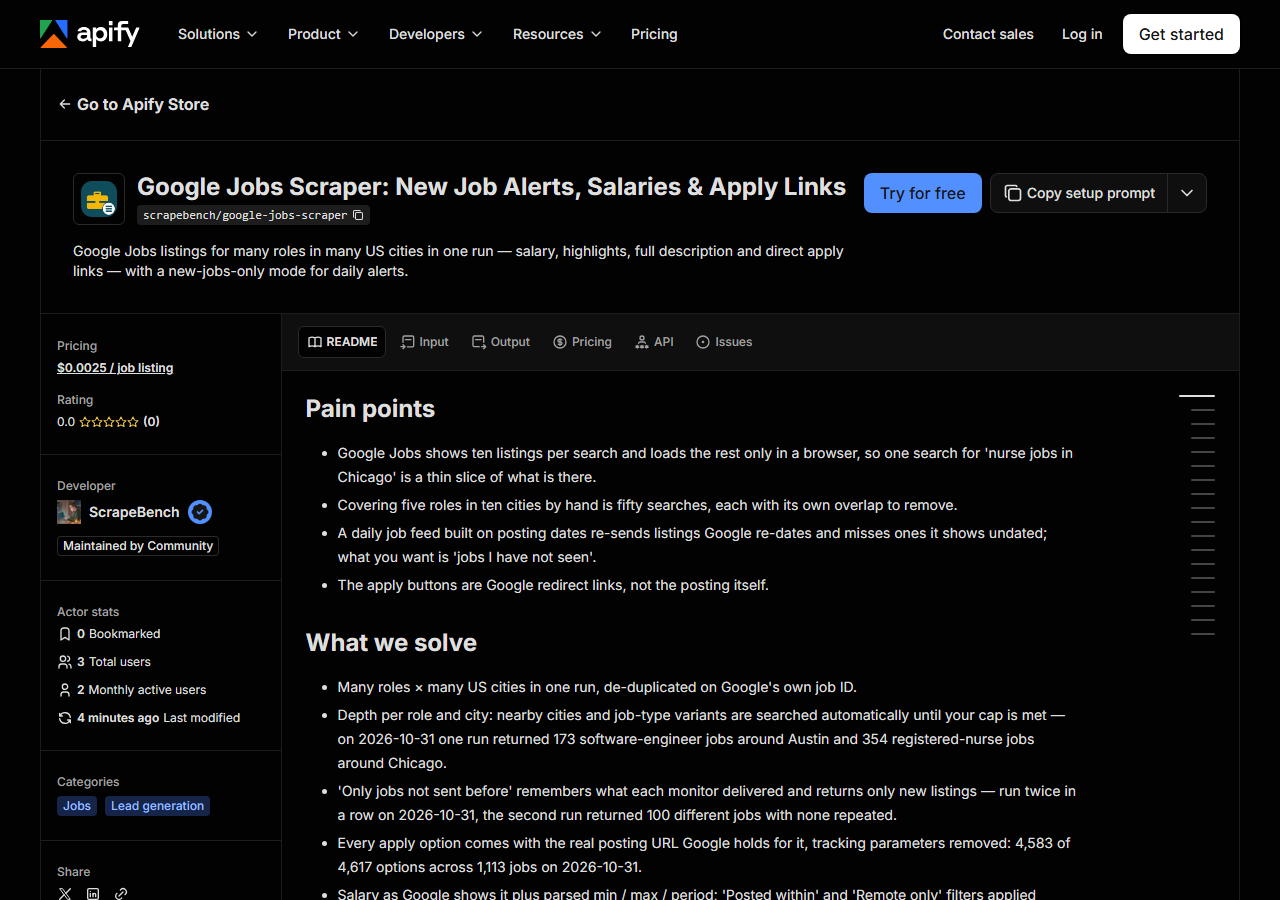
Open Google Jobs Scraper: New Job Alerts, Salaries & Apply Links on the Apify Store and press Try for free. The actor’s own page on this site lists its live health and pricing.
Step 2 — Fill in the input
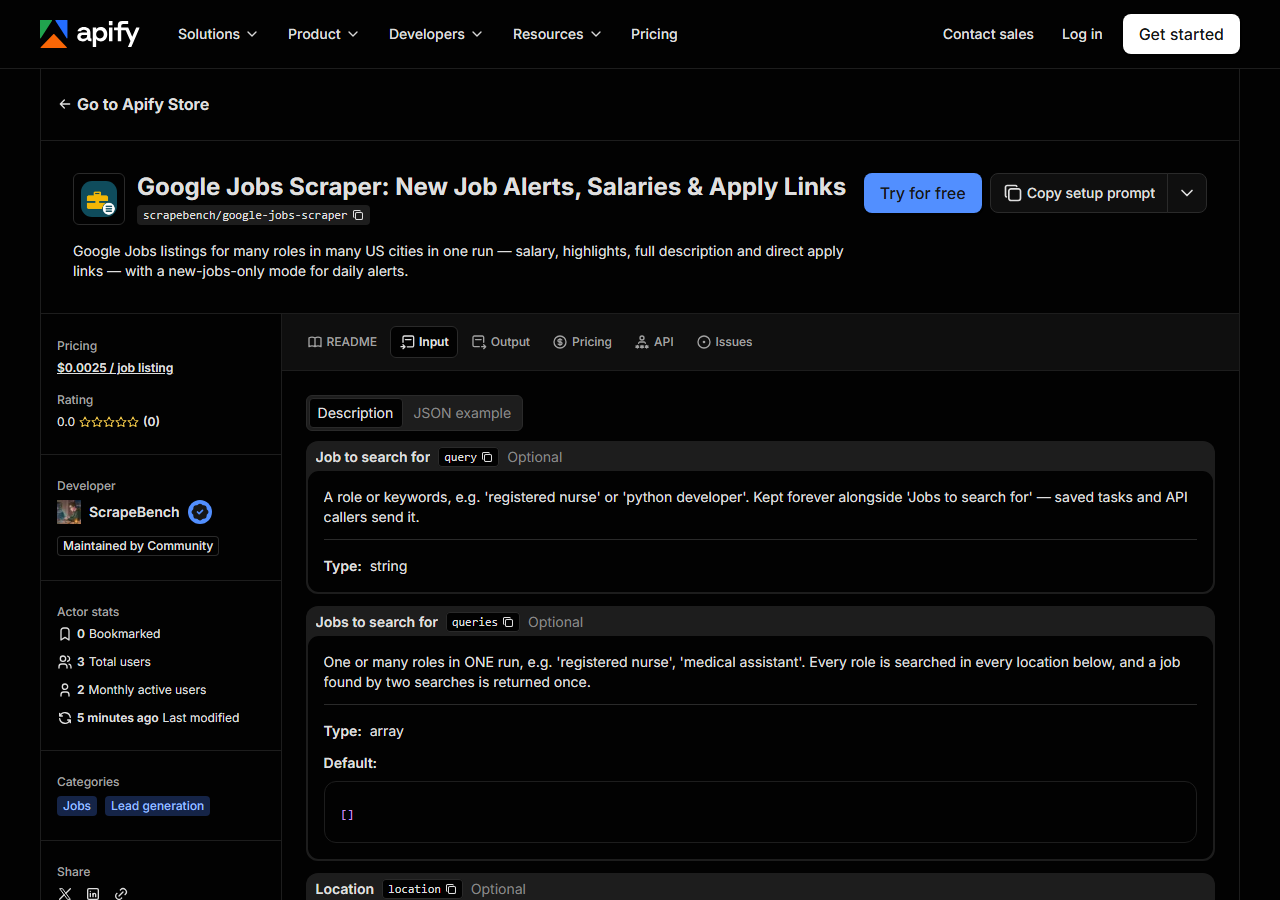
| Field | Type | Required | What it does |
|---|---|---|---|
query | string | no | A role or keywords, e.g. ‘registered nurse’ or ‘python developer’. Kept forever alongside ‘Jobs to search for’ — saved tasks and API callers send it. |
queries | array | no | One or many roles in ONE run, e.g. ‘registered nurse’, ‘medical assistant’. Every role is searched in every location below, and a job found by two searches is returned once. (default []) |
location | string | no | A US city as ‘City, ST’, e.g. ‘Chicago, IL’. Kept forever alongside ‘Locations’. |
locations | array | no | One or many US cities as ‘City, ST’ (e.g. ‘Chicago, IL’, ‘Austin, TX’). Leave empty to search without a place. A city is what lets the Actor add nearby cities; a state or… (default []) |
maxJobsPerSearch | integer | no | Cap PER role-and-location pair, not per run. Google shows 10 jobs per search, so the Actor runs more searches (nearby cities, then job types) until it has this many new jobs or… (default 100) |
postedWithin | string | no | Keep only jobs Google shows as posted within this window. Applied before billing. Jobs Google shows no age for are kept, so nothing disappears unexplained. The age itself is… (default any) |
onlyNewJobs | boolean | no | Remember every job this monitor has delivered and return (and bill) only jobs it has not sent before. Schedule the Actor daily with this on for a new-jobs feed. The memory is… |
monitorName | string | no | Optional name for the ‘only new jobs’ memory, e.g. ‘nurses-chicago’. Leave empty and the memory is tied to the exact roles and locations you search. Use the same name to share… |
remoteOnly | boolean | no | Keep only jobs Google marks ‘Work from home’. Applied before billing. |
expandNearbyCities | boolean | no | Also search the largest cities around each US location (Round Rock and Georgetown around Austin). Each nearby city added 8–10 new jobs per search when tested. (default True) |
nearbyCities | integer | no | How many nearby cities to add at most. They are only searched while the cap above is not yet reached. (default 8) |
nearbyRadiusMiles | integer | no | How far from each location a nearby city may be. (default 25) |
expandJobTypes | boolean | no | Also search entry level, remote, contract, internship, part time and senior variants of each role. Each added 4–10 new jobs per search when tested. (default True) |
includeDescription | boolean | no | The full posting text (median ~4,000 characters). Turn off for a lighter dataset; highlights stay either way. (default True) |
Two fields decide most of what you get back. maxJobsPerSearch is a cap for each role and city pair, not for the whole run, so 2 roles in 3 cities at 50 can return up to 300 jobs. Write locations as City, ST: Chicago, IL lets the actor add the largest nearby cities (Evanston, Naperville, Schaumburg), while Illinois or Remote is searched exactly as typed and gets no nearby cities.
Turn on onlyNewJobs once you schedule the actor. It remembers the Google job IDs each monitor has delivered and skips them before billing, so tomorrow’s run costs only what is new.
A working input:
{
  "queries": [
    "software engineer",
    "registered nurse"
  ],
  "locations": [
    "Austin, TX"
  ],
  "maxJobsPerSearch": 50,
  "onlyNewJobs": true,
  "monitorName": "austin-tech-and-nursing"
}
Step 3 — Run it
Press Start. Rows are pushed to the dataset as they’re found, so the run log fills in as it works.
On 2026-10-31 the input above returned 100 jobs from 12 Google searches in about a minute. A much wider run, 2 roles in 2 cities with 30 nearby cities each, made 140 searches and returned 1,113 different jobs in just under 5 minutes.
The run log prints one line per role and city: how many jobs it kept, and how many it skipped as repeats, filtered out, or already sent. If a pair returns nothing you get one free row saying why. no_results means Google has no listings for that search, and no_new_jobs means everything it found was delivered before.
Step 4 — Read the output
Each run returns a labelled table, not raw JSON:
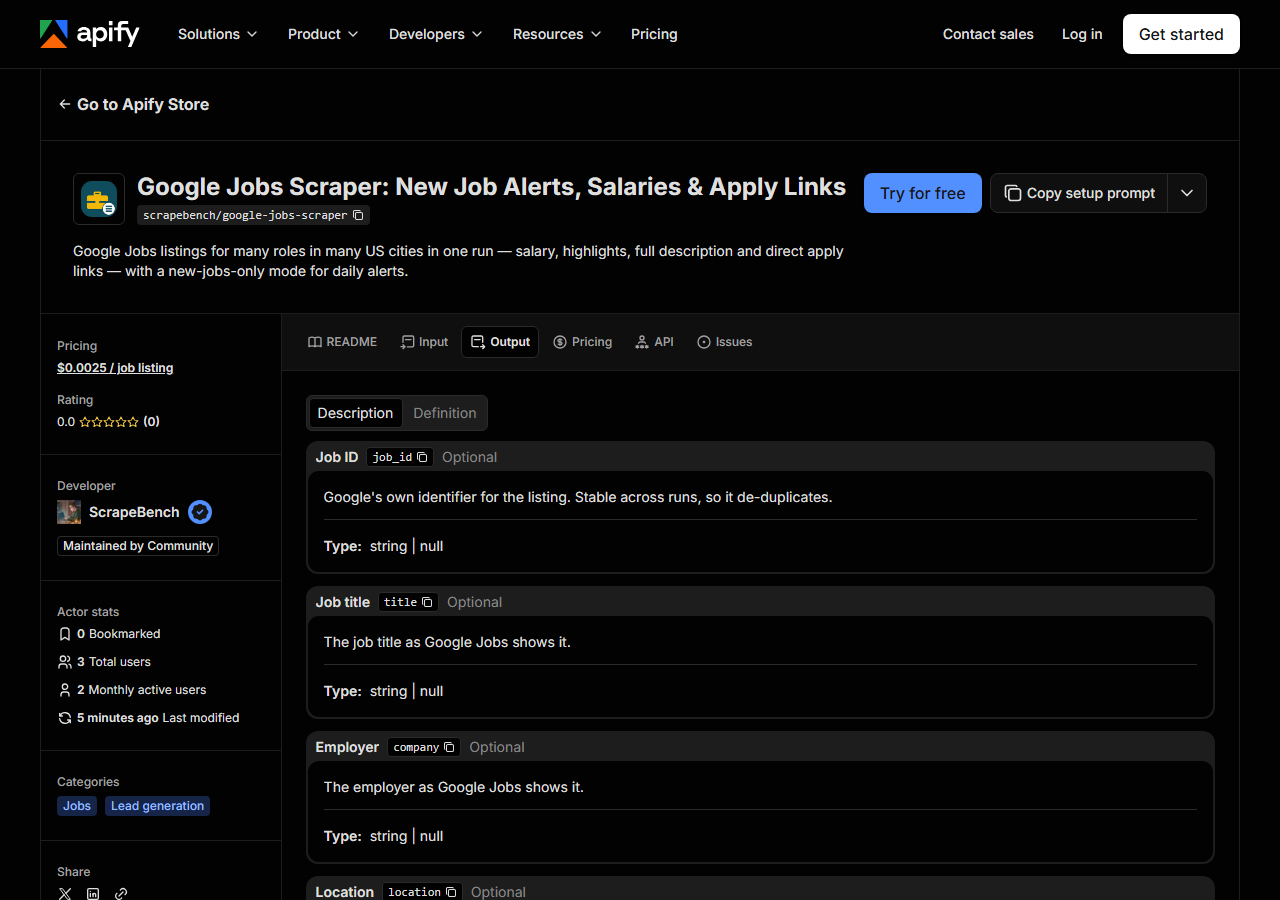
Every row looks like this — a real row from a real run:
{
  "job_id": "ZrBruAaEW4Eb97eJAAAAAA==",
  "title": "Sr Software Engineer",
  "company": "Charles Schwab",
  "location": "Austin, TX",
  "other_locations_count": 2,
  "via": "Schwab Jobs",
  "salary_text": "164K–205K a year",
  "salary_min": 164000,
  "salary_max": 205000,
  "salary_period": "year",
  "salary_currency": null,
  "schedule_types": [
    "Full-time"
  ],
  "work_from_home": false,
  "no_degree_mentioned": true,
  "benefit_tags": [
    "Dental insurance",
    "Health insurance",
    "Paid time off"
  ],
  "qualifications": [
    "8+ years of software engineering experience"
  ],
  "responsibilities": [
    "Design, develop, and maintain software solutions using modern engineering practices"
  ],
  "benefits": [
    "In addition to the salary range, this role is also eligible for bonus or incentive opportunities"
  ],
  "description": "Your opportunity\nAt Schwab, you’re empowered to make an impact on your career…",
  "apply_url": "https://www.schwabjobs.com/job/austin/sr-software-engineer/33727/101909398560",
  "employer_apply_url": "https://www.schwabjobs.com/job/austin/sr-software-engineer/33727/101909398560",
  "apply_options": [
    {
      "source": "Schwab Jobs",
      "url": "https://www.schwabjobs.com/job/austin/sr-software-engineer/33727/101909398560",
      "is_job_board": false
    },
    {
      "source": "CareerBuilder",
      "url": "https://www.careerbuilder.com/job-details/sr-software-engineer-blockchain-ann-arbor-mi--34192420-ab6d-446d-b589-b215d70fe39c",
      "is_job_board": true
    }
  ],
  "search_query": "software engineer",
  "search_location": "Austin, TX",
  "matched_search": "software engineer jobs in Austin, TX",
  "source_url": "https://www.google.com/search?q=software%20engineer%20jobs%20in%20Austin%2C%20TX&udm=8&hl=en&gl=us"
}| Field | Example value | Meaning |
|---|---|---|
job_id | ZrBruAaEW4Eb97eJAAAAAA== | Google’s own ID for the listing — stable, so it de-duplicates across runs |
title / company / location | — | As Google Jobs shows them; other_locations_count says how many more places the same job is posted in |
via | Schwab Jobs | The site Google found the listing on, e.g. LinkedIn or the employer’s careers site |
salary_text | 164K–205K a year | Google’s pay wording, verbatim, e.g. ‘164K–205K a year’ |
salary_min / salary_max / salary_period | — | The same range as numbers, and year, hour, month, week or day. salary_currency only when Google prints a symbol |
schedule_types | ["Full-time"] | Full-time, Part-time, Contractor, Internship… |
work_from_home / no_degree_mentioned | — | True when Google tags the listing that way |
benefit_tags | ["Dental insurance", "Health insurance", "Paid time off"] | Benefit tags Google shows, e.g. Health insurance, Paid time off |
Most people come for apply_options: across the 1,113 jobs, 4,583 of 4,617 apply options carried the real posting URL (LinkedIn, Indeed, a careers site) with Google’s tracking parameters stripped. employer_apply_url is stricter and was filled on 169 of those jobs, only where a link is clearly on that employer’s own site.
Expect nulls in pay. Google showed a salary on 482 of the 1,113 jobs, and most US listings print no currency symbol, so salary_currency is usually null. Google also groups near-identical postings: the Schwab row above lists a CareerBuilder link for an Ann Arbor version of the same role, passed on exactly as Google lists it.
Step 5 — Export it
Open the Dataset tab and export to CSV, JSON, or Excel — or pull the same rows from the API, which is what you want if this is going to run on a schedule.
What it costs
$0.0025 per job returned, which is $2.50 per 1,000. The extra nearby-city and job-type searches are not billed, nor are notice rows or jobs a monitor already sent. The input above returns up to 100 jobs, so it costs at most $0.25; the first customer-account run on 2026-10-31 returned 15 jobs and was charged $0.0375.
Where the data comes from
This reads Google Jobs with plain HTTP requests (/search?udm=8) through Apify’s Google search proxy, which returns the rendered page to a non-browser client. Each job’s detail panel, apply buttons and a JSON block holding the real posting URLs sit in one <template> element per job. No browser is involved.
Unlike most actors here, the nightly off-platform canary cannot run this one, because Apify’s Google search proxy only exists inside an Apify run. It is checked instead by our paying test-customer runs on Apify, and its parser is diffed against a saved Google Jobs page in every test pass (what “verified” means).
Google Jobs only renders for a browser, and in our 2026-10-31 tests Google answered every headless and headful Chrome we pointed at it, on Apify’s own IP and on US residential IPs, with its /sorry/ check. The jobs also stop at 10 per search: asking for the next page returns “no matches”. That is why this actor searches wider rather than deeper.
See it used
Registered Nurse Jobs Across Several US Cities runs 2 nursing roles across Chicago, Austin and Phoenix in one go.
If you already know which employers you care about, the ATS jobs scraper reads their Greenhouse, Lever, Ashby or Workday board directly and returns every open role, not just the 10 per search Google shows.
Last updated 2026-10-31