How-to
How to run Google Hotels Scraper: Prices, Rates, Phone & Email by City/ZIP
Step-by-step: the exact input, what each field does, and the rows that come back from Google Hotels.
You want a spreadsheet of the hotels in a place, priced for one stay: an event planner sourcing a room block near a venue, a rep building a territory list, a revenue manager watching a competitive set. Google Hotels has the list, but it shows a phone number only on its first page of results and no street address at all. Past that first page you open each hotel one at a time and copy five fields by hand. San Francisco has over 400 hotels, so the manual route means hundreds of clicks per city, and you start again when the dates change.
What you’ll need
Nothing but an Apify account. The actor talks to Google Hotels directly.
There’s no API key, proxy or login to set up. The proxy setting is off by default; switch it on only if Google starts refusing your searches. Proxy and compute costs are included in the per-hotel price, so turning it on doesn’t add to your bill.
Step 1 — Open the actor
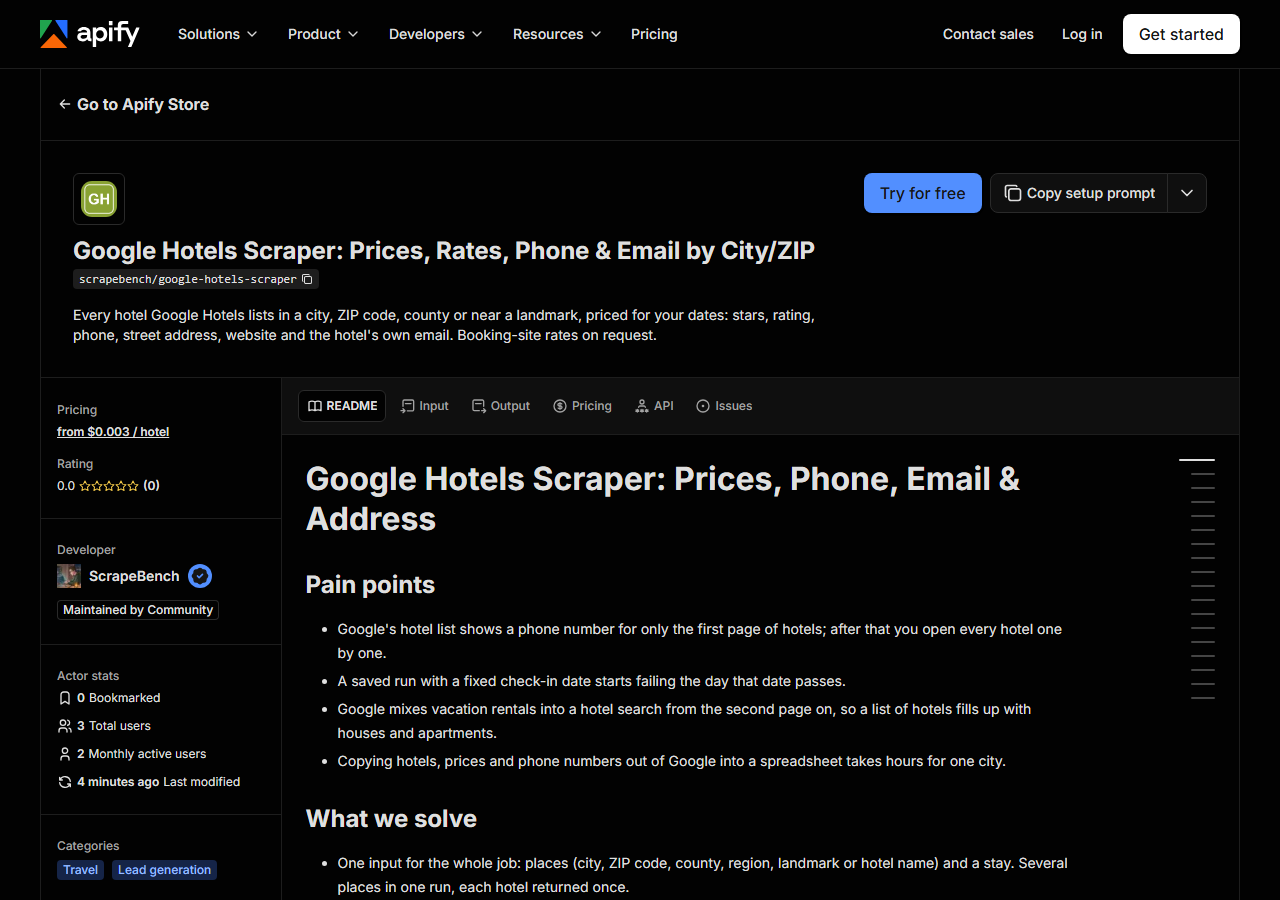
Open Google Hotels Scraper: Prices, Rates, Phone & Email by City/ZIP on the Apify Store and press Try for free. The actor’s own page on this site lists its live health and pricing.
Step 2 — Fill in the input
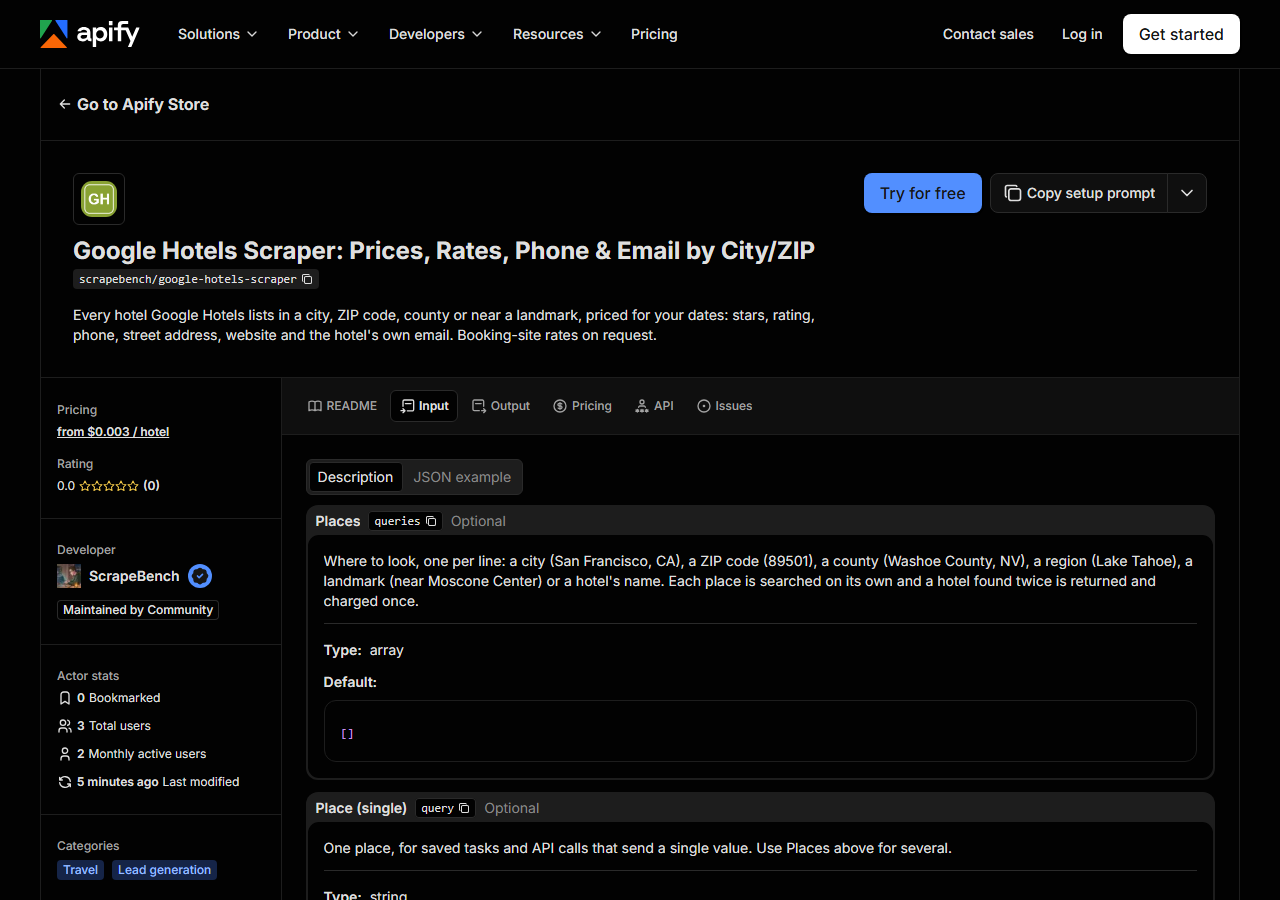
| Field | Type | Required | What it does |
|---|---|---|---|
queries | array | no | Where to look, one per line: a city (San Francisco, CA), a ZIP code (89501), a county (Washoe County, NV), a region (Lake Tahoe), a landmark (near Moscone Center) or a hotel’s… (default []) |
query | string | no | One place, for saved tasks and API calls that send a single value. Use Places above for several. |
checkIn | string | no | YYYY-MM-DD. Prices are for this stay. Empty means 14 days from today. A date in the past moves to tomorrow (same number of nights) instead of failing the run, and a free row… |
checkOut | string | no | YYYY-MM-DD. Empty means check-in plus the number of nights below. |
nights | integer | no | Length of the stay when no check-out date is given (up to 30). (default 1) |
propertyType | string | no | Google mixes hotels and vacation rentals in its results. Hotels includes motels, inns and resorts. (default hotels) |
maxResults | integer | no | Cap for EACH place. Google lists up to a few hundred per city; a whole state stops around 600, so split a state into counties or cities. (default 100) |
includeDetails | boolean | no | On by default: reads each hotel’s own Google page for its street address and phone. Google’s search list carries a phone only for the first ~18 hotels. No extra charge; turn… (default True) |
includeEmails | boolean | no | On by default: visits each hotel’s own website and returns the email published there. Charged separately, only for hotels where one is found. Chain brand sites (Marriott,… (default True) |
includeOffers | boolean | no | Off by default: adds every booking site’s price for the stay (Booking.com, Expedia, Hotels.com, the hotel’s own site…) with a link, from each hotel’s Google page. Charged per… |
Three fields decide what you get back:
- Places (
queries): write each place the way you’d type it into Google, such asSan Francisco, CA,89501,Washoe County, NVornear Moscone Center. A city comes back whole. A whole state stops at about 600 properties, so split a state into counties or cities. Raw latitude and longitude are not accepted, because Google answers them with the whole country. - The dates: leave
checkInempty and the stay starts 14 days from today, which keeps a saved task valid forever. If you set a date and it later passes, the run moves it to tomorrow and adds a free row saying so; it doesn’t fail. maxResults: the cap applies to each place, not the whole run. Start at 20 to see the rows, then raise it.
A working input:
{
  "queries": [
    "San Francisco, CA"
  ],
  "checkIn": "2026-11-20",
  "checkOut": "2026-11-22",
  "maxResults": 20
}
Step 3 — Run it
Press Start. Rows are pushed to the dataset as they’re found, so the run log fills in as it works.
A small run is quick. On 2026-10-31 a test-customer run on Apify for Reno, NV, capped at 3 hotels with emails and booking-site rates on, finished in 14 seconds. A whole city takes minutes. San Francisco, run outside Apify through one proxy on the same day, returned 419 hotels in about 5.5 minutes. Most of that time is spent opening each hotel’s Google page for its phone and address, then visiting its website for an email.
An empty result never happens silently. If Google refuses a search, the hotels found so far are kept and a free notice row names the place to run again. A place Google doesn’t recognise gets a free no_match row. Neither row is charged.
Step 4 — Read the output
Each run returns a labelled table, not raw JSON:
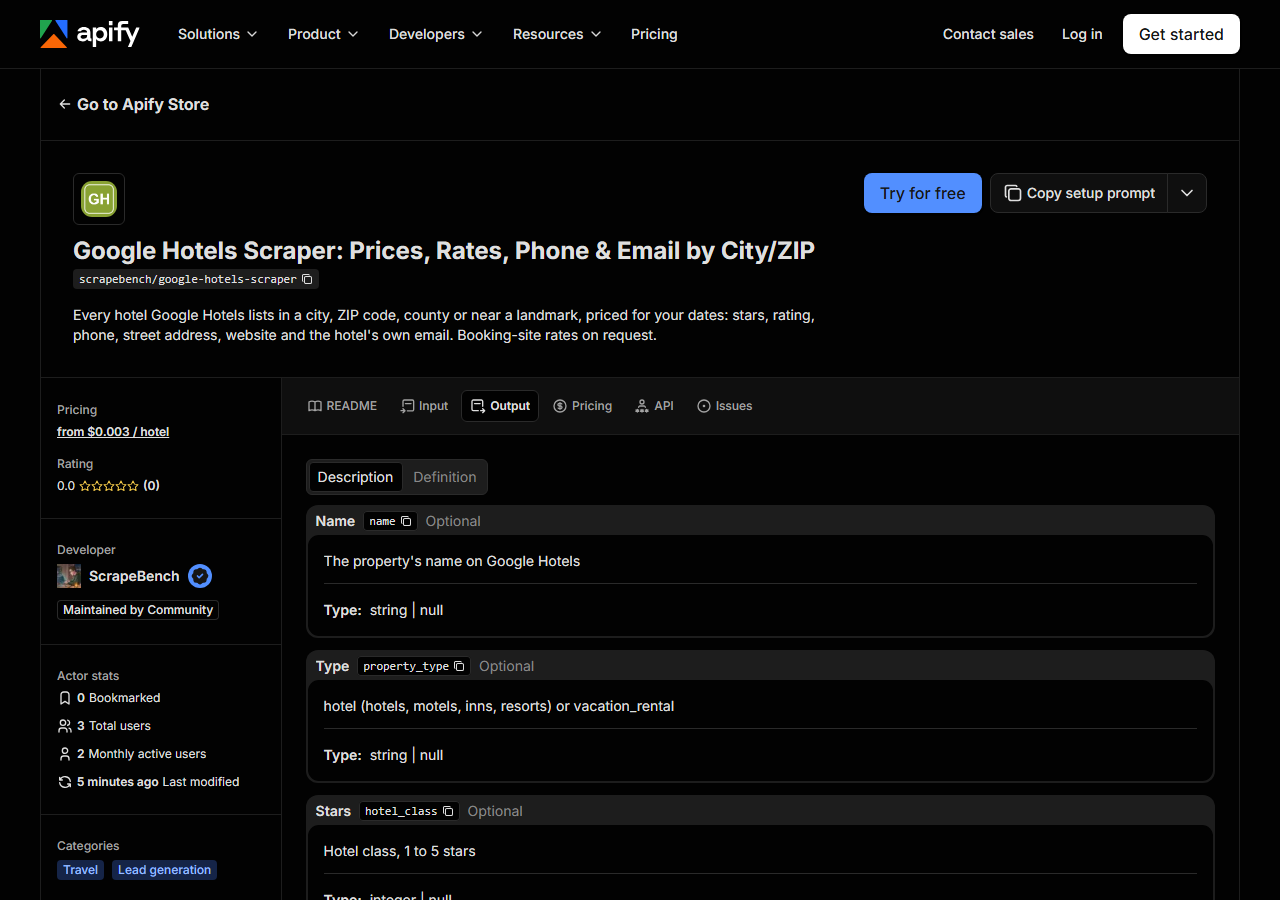
Every row looks like this — a real row from a real run:
{
  "name": "Hotel Griffon",
  "property_type": "hotel",
  "hotel_class": 3,
  "rating": 4.2,
  "review_count": 911,
  "rating_breakdown": {
    "5": 512,
    "4": 228,
    "3": 98,
    "2": 23,
    "1": 50
  },
  "price_per_night": 86.82,
  "currency": "USD",
  "check_in": "2026-11-20",
  "check_out": "2026-11-22",
  "deal": "20% less than usual",
  "phone": "(415) 495-2100",
  "address": "155 Steuart St, San Francisco, CA 94105",
  "website": "http://www.hotelgriffon.com/",
  "email": null,
  "emails": [],
  "latitude": 37.7927002,
  "longitude": -122.3923344,
  "check_in_time": "3:00 PM",
  "check_out_time": "11:00 AM",
  "nearest_airport": "San Francisco International Airport",
  "airport_drive_minutes": 25,
  "booking_rates": [],
  "entity_id": "ChgI5NCc0fWC5K2LARoLL2cvMXZ2MnNnZzYQAQ",
  "google_hotel_url": "https://www.google.com/travel/hotels/entity/ChgI5NCc0fWC5K2LARoLL2cvMXZ2MnNnZzYQAQ",
  "query": "San Francisco, CA",
  "source_url": "https://www.google.com/travel/hotels/entity/ChgI5NCc0fWC5K2LARoLL2cvMXZ2MnNnZzYQAQ"
}| Field | Example value | Meaning |
|---|---|---|
name | Hotel Griffon | The property’s name on Google Hotels |
property_type | hotel | hotel (hotels, motels, inns, resorts) or vacation_rental |
hotel_class | 3 | Star class, 1 to 5 (null for unrated properties) |
rating | 4.2 | Google guest rating, 1 to 5 |
review_count | 911 | Number of Google reviews |
rating_breakdown | {"5": 512, "4": 228, "3": 98, "2": 23, "1": 50} | Reviews per star, 5 to 1 |
price_per_night | 86.82 | Lowest price per night Google shows for the stay, in USD |
currency | USD | Currency of the prices (USD) |
Most people come for phone, address and price_per_night. Here’s how full each one was in the San Francisco run (2026-10-31, 419 hotels, priced for 20 to 22 November 2026):
address: 419 of 419.phone: 389.rating: 408.website: 317.price_per_night: only 246. Google had no rate on those dates for the other 173 hotels. The price is null, not zero, so filter on it before you average anything.email: 60. Only independent hotels publish an inbox. Chain brand sites (Marriott, Hilton, Hyatt and others) publish none, so the actor skips them.- Every row carries the
check_inandcheck_outits price is for. Keep those columns next to the price when you share the sheet.
Step 5 — Export it
Open the Dataset tab and export to CSV, JSON, or Excel — or pull the same rows from the API, which is what you want if this is going to run on a schedule.
What it costs
You pay per hotel returned:
| Charge | Price | When |
|---|---|---|
| Hotel | $0.003 | Every hotel returned. Phone, address and Google’s price are included. |
| Email found | $0.002 | Only when an email is found on the hotel’s website. The lookup is on by default. |
| Hotel rates | $0.001 | Only with booking-site rates switched on, per hotel that has rates. |
Notice rows are free. Here’s what the 2026-10-31 San Francisco counts would cost at these prices: 419 hotels × $0.003 plus 60 emails × $0.002 comes to about $1.38 for the whole city, with booking-site rates off. The 3-hotel Reno test on Apify cost $0.012: three hotels and three hotels’ rates, with no email found.
Where the data comes from
This reads Google Hotels directly. The target is Plain HTTP GETs of Google Travel’s own pages (/travel/search and each hotel’s /travel/hotels/entity/
Google Hotels pulls each hotel’s rates from the booking sites and the hotel itself, so one page answers “who’s there and what does it cost”. It’s still awkward to export. The phone list ends after the first page. Vacation rentals get mixed into hotel results from page two on. And the dates have to be written into the search text itself, so a saved search silently goes stale once its dates pass. The actor handles all three: it opens each hotel’s own Google page, labels every row hotel or vacation_rental, and moves a past date forward.
See it used
Every hotel in San Francisco with phone, address and email builds a whole city’s hotel contact list for group-rate outreach.
Already have a list of hotel websites and only need their contacts? Business Email, Phone & Contact Details Scraper reads emails, phones and social links straight from each site. For group dinners near the same venue, Restaurant Leads Scraper does the same city or ZIP sweep for restaurants.
Last updated 2026-10-31